
1. Product Overview
This manual provides instructions for the Vorally 9-inch Android Car Stereo, designed for Honda CRV models from 2007 to 2011. This head unit features an Android 13 operating system, 2GB RAM, 32GB ROM, and a 9-inch 2.5D IPS touch screen. Key functionalities include Wireless CarPlay, Android Auto, offline/online GPS navigation, WiFi connectivity, Bluetooth, FM radio, AHD backup camera support, Steering Wheel Control (SWC), split-screen capability, dual USB ports, and adjustable EQ settings.
Compatibility Note: This car stereo is specifically designed for Honda CRV models from 2007-2011. Please ensure your vehicle's console matches the 'Fit A' configuration shown below. If your console is 'Fit B' or 'Fit C', please contact customer support for alternative solutions.

2. Setup and Installation
The Vorally Android Car Stereo is designed for plug-and-play installation, aiming to retain your vehicle's factory features, including steering wheel controls and driving data display. For detailed wiring instructions, please refer to the included instruction manual.
2.1 Package Contents
Verify that all components are present in the package:
- 1 x Car Radio Stereo Player
- 1 x Power Cable
- 1 x GPS Antenna
- 1 x Camera Input Cable
- 2 x USB Cables
- 1 x AHD Camera
- 1 x RCA Cable
- 1 x Instruction Manual
- 1 x Microphone


2.2 Pre-Installation Check
Before beginning installation, ensure the vehicle's power is disconnected. Carefully review the wiring diagram provided in the separate instruction manual. Confirm that the vehicle's dashboard opening and wiring harness are compatible with the new head unit.
3. Operating Instructions
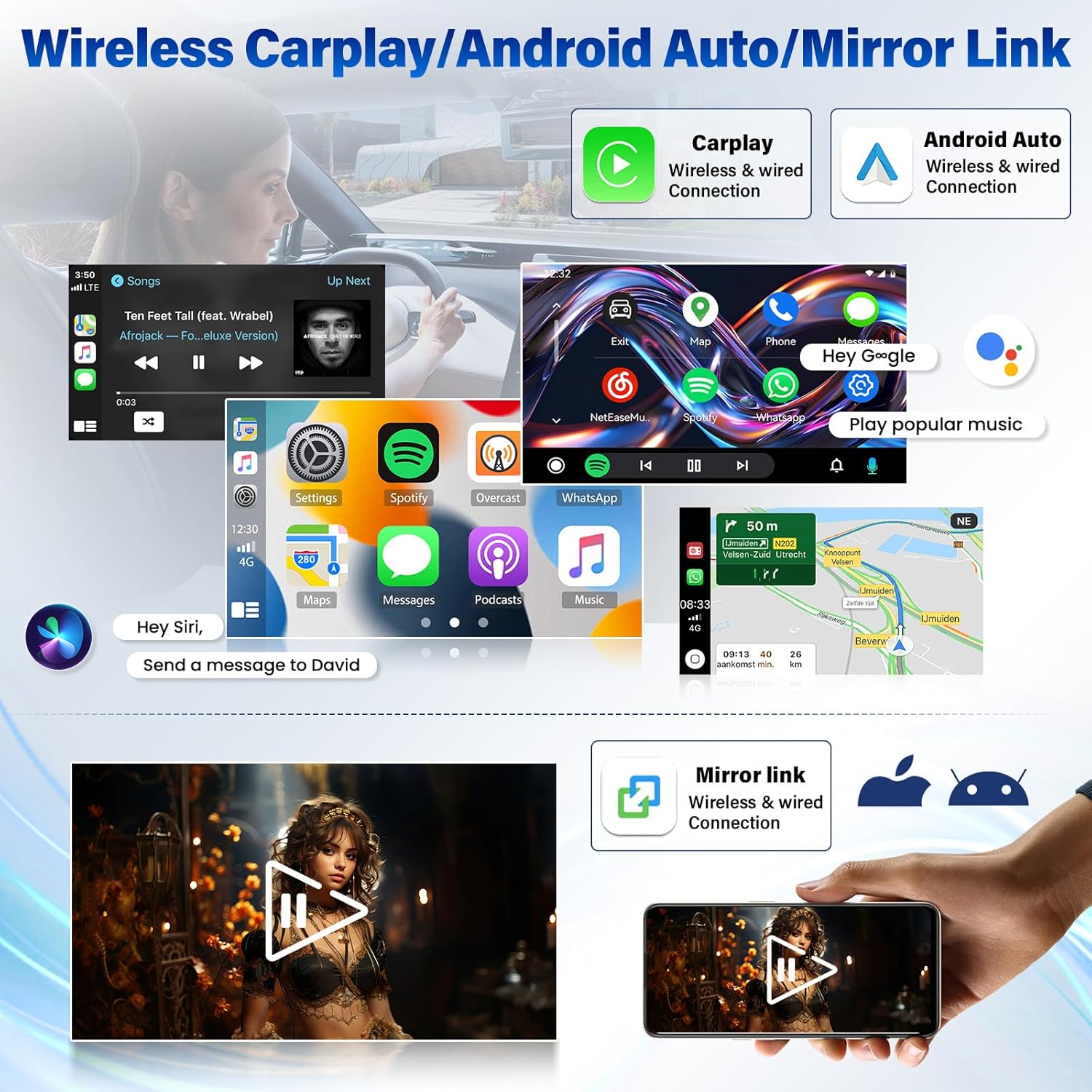
3.1 Wireless CarPlay & Android Auto & Mirror Link
Connect your smartphone to the car stereo via Bluetooth for wireless CarPlay or Android Auto. USB connection is also supported for Android Auto. The screen mirroring function allows you to display your phone's screen content directly on the head unit.
3.2 GPS Navigation
The system supports both offline and online navigation. You can download global offline map data packs. Once connected to WiFi, you can use online GPS navigation applications and access real-time traffic information.

3.3 Bluetooth Connectivity
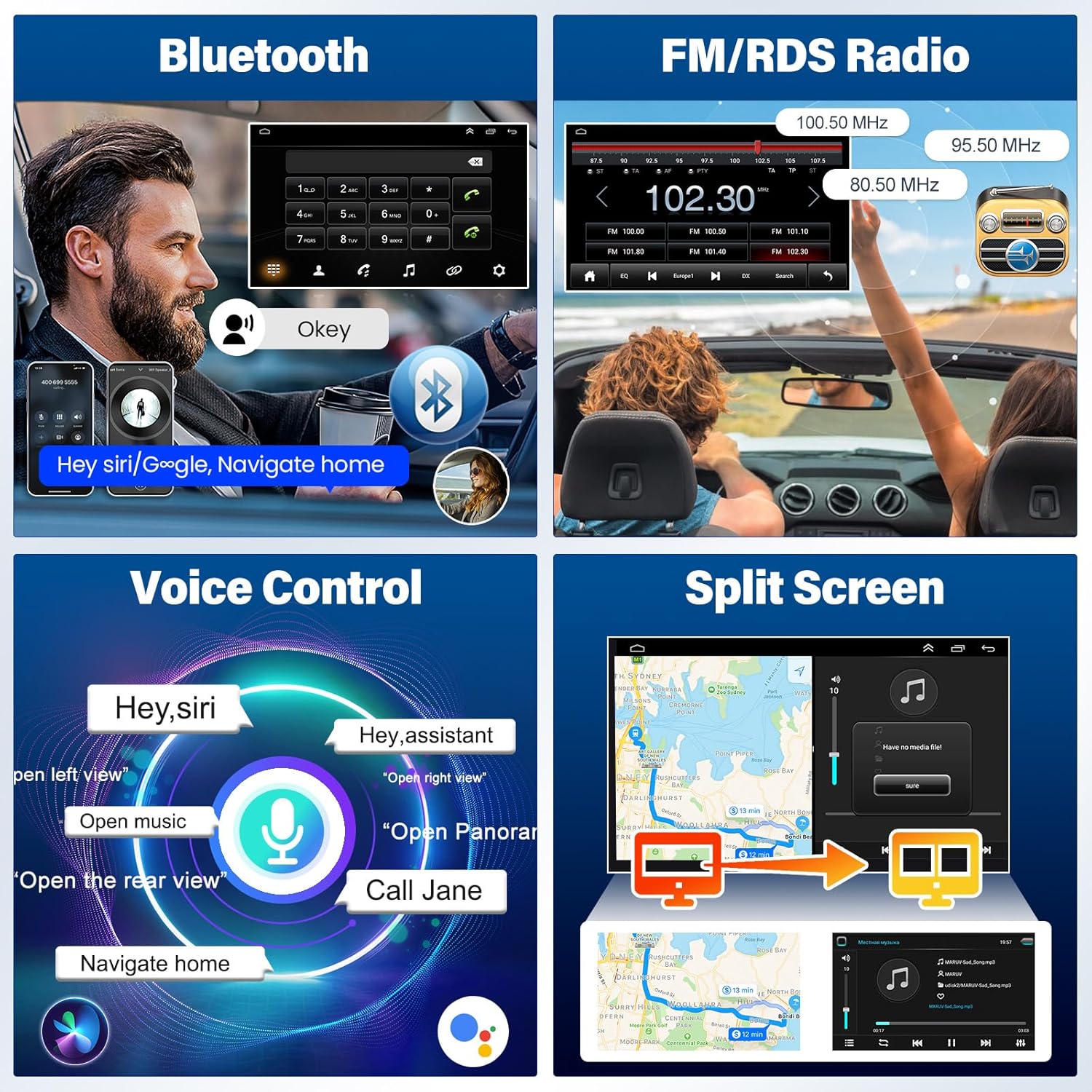
The built-in Bluetooth system enables hands-free calling, contact synchronization, and music playback from your paired device. An external microphone is included for clear call quality.
3.4 FM/RDS Radio
Tune into your favorite radio stations with the integrated FM/RDS tuner. The Radio Data System (RDS) provides additional information such as station name and program type.
3.5 Steering Wheel Control (SWC)
The unit supports learning original steering wheel control buttons, allowing convenient operation of the car stereo without taking your hands off the wheel.
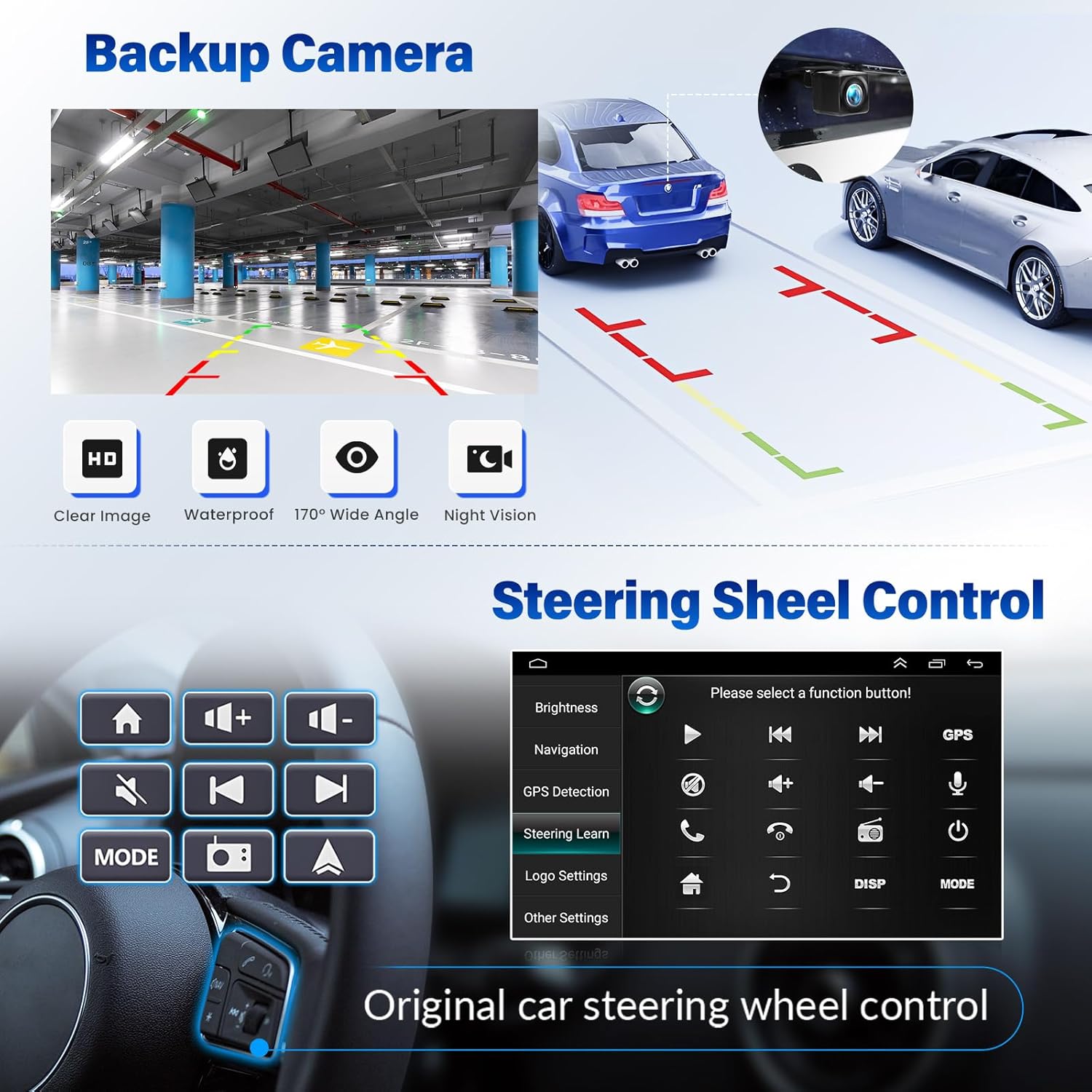
3.6 AHD Backup Camera
The system supports HD rear camera video input, providing a clear image with a 170° wide-angle view and night vision capabilities, making reversing and parking safer and more convenient.
3.7 Voice Control
Utilize voice commands (e.g., "Hey Siri," "Hey Assistant") to access navigation, music, calls, and other functions, enhancing driving safety and convenience.
3.8 Split Screen Functionality
The split-screen feature allows you to run two applications simultaneously, such as navigation on one side and music playback on the other.
3.9 WiFi Connection
Connect to a WiFi network to access and download online navigation apps, social media platforms (Instagram, Facebook, TikTok), and other applications from the Play Store.
3.10 EQ Adjustable
Customize your audio experience with the built-in Equalizer (EQ) for frequency division adjustment, providing a panoramic sound experience.
4. Maintenance
To ensure optimal performance and longevity of your Vorally car stereo, follow these general maintenance guidelines:
- Screen Cleaning: Use a soft, lint-free cloth to gently wipe the touch screen. Avoid abrasive cleaners or harsh chemicals that could damage the display.
- Temperature Control: Avoid exposing the unit to extreme temperatures, both hot and cold, for extended periods.
- Software Updates: Periodically check for available software updates to ensure the system runs efficiently and has the latest features and security patches.
- Cable Connections: Ensure all cables are securely connected to prevent intermittent issues.
5. Troubleshooting
If you encounter any issues with your Vorally car stereo, please refer to the troubleshooting section in the detailed instruction manual provided with the product. For persistent problems or technical assistance, please contact our customer support team.
6. Specifications
| Feature | Specification |
|---|---|
| Item Weight | 3.05 pounds |
| Product Dimensions | 14.17 x 8.66 x 4.72 inches |
| Item Model Number | VIKA-CHANZHM-045C |
| Display Size | 9 Inches |
| Voice Command | Microphone, Touchscreen |
| Brand | Vorally |
| Vehicle Service Type | Car |
| Special Feature | GPS Navigation, Voice Assistant, Bluetooth, WiFi, With CarPlay & Android Auto |
| Connectivity Technology | Bluetooth, Wi-Fi, USB |
| Map Type | North America |
| Audio Output Mode | Stereo, Digital, AUX |
| Mounting Type | Dashboard Mount |
7. Warranty and Support
Vorally is committed to providing high-quality products and customer satisfaction. Your car stereo comes with the following warranty and support:
- 30-Day Exchange or Return: If you are not satisfied with your purchase, you may exchange or return the product within 30 days.
- 365-Day Warranty: The product is covered by a 365-day warranty against manufacturing defects.
- 24/7 Customer Support: Our support team is available to assist you with any questions or issues.
7.1 Contact Information
For customer support, please contact us via email:
Email: yutaidaloralus@outlook.com

