
1. Introduction
The plplaaoo Smart Sensor AS844+ is a versatile Digital Sound Level Meter designed for accurate noise monitoring, alongside real-time temperature and humidity measurements. This device is suitable for industrial and environmental applications, offering high-capacity data storage and user-friendly operation.
Key Features:
- High Capacity Data Storage: Stores up to 15,000 groups of data, with USB connectivity for efficient data download, real-time sampling analysis, and printing.
- Real-Time Environmental Monitoring: Displays current temperature (switchable between ℃ and ℉) and humidity in addition to sound levels.
- User-Friendly Display: Features a large 2.7-inch LCD for clear and easy-to-read measurements.
- Wide Measurement Range: Measures sound levels from 30dB to 130dB with a frequency range of 31.5Hz to 8KHz, offering 0.1dB resolution and ±1.5dB accuracy.
- Advanced Sound Analysis: Supports A and C equivalent weighted sound pressure levels, along with fast and slow dynamic characteristic modes.
2. Setup
2.1 Battery Installation
- Locate the battery compartment on the back of the device.
- Open the battery cover.
- Insert the required batteries, ensuring correct polarity.
- Close the battery cover securely.

Figure 2.1: Rear view of the device, indicating the battery compartment.
2.2 Powering On/Off
- To power on the device, press and hold the Power button.
- To power off, press and hold the Power button again until the display turns off.

Figure 2.2: Front view of the device with the power button highlighted.
2.3 Microphone Protection
Ensure the foam windscreen is properly placed over the microphone to protect it from wind noise and dust, which can affect measurement accuracy.
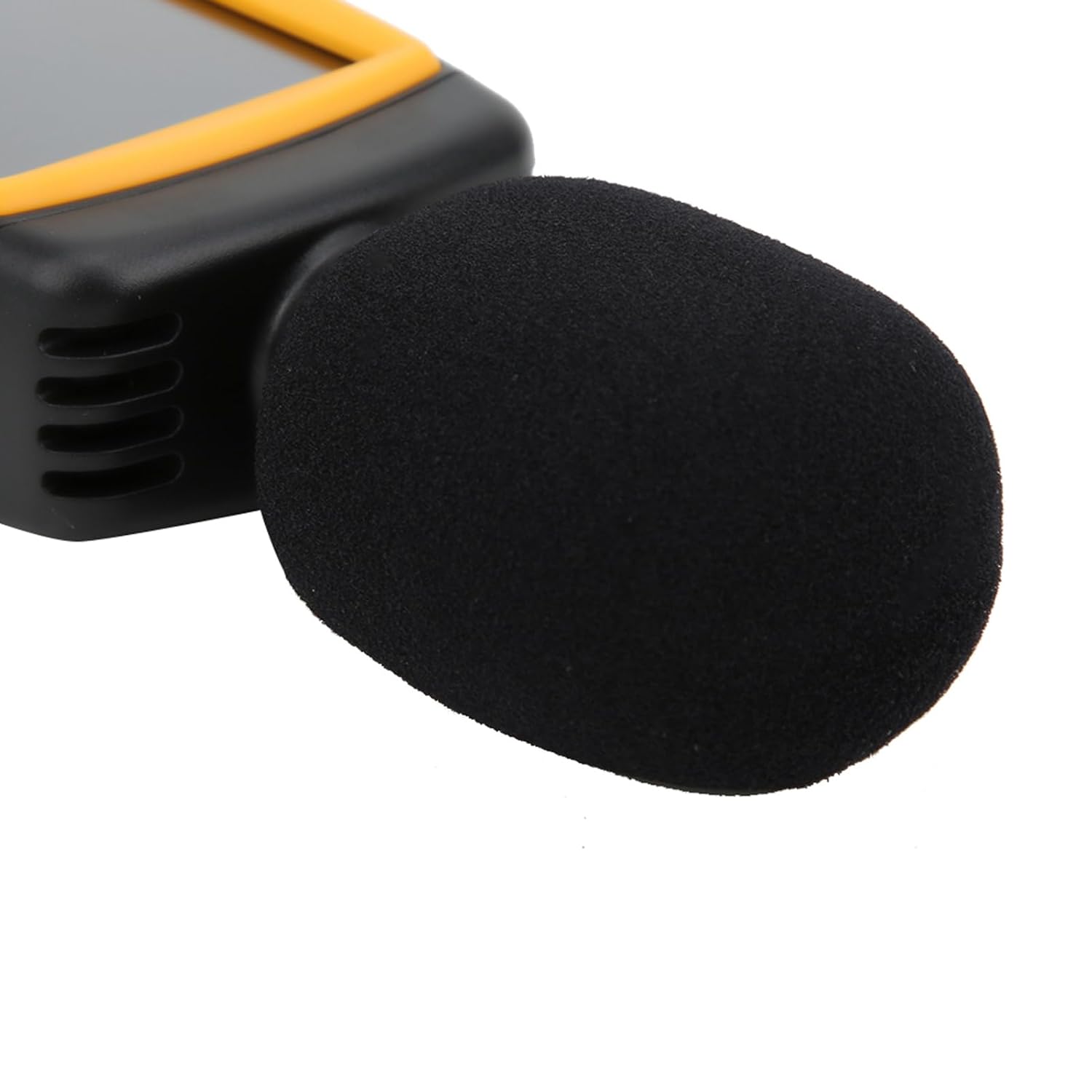
Figure 2.3: Microphone with foam windscreen.

Figure 2.4: Microphone without foam windscreen.
3. Operating Instructions
3.1 Basic Measurement
- After powering on, the device will immediately begin measuring sound levels, temperature, and humidity.
- Hold the meter in the area where you wish to measure noise. Ensure the microphone is pointed towards the sound source.
- Read the current sound pressure level (SPL), temperature, and humidity values on the LCD.
3.2 Mode Selection
- Press the MODE button to cycle through different measurement modes, such as A-weighting and C-weighting.
- A-weighting is commonly used for general noise measurements as it mimics the human ear's response.
- C-weighting is more suitable for measuring peak sound pressure levels and low-frequency noise.
3.3 Dynamic Characteristic (Fast/Slow)
- Press the F/S RECORD button (short press) to switch between Fast and Slow response times.
- Fast: Suitable for measuring rapidly changing noise levels.
- Slow: Suitable for measuring relatively stable noise levels.
3.4 Data Recording and Storage
- To initiate data recording, press and hold the F/S RECORD button. The display will indicate that recording has started.
- To stop recording, press and hold the F/S RECORD button again.
- The device can store up to 15,000 groups of data.
3.5 Data Transfer to Computer
- Connect the meter to a computer using a USB cable via the USB port.
- Use the provided software (if applicable, refer to software manual) to download recorded data, perform real-time sampling analysis, and print graphs or data reports.

Figure 3.1: USB port for data transfer.
3.6 Temperature Unit Selection
- Press the ℃/℉ button to switch the temperature display between Celsius (℃) and Fahrenheit (℉).
4. Maintenance
- Cleaning: Use a soft, dry cloth to clean the device. Do not use abrasive cleaners or solvents.
- Microphone Care: Keep the microphone clean and free from dust or debris. Always use the foam windscreen to protect it.
- Storage: When not in use for extended periods, remove the batteries to prevent leakage. Store the device in a cool, dry place away from direct sunlight and extreme temperatures.
- Calibration: For professional applications requiring high accuracy, periodic calibration by a qualified service center is recommended. The calibrated sound source is 94dB @ 1KHz.
5. Troubleshooting
| Problem | Possible Cause | Solution |
|---|---|---|
| Device does not power on | Low or dead batteries; Incorrect battery installation | Replace batteries; Check battery polarity |
| Inaccurate sound level readings | Microphone obstructed or damaged; Incorrect weighting mode selected; Device needs calibration | Ensure microphone is clear; Select appropriate A/C weighting; Consider professional calibration |
| Data transfer issues via USB | Loose USB connection; Driver not installed; Software not running correctly | Check USB cable connection; Install necessary drivers; Restart software and device |
| Display is dim or unreadable | Low batteries; Extreme environmental conditions | Replace batteries; Move device to a suitable operating environment |
6. Specifications
| Parameter | Value |
|---|---|
| Model | AS844+ |
| Calibrated Sound Source | 94dB @ 1KHz |
| Measuring Range | 30-130dBA / 35-130dBC |
| Accuracy | ±1.5dB |
| Resolution | 0.1dB |
| Dynamic Range | 50dB / 100dB |
| Overload Indication | OVER / UNDER |
| Frequency Weighting | A and C characteristics |
| Digital Display | 3½ digits |
| Analog Bar Chart | 1dB / 1 bar |
| Item Weight | 1.64 pounds (approx. 745g) |
| Package Dimensions | 9.84 x 8.27 x 2.36 inches |
7. Warranty Information
This product comes with a standard manufacturer's warranty. Please refer to the product packaging or the official plplaaoo website for specific warranty terms and conditions, including duration and coverage details.
8. Support
For technical support, troubleshooting assistance, or inquiries regarding your plplaaoo Smart Sensor AS844+ Digital Sound Level Meter, please visit the official plplaaoo brand store on Amazon or their official website. Contact information and further resources may be available there.
plplaaoo Amazon Store: Visit Store