
Introduction
This manual provides comprehensive instructions for the installation, operation, and maintenance of your MOUSETRO Smart Lock ZN-S01. This 4-in-1 keyless entry door lock offers multiple access methods including passcode, app control, IC key fob, and mechanical key, designed for enhanced security and convenience for your front door.
Setup
The MOUSETRO Smart Lock is designed for easy installation without the need for additional drilling or professional locksmith services. Installation typically takes around 10 minutes with a screwdriver.
Door Compatibility: This lock fits doors between 1.38 inches and 1.97 inches thick and is suitable for USA standard doors, accommodating both left-handed and right-handed doors.

Image: Exploded view of the smart lock components and a diagram showing door dimensions and compatibility for left-handed and right-handed doors.

Image: Step-by-step visual guide for installing the smart lock into a door, showing the latch, exterior keypad, and interior unit.
Initial Setup: After physical installation, download the companion app to configure the lock. The app allows for initial pairing and setting up user access.
Door Handing: The lock must be set up for either left-hand or right-hand opening. The app defaults to right-hand opening. If you have a left-opening door, you must change this setting in the app to ensure correct locking and unlocking functionality.

Image: Screenshot of the smart lock app interface demonstrating how to switch the door lock direction between left-opening and right-opening doors.
Operating Instructions
Video: An official overview of the MOUSETRO Smart Door Lock, highlighting its features and benefits for a smarter and safer home.
The MOUSETRO Smart Lock offers multiple convenient ways to access your door:
- Passcode: Enter your 6-digit code on the touchscreen keypad. The keypad features anti-peeping technology, allowing you to enter random digits before or after your actual code to prevent others from guessing it.
- App Control: Use the dedicated app on your smartphone to lock or unlock the door via Bluetooth.
- IC Key Fob: Swipe the provided IC key fob over the designated area on the lock for quick entry.
- Mechanical Key: For emergency or traditional access, use the physical mechanical key.

Image: A visual representation of the four unlocking methods: app, passcode, key fob, and mechanical key, demonstrating the versatility of the smart lock.

Image: A person using a smartphone to control the smart lock via the app, highlighting the convenience of remote access within Bluetooth range.

Image: A hand swiping an IC key fob over the smart lock keypad to unlock the door, illustrating another keyless entry option.

Image: A person using a traditional physical key to unlock the smart lock, providing a backup method for entry.
Advanced Features:
- Auto-Lock: The lock can be configured to automatically lock after a set period (1-180 seconds).
- One-Touch Lock: Press the '#' key on the keypad to instantly lock the door.
- Passage Mode: Enable this mode via the app to keep the door unlocked until it is manually locked.
- Smart User Management: The app allows you to generate and share one-time or permanent access codes for guests, house sitters, or service providers. You can manage up to 250 access codes and 100 IC cards.
- Real-time Event Log: Monitor unlock records and activities through the app.
- Double Locking Mode: Activate this mode for enhanced indoor safety, restricting door access to mechanical keys, admin passcode, and the admin app only.
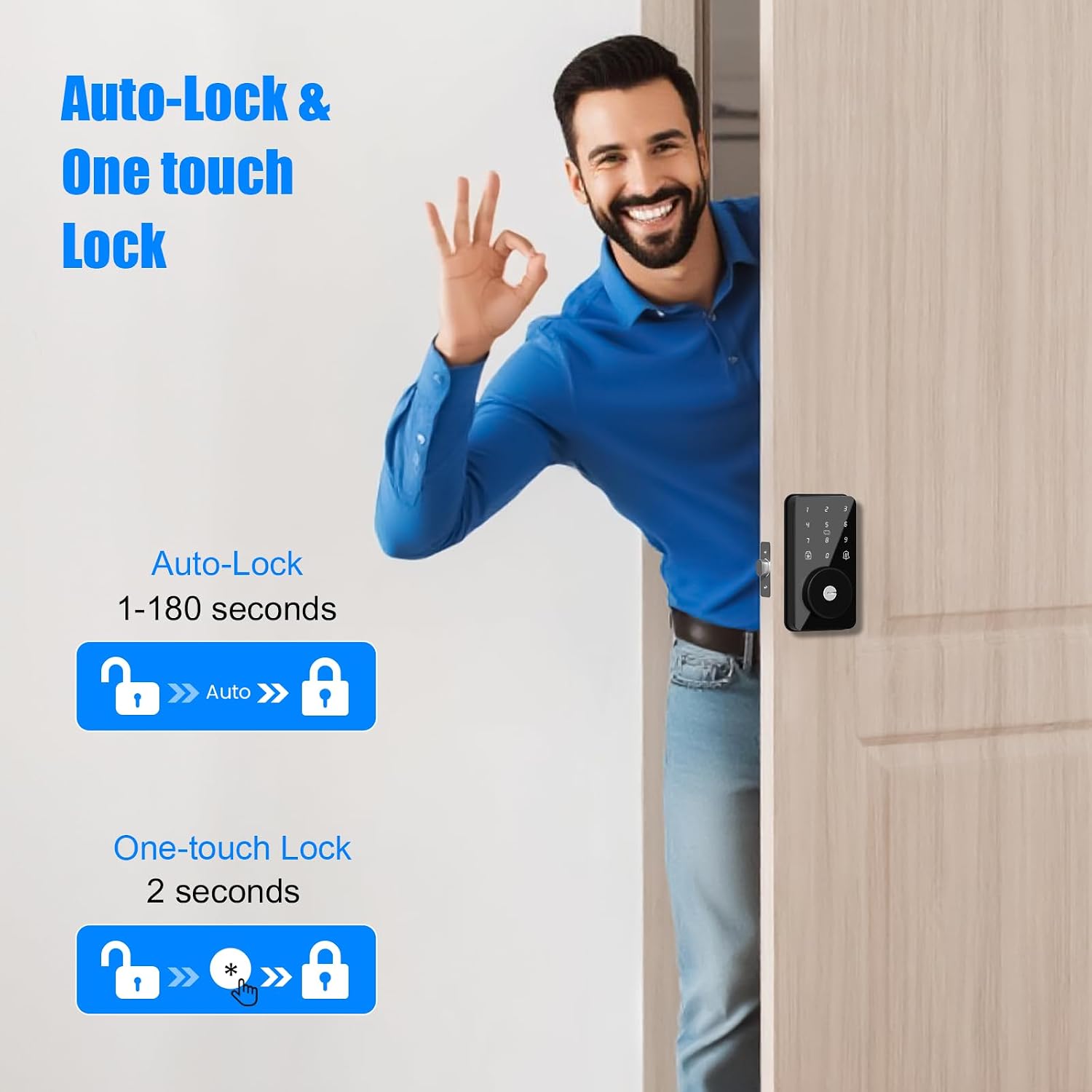
Image: Diagram illustrating the auto-lock feature (1-180 seconds delay) and one-touch lock feature (2 seconds) for convenient and secure locking.

Image: A couple managing smart lock users and settings via the app, demonstrating the smart user management feature.

Image: A delivery person receiving a one-time passcode on their phone to access the smart lock, illustrating the temporary access code feature.

Image: A couple moving boxes into a house with the smart lock in passage mode, indicating the door remains unlocked until manually secured.
Remote Control / Wi-Fi Access:
For remote control and Wi-Fi access, the MOUSETRO Wi-Fi Gateway (sold separately) is required. With the gateway, you can:
- Remotely lock/unlock your smart door lock from anywhere.
- Set up codes remotely.
- Receive real-time notifications of lock activities.
- Enable voice control with Alexa and Google Assistant.

Image: Diagram illustrating the connection between the smart lock, Wi-Fi gateway, and router for remote control capabilities.

Image: A person checking real-time notifications and lock activity logs on their phone, enabled by the Wi-Fi gateway.

Image: A person using voice commands with Alexa to unlock the smart lock, demonstrating compatibility with smart home assistants when connected to the G2 Gateway.
Maintenance
Battery Life: The lock operates on 4 AA batteries, providing approximately 8000 openings (6 months to a year of use). The lock features a low battery alert to notify you when batteries need replacement.

Image: A family playing near a door with the smart lock, highlighting its long battery life and stable Bluetooth connection.
Emergency Power: In case the batteries completely drain, the lock is equipped with a Type-C emergency power port for temporary power supply, allowing you to unlock the door.

Image: Diagram showing the Type-C emergency power port on the smart lock, used for backup power if batteries run out.
Weather Resistance: The lock has an IP52 waterproof rating, making it suitable for various environments and resistant to weather conditions.

Image: The smart lock installed on a door during rainy weather, illustrating its IP52 waterproof rating and suitability for various temperatures.
Troubleshooting
- App Connection Issues: If the app does not find the lock or cannot connect, reset the lock. Resetting clears all cached information.
- Automatic Locking Protection: After 5 incorrect password attempts, the keypad will be locked for 90 seconds to prevent unauthorized access.
- Incorrect Door Handing: If the lock operates incorrectly (e.g., unlocks when it should lock), verify and adjust the door lock direction settings in the app (left-opening or right-opening).

Image: Diagram showing the reset button location on the interior unit of the smart lock, indicating that resetting clears all cached information.

Image: Illustration of the automatic locking protection feature, where the keypad locks for 90 seconds after 5 incorrect password attempts.
Specifications
| Feature | Detail |
|---|---|
| Brand | MOUSETRO |
| Model Name | ZN-S01 |
| Lock Type | Combination Lock, Deadbolt, Keypad |
| Special Features | Alarm, Anti-Peeping Password, Auto-Lock, Fob Unlock, Weather Resistant |
| Material | Aluminum |
| Color | Glossy Black |
| Item Dimensions (L x W x H) | 8.3 x 5.9 x 4 inches |
| Item Weight | 2.27 pounds (1.03 Kilograms) |
| Control Method | App, Remote (with Gateway), Touch |
| Connectivity Protocol | Bluetooth |
| Batteries Required | Yes (4 AA Alkaline batteries included) |
| Door Thickness Compatibility | 1.38" to 1.97" |
Warranty Information
The MOUSETRO Smart Lock ZN-S01 comes with a 30-day money-back guarantee, a 1-year product after-sale warranty, and lifetime after-sales support from the date of purchase.
Support
For further assistance or inquiries regarding your MOUSETRO Smart Lock ZN-S01, please refer to the official MOUSETRO website or contact customer support through your purchase platform.


