Introduction
The OMIZN T6 Ultra-Slim 4G LTE Walkie Talkie is designed for reliable and secure communication over long distances. Utilizing 4G LTE public networks, it offers unlimited range wherever cellular coverage is available, without requiring monthly service fees from OMIZN. Featuring AES-256 encryption for privacy, advanced noise reduction for clear audio, and a rugged IP65-rated zinc alloy body, the T6 is built for durability and performance in various environments. Its ultra-slim design ensures comfortable one-handed operation and portability.
What's in the Box
- OMIZN T6 Host Unit
- Rechargeable Battery
- Belt Clip
- Lanyard
- USB-C Charging Cable
- Power Plug (Wall Adapter)
- SIM Card (Pre-installed or included for activation)
- User Manual

Product Overview
The OMIZN T6 features a robust yet sleek design, ensuring both durability and ease of use. Key components are strategically placed for optimal functionality.

- Antenna: For signal reception and transmission.
- Rapid Group Switch Button: Located at the top for quick group changes.
- Mic: Integrated microphone for voice input.
- Display: High-visibility digital display for status and menu navigation.
- Scroll Keys: Up and down buttons for menu navigation.
- PTT (Push-to-Talk) Button: Large side button for instant communication.
- Volume Controls: Side buttons for adjusting audio levels.
- Headset Jack: For connecting external audio accessories.
- Type-C Charging Port: Modern USB-C port for convenient charging.
Setup
1. Battery and SIM Card Installation
- Remove the battery cover on the back of the unit.
- Insert the provided SIM card into the designated slot. Ensure it is correctly oriented.
- Align the battery with the contacts and gently push it into place until it clicks securely.
- Replace the battery cover.
2. Attaching Accessories
- Belt Clip: Attach the metal belt clip to the back of the battery by sliding it into the designated grooves until it locks.
- Lanyard: Thread the lanyard through the small loop at the top of the walkie talkie for secure carrying.
3. Initial Charging
Before first use, fully charge the walkie talkie. Connect the USB-C charging cable to the port on the side of the unit and plug the power adapter into a wall outlet. The display will indicate charging status.
Operating Instructions
1. Power On/Off
- Power On: Press and hold the red power button (usually located at the bottom right of the front panel) until the screen illuminates and displays 'Welcome to public intercom'.
- Power Off: Press and hold the red power button until the unit powers down.
2. Volume Adjustment
- Use the dedicated volume up/down buttons on the side of the unit to adjust the listening volume.
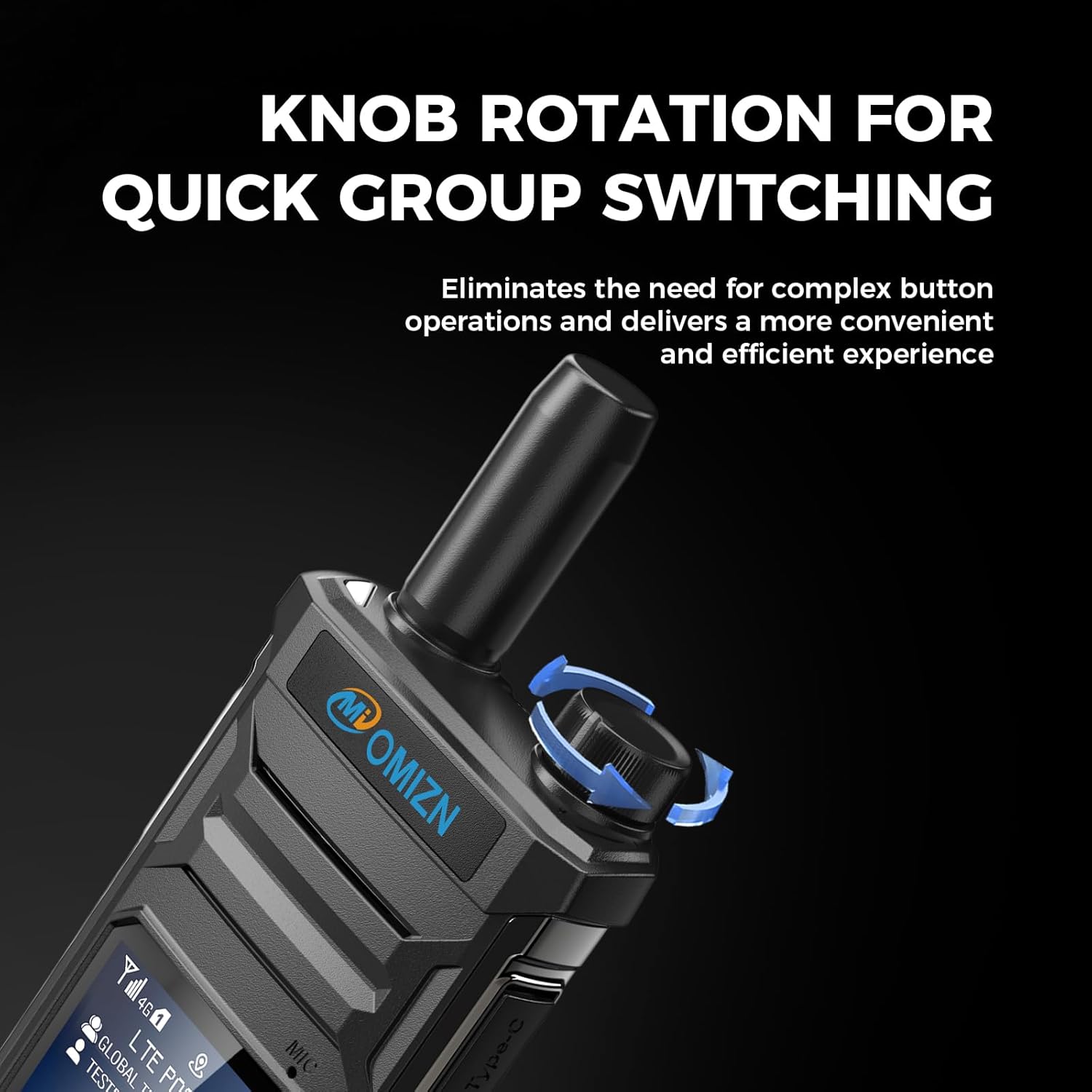
- Alternatively, the top rotary knob can be configured for volume adjustment or group switching via settings.
3. Group Selection and Communication
- Use the scroll keys or the rotary knob (if configured) to navigate through available groups.
- To transmit, press and hold the PTT button on the side of the unit. Speak clearly into the microphone. Release the PTT button to listen.
- The OMIZN T6 supports one-to-one, group, and broadcast calling. Group setup assistance is available through our support team.
4. AES-256 Encrypted Communication
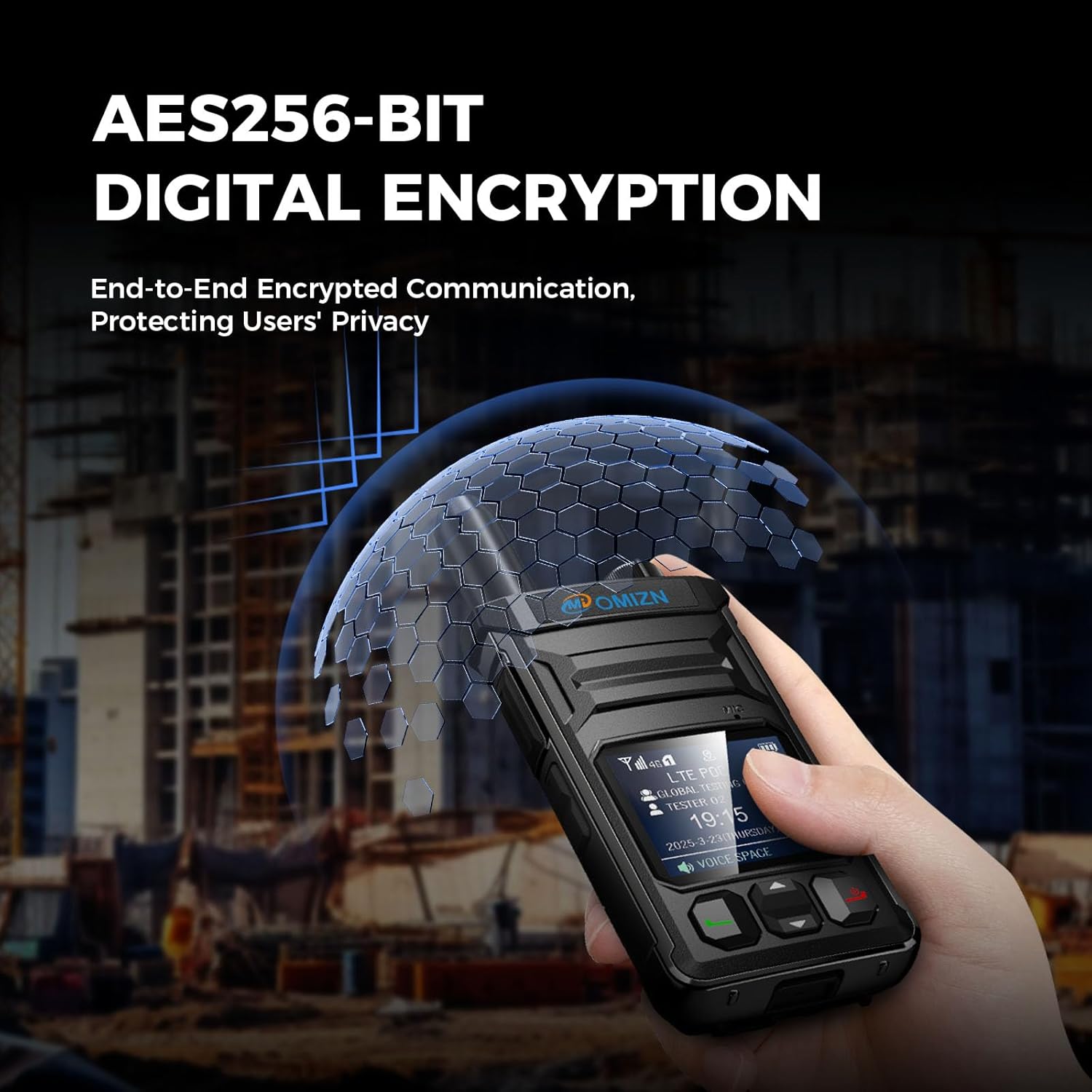
The device utilizes AES-256 digital encryption to protect your conversations, ensuring privacy and security for business coordination or private dispatch.
5. Noise Reduction
Advanced noise reduction technology filters background noise, providing clear voice transmission even in noisy environments.

Specifications
| Feature | Detail |
|---|---|
| Model Number | OMIZN-MX-T6 |
| Item Weight | 6.4 ounces (0.4 Pounds) |
| Product Dimensions | 0.78"D x 2.08"W x 5.5"H (0.91 x 2.28 x 44.61 inches) |
| Display Type | LCD |
| Number of Channels | 200 |
| Special Features | Digital Display, Lightweight, Long Range, Noise Reduction, Shockproof |
| Frequency Range | 4G LTE |
| Talking Range Maximum | Unlimited (over 4G LTE network) |
| Voltage | 3.7 Volts |
| Water Resistance Level | IP65 (Water Resistant) |
Maintenance
- Cleaning: Use a soft, damp cloth to clean the exterior of the walkie talkie. Avoid harsh chemicals or abrasive materials.
- Battery Care: To prolong battery life, avoid fully discharging the battery frequently. Store the unit in a cool, dry place when not in use for extended periods.
- Environmental Protection: The IP65 rating provides protection against dust and water splashes. Avoid submerging the unit in water or exposing it to extreme conditions beyond its rating.
Troubleshooting
If you encounter any issues with your OMIZN T6 Walkie Talkie, please refer to the following:
- No Power: Ensure the battery is correctly installed and fully charged.
- No Signal/Limited Range: Verify that a compatible SIM card is installed and active. Check for 4G LTE cellular coverage in your area.
- Audio Issues: Adjust the volume settings. Ensure the microphone and speaker are not obstructed.
- General Malfunctions: If problems persist, contact OMIZN customer support for assistance.

Warranty and Support
OMIZN is committed to providing high-quality products and dedicated customer support. If you encounter any issues during setup or use, our support team is available to help and ensure a smooth communication experience. Please contact our support team through Amazon or visit the official OMIZN website for assistance.
For international use or specific SIM card inquiries, please contact support for guidance as SIM availability, coverage, and data plans may vary by region.
Product Videos
Video: A quick overview of the OMIZN T6 4G Ultra-thin POC Walkie Talkie, showcasing its design and basic functions.
Video: Demonstrating the OMIZN-T6 4G POC Ultra-thin Global Walkie Talkie's capabilities for worldwide communication.
Video: A brief showcase of the OMIZN-T6 4G Ultra-thin Walkie Talkie's sleek design and portability.


