
Introduction
The Logitech Signature Wired M520 L for Business is a USB-C wired optical mouse designed for reliable performance. It features a contoured, ambidextrous shape suitable for both left-handed and right-handed users. Key functionalities include SmartWheel scrolling for precise or rapid navigation, Silent Touch technology for reduced clicking noise, and a customizable DPI button for adjusting cursor sensitivity. This mouse offers multi-OS compatibility for broad deployment and is designed with power efficiency and recycled materials.
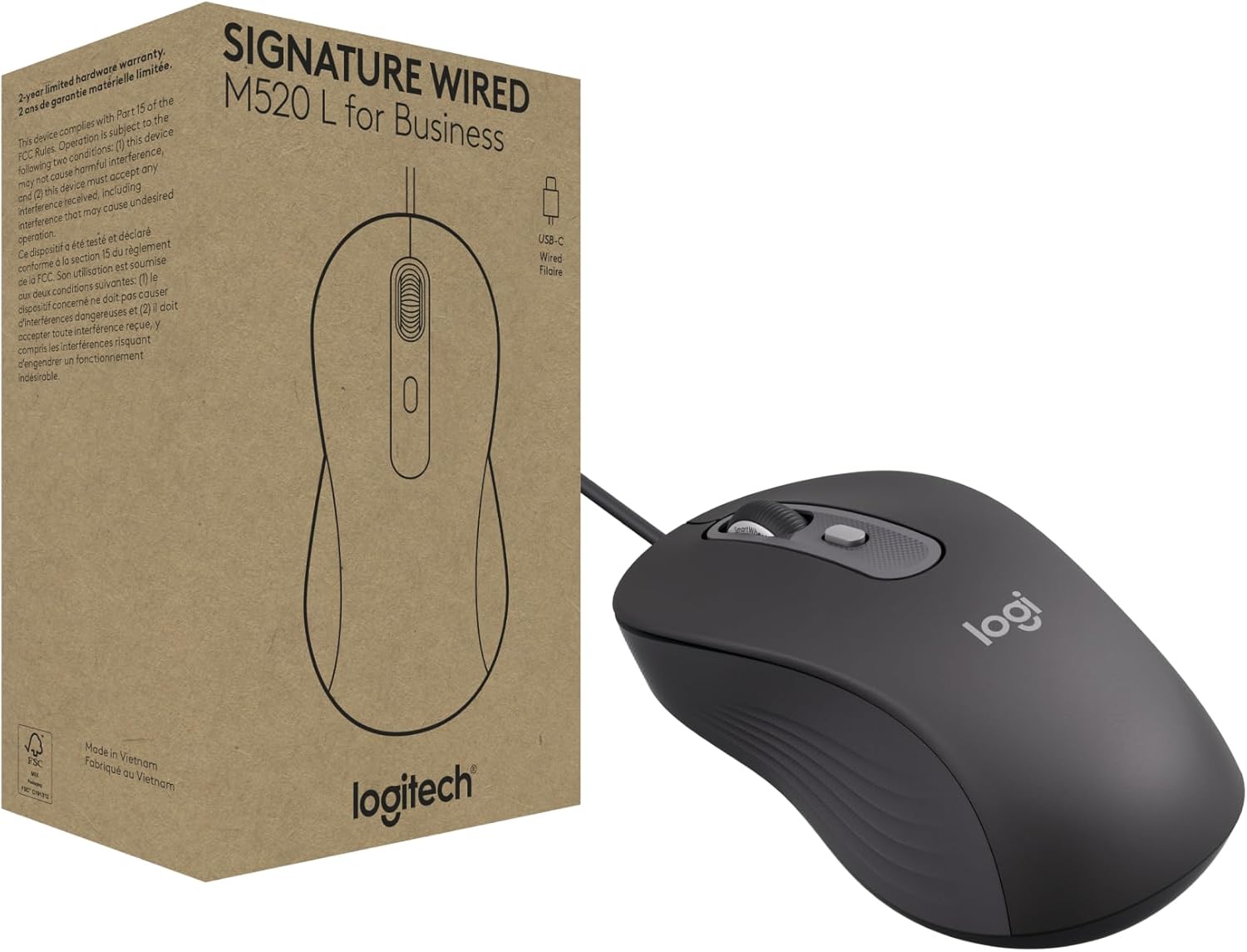
Image: Logitech Signature Wired M520 L mouse and its packaging.
What's in the Box
Verify that all items are present in the product packaging:
- 1 x Wired Mouse
- 1 x User Document (4''x4'')
- 1 x Quick Start Guide

Image: Contents of the box, including mouse dimensions.
Setup
The Logitech Signature Wired M520 L mouse is designed for simple plug-and-play functionality.
- Locate an available USB-C port on your computer (desktop PC, laptop, etc.).
- Plug the USB-C connector of the mouse cable into the USB-C port.
- The mouse will be automatically detected and configured by your operating system. No additional drivers are typically required.
This mouse is compatible with multiple operating systems, including Windows, macOS, ChromeOS, and Linux.

Image: Connecting the USB-C cable to a laptop.
Product Features and Operation
Overview of Mouse Components

Image: Labeled diagram highlighting key features of the M520 L mouse.
SmartWheel Scrolling
The SmartWheel allows you to switch between two scrolling modes: precise line-by-line scrolling for detailed navigation and super-fast scrolling for quickly moving through long documents or web pages. Simply flick the scroll wheel to engage the desired mode.
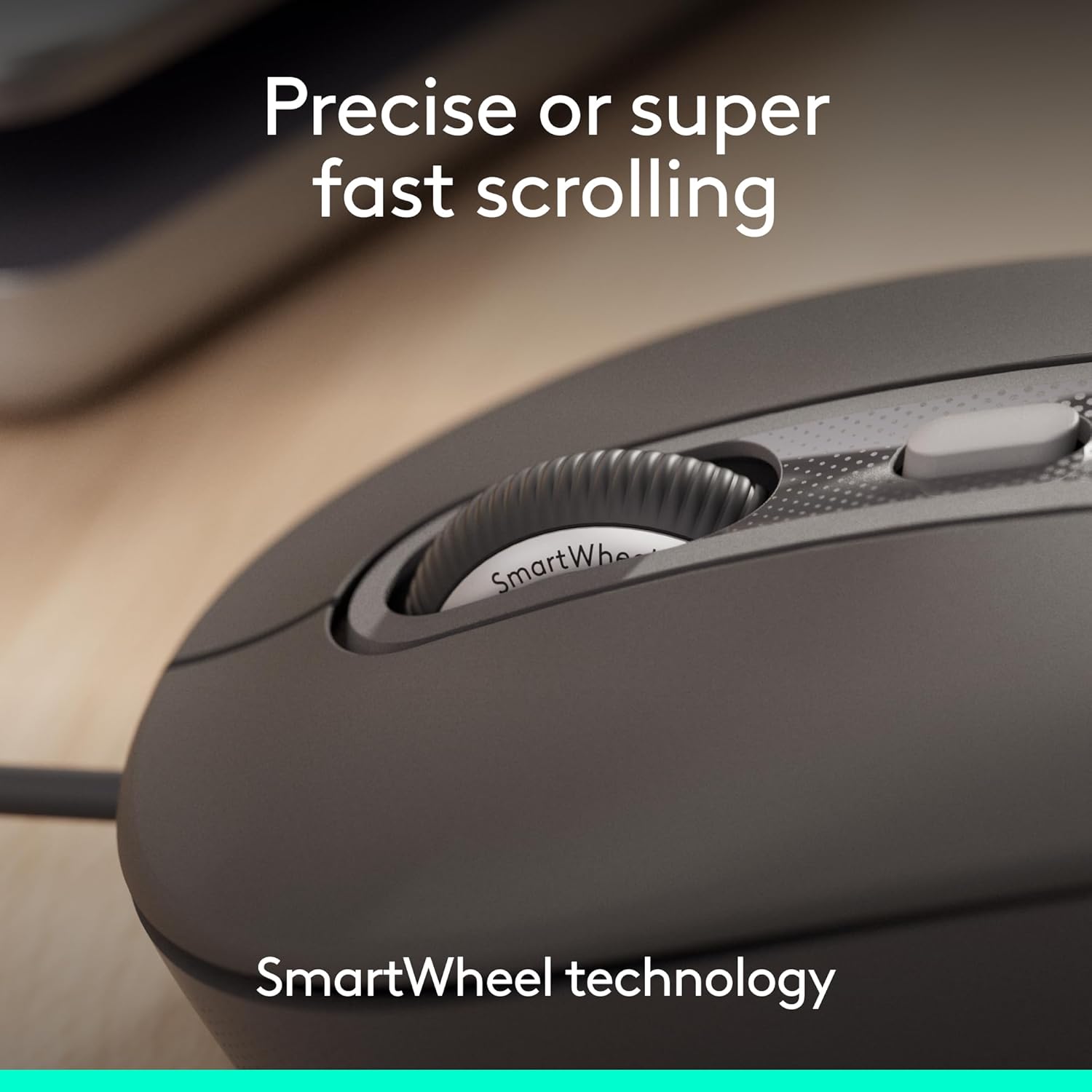
Image: Detailed view of the SmartWheel for versatile scrolling.
Silent Touch Technology
The M520 L mouse incorporates Silent Touch technology, which significantly reduces clicking noise by up to 90%. This feature is beneficial in quiet work environments, promoting focus and minimizing distractions.

Image: Multiple M520 L mice in an office setting, highlighting quiet operation.
Ambidextrous Design
The contoured shape of the M520 L mouse is designed to fit comfortably in both left and right hands, providing an ergonomic experience for a wide range of users.

Image: The ambidextrous design of the M520 L mouse.
Customizable DPI Button
The DPI (Dots Per Inch) button allows for on-the-fly adjustment of the mouse cursor speed. This button can also be customized for other shortcuts using Logitech's Logi Tune or Logi Options+ software, enhancing productivity.
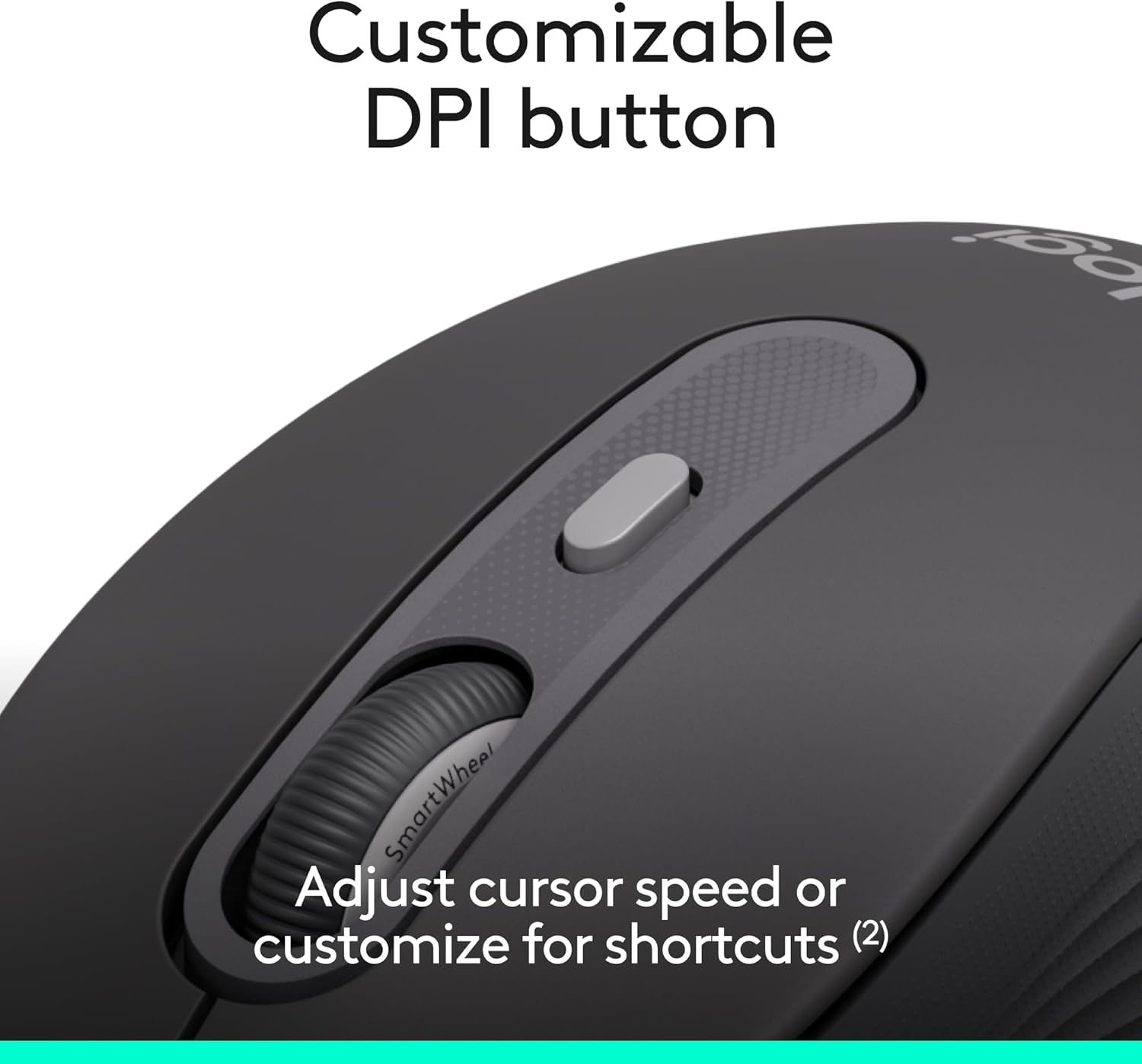
Image: The customizable DPI button for adjusting cursor speed.
Maintenance
To ensure optimal performance and longevity of your Logitech Signature Wired M520 L mouse, follow these simple maintenance guidelines:
- Cleaning the Mouse: Use a soft, lint-free cloth lightly dampened with water or an approved electronic cleaning solution to wipe the surface of the mouse. Avoid using harsh chemicals, abrasive cleaners, or spraying liquids directly onto the mouse.
- Cleaning the Optical Sensor: Periodically inspect the optical sensor on the underside of the mouse for dust or debris. Use a soft brush or compressed air to gently clear any obstructions. Do not touch the sensor with your fingers.
- Cable Care: Avoid sharply bending or twisting the USB-C cable. Store the cable neatly when not in use to prevent damage.
Troubleshooting
If you encounter issues with your Logitech Signature Wired M520 L mouse, try the following troubleshooting steps:
- Mouse Not Responding:
- Ensure the USB-C cable is securely plugged into a working USB-C port on your computer.
- Try plugging the mouse into a different USB-C port on your computer.
- Restart your computer.
- Erratic Cursor Movement:
- Clean the optical sensor on the underside of the mouse as described in the Maintenance section.
- Ensure you are using the mouse on a clean, non-reflective, and uniform surface. Avoid glass or highly reflective surfaces.
- Check for any physical obstructions around the mouse or on the mouse pad.
- Buttons or Scroll Wheel Not Working:
- Ensure the mouse is properly connected.
- Test the mouse on another computer to determine if the issue is with the mouse or the computer's software/drivers.
- If using Logi Tune or Logi Options+ software, check button assignments for any conflicts.
If these steps do not resolve the issue, please refer to the Warranty and Support section for further assistance.
Specifications
| Feature | Detail |
|---|---|
| Brand | Logitech |
| Model | M520 L |
| Item Model Number | 910-007497 |
| Connectivity Technology | USB-C Wired |
| Movement Detection | Optical |
| Hardware Platform | Linux, Mac, PC |
| Operating System Compatibility | Chrome OS, Linux, Mac OS X 12.0 Monterey, Windows 10, Windows 11 |
| Item Weight | 5.7 ounces |
| Product Dimensions (LxWxH) | 5.59 x 2.09 x 0.1 inches |
| Cable Length | 180 cm (5.9 ft) |
| Special Features | Lightweight, Soundless (Silent Touch), SmartWheel, Ambidextrous Design, Customizable DPI Button |
Warranty and Support
Warranty Information
The Logitech Signature Wired M520 L mouse comes with a 2-year limited hardware warranty from the date of purchase. This warranty covers defects in materials and workmanship under normal use. For full terms and conditions, please refer to the warranty documentation included with your product or visit the official Logitech website.
Customer Support
For technical assistance, troubleshooting guides, or to contact customer support, please visit the official Logitech support website:
Please have your product model number (M520 L) and item model number (910-007497) available when contacting support.


