
Introduction
This manual provides detailed instructions for the setup, operation, and maintenance of your Portronics Toad 36 Wireless Mouse. Designed for comfort and efficiency, this mouse features 2.4 GHz wireless connectivity, adjustable DPI settings, and a rechargeable battery, compatible with various operating systems.
Package Contents
- 1 x Portronics Toad 36 Wireless Mouse
- 1 x USB Receiver
- 1 x USB Charging Cable
- 1 x User Documentation
Product Overview

Figure 1: Top view of the Portronics Toad 36 Wireless Mouse.

Figure 2: Overview of the 6 buttons on the Portronics Toad 36 Wireless Mouse, including Left Key, Right Key, Scroll Wheel, Forward, Backward, and DPI Adjustment.
The Portronics Toad 36 features a 6-button design for enhanced navigation and control. It includes standard left and right click buttons, a scroll wheel, dedicated forward and backward buttons for web browsing, and a DPI adjustment button to change cursor sensitivity.
Setup
1. Charging the Mouse

Figure 3: The Portronics Toad 36 mouse being charged via its USB Type-C port.
- Locate the USB Type-C charging port on the front of the mouse.
- Connect the provided USB charging cable to the mouse and a power source (e.g., computer USB port, USB wall adapter).
- The mouse has a built-in rechargeable battery. Allow sufficient time for a full charge before first use.
2. Connecting the USB Receiver
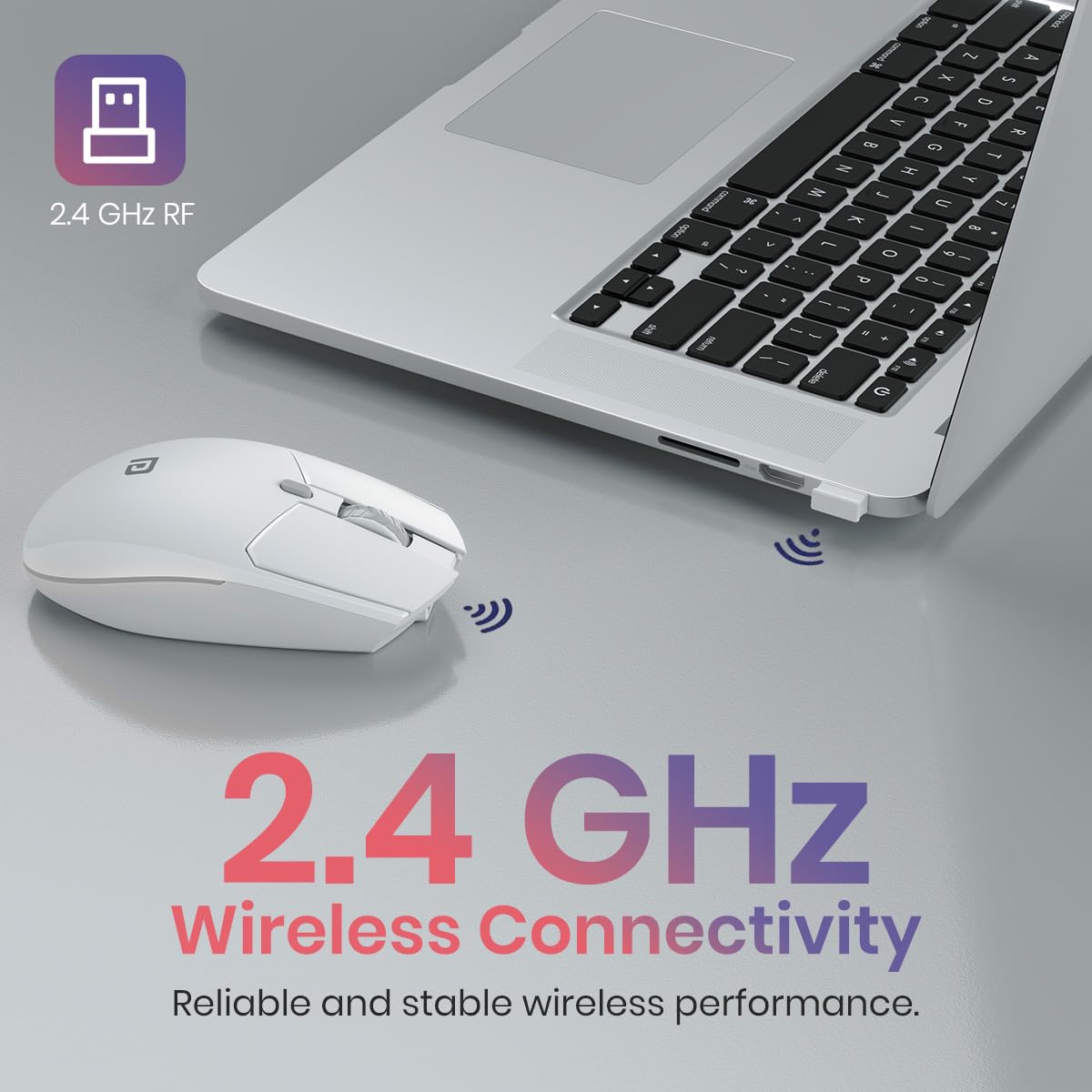
Figure 4: The USB receiver inserted into a laptop, establishing 2.4 GHz wireless connectivity with the mouse.
- Remove the USB receiver from its storage slot, usually located at the bottom of the mouse.
- Insert the USB receiver into an available USB port on your computer or compatible device.
- The device should automatically detect and install the necessary drivers. No manual driver installation is typically required.
- Turn on the mouse using the power switch located on the bottom.
Operating Instructions
Basic Functions
- Left Click: Primary function, typically used for selecting items or activating commands.
- Right Click: Secondary function, typically used to open context menus.
- Scroll Wheel: Used for vertical scrolling through documents and web pages. Can also be clicked for middle-click functionality.
Advanced Functions
- Forward/Backward Buttons: Located on the side of the mouse, these buttons allow for quick navigation in web browsers and file explorers.
- DPI Adjustment Button: Press this button (located near the scroll wheel) to cycle through different DPI (Dots Per Inch) sensitivity settings. The Toad 36 supports 800, 1200, and 1600 DPI.

Figure 5: Visual representation of adjustable DPI settings (800, 1200, 1600) on the mouse.
The mouse features high-precision optical tracking for smooth and accurate cursor movement across various surfaces.

Figure 6: The mouse in use, highlighting its high-precision optical tracking capability.
Maintenance
Charging the Battery
When the mouse battery is low, connect it to a power source using the provided USB Type-C cable. The mouse can be used while charging. A full charge ensures extended usage without interruptions.
Cleaning
- Use a soft, dry cloth to clean the exterior of the mouse.
- Avoid using harsh chemicals or abrasive materials, as these can damage the surface.
- Ensure the mouse is powered off before cleaning.
Troubleshooting
| Problem | Possible Solution |
|---|---|
| Mouse not responding |
|
| Lag or intermittent connection |
|
| DPI adjustment not working |
|
Specifications
| Brand | Portronics |
| Model Number | POR-3030 |
| Connectivity Technology | 2.4 GHz Wireless (Radio Frequency) |
| Buttons | 6 Buttons |
| DPI Settings | Adjustable: 800, 1200, 1600 DPI |
| Movement Detection | Optical |
| Power Source | Built-in Rechargeable Battery |
| Battery Capacity | 800 mAh (Lithium Battery Energy Content) |
| Charging Port | USB Type-C |
| Operating System Compatibility | Windows, macOS, Android, iOS |
| Product Dimensions (LxWxH) | 12.6 x 8.5 x 0.1 cm |
| Item Weight | 130 g |
| Color | White |
| Country of Origin | China |

Figure 7: Physical dimensions and weight of the Portronics Toad 36 Wireless Mouse.
Warranty and Support
Warranty Information
The Portronics Toad 36 Wireless Mouse comes with a 12-month warranty from the date of purchase. This warranty covers manufacturing defects. Please retain your purchase receipt for warranty claims.
Contact Support
For technical assistance, warranty claims, or any other inquiries, please contact Portronics customer support:
- Email: help@portronics.com
- Phone: +91 9555-245-245
- Manufacturer Address: Portronics Digital Pvt ltd, Ground Floor and First Floor, Property No D 8 Upper Basement, Sector 8, Noida, Gautam Buddha Nagar, Uttar Pradesh, 201301, India.


