
1. Important Safety Information
Please read all safety warnings and instructions before operating this appliance. Failure to follow these instructions may result in electric shock, fire, or serious injury.
- Always unplug the blender from the power outlet before cleaning or when not in use.
- Do not immerse the motor base in water or other liquids.
- Keep hands and utensils out of the blending pitcher while blending to reduce the risk of severe personal injury.
- Ensure the lid is securely locked in place before operating the blender.
- Do not blend hot liquids in sealed cups as pressure buildup can cause the cup to burst. Use the vented pitcher lid for hot ingredients.
- Avoid contact with moving parts.
- This appliance is not intended for use by persons with reduced physical, sensory, or mental capabilities, or lack of experience and knowledge, unless they have been given supervision or instruction concerning use of the appliance by a person responsible for their safety.
2. What's Included
Your NutriBullet SmartSense Blender Combo NBF550DG package includes the following components:
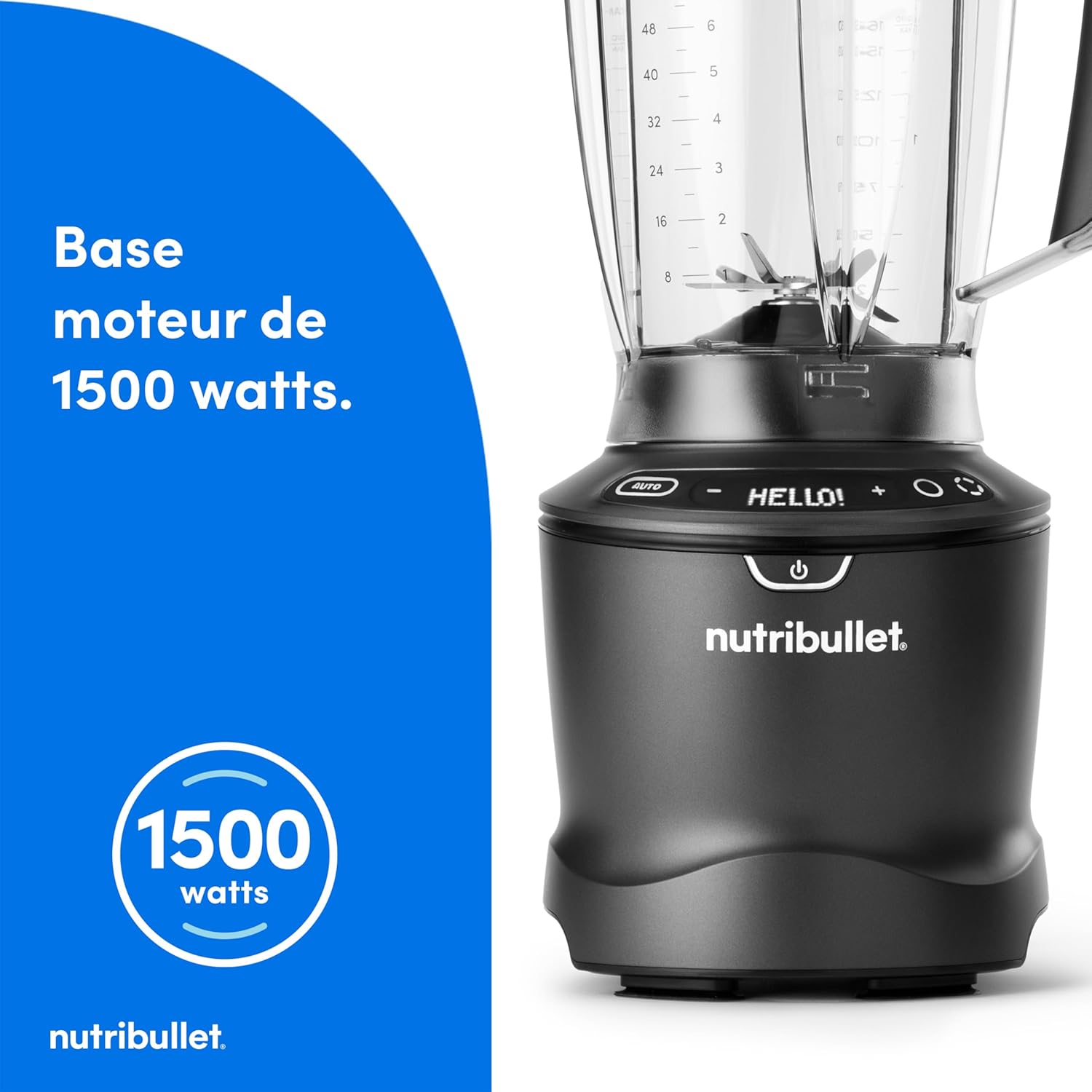
- 1500-Watt Motor Base
- 1.8 Liter Blending Pitcher with Integrated Stainless Steel Blades
- Vented Pitcher Lid with Pour Spout
- 900ml Personal Blending Cup
- 700ml Personal Blending Cup with Handle
- 2 Travel Lids for Personal Cups
- Tamper

3. Setup
- Unpack: Carefully remove all components from the packaging.
- Clean: Wash the pitcher, personal cups, lids, and tamper with warm, soapy water before first use. Rinse thoroughly and dry. The motor base should only be wiped with a damp cloth.
- Placement: Place the motor base on a clean, dry, and level surface. Ensure there is adequate ventilation around the unit.
- Power Connection: Plug the power cord into a standard electrical outlet.
4. Operating Instructions
The NutriBullet SmartSense Blender Combo offers versatile blending options with its intuitive digital interface, 5 variable speeds, Pulse function, and Smart Auto Cycle.
4.1. Using the Pitcher
- Add Ingredients: Place your desired ingredients into the 1.8L blending pitcher. Do not exceed the MAX fill line.
- Secure Lid: Place the vented pitcher lid onto the pitcher and twist clockwise until it locks securely. Ensure the pour spout is closed.
- Place on Base: Carefully place the pitcher onto the motor base, aligning the pitcher handle with the handle icon on the base. Twist clockwise to lock it into place.
- Select Function:
- Smart Auto Cycle: Press the 'AUTO' button. The blender will intelligently detect the ingredients and adjust blending speed and time automatically.
- Variable Speeds: Use the '+' and '-' buttons to select one of the 5 available speeds (1-5).
- Pulse Function: Press and hold the 'PULSE' button for short bursts of power. Release to stop.
- Start Blending: Press the power button or selected function button to begin.
- Stop Blending: Press the power button again or wait for the automatic cycle to complete.
- Remove: Twist the pitcher counter-clockwise to unlock and lift it from the base.


4.2. Using Personal Cups
- Add Ingredients: Fill the personal cup with your ingredients. Do not exceed the MAX fill line.
- Attach Blade: Screw the extraction blade assembly onto the personal cup until securely tightened.
- Place on Base: Invert the cup and place it onto the motor base, aligning the tabs. Twist clockwise to activate the blending cycle.
- Blend: The blender will start automatically. Blend until desired consistency is reached.
- Stop Blending: Twist the cup counter-clockwise to disengage and stop blending.
- Remove: Lift the cup from the base. Unscrew the blade assembly and replace with a travel lid if desired.

4.3. Versatile Preparations
The NutriBullet SmartSense Blender is designed for a wide range of culinary tasks:
- Smoothies & Shakes: Blend fruits, vegetables, and liquids for nutritious drinks.
- Soups & Sauces: Create creamy soups (use vented lid for hot liquids) and smooth sauces.
- Nut Butters: Process nuts into smooth or chunky nut butters using speeds 3-4.
- Flours: Grind grains into fine flours using lower speeds (1-2).
- Plant-Based Milks: Prepare homemade plant-based milks with speed 5 for a residue-free result.


5. Maintenance and Cleaning
Proper maintenance ensures the longevity and optimal performance of your NutriBullet SmartSense Blender.
- Unplug Before Cleaning: Always ensure the blender is unplugged from the power outlet before cleaning.
- Motor Base: Wipe the motor base with a clean, damp cloth. Do not immerse the motor base in water or any other liquid.
- Pitcher, Cups, and Lids: The 1.8L pitcher, personal cups, and lids are dishwasher safe (top rack recommended). For manual cleaning, wash with warm, soapy water, rinse thoroughly, and air dry.
- Blades: The integrated blades in the pitcher can be cleaned by rinsing under running water. For personal cups, unscrew the blade assembly and rinse under running water. Use a brush to remove any stubborn residue. Handle blades with care as they are sharp.
- Storage: Store the blender in a clean, dry place when not in use.

6. Troubleshooting
If you encounter any issues with your NutriBullet SmartSense Blender, refer to the following common problems and solutions:
| Problem | Possible Cause | Solution |
|---|---|---|
| Blender does not turn on. | Not plugged in; power outlet issue; pitcher/cup not properly secured. | Ensure the power cord is securely plugged in. Check the power outlet. Make sure the pitcher or cup is twisted and locked onto the motor base. |
| Motor stops during operation. | Overheating; too many ingredients; ingredients too thick. | Unplug the unit and let it cool down for 15-20 minutes. Reduce the amount of ingredients or add more liquid. |
| Ingredients are not blending smoothly. | Insufficient liquid; ingredients too large; incorrect speed setting. | Add more liquid. Cut ingredients into smaller pieces. Increase speed or use the Pulse function for stubborn ingredients. |
| Leakage from pitcher/cup. | Lid not properly secured; overfilling; damaged seal. | Ensure the lid is securely twisted and locked. Do not exceed the MAX fill line. Inspect the seal for damage and replace if necessary. |
If the problem persists after trying these solutions, please contact customer support.
7. Specifications
Detailed technical specifications for the NutriBullet SmartSense Blender Combo NBF550DG:
| Feature | Specification |
|---|---|
| Model Number | NBF550DG |
| Power | 1500 Watts |
| Voltage | 240 Volts |
| Pitcher Capacity | 1.8 Liters |
| Personal Cup Capacities | 900ml, 700ml |
| Number of Speeds | 5 Variable Speeds + Pulse |
| Special Features | Smart Auto Cycle, Digital Display |
| Dimensions (L x W x H) | 16.8 x 16.8 x 42.5 cm |
| Weight | 4.4 Kilograms |
| Color | Dark Grey (Noir) |

8. Warranty and Support
For warranty information and customer support, please refer to the warranty card included with your product or visit the official NutriBullet website. Keep your proof of purchase for warranty claims.
Online Resources:
- Official NutriBullet Website: www.nutribullet.com
- Product Registration: Register your product online to receive updates and support.


