
Introduction
This manual provides detailed instructions for the installation, operation, and maintenance of your Votheon Android 13 Car Stereo. This unit features a 7-inch HD touchscreen, integrated CarPlay and Android Auto, advanced DSP sound processing, Bluetooth connectivity, and comprehensive navigation capabilities. Please read this manual thoroughly before use to ensure optimal performance and safety.
Product Overview
The Votheon Android 13 Car Stereo is designed to upgrade your vehicle's infotainment system, offering modern features and seamless smartphone integration. Below is a visual representation of the unit.
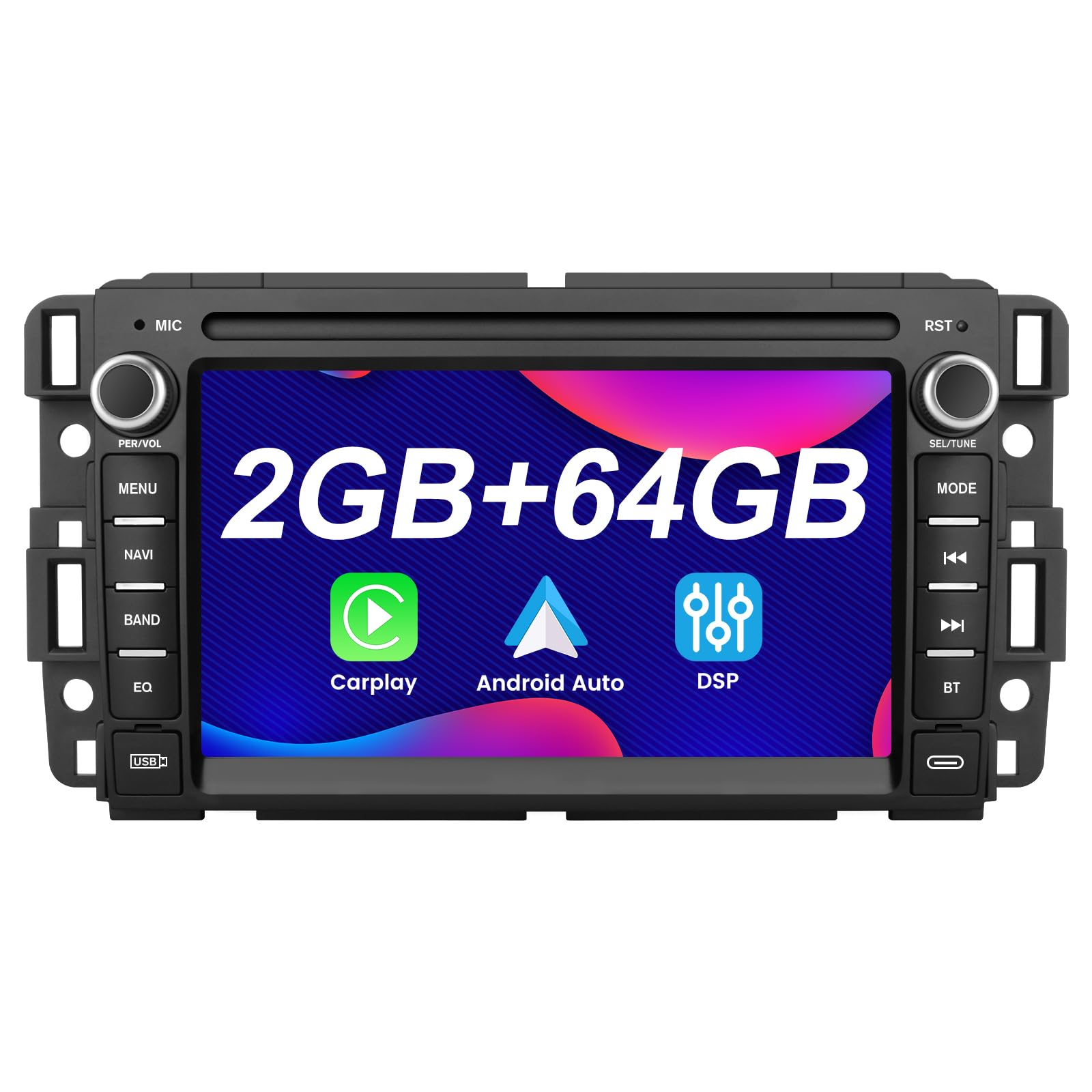
Front view of the Votheon Android 13 Car Stereo, showcasing the 7-inch HD touchscreen and physical control buttons.
This video provides a general overview of the Votheon Android 13 Car Stereo, highlighting its design and key features for Chevy Silverado, Tahoe, and GMC Sierra, Yukon models.
What's in the Box
Verify that all components are present in the packaging before proceeding with installation.
- USB Cable
- GPS Antenna
- Microphone
- Instructions

An image displaying the various components included in the Votheon Android 13 Car Stereo package, such as cables, antennas, and the user manual.
This video introduces the product components before installation, showing what is included in the box.
Vehicle Compatibility
This Votheon Android 13 Car Stereo is compatible with various Chevrolet, GMC, Buick, and Hummer models. Please verify your vehicle's specific model and year against the list below to ensure proper fitment.
- For Chevrolet: Avalanche (GMT900) 2007-2011, Express Van 2008-2011, Equinox (1st Gen) 2005-2009, HHR (SS/LT/Panel/LS) 2006-2011, Suburban (10th Gen) 2007-2014, Traverse 2009-2012, Monte Carlo (7th Gen) 2006-2007, Tahoe (3rd Gen) 2007-2014, Impala (9th Gen) 2006-2012, Silverado 1500HD/2500HD/3500HD (2nd Gen) 2007-2014
- For GMC: Acadia Denali 2007-2012, Savana 2008-2013, Sierra Denali 2007-2014, Yukon Denali 2007-2014
- For Buick: Enclave 2008-2012
- For HUMMER: H2 2008-2009
Important: Always verify the device fit (specifically device size and frame geometry) against your vehicle's actual dashboard before purchase.

Detailed compatibility list for the car stereo, showing supported vehicle makes, models, and years.
Key Features
- Powerful Android 13 & High-Speed Performance: Equipped with a 1.3GHz Quad-Core Cortex-A53 CPU, 2GB RAM, and 64GB ROM for smooth multitasking, offline maps, and app support. Expandable via USB/SD card (up to 128GB).
- Premium Entertainment with DSP Sound: Enjoy immersive audio via customizable DSP equalizer settings (bass boost, treble adjustment) and support for all audio/video formats (MP3, FLV, MKV, MPEG etc.). AM radio included for America stations.
- Wireless & Wired CarPlay/Android Auto: Seamlessly integrate your smartphone for navigation (Google Maps, Waze, iPhone Maps), music streaming, and hands-free calls.
- Crystal-Clear Bluetooth & Steering Control: Bluetooth with external microphone ensures noise-free calls. Retain factory steering wheel controls for volume, track switching, and voice commands.
- Versatile Connectivity: MirrorLink support, AV output for rear headrest screens, and RCA input for optional backup camera (sold separately). Stay connected via WIFI hotspot or wired internet.
- DSP Audio Effects: Features built-in equalizer presets (Classical, Pop, Jazz, etc.) and supports fully customizable sound adjustments for a personalized listening experience.
- Multiple Themes: Comes preloaded with a variety of UI themes, allowing you to change the display style to match your personal preference.
- RGB Custom Backlit Buttons: RGB lighting system lets you customize the button backlight color to a single shade or a dynamic multi-color cycling effect.

The car stereo display showing integrated CarPlay and Android Auto interfaces for navigation, music, and calls.

The car stereo displaying the AM/FM radio interface with DSP technology for enhanced audio quality.

An image illustrating the compatibility of the car stereo with existing steering wheel controls for safe operation.

The car stereo screen showing Bluetooth music streaming and call functions, emphasizing wireless connectivity.
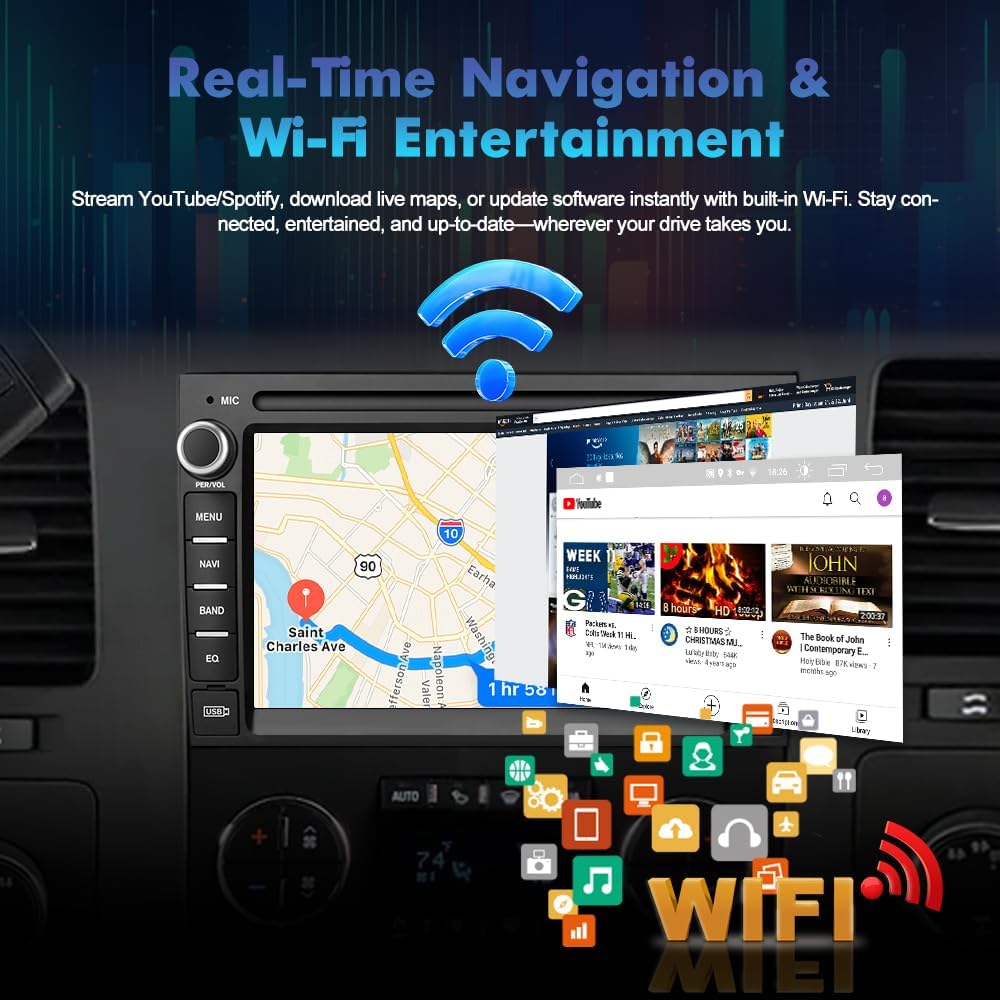
The car stereo displaying real-time navigation and various entertainment apps accessible via Wi-Fi.
Setup and Installation
The Votheon Android 13 Car Stereo is designed for a plug-and-play installation in compatible vehicles. Follow these general guidelines for setup.
Wiring Diagram

A detailed wiring diagram showing connections for power, speakers, CAN-BUS, and other accessories.
CAN-BUS Setup
After powering up the radio, you need to set CAN-BUS correctly to get your steering wheel controls to work. The procedure is as follows: click Settings in the main menu, go to Factory, and input password 3368. Choose Car Mode XP-GM/Chevrolet-ALL-XP(L) if there isn't an OEM Amplifier in your car. Alternatively, choose XP-GM/Chevrolet-Enclave-XP if there is a factory amplifier in your car. Wrong or missing CAN-BUS setups lead to non-working steering wheel controls. The CAN-BUS box should always be connected to the rear power plug beforehand.
This video demonstrates the installation process for the stereo in compatible GMC Sierra, Yukon, and Buick Silverado models.
Operating Instructions
Wireless CarPlay
Connect your iPhone wirelessly to the car stereo to access navigation, music, messages, and more directly on the touchscreen. Ensure Bluetooth and Wi-Fi are enabled on your phone.
This video demonstrates how to connect your iPhone for wireless CarPlay functionality.
Wireless Android Auto
Connect your Android smartphone wirelessly to the car stereo for seamless access to Google Maps, Spotify, and other Android Auto features. Ensure Bluetooth and Wi-Fi are enabled on your phone.
This video illustrates the steps to connect your Android phone for wireless Android Auto functionality.
Bluetooth Connectivity
Pair your smartphone via Bluetooth for hands-free calling and wireless music streaming. The external microphone ensures clear communication.

The car stereo interface showing Bluetooth connection status and options for hands-free calls and music streaming.
This video demonstrates how to connect your phone via Bluetooth for calls and music playback.
Mirroring
Use MirrorLink to display your smartphone's screen directly on the car stereo. This feature allows you to view apps and content from your phone on the larger display.
This video demonstrates the mirroring function, showing how to display your phone's screen on the car stereo.
Radio Tuner
The unit includes an AM/FM/RDS radio with 18 station presets. Features include auto station scan & save, advanced search modes (Manual/Local/DX), and RDS features like AF, TA, TP, PTY, PI, News, and Radio Text.
The radio tuner interface, showing frequency display and station presets.
DSP Audio Effects
Customize your audio experience with the built-in DSP (Digital Signal Processing) features. Adjust bass, treble, and utilize equalizer presets like Classical, Pop, Jazz, and more.

The DSP audio engine interface, allowing for detailed sound customization and equalizer adjustments.
Steering Wheel Control
The unit supports full Canbus compatibility, allowing you to retain your factory steering wheel controls for safe and convenient operation. This includes volume, track switching, and voice commands.
An image illustrating the compatibility of the car stereo with existing steering wheel controls for safe operation.
Navigation (Online/Offline Maps)
With a built-in GPS antenna and support for online/offline navigation software, you can easily find your way. The system offers lifetime free offline map updates and supports over 29 languages for menus and voice guidance.

The car stereo displaying navigation maps with various language options and traffic alerts.
Wi-Fi Connectivity
Stay connected on the go with built-in Wi-Fi for streaming and web browsing. Connect via a Wi-Fi hotspot or wired internet to access app stores and online services.

The car stereo screen showing various apps and streaming content available through Wi-Fi connectivity.
Multiple UI Themes
Personalize your car stereo's appearance with a variety of preloaded UI themes. Choose a theme that matches your style and preferences.
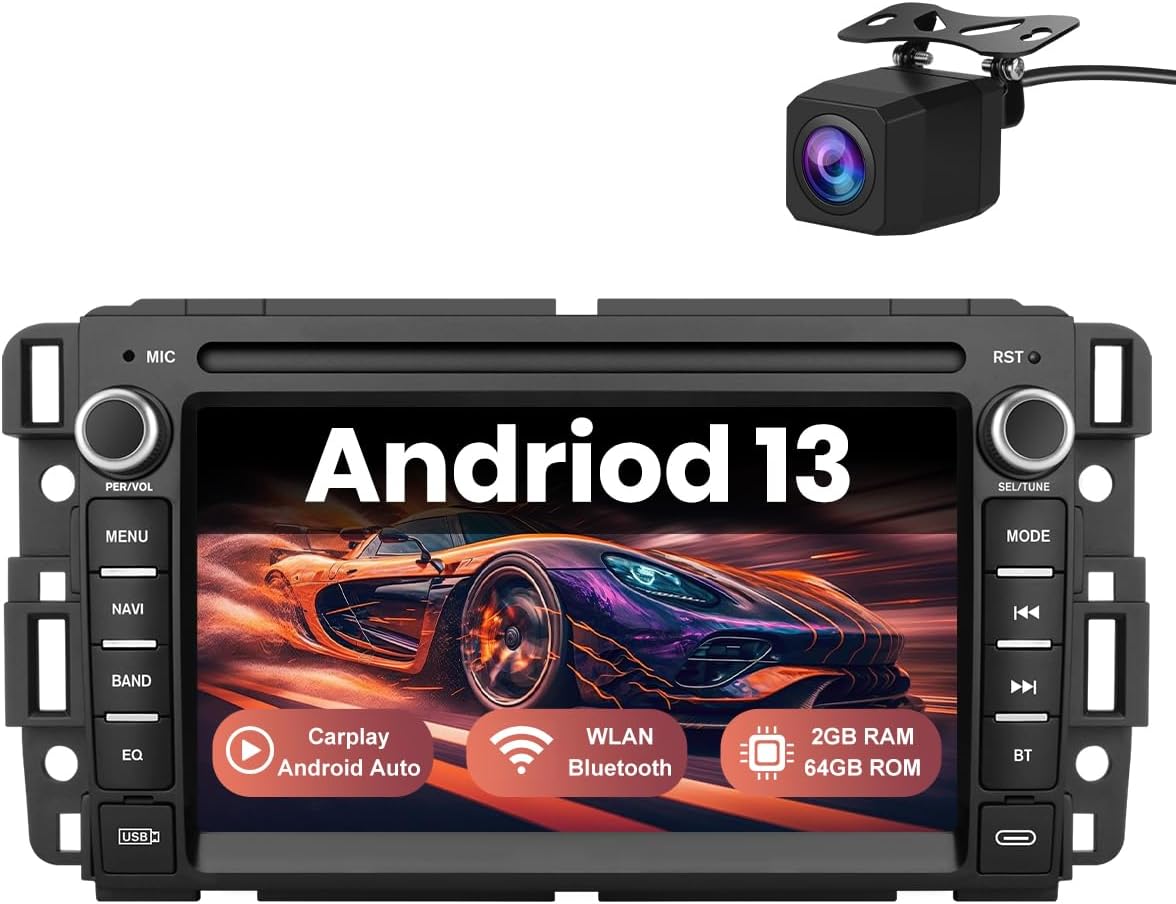
An image showcasing different user interface themes available for customization on the car stereo.
RGB Custom Backlit Buttons
The RGB lighting system allows you to customize the button backlight color. Select a single shade or a dynamic multi-color cycling effect to enhance your vehicle's interior ambiance.
The car stereo with customizable RGB backlit buttons, allowing users to select various colors.
Troubleshooting
Refer to this section for solutions to common issues you might encounter.
No Sound Issue
If you experience no sound after installation, check the wiring connections. Some vehicles, particularly older GM models, may require a specific wire to be cut or connected differently to enable audio output. Refer to your vehicle's specific wiring diagram and the provided manual for details.
Screen Not Turning On / Dim Screen
If the screen remains black or dim on startup, navigate to the factory settings (password 3368) and locate the 'Stay Awake' option under Developer Options. Ensure this setting is enabled to prevent the screen from sleeping when charging or during vehicle operation. If the screen is dim, check display brightness settings.
Steering Wheel Controls Not Working
Ensure the CAN-BUS box is correctly connected to the rear power plug. Access the factory settings (password 3368) and verify the correct Car Mode is selected (XP-GM/Chevrolet-ALL-XP(L) for no OEM amplifier, or XP-GM/Chevrolet-Enclave-XP if a factory amplifier is present).
Specifications
| Feature | Detail |
|---|---|
| Item Weight | 3.01 pounds |
| Package Dimensions | 11.42 x 9.76 x 3.9 inches |
| Item Model Number | 2GB+64GB without Camera |
| Display Size | 7 Inches |
| Voice Command | Touchscreen |
| Operating System | Android |
| Connectivity Technology | Bluetooth, USB, Wi-Fi |
| Map Type | North America |
| Mounting Type | Dashboard Mount |
Warranty and Support
Your Votheon Android 13 Car Stereo comes with comprehensive warranty and support to ensure your satisfaction.
- Warranty: 1 Year
- Support: Enjoy 1-year guaranteed support and access to 24/7 customer care. US-based service centers are available for hassle-free assistance.