
Introduction
This manual provides essential information for the setup, operation, and maintenance of your NBCP Wireless Guitar Controller for Nintendo Wii. This controller is designed to enhance your gaming experience with compatible titles such as Guitar Hero and Rock Band 2.

Image: The NBCP Wireless Guitar Controller in black, featuring a strap and a dedicated slot for the Wii Remote.
Safety Information
- Keep the device away from water and other liquids.
- Avoid exposing the controller to extreme temperatures or direct sunlight.
- Do not attempt to disassemble or modify the controller, as this may void the warranty and cause damage.
- Ensure the adjustable strap is securely fastened during use to prevent accidental drops.
- This product contains small parts and is not suitable for children under 3 years old.
Package Contents
- NBCP Wireless Guitar Controller (Body and Neck)
- Adjustable Shoulder Strap
Setup
1. Attaching the Guitar Neck
The guitar neck is detachable for convenient storage and portability. To attach, align the neck with the body and slide it into place until it clicks securely. Ensure the locking mechanism on the back of the guitar body is engaged to prevent accidental detachment.

Image: Illustration demonstrating the detachable neck design, highlighting the connection point between the guitar body and neck.
2. Inserting the Wii Remote
The controller is powered directly through your Wii Remote. Open the compartment on the back of the guitar body. Carefully insert your Wii Remote into the dedicated slot, ensuring the connector is properly aligned and secured. Close the compartment cover.

Image: A close-up view of the Wii Remote slot, illustrating the 'Plug & Play' setup by inserting the remote.
3. Adjusting the Strap
Attach the adjustable strap to the strap pins on the guitar body. Adjust the length of the strap to a comfortable position for playing.
Operating Instructions
The NBCP Wireless Guitar Controller features a classic button layout for intuitive gameplay.

Image: A labeled diagram of the guitar controller, indicating the Fret Buttons, Strum Bar, Whammy Bar, Directional Stick, and Select/Start buttons.
Fret Buttons
Press the colored fret buttons on the neck of the guitar to match the notes displayed on screen during gameplay. The buttons are designed for high sensitivity and accurate note tracking.
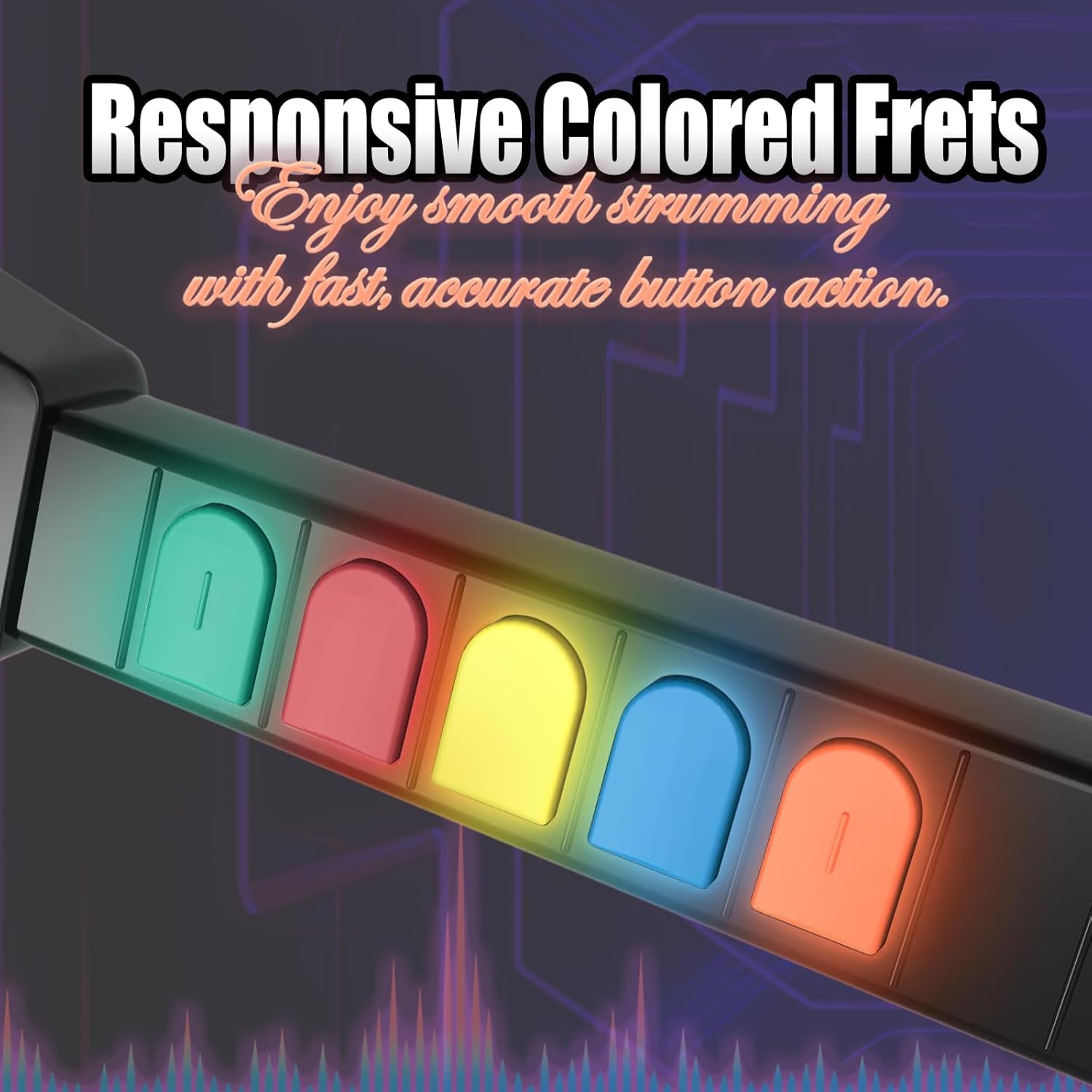
Image: A close-up of the responsive colored fret buttons, illustrating their tactile design for smooth strumming and accurate action.
Strum Bar
Use the tactile strum bar to activate notes as they pass the activation line on screen. The strum bar provides a satisfying click for precise timing.
Whammy Bar
The whammy bar can be used to alter the pitch of sustained notes, adding expression to your performance in compatible games.
Compatibility
This controller is compatible with all Guitar Hero titles and Rock Band 2 games on Nintendo Wii and Wii U. Note: It is not compatible with Rock Band 1.

Image: A collage of game covers, including Guitar Hero titles and Rock Band 2, illustrating the controller's compatibility.

Image: A warning graphic explicitly stating that the controller is not compatible with games requiring microphone input or Rock Band 1.
Maintenance
Cleaning Contact Points
If the device experiences frequent disconnections, prolonged use or non-use may cause oxidation of the device's contact points. To resolve this, gently wipe the contact points with a clean cloth moistened with alcohol or use an eraser to clean them. This can help restore normal functionality.

Image: A visual guide demonstrating the cleaning of contact points using an eraser or alcohol to address frequent disconnections.
Troubleshooting
Frequent Disconnections
If your guitar controller frequently disconnects during gameplay, please refer to the 'Cleaning Contact Points' section under Maintenance. Ensuring clean contact points between the Wii Remote and the guitar controller is crucial for stable connectivity.
Specifications
- Model Number: KT613B
- Brand: NBCP
- Compatibility: Nintendo Wii, Nintendo Wii U (Guitar Hero titles, Rock Band 2)
- Power Source: Powered by Wii Remote (no additional batteries required)
- Item Weight: Approximately 2.94 pounds
- Package Dimensions: 17.4 x 13.62 x 3.31 inches
- Features: Detachable neck, adjustable strap, high-sensitivity fret buttons, tactile strum bar, whammy bar.
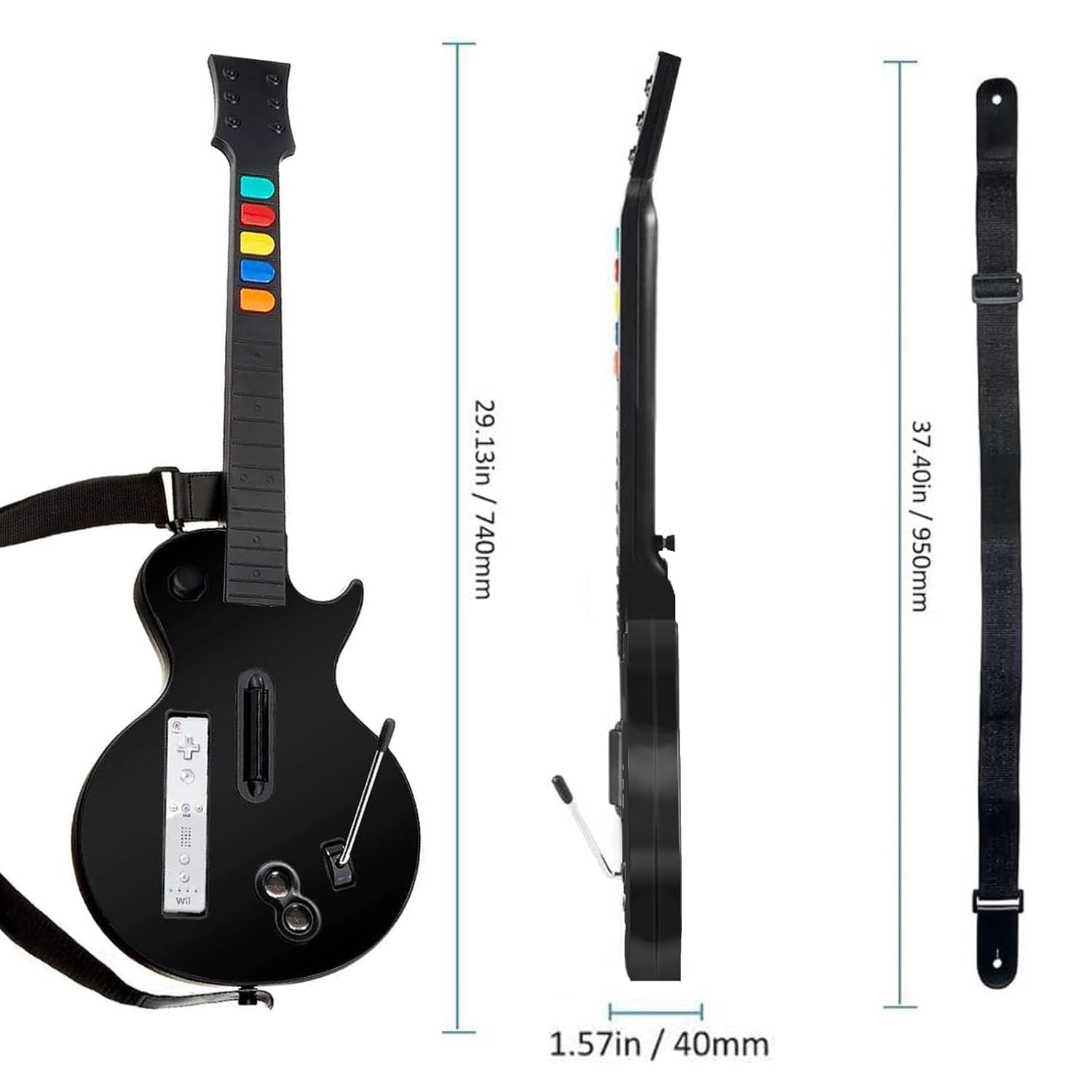
Image: A diagram illustrating the physical dimensions of the guitar controller and its accompanying strap.
Warranty and Support
No explicit manufacturer's warranty information is provided in the product details. However, protection plans are available for purchase separately. For product support or inquiries, please visit the official NBCP store on Amazon: NBCP Store.