
1. Introduction
This manual provides essential information for the proper setup, operation, and maintenance of your YQSAVIOR Android 15 Tablet. Please read this manual thoroughly before using your device to ensure optimal performance and longevity.
2. What's in the Box
Your YQSAVIOR Android 15 Tablet package includes the following items:
- YQSAVIOR Android 15 Tablet (10.1-inch)
- Protective Case
- Wireless Keyboard
- Wireless Mouse
- Stylus
- Charging Cable
- Power Adapter
- User Manual

3. Setup
3.1 Initial Power On
- Press and hold the Power button located on the side of the tablet until the screen lights up.
- Follow the on-screen prompts to select your language, connect to a Wi-Fi network, and set up your Google account.
3.2 Charging the Tablet
Before first use, ensure the tablet is fully charged. Connect the provided charging cable to the tablet's charging port and the power adapter to a wall outlet.
3.3 Connecting Wireless Accessories (Keyboard & Mouse)
To enhance your tablet experience, you can connect the included wireless keyboard and mouse via Bluetooth:
- Ensure the keyboard and mouse are powered on and in pairing mode (refer to their individual instructions if needed).
- On your tablet, navigate to Settings > Connected devices > Bluetooth.
- Turn on Bluetooth and select 'Pair new device'.
- Select the keyboard and mouse from the list of available devices to connect.
3.4 Inserting a MicroSD Card
To expand storage, locate the TF card slot on the side of the tablet. Gently insert a microSD card (up to 1TB, not included) until it clicks into place.
4. Operating Your Tablet
4.1 Android 15 Operating System
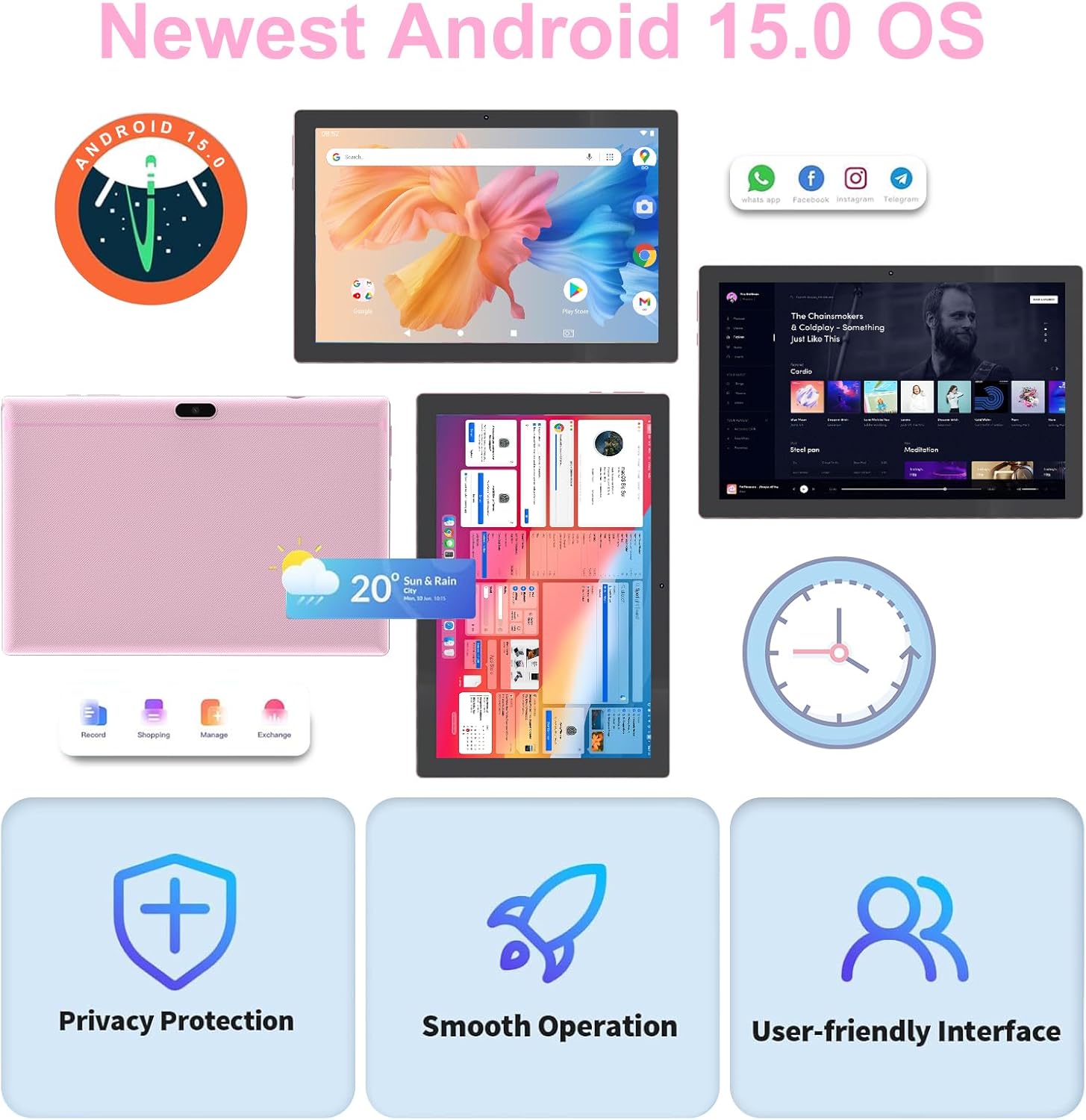
Your tablet runs on the latest Android 15 operating system, offering enhanced performance, seamless multitasking, and improved privacy and security features. Enjoy a user-friendly interface and full control over app permissions.
4.2 Display and Visuals
The 10.1-inch IPS display with 1280x800 resolution provides detailed natural colors and advanced visual effects. Utilize the 'reading mode' to reduce harmful light and enjoy comfortable night reading.

4.3 Performance and Storage
Equipped with an 8GB RAM (4GB + 4GB expansion) and 32GB ROM, powered by a 2.0GHz processor, the tablet ensures faster and more stable operation. Expand storage up to 1TB with a microSD card for all your files and apps.

4.4 Connectivity
The tablet features Wi-Fi 6 technology for stable 5G and 2.4G Wi-Fi connections, and upgraded Bluetooth 5.0 for connecting all your favorite accessories with increased data transfer speed and reduced network delays.
4.5 Camera Functionality
Capture your moments with the 8MP rear camera and 2MP front camera. The narrow-edge screen design enhances your viewing and photography experience.
5. Maintenance
5.1 Battery Management
The built-in 6000mAh battery provides 8-12 hours of usage on a full charge. To prolong battery life, avoid extreme temperatures and fully discharge and recharge the battery periodically.
5.2 Storage Management
Regularly manage your tablet's storage by deleting unnecessary files and uninstalling unused applications. Utilize the microSD card slot for additional storage of media and documents.
5.3 Cleaning Your Tablet
Use a soft, lint-free cloth to clean the screen and body of the tablet. Avoid using harsh chemicals or abrasive materials.
6. Troubleshooting
- Tablet is slow or unresponsive: Restart the tablet. Close unused apps. Clear cache. Check for system updates.
- Battery drains quickly: Reduce screen brightness. Turn off Wi-Fi/Bluetooth when not in use. Close background apps.
- Cannot connect to Wi-Fi/Bluetooth: Ensure Wi-Fi/Bluetooth is enabled. Restart the tablet and router/accessory. Forget and re-pair the device.
- Apps crashing: Clear app cache/data in Settings. Reinstall the app. Ensure sufficient storage space.
- Screen issues: Restart the tablet. Check for physical damage.
7. Specifications
| Feature | Detail |
|---|---|
| Brand | YQSAVIOR |
| Model Name | YQCP20PRO |
| Operating System | Android 15 |
| Screen Size | 10.1 Inches |
| Screen Resolution | 1280 x 800 pixels (HD) |
| Processor | 2 GHz (Quad-Core) |
| RAM | 8 GB (4GB + 4GB expansion) |
| Flash Memory Size | 32 GB |
| Expandable Storage | Up to 1 TB with microSD card (not included) |
| Wireless Type | 802.11ax (Wi-Fi 6) |
| Bluetooth | Bluetooth 5.0 |
| Battery Capacity | 6000mAh |
| Average Battery Life | 10 Hours (up to 8-12 hours) |
| Cameras | 8MP Rear, 2MP Front |
| Product Dimensions | 9.4 x 6.3 x 1 inches |
| Item Weight | 2.61 pounds |
8. Warranty and Support
For warranty information and customer support, please refer to the documentation included with your product or contact YQSAVIOR customer service directly. Keep your proof of purchase for any warranty claims.
9. Safety Information
- Do not expose the tablet to extreme temperatures, direct sunlight, or moisture.
- Avoid dropping or subjecting the tablet to strong impacts.
- Use only approved chargers and accessories.
- Do not attempt to disassemble or repair the tablet yourself.
- Keep the tablet away from children and pets to prevent accidental damage or injury.