
Introduction
Thank you for choosing the DIYEAH LED Desk Lamp. This rechargeable eye protection light is designed for reading, studying, and work, offering portable and versatile illumination. Please read this manual thoroughly before using the product to ensure proper operation and to maintain its longevity.
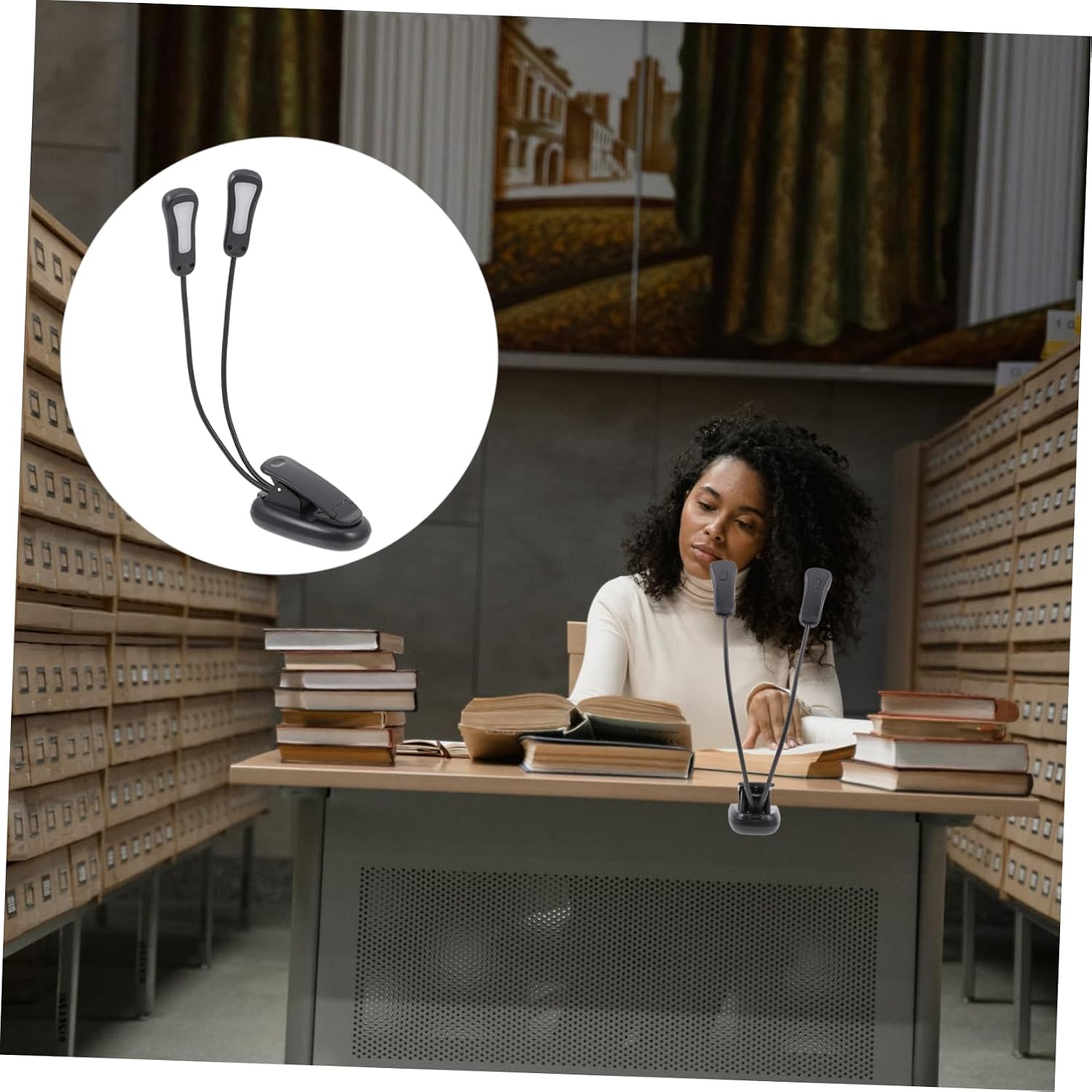
Image: The DIYEAH LED Desk Lamp providing illumination for a user engaged in reading or studying.
Package Contents
Please check the package contents upon opening. If any items are missing or damaged, please contact customer support.
- 1 x DIYEAH LED Desk Lamp
- 1 x USB Charging Cable
- 1 x User Manual (this document)

Image: A detailed view of the DIYEAH LED Desk Lamp, showcasing its design from multiple angles.
Safety Instructions
To ensure safe operation and prevent damage, please observe the following safety precautions:
- Read all instructions before use.
- Keep the lamp away from water or other liquids. Do not operate in wet conditions.
- Do not attempt to disassemble, repair, or modify the lamp. This will void the warranty.
- Use only the provided USB cable or a certified equivalent for charging.
- Avoid direct eye exposure to the LED light source for prolonged periods.
- Keep out of reach of children.
- Do not expose the lamp to extreme temperatures or direct sunlight.
Setup
Follow these steps to set up your DIYEAH LED Desk Lamp:
- Unpack: Carefully remove all components from the packaging.
- Initial Charge: Before first use, fully charge the lamp using the provided USB cable. Connect the USB cable to the lamp's charging port and to a standard USB power adapter (not included) or a computer USB port. The charging indicator (if present) will show charging status.
- Positioning: The lamp features a clip-on base and flexible goosenecks. Attach the lamp to a desk, shelf, or book, or place it freestanding on a flat surface. Adjust the goosenecks to direct the light as needed.

Image: A detailed view of the lamp's clip and adjustable arms, highlighting its versatile design.
Operating Instructions
The DIYEAH LED Desk Lamp is designed for ease of use with adjustable brightness and flexible positioning.
- Power On/Off: Locate the power button on the lamp base or head. Press once to turn the lamp on. Press again to turn it off.
- Adjusting Brightness: The lamp features dimmable light. Press and hold the power button (or a dedicated brightness button if available) to cycle through different brightness levels. Release the button when the desired brightness is achieved.
- Positioning the Light: Utilize the flexible goosenecks to direct the light precisely where it is needed. The dual light heads can be adjusted independently.
- Folding Design: For portability and storage, the lamp can be folded into a compact form.

Image: The DIYEAH LED Desk Lamp providing focused light for reading, demonstrating its practical application.
Maintenance
Proper care will extend the life and performance of your lamp.
- Cleaning: Disconnect the lamp from its power source before cleaning. Wipe the lamp with a soft, dry cloth. Do not use abrasive cleaners, solvents, or harsh chemicals.
- Charging: Recharge the lamp when the light dims significantly or turns off. Avoid completely draining the battery frequently to prolong its lifespan.
- Storage: When not in use for extended periods, store the lamp in a cool, dry place. It is recommended to charge the lamp every 3-6 months to maintain battery health.
Troubleshooting
If you encounter issues with your DIYEAH LED Desk Lamp, please refer to the following common problems and solutions:
| Problem | Possible Cause | Solution |
|---|---|---|
| Lamp does not turn on. | Battery is depleted. | Charge the lamp fully using the USB cable. |
| Lamp does not turn on. | Power button not pressed correctly. | Ensure the power button is pressed firmly. |
| Lamp is not charging. | USB cable or power adapter is faulty. | Try a different USB cable or power adapter. Ensure connections are secure. |
| Light flickers or is dim. | Low battery. | Recharge the lamp. |
| Light flickers or is dim. | Environmental interference. | Move the lamp away from other electronic devices that may cause interference. |
If the problem persists after trying these solutions, please contact customer support.
Specifications
Detailed specifications for the DIYEAH LED Desk Lamp:
- Model: 419C31E918WB
- Dimensions: 1.77"D x 11.81"W x 1.73"H (4.5cm D x 30cm W x 4.4cm H)
- Item Weight: Approximately 3.68 ounces (0.23 Pounds)
- Material: Acrylonitrile Butadiene Styrene (ABS), Metal
- Color: Black
- Power Supply: USB Cable (Rechargeable)
- Voltage: 36V or less
- Light Source Type: Energy Efficient LED
- Special Features: Dimmable Light, Foldable Design, Eye Protection

Image: A visual representation of the lamp's dimensions for reference.
Warranty and Support
For warranty information, please refer to the terms provided by your retailer at the time of purchase. DIYEAH products are typically covered by a limited warranty against manufacturing defects.
If you require further assistance, have questions, or need to report an issue, please contact DIYEAH customer support through the retailer where you purchased the product or visit the official DIYEAH store on Amazon: DIYEAH Amazon Store.