
Introduction
Thank you for purchasing the Silverlit Exost Hydro Blast Radio Controlled Water Gun Function Car. This amphibious vehicle is designed for exciting play on both land and water, featuring a built-in water gun. Please read this manual carefully before operating the product to ensure safe and optimal performance.
Important Safety Information
WARNING:
- Not suitable for children under 36 months due to small parts which may present a choking hazard.
- Adult supervision is recommended during operation, especially when used near water.
- Do not aim the water gun at eyes or face.
- Ensure all battery compartments are securely closed before use, particularly in water.
- Use only the specified batteries and charging methods.
Package Contents
Verify that all items are present in the package:
- Exost Hydro Blast RC Vehicle
- 2.4 GHz Remote Control
- Rechargeable Lithium-Ion Battery (for vehicle)
- USB Charging Cable
- Instruction Manual (this document)
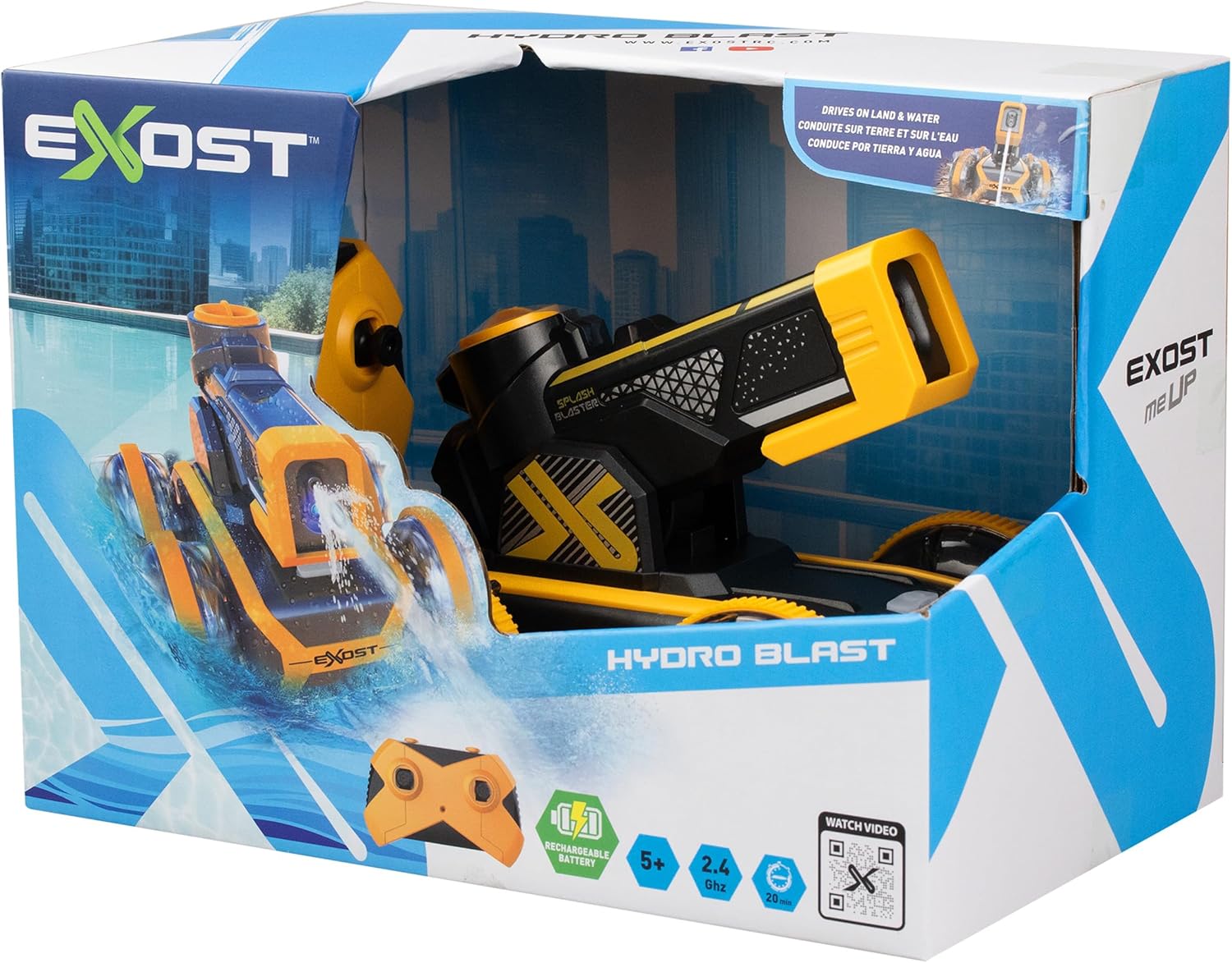
Image: The Exost Hydro Blast RC vehicle and its remote control displayed within its retail packaging.
Setup
1. Vehicle Battery Installation and Charging
- Locate the battery compartment on the underside of the Exost Hydro Blast vehicle.
- Open the compartment cover.
- Connect the included rechargeable Lithium-Ion battery to the vehicle's connector.
- Close the battery compartment cover securely.
- To charge the vehicle battery, connect the USB charging cable to the vehicle's charging port and then to a USB power source (e.g., computer, USB wall adapter). The charging indicator light will show the charging status.
- Allow approximately 60-90 minutes for a full charge. A full charge provides approximately 20 minutes of play time.
2. Remote Control Battery Installation
- Locate the battery compartment on the back of the 2.4 GHz remote control.
- Open the compartment cover.
- Insert 2 x AAA batteries (not included), ensuring correct polarity (+/-).
- Close the battery compartment cover securely.
3. Pairing the Vehicle and Remote Control
- Ensure both the vehicle and the remote control have fresh or fully charged batteries.
- Turn on the vehicle using the power switch.
- Turn on the remote control.
- The vehicle and remote should automatically pair. If not, turn both off and then on again. The LED indicator on the remote will stop flashing once paired.
Operating Instructions
Basic Controls
- Forward/Backward: Use the left joystick to move the vehicle forward or backward.
- Left/Right: Use the right joystick to steer the vehicle left or right.
- The 2.4 GHz remote control provides a range of up to 25 meters.
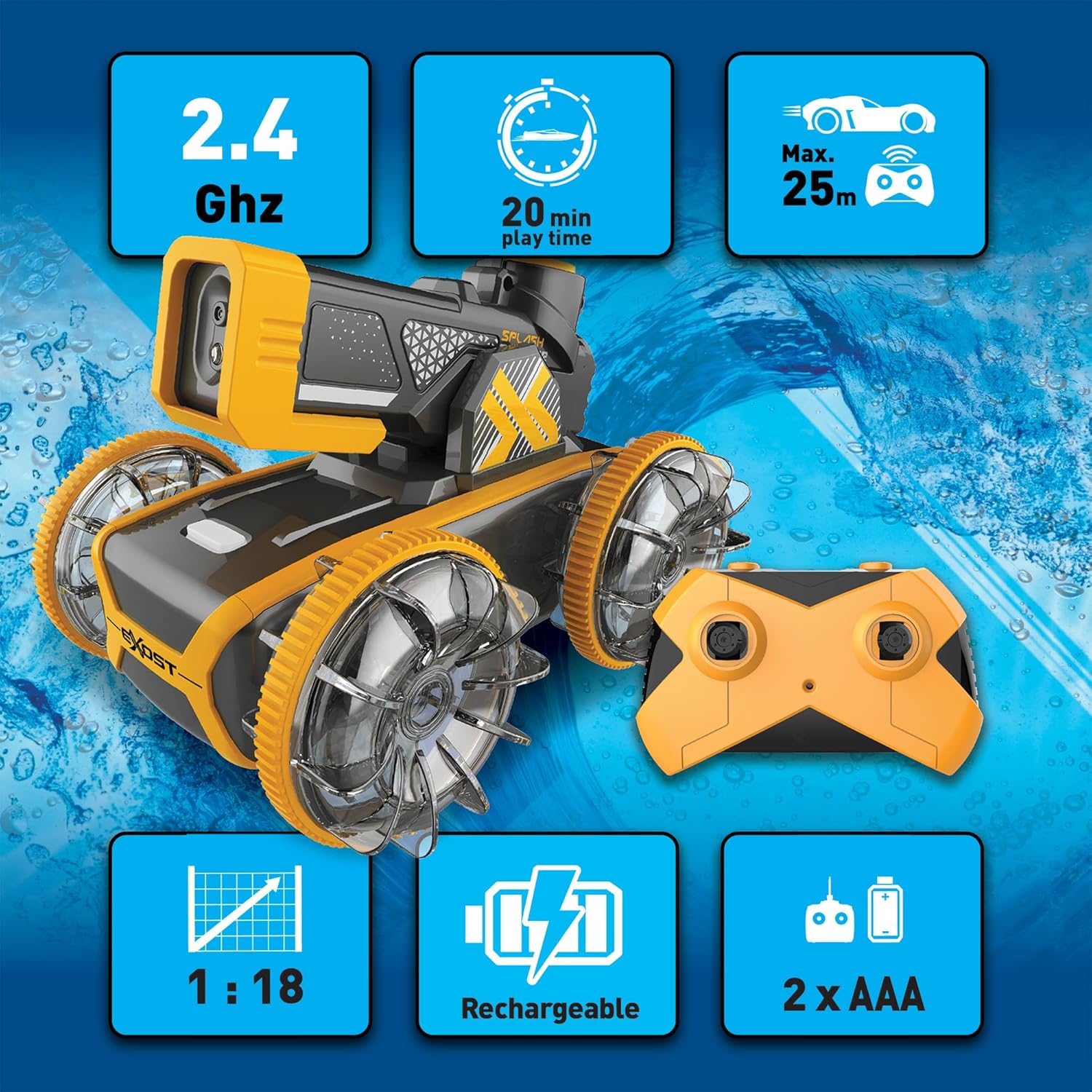
Image: The Exost Hydro Blast vehicle and its remote control, highlighting key operational features and specifications.
Water Gun Function
The Hydro Blast features an integrated water gun capable of shooting water up to 6 meters.
- Manual Water Filling: Open the cap on the water tank located on top of the vehicle and fill it with clean water. Securely close the cap.
- Automatic Water Absorption (for water use): When operating the vehicle in water, the system can automatically absorb water from the puddle or tank to refill the integrated reservoir.
- Firing: Use the dedicated button on the remote control to activate the water gun and fire jets of water.
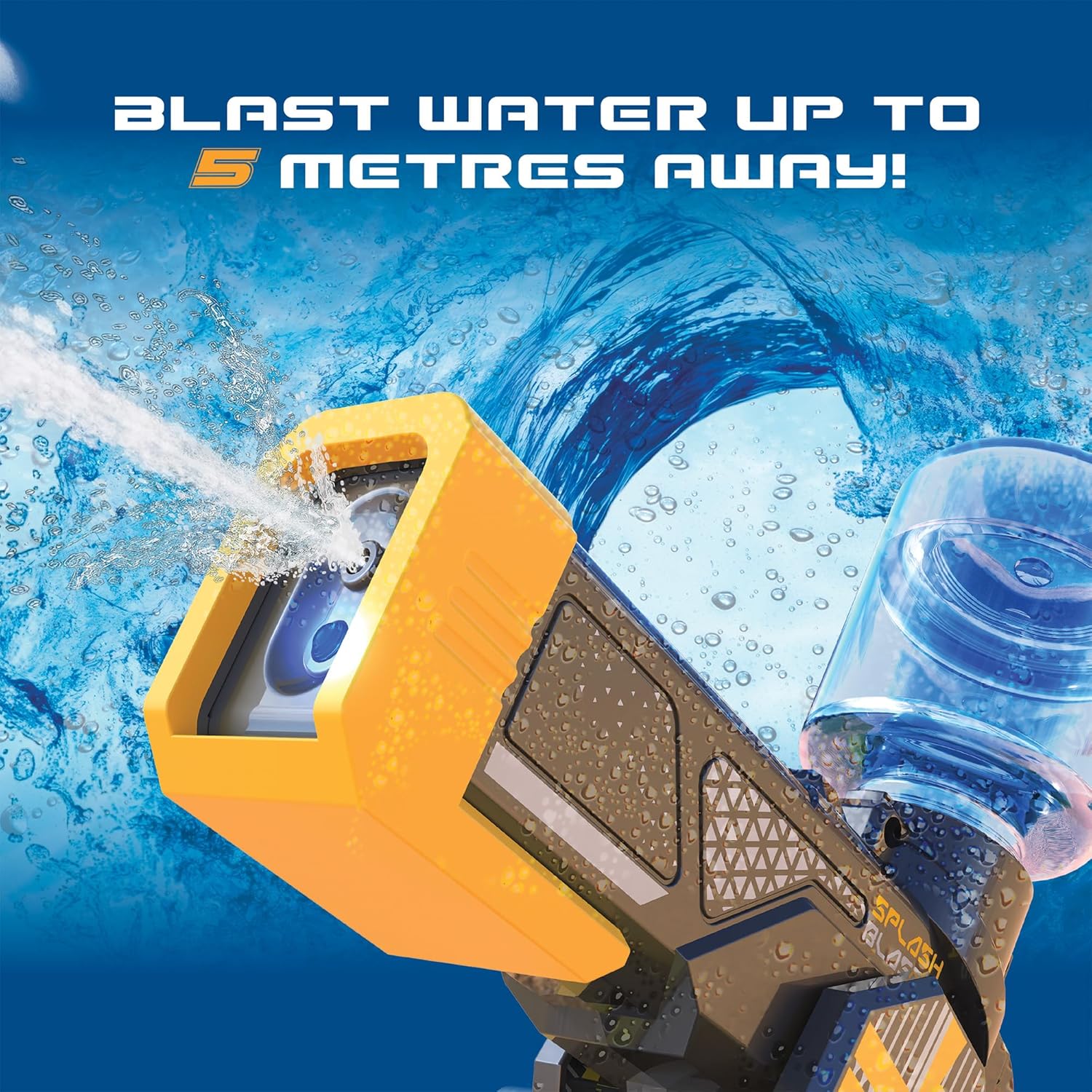
Image: The water gun mechanism of the Hydro Blast vehicle actively firing a stream of water.

Image: Illustration demonstrating the automatic water refill feature when the vehicle is operating in water.
Land and Water Operation
The Exost Hydro Blast is an amphibious vehicle designed to operate on various terrains and in water.
- On Land: The vehicle performs like a standard RC car on flat surfaces, grass, and paths.
- In Water: The waterproof structure allows it to float and move across water surfaces. Ensure all compartments are sealed before entering water.

Image: The Exost Hydro Blast vehicle demonstrating its ability to float and drive on water.
LED Effects
The vehicle is equipped with integrated LED lights that activate during operation, enhancing visibility and play experience, especially in low-light conditions.
Maintenance
Cleaning
- After use, especially in water or dirty environments, wipe the vehicle clean with a damp cloth.
- Do not submerge the remote control in water.
- Ensure the water gun mechanism is clear of debris.
- Allow the vehicle to air dry completely before storage.
Storage
- Store the vehicle and remote control in a cool, dry place away from direct sunlight.
- Remove batteries from the remote control if it will not be used for an extended period to prevent leakage.
Battery Care
- Do not overcharge the vehicle's rechargeable battery.
- Do not dispose of batteries in fire.
- Recycle used batteries according to local regulations.
Troubleshooting
| Problem | Possible Cause | Solution |
|---|---|---|
| Vehicle does not respond to remote. |
|
|
| Water gun does not fire. |
|
|
| Vehicle moves slowly or erratically. |
|
|
Specifications
- Model Number: 20722
- Brand: Silverlit
- Product Dimensions: 30 x 17 x 17 cm
- Item Weight: 880 g
- Material: Plastic
- Color: Multicolored
- Recommended Age: 5 years and up
- Battery Type (Vehicle): Rechargeable Lithium-Ion (included)
- Battery Type (Remote): 2 x AAA (not included)
- Play Time: Approximately 20 minutes per charge
- Control Frequency: 2.4 GHz
- Control Range: Up to 25 meters
- Water Gun Range: Up to 6 meters
Warranty and Support
For warranty information and customer support, please refer to the manufacturer's official website or contact your retailer. Specific warranty terms and support contact details are not provided within this manual.
Manufacturer: Silverlit
For further assistance, visit the Silverlit Store on Amazon.
