
1. Introduction
This manual provides essential information for the safe and efficient operation of your Xiaomi 55-inch X Ultra HD 4K Smart Google LED TV (Model L55MB-AIN). Please read this manual thoroughly before using the product and retain it for future reference.
The Xiaomi X Ultra HD 4K Smart Google LED TV offers a 138 cm (55-inch) display with 4K Ultra HD resolution (3840 x 2160), a 60 Hz refresh rate (with 120Hz DLG), and smart features powered by Android 14 OS and Google TV. It includes advanced display technologies like Dolby Vision, HDR 10, HLG, and Filmmaker Mode, alongside immersive audio with 34 watts output, Dolby Audio, DTS-X, and DTS Virtual:X.
2. Safety Information
Always adhere to the following safety precautions to prevent damage to the TV and ensure personal safety:
- Do not expose the TV to rain or moisture.
- Do not block ventilation openings.
- Ensure proper grounding for the power cord.
- Avoid placing the TV on unstable surfaces.
- Unplug the TV during lightning storms or when unused for long periods.
- Refer all servicing to qualified service personnel.
3. Setup
3.1. Unpacking and Contents
Carefully unpack your TV and check for all included components. The package should contain:
- 1 LED TV Unit
- 1 Remote Control
- 2 Stands Unit
- 4 Screws for stand installation
- 2 x AAA batteries for the remote control
- 1 Power Cord

Image Description: A diagram illustrating the various components included in the TV packaging, such as the TV unit, remote, stands, screws, batteries, and power cord.
3.2. Installing the Stands or Wall Mounting
Your Xiaomi TV can be placed on a flat surface using the included stands or mounted on a wall (wall mount sold separately).
Stand Installation:
- Place the TV face down on a soft, flat surface to prevent screen damage.
- Align the stands with the corresponding slots at the bottom of the TV.
- Secure each stand with the provided screws.
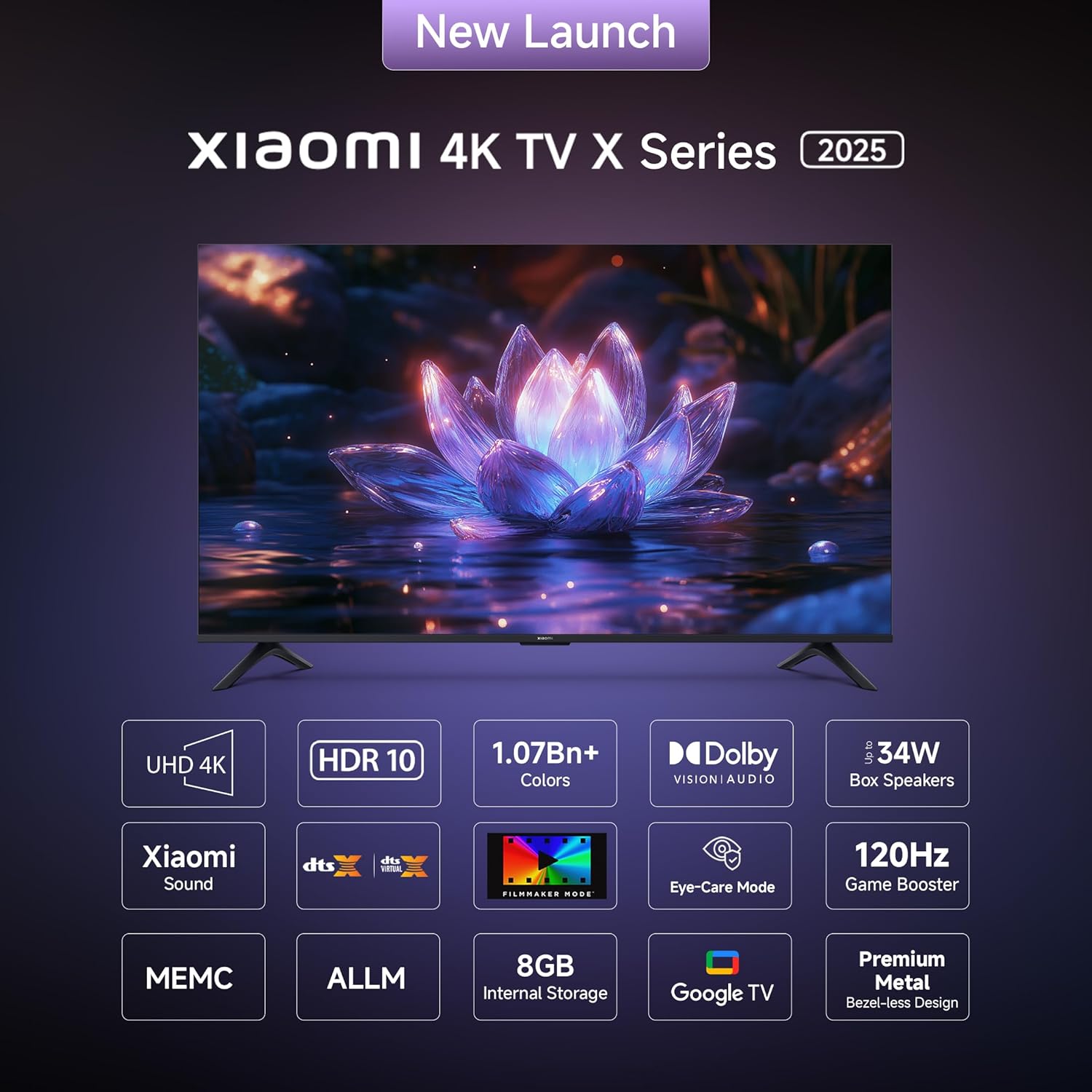
Image Description: A front view of the Xiaomi 55-inch TV, clearly showing the two stand units securely attached to the bottom of the television.
Wall Mounting:
If you choose to wall mount your TV, please consult a professional installer to ensure proper and safe installation. Refer to the wall mount kit instructions for specific details.
3.3. Connecting Peripherals
The TV features various ports for connecting external devices. Refer to the diagram below for port locations and types.
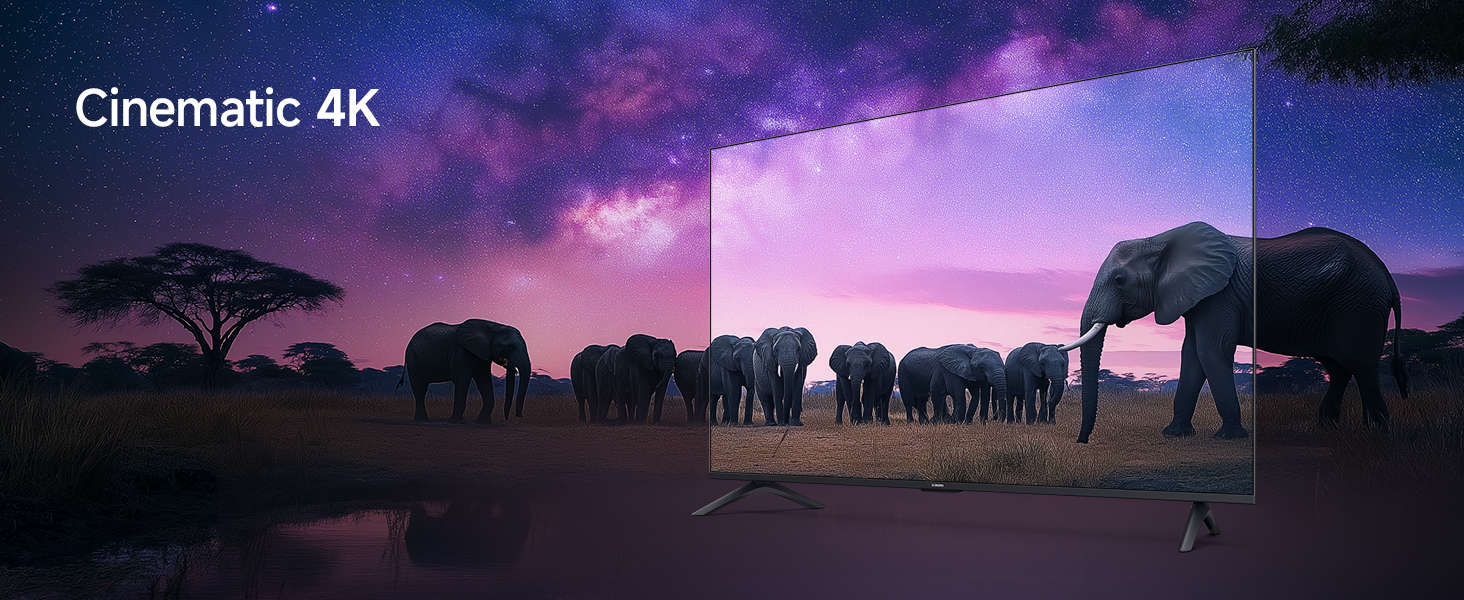
Image Description: A detailed diagram highlighting the various connectivity ports located on the back panel of the Xiaomi TV. These include ports for Ethernet, three HDMI inputs (one supporting eARC), two USB 2.0 ports, a 3.5mm earphone jack, two antenna inputs, an AV input, and an optical audio output.
- HDMI Ports (x3): Connect gaming consoles, Blu-ray players, set-top boxes. One port supports eARC for enhanced audio return.
- USB Ports (x2): Connect USB storage devices for media playback.
- Ethernet Port: For wired internet connection.
- Optical Audio Output: For connecting to external audio systems.
- 3.5mm Earphone Jack: For headphones or external speakers.
- AV Input: For older devices using composite video and stereo audio.
- Antenna Input (x2): For connecting to terrestrial or cable TV signals.
3.4. Initial Power On and Network Setup
- Connect the power cord to the TV and a power outlet.
- Press the power button on the remote control or the TV to turn it on.
- Follow the on-screen instructions to complete the initial setup, including language selection, network connection (Wi-Fi or Ethernet), and Google account login.
- The TV runs on Android 14 OS with Google TV, providing access to a wide range of apps and services.
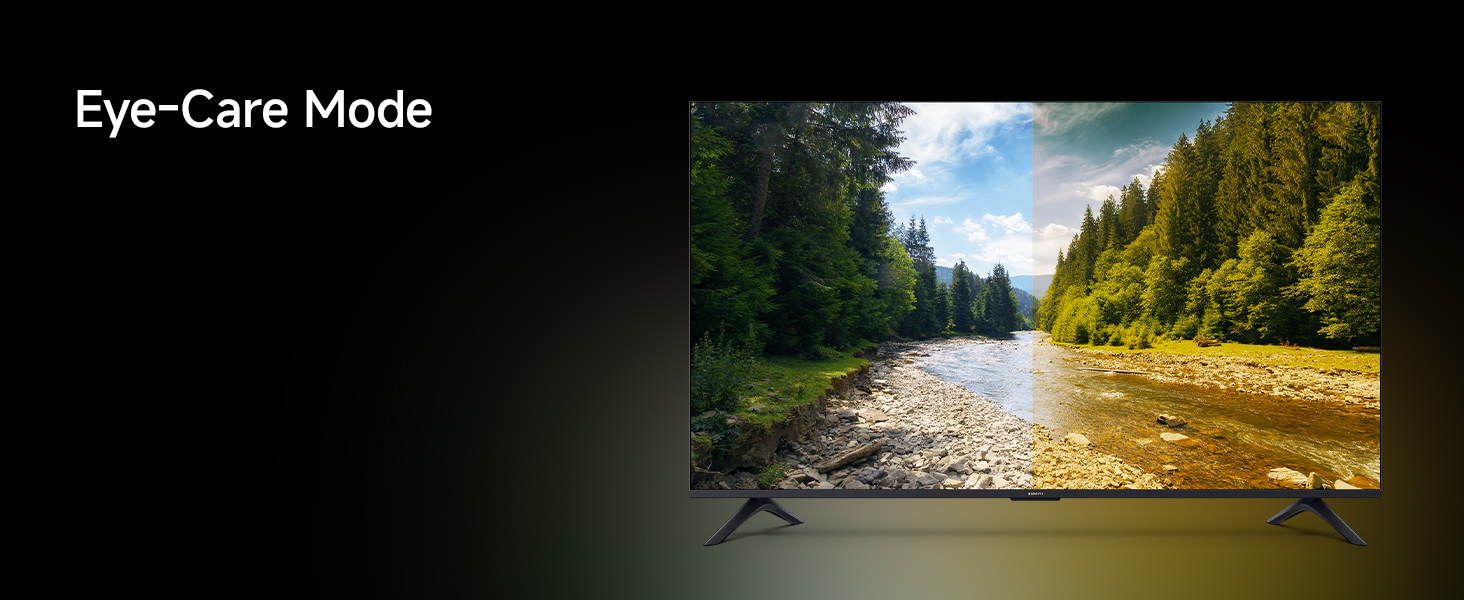
Image Description: A screenshot of the Google TV interface, displaying a personalized home screen with various streaming applications and content recommendations, demonstrating the user-friendly navigation.
4. Operating the TV
4.1. Remote Control Functions
The included remote control provides access to all TV functions. Insert the two AAA batteries into the remote control before use.
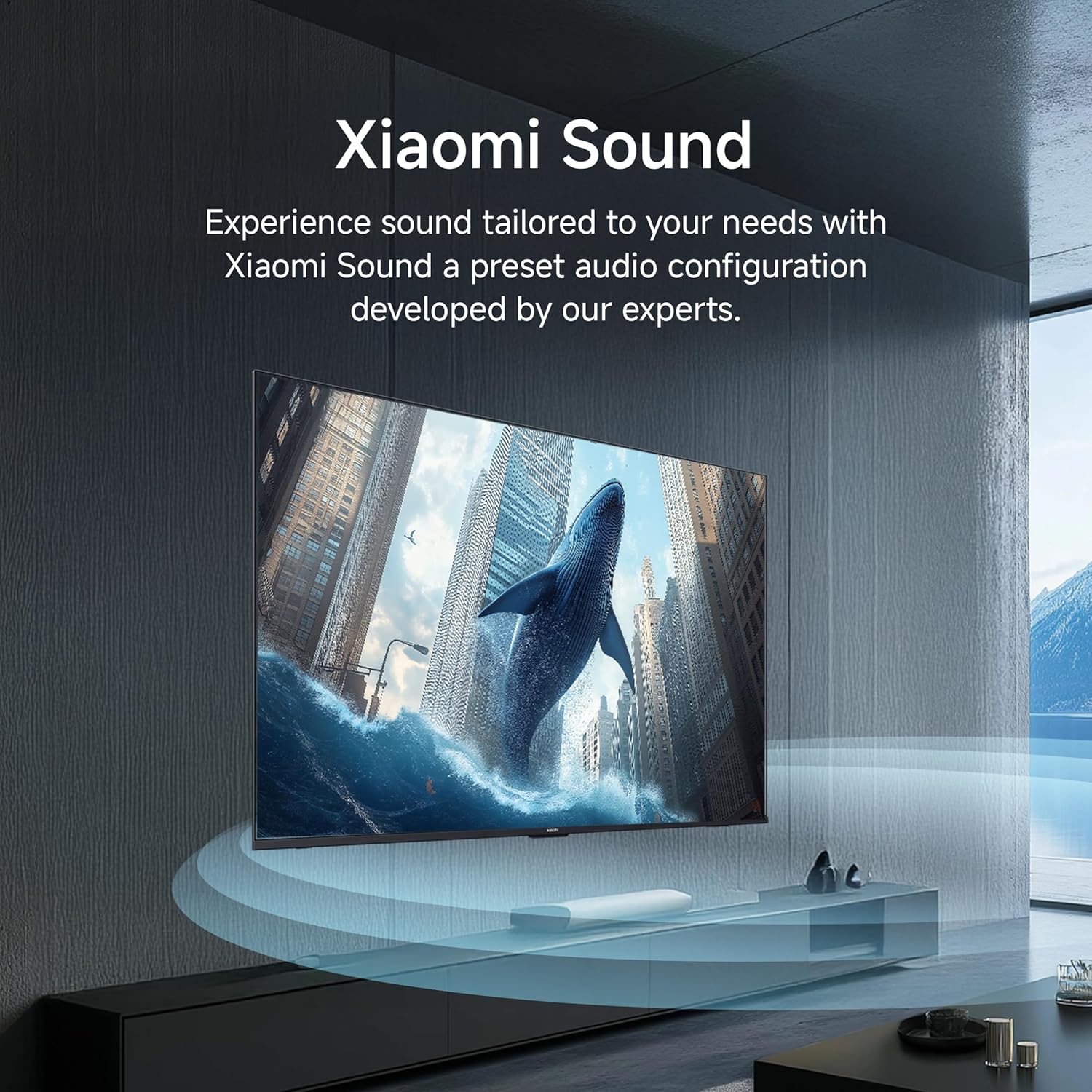
Image Description: A close-up view of the Xiaomi TV remote control, highlighting its various buttons including power, numerical keys, directional pad for navigation, volume controls, and dedicated quick access buttons for popular streaming services such as Netflix and Prime Video.
- Power Button: Turns the TV on or off.
- Navigation Pad: For menu navigation and selection.
- Volume Up/Down: Adjusts the audio level.
- Channel Up/Down: Changes TV channels.
- Quick Access Buttons: Dedicated buttons for Netflix, Prime Video, YouTube, and other services.
- Google Assistant Button: Activates voice commands.
- Mute Button: Silences the TV audio.
4.2. Smart TV Features
Your Xiaomi TV comes with Google TV, offering a personalized and integrated entertainment experience:
- Built-In Wi-Fi: Connects to your home network for internet access.
- Google Cast Built-In: Stream content directly from your smartphone or tablet to the TV.
- Supported Apps: Access popular streaming services like Netflix, Prime Video, YouTube, Zee5, and many more from the Google Play Store.
- Google Assistant: Use voice commands to search for content, control smart home devices, and get information.
- PatchWall: Provides customized recommendations and content curation.
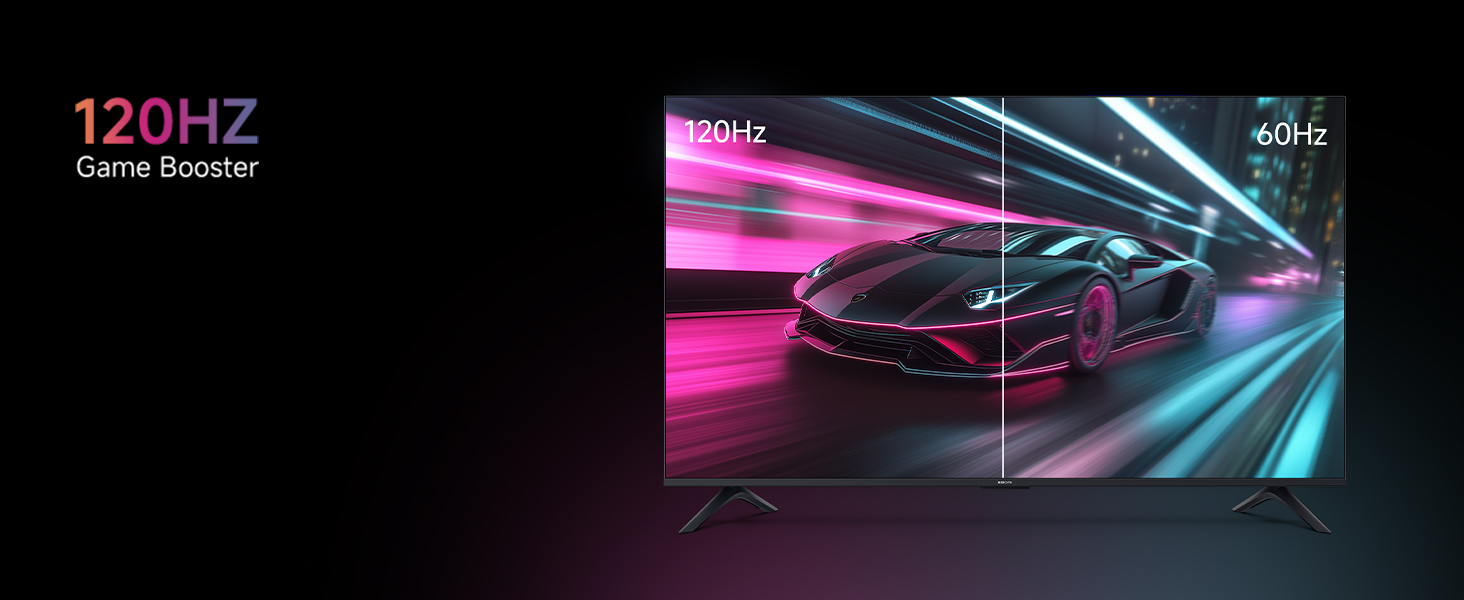
Image Description: An image showing a smartphone screen mirroring its content onto the larger Xiaomi TV display, illustrating the Google Cast and Apple AirPlay 2 streaming capabilities.
4.3. Picture Settings and Display Technologies
Experience stunning visuals with the TV's advanced display features:
- 4K Ultra HD (3840 x 2160): Delivers exceptional clarity and detail.
- 4K Dolby Vision: Dynamically optimizes image quality frame by frame for superior brightness, contrast, and color.
- HDR 10 & HLG: Enhances contrast and color accuracy for a more lifelike viewing experience.
- Reality Flow MEMC: Motion Estimation, Motion Compensation technology reduces motion blur for smoother fast-paced scenes.
- Vivid Picture Engine 2: Optimizes color, contrast, and sharpness.
- Wide Colour Gamut: Reproduces a broader spectrum of colors for richer, more vibrant images.
- Filmmaker Mode: Disables post-processing effects to present content exactly as the director intended.
- Eye Comfort Mode: Reduces blue light emission to minimize eye strain during prolonged viewing.
- 120Hz Game Booster (DLG): Boosts refresh rate to 120Hz for ultra-low latency and responsive gaming.
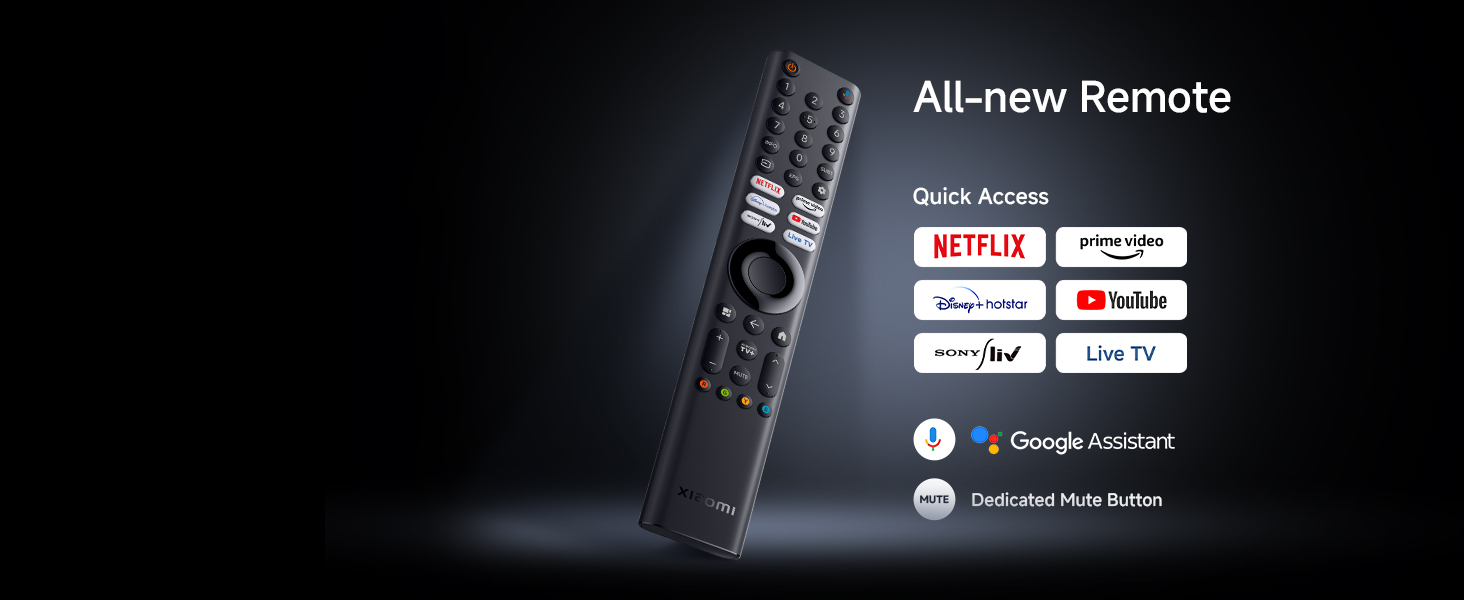
Image Description: An image depicting a couple enjoying a movie on the Xiaomi TV, with the scene optimized by Filmmaker Mode to deliver a cinematic viewing experience as intended by the director.
Image Description: A split-screen image comparing a car racing game, with one side showing the smooth motion at 120Hz and the other side showing the standard 60Hz, illustrating the benefit of the 120Hz Game Booster for reduced latency and improved responsiveness.
4.4. Audio Settings and Sound Technologies
The TV delivers powerful and clear audio:
- 34 Watts Output: Provides robust sound for an immersive experience.
- Dolby Audio: Enhances sound quality with rich, clear, and powerful audio.
- DTS-X & DTS Virtual:X: Creates a multi-dimensional audio experience, simulating surround sound.
- Xiaomi Sound: A preset audio configuration developed by experts to tailor sound to your needs.
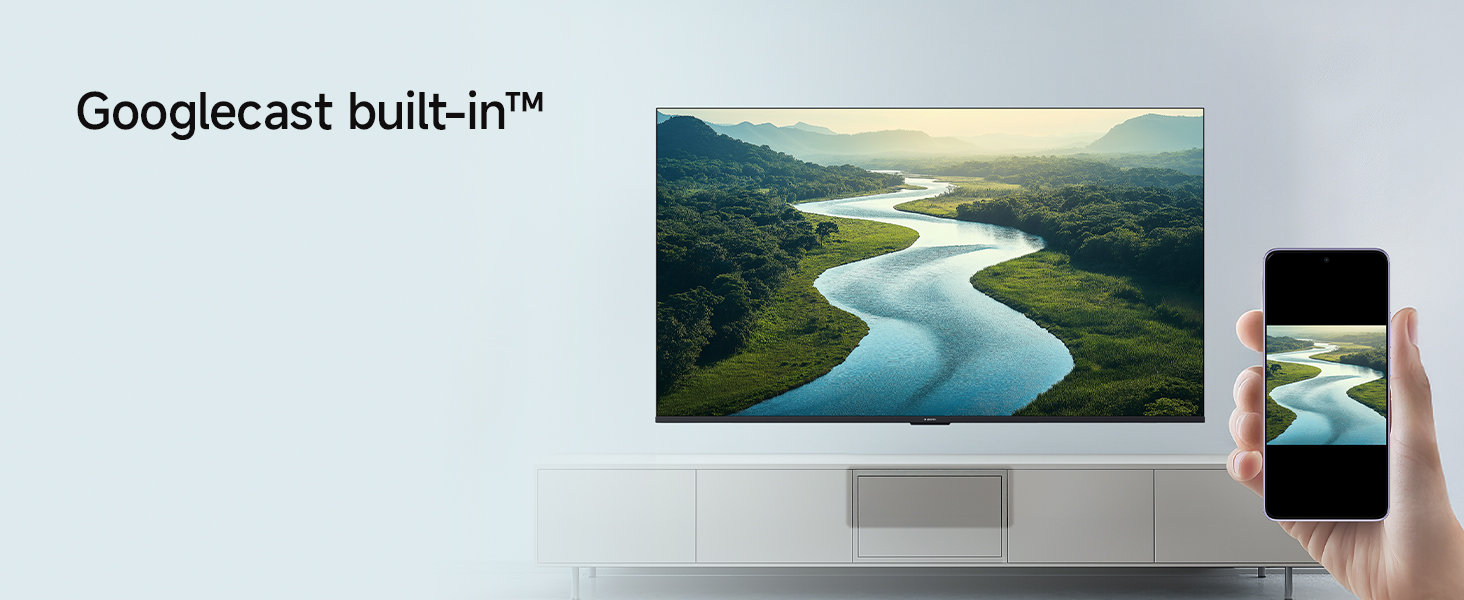
Image Description: An image showing sound waves emanating from the Xiaomi TV, visually representing the cinematic audio experience enhanced by Dolby Audio, DTS-X, and DTS Virtual:X technologies.
5. Maintenance
To ensure the longevity and optimal performance of your Xiaomi TV, follow these maintenance guidelines:
- Cleaning the Screen: Gently wipe the screen with a soft, lint-free cloth. For stubborn marks, slightly dampen the cloth with water or a screen-cleaning solution specifically designed for TVs. Do not spray liquid directly onto the screen.
- Cleaning the Frame: Use a soft, dry cloth to wipe the TV frame and stand.
- Ventilation: Ensure the ventilation openings on the back of the TV are not blocked to prevent overheating.
- Power Cord: Regularly check the power cord for any damage. If damaged, contact service personnel for replacement.
- Dust Removal: Periodically use a soft brush or a vacuum cleaner with a brush attachment to remove dust from the vents.
6. Troubleshooting
If you encounter issues with your TV, refer to the following common troubleshooting steps:
No Power / TV Not Turning On:
- Check if the power cord is securely plugged into both the TV and the power outlet.
- Ensure the power outlet is functioning by testing it with another device.
- Press the power button on the TV itself, not just the remote, to rule out a remote issue.
No Picture / Black Screen:
- Verify that the correct input source (HDMI 1, HDMI 2, AV, etc.) is selected.
- Check all cable connections between the TV and external devices.
- Try restarting the TV and any connected devices.
Remote Control Not Working:
- Replace the batteries in the remote control with new AAA batteries.
- Ensure there are no obstructions between the remote and the TV's IR sensor.
- For Bluetooth remotes, try re-pairing the remote with the TV (refer to the TV's settings menu).
Poor Picture Quality:
- Check the resolution settings of the connected device and the TV.
- Adjust picture settings such as brightness, contrast, and sharpness in the TV menu.
- Ensure the input source is providing a high-quality signal.
No Sound:
- Check the volume level and ensure the TV is not muted.
- Verify audio cable connections to external sound systems or soundbars.
- Check the audio output settings in the TV menu.
Smart TV / App Issues:
- Check your internet connection (Wi-Fi or Ethernet).
- Try restarting the TV.
- Clear the cache and data for the problematic app in the TV's settings.
- Ensure the TV's software is up to date.
7. Specifications
Detailed technical specifications for the Xiaomi 55-inch X Ultra HD 4K Smart Google LED TV (Model L55MB-AIN):
| Feature | Specification |
|---|---|
| Brand | XIAOMI |
| Model | L55MB-AIN |
| Model Name | GTV Series |
| Model Year | 2025 |
| Screen Size | 55 Inches (138 cm) |
| Display Technology | LED |
| Resolution | 4K Ultra HD (3840 x 2160 Pixels) |
| Refresh Rate | 60 Hz / 120Hz DLG |
| Operating System | Google TV (Android 14 OS) |
| RAM Memory Installed Size | 2 GB |
| Memory Storage Capacity (ROM) | 8 GB |
| Audio Output Power | 34 Watts |
| Audio Technologies | Dolby Audio, DTS-X, DTS Virtual:X |
| Connectivity | Dual Band Wi-Fi, Bluetooth, Ethernet, 3 HDMI ports (1 eARC), 2 USB ports, Optical, AV Input, 3.5mm Audio |
| Special Features | Filmmaker Mode, MEMC, Eye Comfort Mode, Google Assistant, Google Cast built-in |
| Product Dimensions (LxWxH) | 122.6 x 31.2 x 77 cm (with stand) |
| Item Weight | 9.2 kg |
| Power Source | AC 240 Volts |
| On-mode power consumption | 130 watts |
| Visible screen diagonal | 55" / 140 cm |

Image Description: A technical diagram illustrating the physical dimensions of the Xiaomi 55-inch TV, including its width (1226mm), height without stand (711mm), height with stand (770mm), and the diagonal screen size (138 cm).

Image Description: An energy efficiency label for the Xiaomi TV Model L55MB-AIN, indicating a 3-star rating and an estimated annual energy consumption of 180 kWh per year, along with BEE certification.
8. Warranty and Support
Your Xiaomi TV comes with a 2-year comprehensive warranty. This warranty covers the cost of parts and labor for the product on an on-site service basis. Local transportation costs are also covered if the unit needs to be transported to a service center for repairs that cannot be performed at your premises.
Image Description: A graphic emphasizing the '2 Years Complete Warranty' offered for Xiaomi TVs, indicating comprehensive coverage for the product.
To avail of the brand warranty, please retain your Amazon invoice as proof of purchase. The full user manual can also be accessed from the official Xiaomi brand website for more detailed information and support.
For further assistance or to register a service request, please visit the official Xiaomi support website or contact their customer service.


