
1. Introduction
This manual provides essential instructions for the safe and efficient operation of your PECSU S2 MP3 Player. Please read this manual thoroughly before using the device and retain it for future reference.
Package Contents
Upon opening the package, verify that all items are present:
- PECSU S2 MP3 Player
- 64GB Memory Card (pre-inserted)
- Wired Earbuds
- USB Data Cable (Type-C)
- User Guide (this document)

2. Device Overview
The PECSU S2 MP3 Player is a compact, multifunctional device designed for portable audio and more. It features a 1.77-inch screen and intuitive controls.

Key Features:
- Bluetooth 5.3: For wireless audio connectivity.
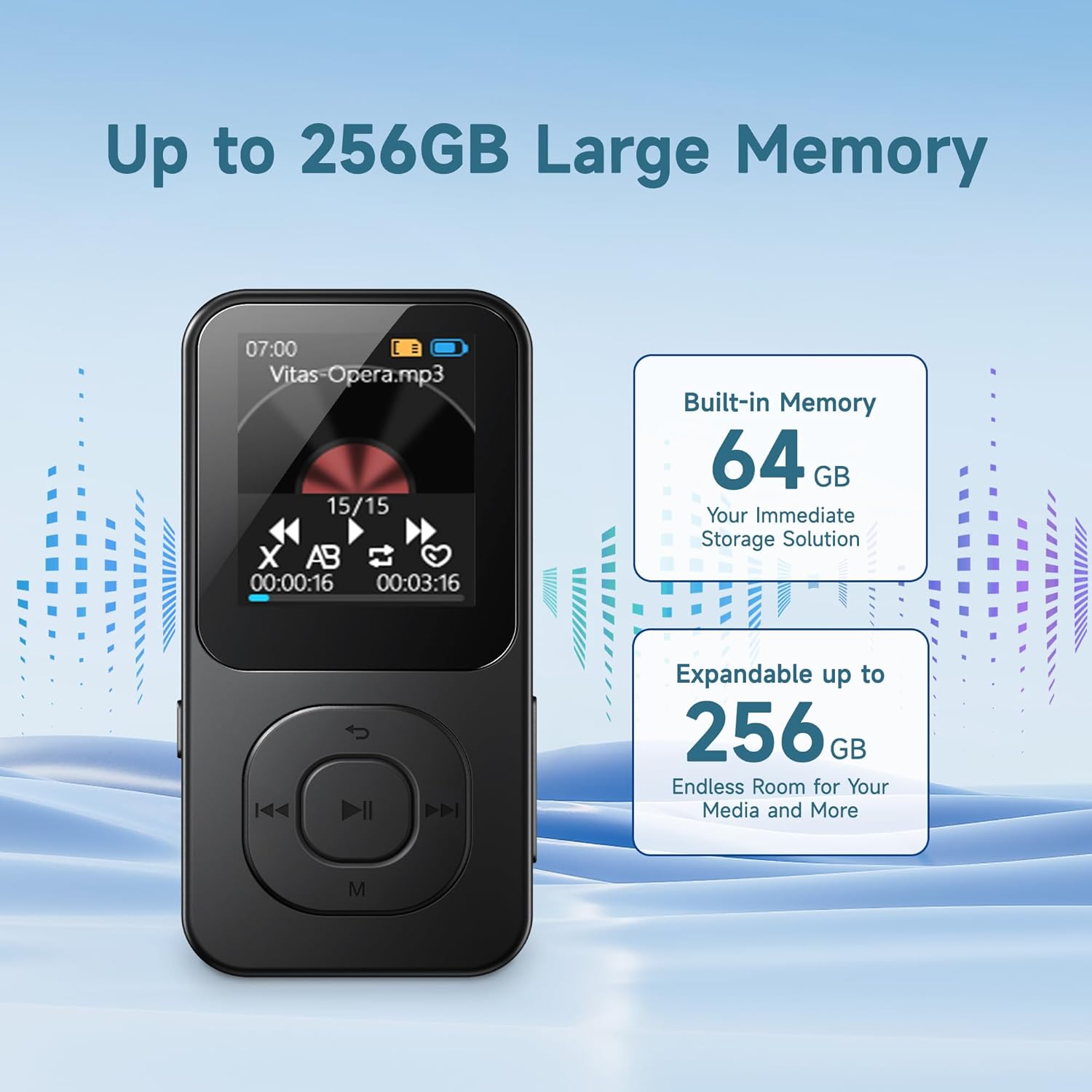
- 64GB Internal Storage: Pre-installed memory card, expandable up to 256GB.
- HiFi Lossless Sound: Supports various audio formats.
- Built-in Speaker: For listening without headphones.
- FM Radio: Requires wired headphones as an antenna.
- Voice Recorder: Noise-reduction capability.
- E-book Reader: Supports .txt files.
- Timer Off Function: Customizable shutdown settings.
3. Setup
3.1 Charging the Device
- Connect the provided USB Type-C cable to the charging port on the player.
- Connect the other end of the USB cable to a USB power adapter (not included) or a computer's USB port.
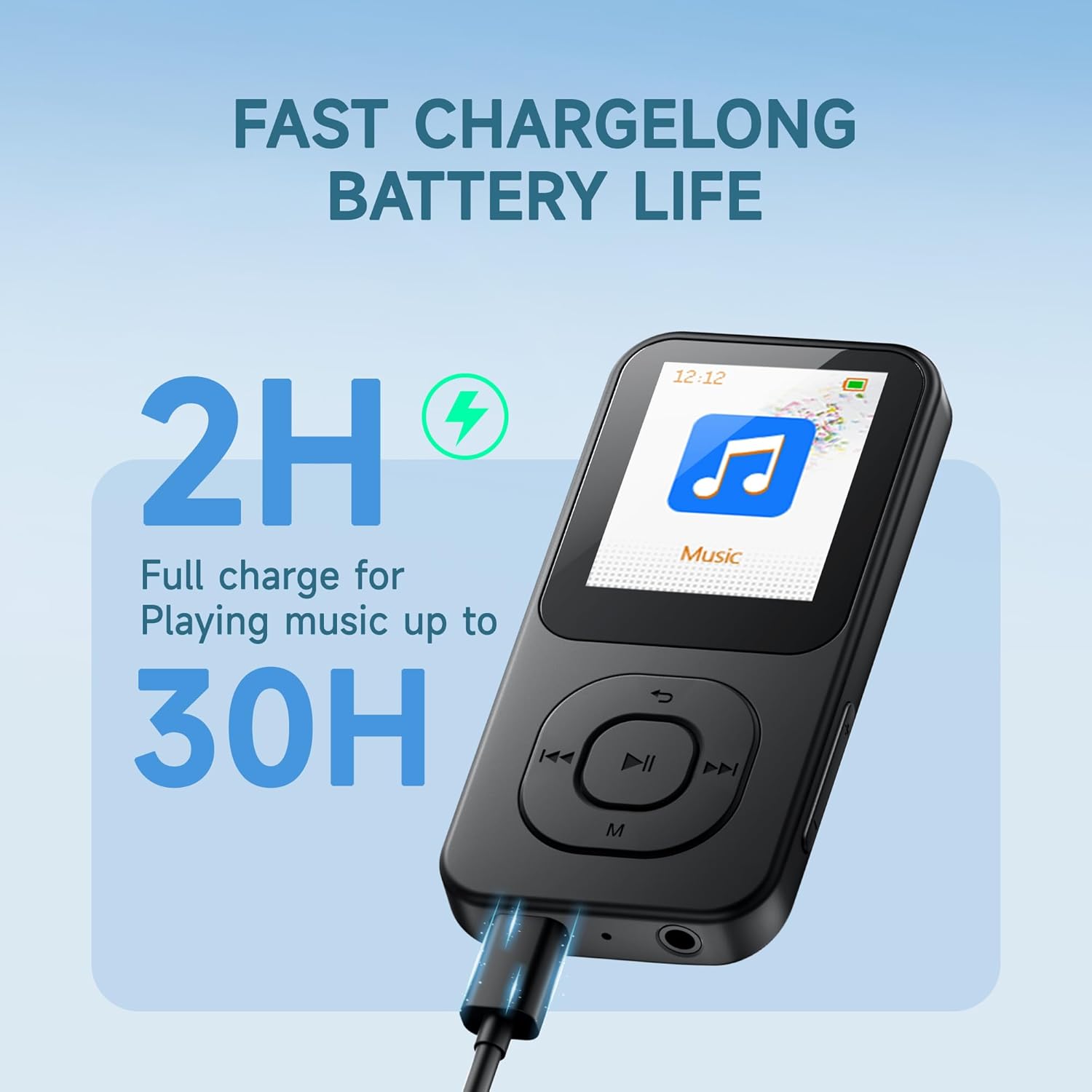
- The device will indicate charging status on the screen. A full charge typically takes approximately 2 hours.
A fully charged device provides up to 30 hours of music playback.
3.2 Powering On/Off
- To Power On: Press and hold the ON/OFF button located on the side of the device until the screen illuminates.
- To Power Off: Press and hold the ON/OFF button until the power-off prompt appears, then confirm.
3.3 Transferring Files
The PECSU S2 comes with a 64GB memory card pre-inserted, which can be expanded up to 256GB using a compatible TF card. You can transfer files directly via the USB cable.
- Connect the MP3 player to your computer using the provided USB Type-C cable.
- The player will appear as a removable disk drive on your computer.
- Drag and drop your desired music, e-books, videos, or photos into the appropriate folders on the player's memory card.
- Safely eject the device from your computer before disconnecting the USB cable.
Note: Some users may experience initial difficulties with direct file transfer. If issues arise, ensure the device is properly recognized by your computer. The new version of the player supports direct file transfer via USB cable without needing a separate card reader.
4. Operating Instructions
4.1 Basic Navigation
The player features physical buttons for navigation:
- Play/Pause Button: Center button to start or pause playback.
- Previous/Next Buttons: Use to skip tracks or navigate menu options.
- 'M' Button: Typically accesses menu options or returns to the previous screen.
- Volume +/- Buttons: Adjust audio output level.
Note: Navigation may require familiarization. For list scrolling, the 'Previous' and 'Next' buttons might function as 'Up' and 'Down' respectively, rather than left/right as indicated by their icons.
4.2 Music Playback
The PECSU S2 supports various audio formats including MP3, FLAC, WAV, APE, OGG, AAC-LC, and M4A, delivering HiFi lossless sound quality.
- From the main menu, select 'Music'.
- Browse your music library by artist, album, or folder.
- Select a track to begin playback.
- Use the Play/Pause, Previous, and Next buttons to control playback.
Customization Options:
- EQ Presets: Access equalizer settings (Pop, Rock, Jazz, Classical, Dance, Country, etc.) through the music playback menu.
- Playback Modes: Choose between Loop ALL, Shuffle, or Loop single.
- Variable Speed Playback: Adjust the playback speed of audio files.

4.3 Bluetooth Connectivity
The device features Bluetooth 5.3 for stable and fast wireless connections to headphones or speakers.
- From the main menu, select 'Bluetooth'.
- Turn on Bluetooth. The player will search for nearby devices.
- Ensure your Bluetooth headphones or speaker are in pairing mode.
- Select your device from the list to pair.
Note: When wired headphones are plugged in, the device will automatically switch from Bluetooth output to wired output. Unplugging wired headphones will revert to Bluetooth if a paired device is connected.

4.4 FM Radio
To use the FM Radio function, wired headphones must be connected as they serve as the antenna.
- Plug in the wired earbuds into the 3.5mm jack.
- From the main menu, select 'FM Radio'.
- Use the navigation buttons to scan for stations or manually tune.
4.5 Voice Recorder
The device includes a noise-reduction voice recorder.
- From the main menu, select 'Recorder'.
- Choose recording quality (Normal or High Quality). High quality recordings will result in larger file sizes.
- Press the Play/Pause button to start and stop recording.
- Recordings are saved to the device's memory.
4.6 E-book Reader
The player supports reading .txt format e-books.
- Transfer .txt files to the device's memory.
- From the main menu, select 'E-book'.
- Select the desired .txt file to open.
Note: The 1.77-inch screen displays limited text per page. The device saves your reading progress.
4.7 Timer Off Function
This feature allows you to set the device to automatically shut down after a period of inactivity or at a specific time.
- Idle Shutdown: Configures the device to power off after a set period of no activity.
- Timed Shutdown: Sets a specific time for the device to power off.
5. Maintenance
Proper care ensures the longevity and optimal performance of your PECSU S2 MP3 Player.
5.1 Cleaning
- Use a soft, dry, lint-free cloth to clean the device's screen and body.
- Avoid using abrasive cleaners, solvents, or aerosol sprays.
- Do not allow moisture to enter any openings.
5.2 Battery Care
- Charge the device regularly, but avoid leaving it fully discharged for extended periods.
- Do not expose the device to extreme temperatures (hot or cold), as this can degrade battery performance.
- If storing the device for a long time, charge it to about 50% and store in a cool, dry place.
5.3 Storage
- Store the player in a dry environment, away from direct sunlight and excessive humidity.
- Protect the screen from scratches by using a protective case or screen protector.
6. Troubleshooting
If you encounter issues with your PECSU S2 MP3 Player, refer to the following common solutions:
| Problem | Possible Cause | Solution |
|---|---|---|
| Device does not power on. | Battery is depleted. | Charge the device for at least 15 minutes before attempting to power on. |
| Cannot transfer files to the player. | Improper USB connection; computer not recognizing device. | Ensure the USB cable is securely connected. Try a different USB port or cable. Restart both the player and your computer. Ensure the device is not in another mode (e.g., charging only). |
| Bluetooth device not pairing. | Bluetooth on player or external device is off; device not in pairing mode. | Ensure Bluetooth is enabled on both devices. Put the external device into pairing mode. Move devices closer together. |
| FM Radio has static or no signal. | Wired headphones not connected; poor signal area. | Connect wired headphones, as they act as the antenna. Move to an area with better reception. |
| Navigation buttons are confusing. | Unfamiliarity with interface design. | Familiarize yourself with the button functions. Note that 'Previous' and 'Next' buttons may control vertical scrolling in menus. |
| No ID3 tag information or album art displayed during music playback. | Device limitation. | The PECSU S2 player displays file names during playback and does not support ID3 tag or album art display. This is expected behavior. |
If the problem persists after trying these solutions, please contact PECSU customer support.
7. Specifications
| Feature | Detail |
|---|---|
| Model Name | S2 |
| Dimensions (L x W x H) | 3.53 x 1.71 x 0.35 inches |
| Weight | 1.16 ounces (33 grams) |
| Screen Size | 1.77 Inches |
| Internal Storage | 64 GB (via pre-inserted TF card) |
| Expandable Storage | Up to 256 GB (via TF card) |
| Bluetooth Version | 5.3 |
| Supported Audio Formats | MP3, FLAC, WAV, APE, OGG, AAC-LC, M4A |
| Battery Type | 1 Nonstandard Battery (included) |
| Charging Time | Approx. 2 hours |
| Music Playback Time | Up to 30 hours |
| Connectivity | USB Type-C, 3.5mm Audio Jack |
| Special Features | Built-in Speaker, FM Radio, Voice Recorder, E-book Reader, Timer Off |
8. Warranty and Support
PECSU is committed to providing quality products and customer satisfaction.
8.1 Warranty Information
Your PECSU S2 MP3 Player is covered by a manufacturer's warranty. Please refer to the warranty card included in your package for specific terms and conditions. Retain your proof of purchase for warranty claims.
8.2 Customer Support
For any issues, questions, or warranty concerns, the PECSU support team is available 24/7 to assist you. Please visit the official PECSU website or contact their customer service directly for assistance.
PECSU Official Store: Visit PECSU Store on Amazon