
FOSA LX-80
FOSA LX-80 Bluetooth Translation Earbuds User Manual
Model: LX-80
Introduction
Thank you for choosing the FOSA LX-80 Bluetooth Translation Earbuds. These earbuds are designed to provide real-time language translation, high-quality audio for music and calls, and comfortable wear. This manual will guide you through the setup, operation, and maintenance of your device.
Package Contents
- 2 x FOSA LX-80 Translation Earbuds (Left and Right, inside Charging Case)
- 1 x Charging Case
- 1 x USB Charging Cable
- 1 x User Manual
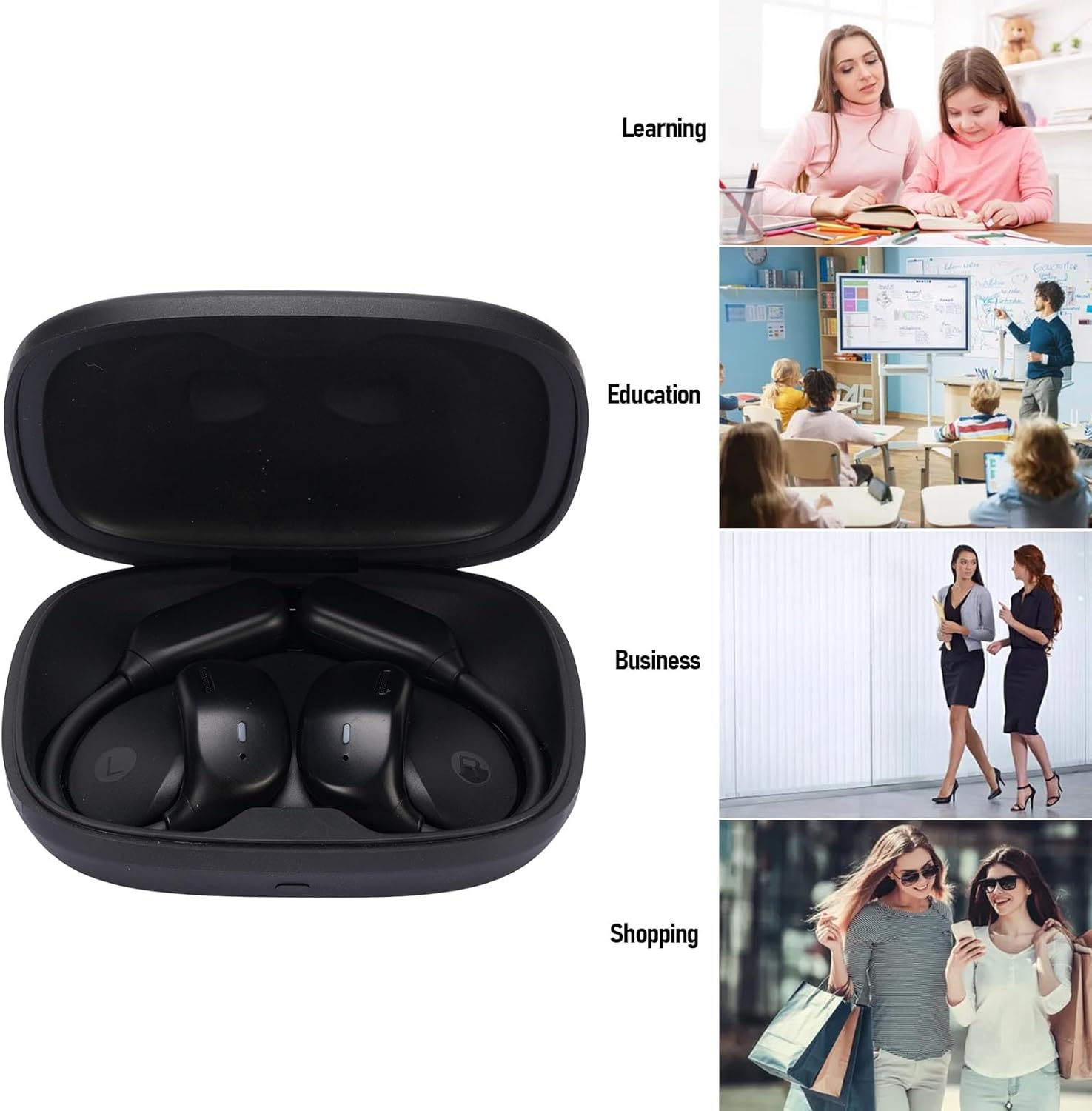
Image: The FOSA LX-80 translation earbuds shown inside their charging case, alongside a USB charging cable.
Setup
1. Charging the Earbuds and Case
Before first use, fully charge the earbuds and the charging case. Connect the provided USB charging cable to the charging case and a compatible USB power source. The indicator lights on the case will show the charging status. The charging case also features a digital touchscreen for displaying information.
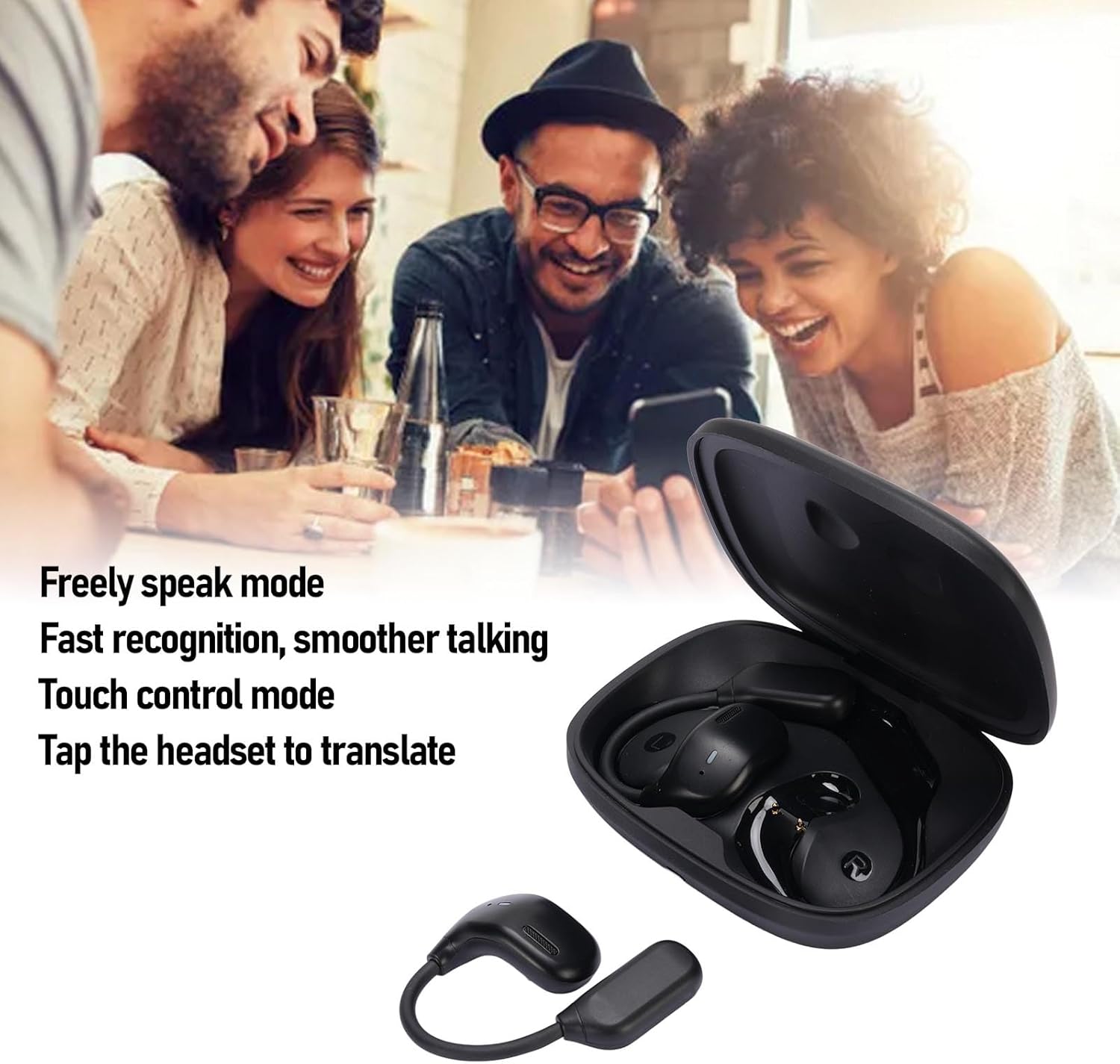
Image: The FOSA LX-80 charging case with a USB charging cable connected, illustrating the charging process.
2. Downloading the AI Library App
To utilize the translation features, download the "AI Library" application on your smartphone or tablet. Search for "AI Library" in your device's app store (e.g., Apple App Store, Google Play Store).
3. Pairing with Your Device
- Ensure the earbuds are charged and removed from the charging case. They will automatically enter Bluetooth pairing mode.
- Open the Bluetooth settings on your smartphone or tablet.
- Select "FOSA LX-80" from the list of available devices to pair.
- Once paired, open the "AI Library" app and follow the in-app instructions to bind the earbuds for translation functions.
Operating Instructions
Wearing the Earbuds
The FOSA LX-80 earbuds feature an ear hook design for a secure and comfortable fit. Gently place the earbud into your ear canal and adjust the ear hook over your ear until it feels stable.

Image: A close-up view of the FOSA LX-80 earbuds, highlighting their ergonomic ear hook design for comfortable wear.
Translation Modes
The earbuds support 4 distinct translation modes, accessible through the AI Library app:
- Silent Mode: For private translation, where only the user hears the translated audio.
- Speaker Mode: The translated audio is played through your phone's speaker, allowing others to hear.
- Headphone Mode: Both users wear an earbud, enabling two-way real-time conversation.
- Binaural Mode: Optimized for specific conversational scenarios, often involving two users with one earbud each.
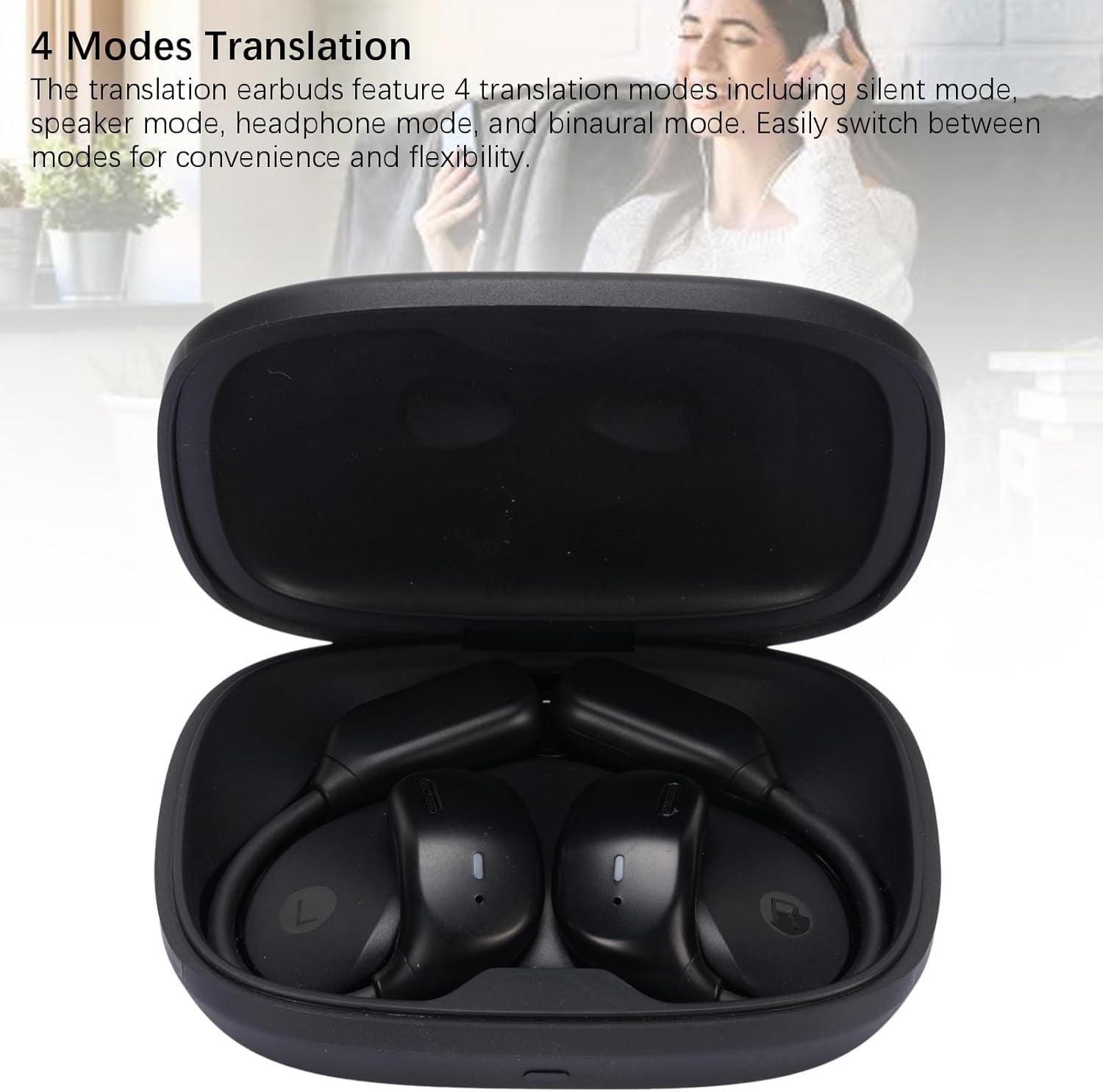
Image: The FOSA LX-80 earbuds in their charging case, visually representing the concept of multiple translation modes.
Language Support
The FOSA LX-80 supports translation in 144 languages, with 14 voice translation languages. It utilizes 4 top translation engines and 15 global servers for low-latency, high-accuracy translation (approximately 0.5 seconds latency and 97% accuracy).

Image: Two FOSA LX-80 earbuds displayed against a background of people in a meeting, emphasizing the 144 language support.
Audio Playback and Calls
Beyond translation, the earbuds deliver HiFi stereo sound for music and clear audio for phone calls. Use the touch controls on the earbuds to manage playback, answer/end calls, and activate voice assistants (functions may vary based on app and device).
Maintenance
- Cleaning: Use a soft, dry cloth to clean the earbuds and charging case. Do not use liquids or abrasive cleaners.
- Storage: When not in use, store the earbuds in their charging case to protect them and keep them charged.
- Battery Care: To prolong battery life, avoid fully discharging the earbuds and charging case frequently. Charge them regularly.
Troubleshooting
| Problem | Solution |
|---|---|
| Earbuds not pairing | Ensure earbuds are charged. Turn off and on Bluetooth on your device. Forget the device in Bluetooth settings and try pairing again. |
| Translation not working | Check if the earbuds are properly connected to the "AI Library" app. Ensure your device has an active internet connection. Verify language settings in the app. |
| Poor audio quality | Ensure earbuds are clean and properly seated in your ears. Check the audio source quality. Move closer to your connected device to avoid interference. |
| Earbuds not charging | Verify the charging cable and power adapter are working. Ensure the earbuds are correctly placed in the charging case. Clean the charging contacts if necessary. |
Specifications
| Feature | Detail |
|---|---|
| Model Name | LX-80 |
| Item Model Number | fosaaiv2s438th |
| Material | Acrylonitrile Butadiene Styrene (ABS) |
| Charging Case Battery Capacity | 600mAh |
| Single Earbud Battery Capacity | 45mAh |
| Continuous Operating Time | Up to 6 hours |
| Standby Time | Up to 120 hours |
| Wireless Communication | Bluetooth |
| Translation Languages | 144 languages (14 voice translation) |
| Translation Latency | 0.5 seconds |
| Item Weight | 5.5 ounces |
| Package Dimensions | 4.72 x 4.33 x 1.97 inches |
Warranty and Support
For warranty information or technical support, please refer to the contact details provided on the product packaging or visit the official FOSA website. Keep your purchase receipt for warranty claims.
Ask a question about this manual
Ask about setup, troubleshooting, compatibility, parts, safety, or missing instructions. Manuals+ will review the question and use this page’s manual context to help answer it.