
Wildgame Innovations Terra XT 2.0
Wildgame Innovations Terra XT 2.0 Cellular Trail Camera User Manual
Model: Terra XT 2.0 (FC-CR1_K2256)
Brand: Wildgame Innovations
Introduction
Thank you for choosing the Wildgame Innovations Terra XT 2.0 Cellular Trail Camera. This manual provides detailed instructions to help you set up, operate, and maintain your camera for optimal performance. Please read this manual thoroughly before using your device.
What's in the Box
Verify that all components are present in your package:
- Wildgame Innovations Terra XT 2.0 24MP Cellular Trail Camera
- 32GB Ultra SDHC UHS-I Memory Card (Quantity may vary based on bundle)
- All-In-One High-Speed Card Reader (Quantity may vary based on bundle)

Image: Contents of the Wildgame Innovations Terra XT 2.0 bundle, including the trail camera, SD cards, and a card reader.
Product Features
The Wildgame Innovations Terra XT 2.0 camera is designed for reliable outdoor surveillance with advanced features:
- High-Resolution Imaging: Captures sharp 24MP photos and 720P video for clear visuals.
- Fast Trigger Speed: A 0.5-second trigger ensures quick capture of moving subjects.
- Customizable Capture Settings: Features a 1-3 photo burst mode and flexible time-out delays from 2-59 seconds or 1-59 minutes.
- Long-Range Detection: An 80-foot detection and flash range provides reliable performance across wide areas.
- Cellular Connectivity: Compatible with the HuntSmart App for photo and video on demand, and remote camera control.
- Network Coverage: Supports Verizon & AT&T networks.
- Illumination: Four 850nm infrared LEDs for clear night vision.
- Versatile Mounting: Includes an integrated multi-position mount and a 1/4-20 threaded insert.
- Security: Python cable provision for enhanced theft deterrence.
- Power Options: Powered by an 8-piece AA battery tray (batteries not included) or a 12V DC auxiliary jack for external power.

Image: Key features of the Terra XT 2.0 camera, including resolution, trigger speed, flash range, video capability, and app integration.
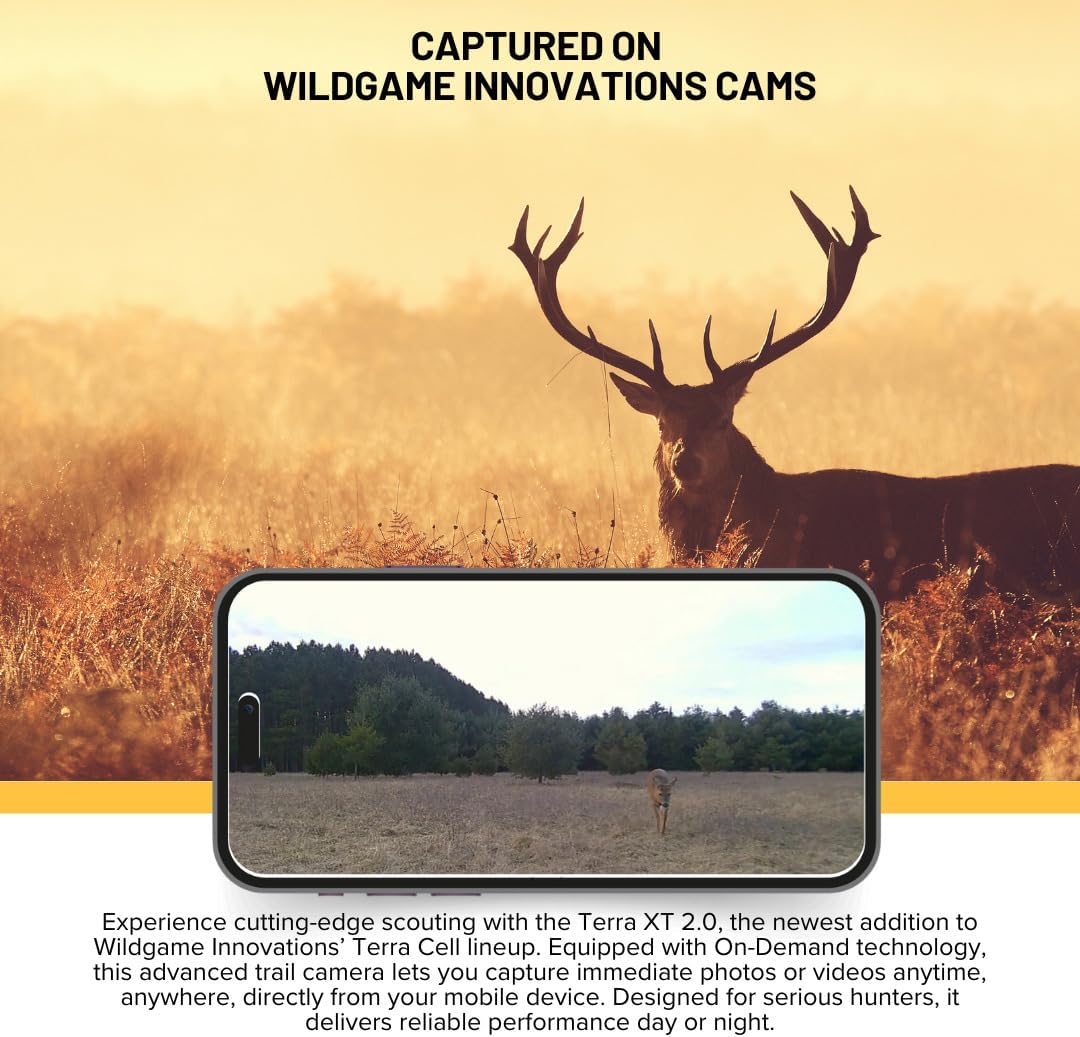
Image: Detailed specifications on the side of the Terra XT 2.0 camera, including illumination type, trigger speed, video resolution, and detection range.
Setup Guide
- Install Batteries: Open the battery compartment and insert 8 new AA batteries (not included), ensuring correct polarity. Alternatively, connect a 12V DC external power source to the auxiliary jack.
- Insert SD Card: Insert a compatible SDHC memory card (up to 32GB) into the SD card slot. Ensure the card is formatted before first use.
- Power On: Turn the camera on using the power switch.
- Initial Configuration: Follow the on-screen prompts (if available) or use the camera's menu buttons to set the date, time, and other basic settings.
- App Integration: Download the Wildgame Innovations HuntSmart App from your device's app store. Follow the app's instructions to pair your camera and activate cellular services.
- Mounting: Secure the camera using the integrated multi-position mount or a 1/4-20 threaded mount. Position the camera to cover your desired surveillance area.

Image: The Terra XT 2.0 trail camera mounted on a tree, demonstrating a typical setup scenario.
Operating Instructions
Camera Modes
- Photo Mode: Captures still images at 24MP resolution. Configure burst mode (1-3 photos per trigger) in settings.
- Video Mode: Records 720P video clips.
- Photo + Video Mode: Captures a still image followed by a video clip.
Adjusting Settings
Access the camera's menu to customize settings such as:
- Delay/Time-out: Set the interval between triggers (2-59 seconds or 1-59 minutes).
- Resolution: Select photo and video quality.
- Time/Date Stamp: Enable or disable the time and date overlay on images/videos.
- Sensitivity: Adjust the PIR sensor sensitivity.
Using the HuntSmart App
The HuntSmart App allows you to:
- View captured photos and videos remotely.
- Request photos and videos on demand.
- Change camera settings from your mobile device.
- Monitor camera status (battery, signal strength).

Image: Front view of the Terra XT 2.0 camera, illustrating the main components for operation.
Maintenance
- Battery Replacement: Replace all 8 AA batteries when the battery indicator shows low power. Do not mix old and new batteries or different battery types.
- SD Card Management: Regularly check and format your SD card to ensure optimal performance and prevent data corruption. Back up important files before formatting.
- Lens Cleaning: Gently clean the camera lens and PIR sensor window with a soft, lint-free cloth. Avoid abrasive materials that could scratch the surfaces.
- Housing Care: Keep the camera housing free from dirt, dust, and debris. Ensure all latches are securely closed to maintain water resistance.
- Firmware Updates: Check the Wildgame Innovations website or HuntSmart App for any available firmware updates to ensure your camera has the latest features and bug fixes.
Troubleshooting
| Problem | Possible Cause | Solution |
|---|---|---|
| Camera not powering on | Dead or incorrectly installed batteries; faulty external power source. | Replace batteries with new ones, ensuring correct polarity. Check external power connection. |
| No photos/videos captured | SD card full or corrupted; incorrect settings; PIR sensor obstructed. | Format or replace SD card. Verify camera settings (mode, delay). Clear any obstructions from the PIR sensor. |
| Poor image/video quality | Dirty lens; low light conditions; camera movement. | Clean the camera lens. Ensure adequate lighting or adjust camera placement. Securely mount the camera. |
| No cellular transmission | Poor signal; inactive cellular plan; incorrect app settings. | Relocate camera for better signal. Verify cellular plan activation. Check HuntSmart App settings and camera pairing. |
| False triggers | Heat sources (sun, moving branches); high PIR sensitivity. | Adjust camera angle to avoid direct sunlight or moving foliage. Reduce PIR sensitivity in settings. |
Specifications
| Model Number | FC-CR1_K2256 |
| Photo Resolution | Up to 24 Megapixels |
| Video Resolution | 720P |
| Trigger Speed | 0.5 seconds |
| Detection & IR Range | 80 feet |
| Flash Type | Four 850nm Infrared LEDs |
| Burst Mode | 1-3 photos per trigger |
| Time-out Delays | 2-59 seconds or 1-59 minutes |
| Memory Card Support | SDHC up to 32GB |
| Power Source | 8 AA batteries (not included) or 12V DC auxiliary jack |
| Cellular Network | Verizon & AT&T |
| App Compatibility | HuntSmart App |
Warranty and Support
For specific warranty information, please refer to the warranty card included with your product or visit the official Wildgame Innovations website. For technical support, troubleshooting assistance, or to inquire about replacement parts, please contact Wildgame Innovations customer service:
- Website: www.wildgameinnovations.com
- Customer Service: Refer to the website for contact details (phone, email, or support portal).
Always provide your product model number (Terra XT 2.0, FC-CR1_K2256) and purchase date when contacting support.
Related documentsTerra XT 2.0


Ask a question about this manual
Ask about setup, troubleshooting, compatibility, parts, safety, or missing instructions. Manuals+ will review the question and use this page’s manual context to help answer it.