
1. Introduction
This manual provides instructions for the assembly, operation, and maintenance of your HOOBRO BF52UXG01 Console Table. This slim console table is designed for use in various spaces such as behind a sofa, in an entryway, or living room, offering a convenient surface and an integrated charging station.

Image 1.1: The HOOBRO BF52UXG01 Console Table positioned behind a sofa, showcasing its slim design and integrated power outlet.
2. Safety Information
Please read and understand all safety instructions before assembly and use. Failure to follow these instructions may result in injury or damage to the product.
- Keep children away: Small parts can be a choking hazard. Keep children and pets away during assembly.
- Use on a level surface: Ensure the table is placed on a flat, stable surface to prevent tipping.
- Anti-tip device: Always install the included anti-tip device to secure the table to a wall, especially if it will be used in areas with children or pets, or if heavy items are placed on it.
- Electrical safety:
- Do not overload the power outlets. Refer to the specifications for maximum load.
- Do not expose the charging station to moisture or liquids.
- Ensure the power cord is not pinched or damaged.
- Unplug the table from the power source before cleaning or if not in use for extended periods.
- Maximum weight capacity: Do not exceed the maximum weight recommendation for the table top.
3. Package Contents
Verify that all components are present before beginning assembly. If any parts are missing or damaged, contact customer support.
- 1 x Console Table (disassembled components)
- 1 x Accessory Kit (screws, bolts, tools)
- 1 x Anti-Tip Kit
- 1 x Assembly Guide
- 1 x Charging Station (integrated into table top)
4. Setup & Assembly
Assembly typically requires one person and approximately 30-60 minutes. Follow the detailed instructions provided in the included Assembly Guide. The following general steps apply:
- Unpack and identify parts: Carefully remove all components from the packaging. Lay them out and compare them against the parts list in the Assembly Guide.
- Assemble the frame: Attach the metal frame components using the provided screws and tools. Important: Do not fully tighten screws until all parts are loosely assembled. This allows for minor adjustments to align holes.
- Attach the table top: Secure the engineered wood table top to the assembled metal frame.
- Install adjustable feet: Screw the adjustable feet into the bottom of the table legs. Adjust them to ensure the table is level and stable.
- Final tightening: Once all components are in place and aligned, securely tighten all screws.
- Install anti-tip device: Attach the anti-tip device to the back of the table and to a wall stud using the provided hardware. This is crucial for stability and safety.
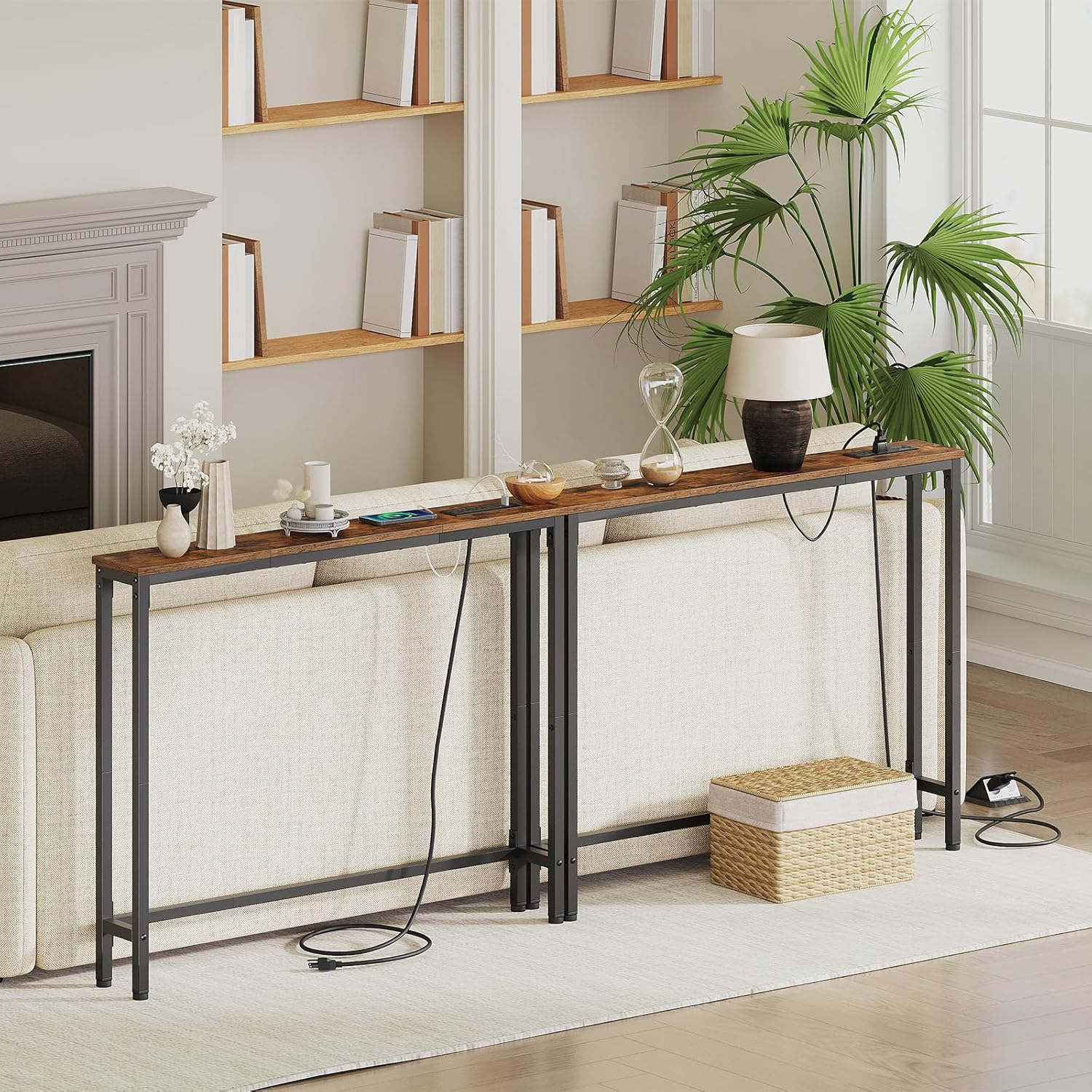
Image 4.1: Detailed views of the table's construction, highlighting the premium particleboard, sturdy metal frame, adjustable feet for leveling, and the anti-tip device for wall attachment.
5. Operating Instructions
The HOOBRO BF52UXG01 Console Table features an integrated charging station for convenient power access.
- Connect to power: Plug the table's power cord into a standard wall outlet.
- Using AC outlets: Insert standard electrical plugs into the 2 AC outlets (120V/12A max).
- Using USB ports: Connect USB-A compatible devices to the 1 USB port (5V/2A).
- Using Type-C port: Connect USB-C compatible devices to the 1 Type-C port (5V/2A).
Ensure that the total power draw of all connected devices does not exceed the maximum capacity of the charging station.
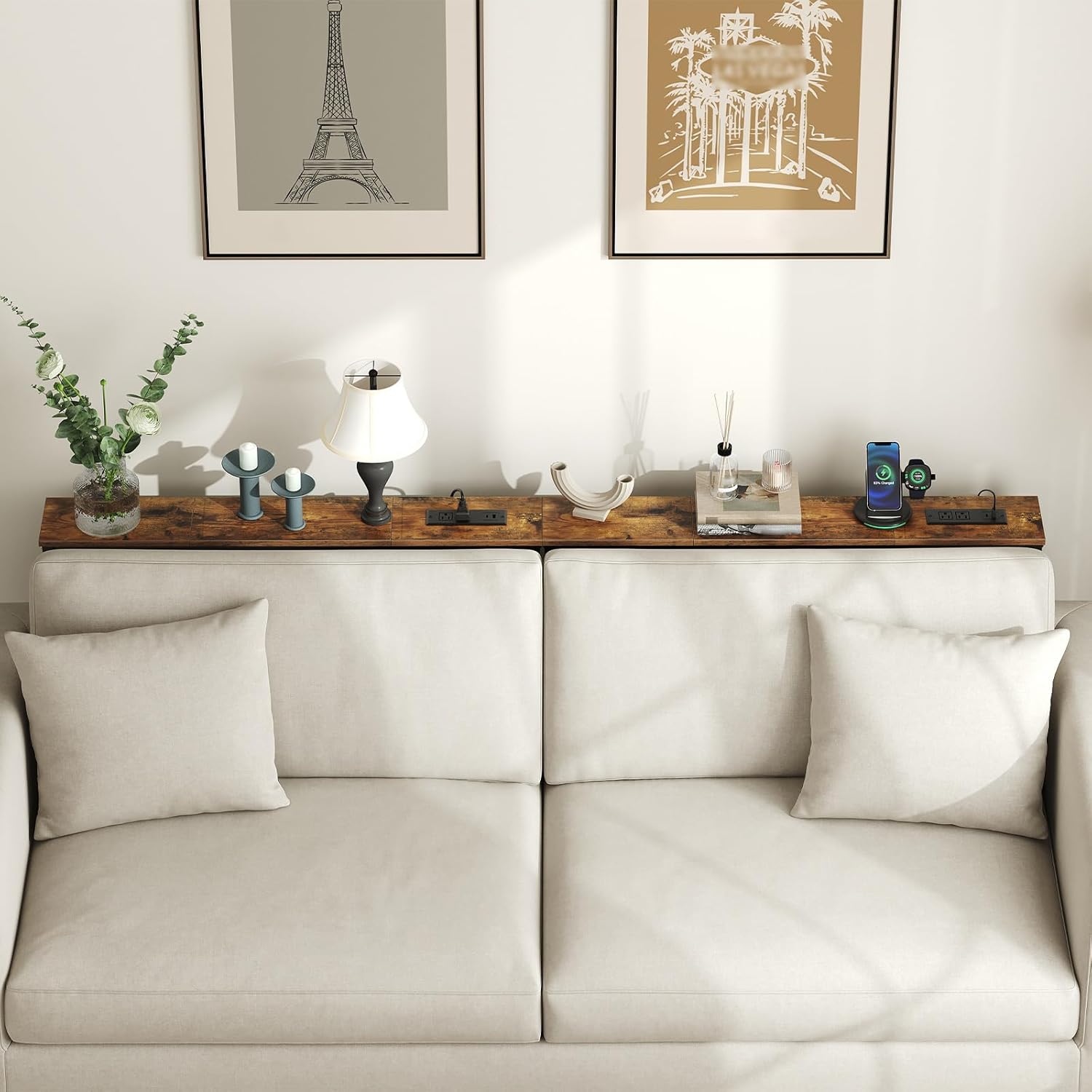
Image 5.1: A close-up view of the integrated charging station, detailing its two AC outlets, one USB-A port, and one USB-C port, along with their respective power ratings.
6. Maintenance
Regular maintenance helps prolong the life and appearance of your console table.
- Cleaning: Wipe surfaces with a soft, damp cloth. Avoid harsh chemicals or abrasive cleaners that may damage the finish.
- Dusting: Regularly dust the table with a dry, soft cloth.
- Check connections: Periodically check all screws and bolts to ensure they remain tight. Retighten if necessary.
- Electrical components: Keep the charging station clean and free of dust. Do not attempt to disassemble or repair the electrical components yourself.
7. Troubleshooting
| Problem | Possible Cause | Solution |
|---|---|---|
| Table wobbles after assembly. | Screws not fully tightened; uneven floor; adjustable feet not properly set. | Ensure all screws are fully tightened. Adjust the leveling feet on the bottom of the legs until the table is stable. Ensure the table is on a flat surface. |
| Charging station not working. | Power cord unplugged; wall outlet not active; device not properly connected; charging station overloaded. | Check if the power cord is securely plugged into a working wall outlet. Test the wall outlet with another device. Ensure devices are correctly plugged into the charging station. Reduce the number of devices connected to prevent overloading. |
| Missing parts during assembly. | Packaging error. | Refer to the package contents list and contact HOOBRO customer support with details of the missing parts. |
8. Specifications
| Feature | Detail |
|---|---|
| Model Number | BF52UXG01 |
| Dimensions (L x W x H) | 100.1 cm x 15 cm x 80 cm (39.4 in x 5.9 in x 31.5 in) |
| Item Weight | 4.7 kg (10.36 lbs) |
| Maximum Weight Recommendation | 19.96 kg (44 lbs) |
| Materials | Engineered Wood (P2 particleboard), Metal Frame |
| Color | Rustic Brown + Black |
| AC Outlets | 2 (120V/12A) |
| USB-A Port | 1 (5V/2A) |
| USB-C Port | 1 (5V/2A) |
| Power Cord Length | 150 cm (4.9 feet) |
| Indoor/Outdoor Usage | Indoor |

Image 8.1: A diagram illustrating the dimensions of the console table, including length (100 cm / 39.4 in), width (15 cm / 5.9 in), and height (80 cm / 31.5 in), along with its maximum weight capacity of 20 kg / 44 lbs.
9. Warranty and Support
HOOBRO products are manufactured with quality and customer satisfaction in mind. For warranty information, missing parts, or technical support, please contact HOOBRO customer service. Keep your purchase receipt for warranty claims.
Manufacturer: HOOBRO
Manufacturer Contact Information: Zhengzhou Hanzhouboyang Import and Export Trade Co., Ltd.


