
FULMINARE HS12-B
FULMINARE Portable Bluetooth Speaker User Manual
Model: HS12-B
Introduction
Thank you for choosing the FULMINARE Portable Bluetooth Speaker. This manual provides essential information for setting up, operating, and maintaining your speaker to ensure optimal performance and longevity. Please read this manual thoroughly before using the product and retain it for future reference.
Package Contents
Verify that all items listed below are present in your package:
- FULMINARE Portable Bluetooth Speaker (HS12-B) x 1
- USB Charging Cable (Type-C) x 1
- 3.5mm AUX Audio Cable x 1
- User Manual x 1
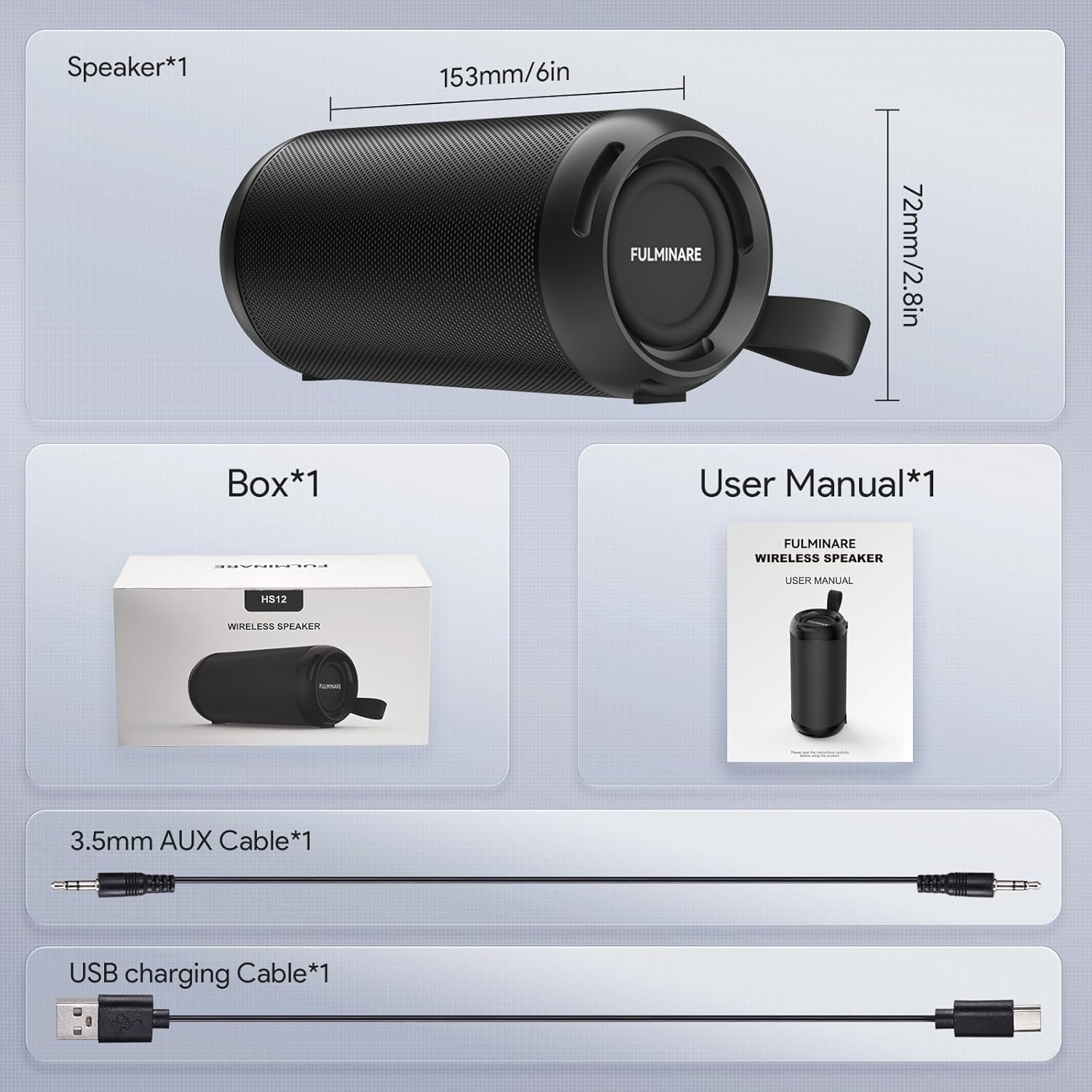
Image: Contents of the FULMINARE HS12-B speaker package, including the speaker, cables, and manual.
Product Overview
The FULMINARE HS12-B is a portable Bluetooth speaker designed for high-definition audio and versatile playback. It features dual 13W drivers for 26W total output, Bluetooth 6.0 connectivity, RGB mood lighting, and an IPX5 waterproof rating.

Image: The FULMINARE HS12-B Portable Bluetooth Speaker.
Key Features:
- 26W HD Sound: Dual 13W drivers deliver rich bass and clear highs.
- Bluetooth 6.0: Stable wireless connection up to 50 meters with low latency.
- RGB Mood Lighting: Adjustable LED lights that can sync with music.
- 16-Hour Playtime: Extended battery life for continuous music playback.
- IPX5 Waterproof: Resistant to splashes, suitable for outdoor use.
- Multiple Playback Modes: Supports Bluetooth, AUX, TF Card, and USB input.
- Durable Construction: Robust zinc alloy body with reinforced metallic mesh.
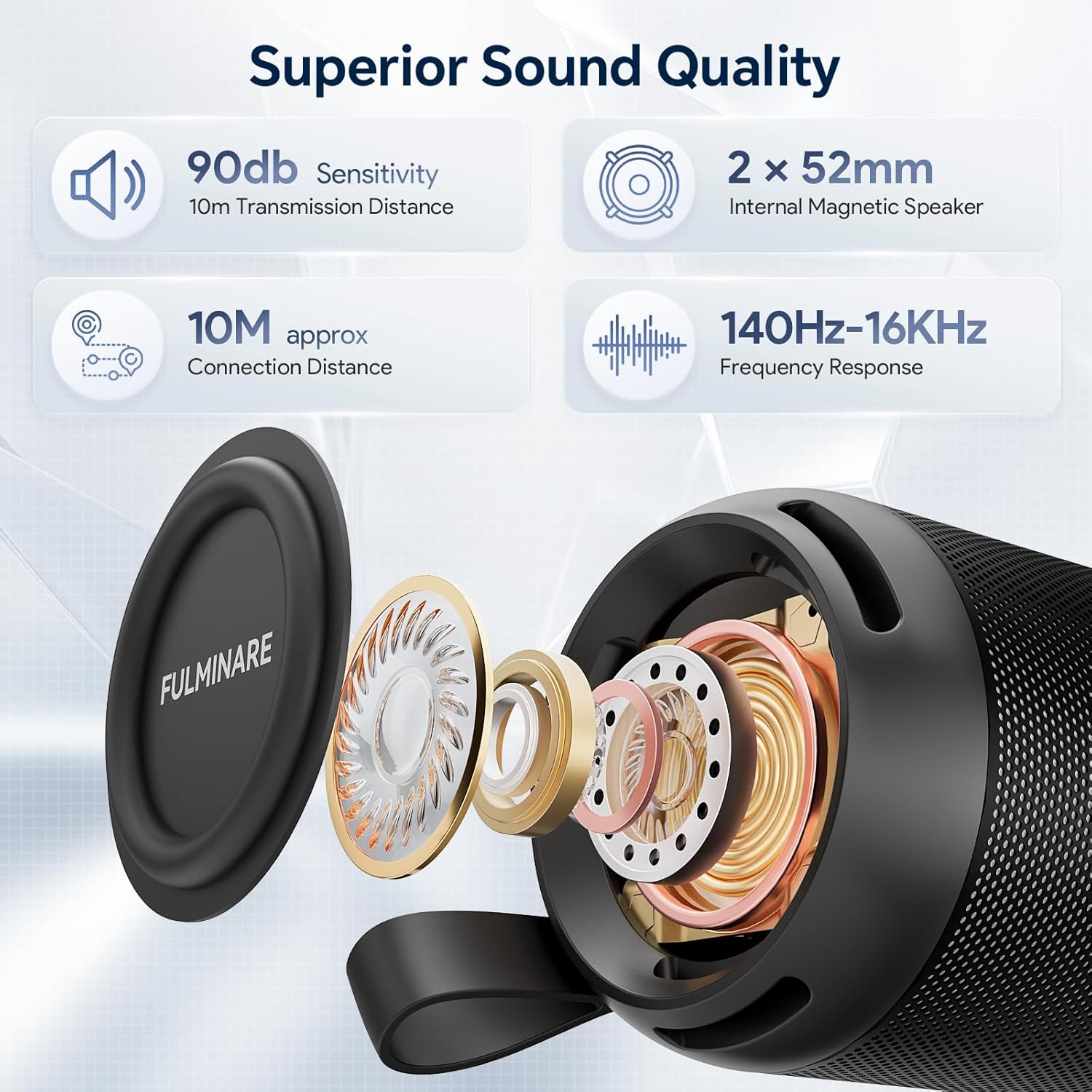
Image: Technical specifications highlighting the speaker's sound quality.
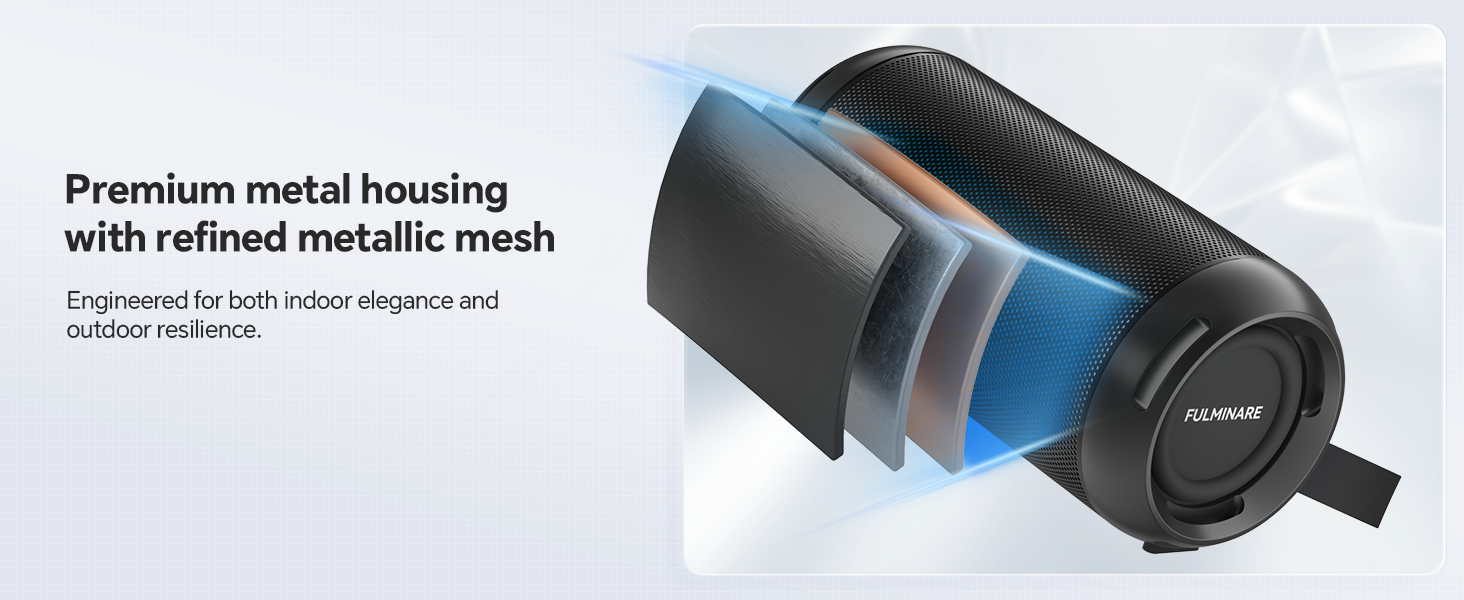
Image: Internal structure demonstrating the durable metal housing.
Controls and Indicators
The FULMINARE HS12-B speaker features intuitive controls, typically located on the side or top panel, and LED indicators for status updates.
- Power Button: Press and hold to power on/off.
- Volume Buttons (+/-): Press to adjust volume. Hold to skip tracks.
- Play/Pause Button: Press to play or pause audio.
- Mode Button: Press to switch between Bluetooth, AUX, TF Card, and USB modes.
- Light Mode Button: Press to cycle through different LED light patterns or turn lights off.
- Charging Indicator: LED light indicates charging status (e.g., red for charging, off when fully charged).
Setup
Initial Charging
Before first use, fully charge the speaker. Connect the provided USB Type-C charging cable to the speaker's charging port and the other end to a USB power adapter (not included) or a computer's USB port. The charging indicator light will illuminate during charging and turn off when complete.
Powering On/Off
To power on, press and hold the Power button until you hear an audible prompt and the LED lights activate. To power off, press and hold the Power button again until the speaker shuts down.
Operating Instructions
Bluetooth Pairing
- Ensure the speaker is powered on and in Bluetooth pairing mode (indicated by a flashing blue LED or audible prompt). If not, press the Mode button to switch to Bluetooth mode.
- On your mobile device (smartphone, tablet, etc.), enable Bluetooth and search for available devices.
- Select "FULMINARE HS12-B" from the list of devices.
- Once paired, the speaker will provide an audible confirmation, and the Bluetooth indicator light will become solid.
The speaker will automatically attempt to reconnect to the last paired device when powered on.

Image: Bluetooth 6.0 pairing process with a smartphone.
Playback Modes
The speaker supports multiple audio input options. Press the Mode button to cycle through them:
- Bluetooth Mode: For wireless audio streaming from your paired device.
- AUX Mode: Connect an external audio device using the 3.5mm AUX cable.
- TF Card Mode: Insert a TF (MicroSD) card with MP3 audio files for direct playback.
- USB Drive Mode: Insert a USB flash drive with MP3 audio files for direct playback.

Image: Overview of the 4-in-1 flexible playback modes.
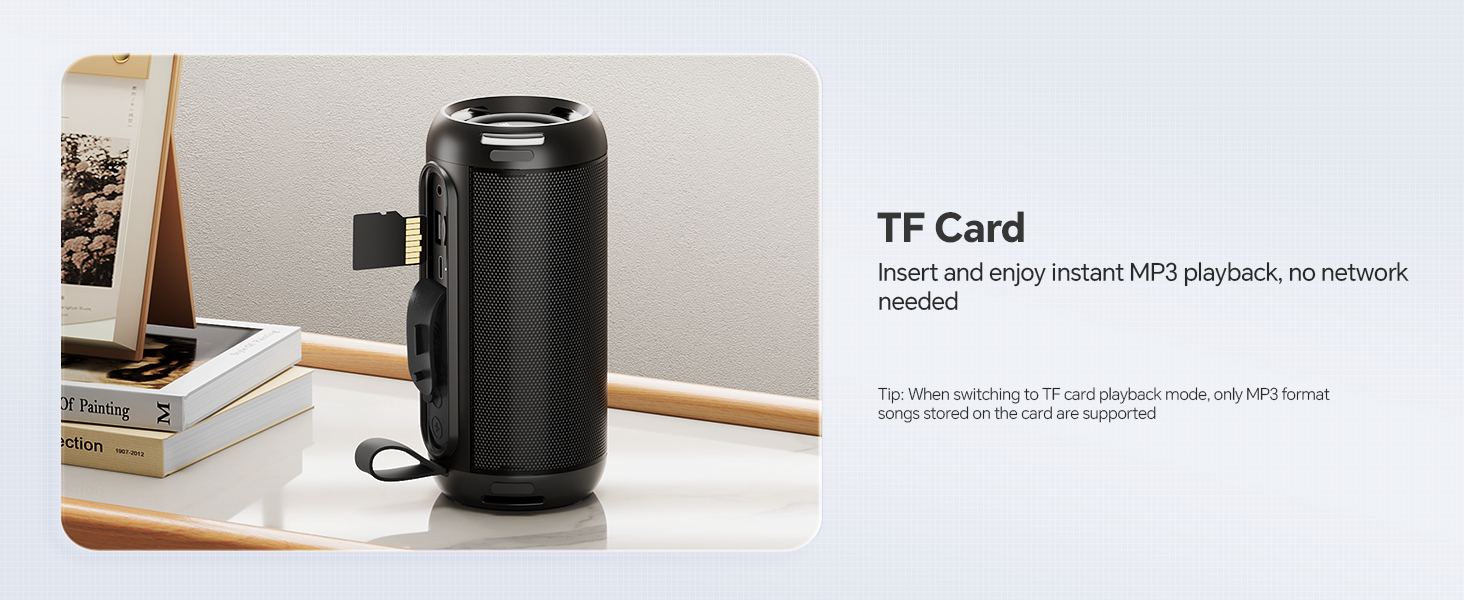
Image: TF Card input for direct MP3 playback.
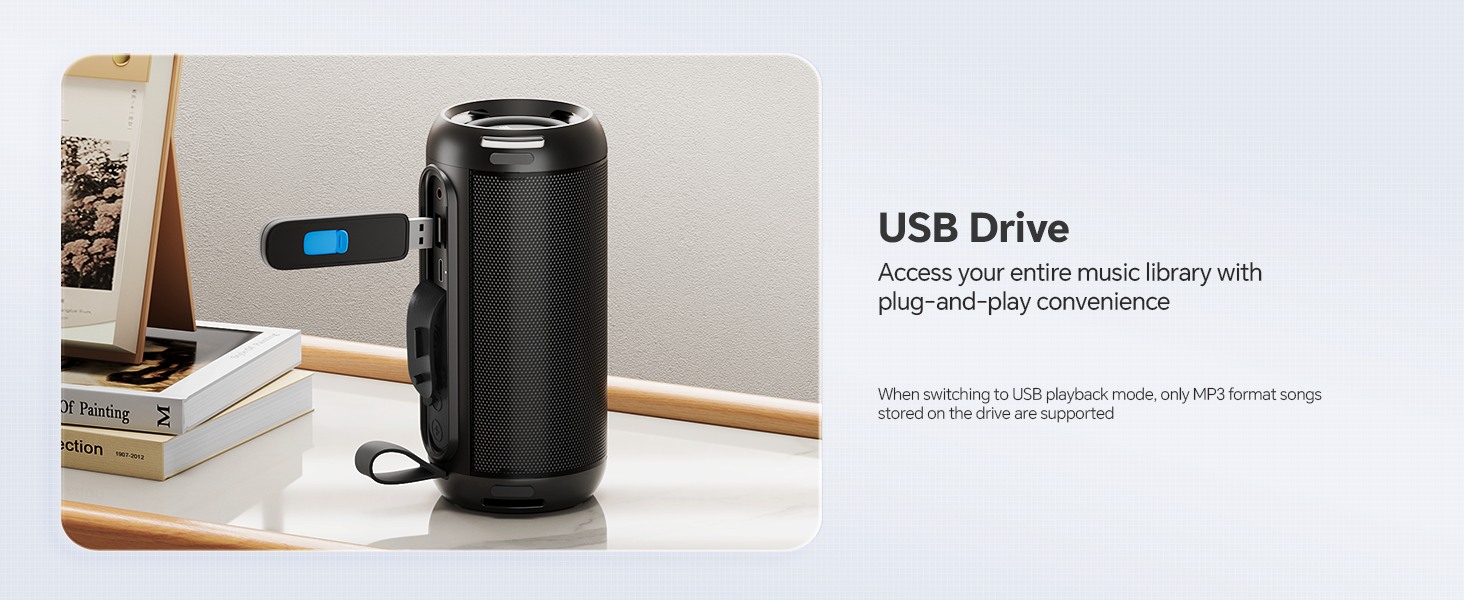
Image: USB Drive input for accessing your music library.

Image: AUX connectivity for wired audio devices.
LED Light Control
Press the Light Mode button to change the LED light patterns. The lights can pulse with the music or display various static and dynamic color modes. Pressing the button repeatedly will cycle through the available options, including turning the lights off.

Image: Speaker with dynamic RGB mood lighting.
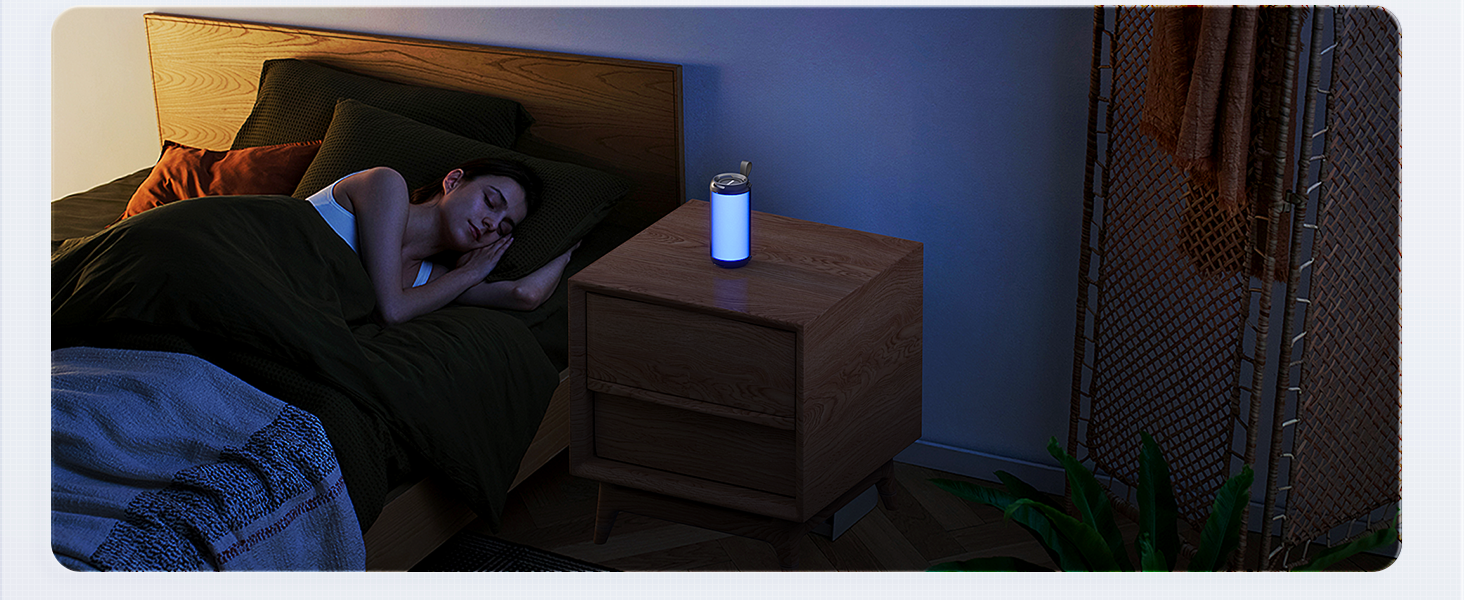
Image: Speaker used for creating a relaxing ambiance with soft lighting.
Charging
When the battery is low, the speaker may provide an audible alert or the indicator light may change. Connect the speaker to a power source using the provided USB Type-C cable. A full charge provides up to 16 hours of playback, depending on volume level and LED light usage.

Image: Illustrating 16 hours of nonstop music playback.
Maintenance
- Cleaning: Use a soft, dry cloth to clean the speaker. Do not use abrasive cleaners, alcohol, or chemical solvents.
- Water Resistance: The speaker has an IPX5 waterproof rating, meaning it is resistant to splashes and light rain. Do not submerge the speaker in water or expose it to strong jets of water. Ensure the charging port cover is securely closed when not charging to maintain water resistance.
- Storage: Store the speaker in a cool, dry place away from direct sunlight and extreme temperatures.
- Battery Care: To preserve battery life, charge the speaker at least once every three months if not used regularly.
Troubleshooting
| Problem | Possible Solution |
|---|---|
| Speaker does not power on. | Ensure the battery is charged. Connect to a power source and try again. |
| Cannot pair with Bluetooth device. | Ensure speaker is in pairing mode. Turn off and on Bluetooth on your device. Move speaker closer to device. Clear previous Bluetooth connections on your device. |
| No sound or low volume. | Increase volume on both speaker and connected device. Ensure correct playback mode is selected. Check if AUX cable is fully inserted. |
| LED lights not working. | Press the Light Mode button to cycle through options or turn them on. |
| Distorted sound. | Reduce volume. Ensure speaker is not too far from the Bluetooth device or that there are no obstructions. Check audio source quality. |
Specifications
| Feature | Detail |
|---|---|
| Model Name | HS12-B |
| Speaker Output Power | 26 Watts (2 x 13W drivers) |
| Bluetooth Version | 6.0 |
| Wireless Range | Up to 10 meters (33 feet) |
| Frequency Response | 140Hz - 16KHz |
| Battery Life | Up to 16 hours (varies with volume and light usage) |
| Waterproof Rating | IPX5 |
| Connectivity | Bluetooth, AUX-in, TF Card, USB |
| Material | Metal (Zinc Alloy) |
| Product Dimensions | 2.68"D x 2.68"W x 6.18"H (68mm D x 68mm W x 157mm H) |
| Item Weight | 1.26 pounds (0.57 kg) |
Warranty and Support
FULMINARE provides 24/7 after-sales service for this product. If you encounter any issues during operation or have questions, please do not hesitate to contact our customer support team. Refer to the contact information provided on the product packaging or the official FULMINARE website for assistance.
Ask a question about this manual
Ask about setup, troubleshooting, compatibility, parts, safety, or missing instructions. Manuals+ will review the question and use this page’s manual context to help answer it.