
1. Introduction
This manual provides essential information for the safe and efficient operation, maintenance, and troubleshooting of your Zyerch SAT25 Cordless Robotic Pool Cleaner. Please read this manual thoroughly before using the product and retain it for future reference.

Image: Zyerch SAT25 Robotic Pool Cleaner banner, showcasing the product and brand.
The Zyerch SAT25 is a cordless robotic pool cleaner designed for inground pools up to 2150 sq.ft. It offers comprehensive cleaning of pool floors, walls, and waterlines, featuring powerful suction, dynamic scrubbing, and intelligent path planning for an efficient cleaning experience.
2. Safety Information
Always adhere to the following safety precautions to prevent injury or damage to the product and your pool:
- Read all instructions before operating the cleaner.
- Do not operate the cleaner when people or pets are in the pool.
- Ensure the charging port is dry before connecting the charger.
- Use only the original charger provided with the unit.
- Keep the cleaner out of reach of children.
- Do not use the cleaner if any part is damaged. Contact support for assistance.
- Always remove the cleaner from the pool before adding chemicals or performing maintenance.
3. Package Contents
Verify that all items are present in the package:

Image: Illustration of the Zyerch SAT25 Robotic Pool Cleaner and its accessories, including the device, user manual, filter, charger, and hook.
- Device (Robotic Pool Cleaner) x1
- User Manual x1
- Filter x1
- Charger x1
- Hook x1
4. Product Overview
The Zyerch SAT25 features a robust design with caterpillar treads for superior mobility and dual PVC brushes for effective cleaning. It is equipped with an independent water pump motor for powerful suction and filtration.

Image: A top-down view of the Zyerch SAT25 Cordless Robotic Pool Cleaner, highlighting its compact design and control panel.

Image: The Zyerch SAT25 Robotic Pool Cleaner operating underwater, illustrating its dual roller brushes and powerful cleaning action.
5. Setup
5.1 Charging the Cleaner
Before initial use, fully charge the robotic pool cleaner. The unit boasts a rapid charging capability, typically taking about 3-4 hours for a full charge.
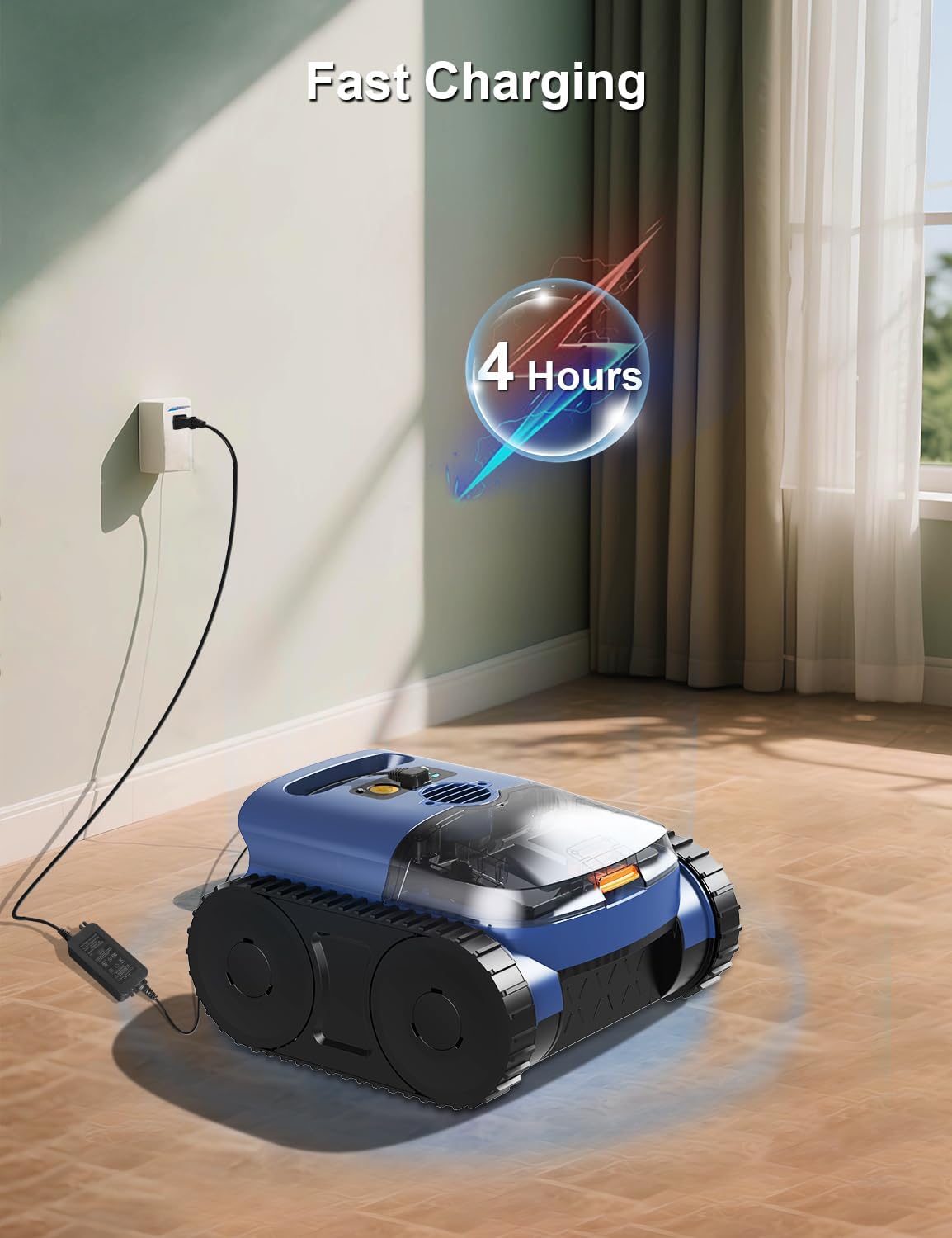
Image: The Zyerch SAT25 Robotic Pool Cleaner connected to its charger, indicating the fast charging process which takes approximately 4 hours.
- Ensure the cleaner is dry before connecting the charger.
- Plug the charger into a standard electrical outlet.
- Connect the charging cable to the cleaner's charging port.
- The indicator lights will show the charging status. A green light indicates a full charge.
5.2 Initial Placement in the Pool
Once fully charged, carefully place the cleaner into the pool. Ensure it sinks to the bottom before starting operation.
6. Operating Instructions
The Zyerch SAT25 is designed for inground swimming pools up to 65 feet in length and a water depth of up to 9.8 feet. It is suitable for various pool surfaces including ceramic tiles, concrete, fiberglass, and vinyl, and can clean both in-ground and above-ground pools of any shape.

Image: The Zyerch SAT25 Robotic Pool Cleaner demonstrating its compatibility with different pool surfaces: Ceramic Tiles, Concrete, Fiberglass, and Vinyl.

Image: The Zyerch SAT25 Robotic Pool Cleaner shown operating in both an in-ground pool and an above-ground pool, highlighting its versatility.
6.1 Starting and Stopping
To start the cleaning cycle, simply press the power button on the unit. The cleaner will begin its programmed cleaning routine. To stop, press the power button again.
6.2 Cleaning Modes and Path Planning
The SAT25 offers versatile cleaning modes for floors, walls, and waterlines. In default mode, it intelligently allocates cleaning time, prioritizing wall cleaning before proceeding to a deep clean of the pool floor. Its smart path planning ensures thorough coverage.

Image: The Zyerch SAT25 Robotic Pool Cleaner shown on both the pool floor and wall, illustrating its smart path planning for comprehensive cleaning.

Image: Visual representation of the Zyerch SAT25 Robotic Pool Cleaner's cleaning capabilities, including Auto Mode, Floor Mode, and Waterline cleaning.
6.3 Self-Parking Technology
The cleaner is equipped with self-parking technology. When the battery level drops below 5%, the unit will automatically return to the edge of the pool for easy retrieval and recharging.

Image: The Zyerch SAT25 Robotic Pool Cleaner demonstrating its self-parking feature, automatically returning to the pool edge when battery is low.
6.4 Enhanced Mobility and Debris Collection
The durable caterpillar treads provide superior mobility, allowing the SAT25 to navigate drains, steps, corners, and other uneven terrain with ease. Its powerful suction and dual PVC brushes effectively attack various debris, including sand, leaves, and tough dirt.
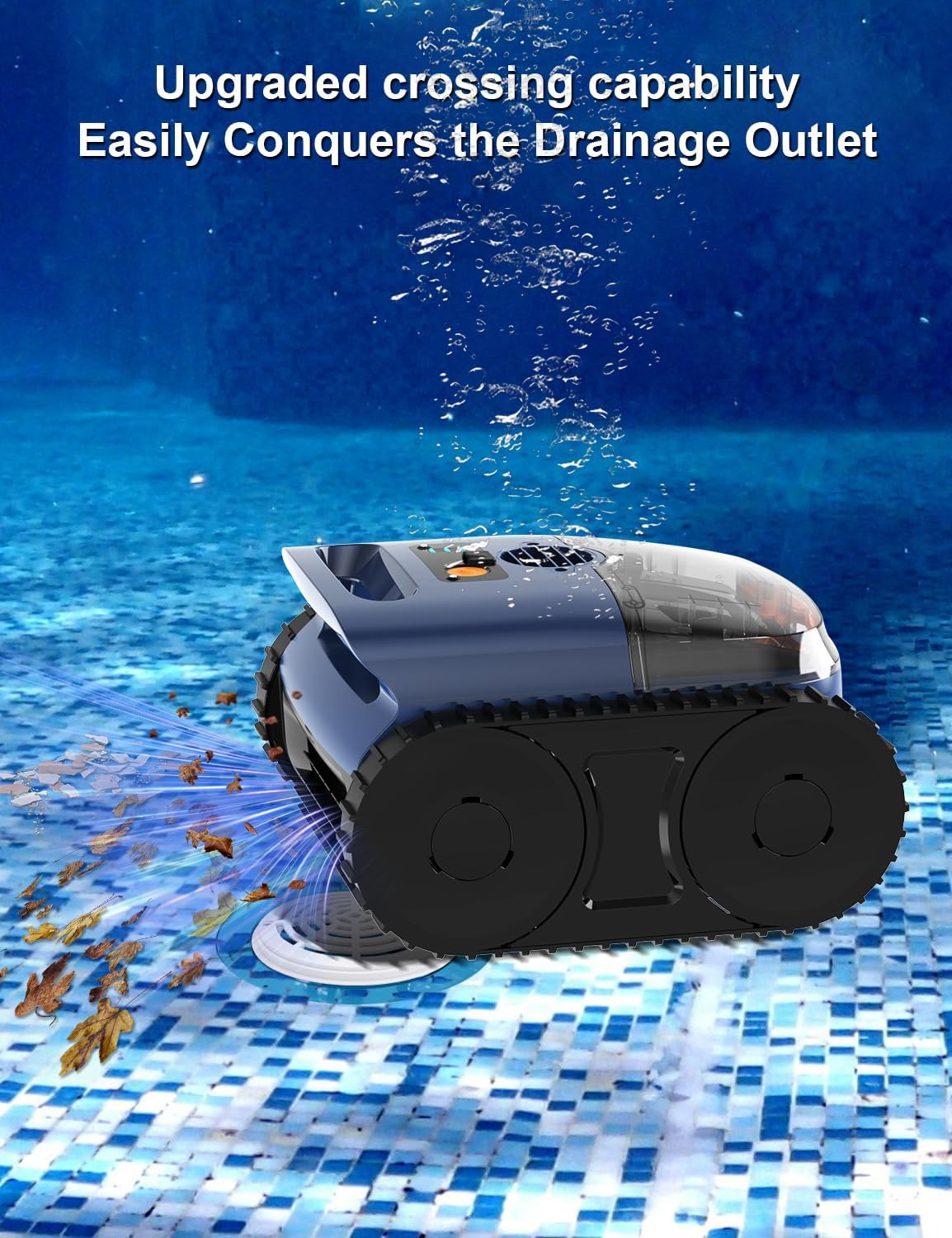
Image: The Zyerch SAT25 Robotic Pool Cleaner demonstrating its upgraded crossing capability by easily navigating and cleaning around a drainage outlet, capturing leaves and debris.

Image: The Zyerch SAT25 Robotic Pool Cleaner effectively collecting various types of debris from the pool floor, including dust, leaves, hair, and small branches.
7. Maintenance
7.1 Cleaning the Filter Basket
Regularly clean the filter basket to maintain optimal cleaning performance. The generously sized filter basket efficiently traps both large debris and fine particles.

Image: The Zyerch SAT25 Robotic Pool Cleaner with its top-load filter easily disassembled for cleaning, highlighting the 3L capacity filter.

Image: Diagram illustrating the dual cleaning filtration system of the Zyerch SAT25, showing the filter box performance (180 µm) and ultra-fine sponge performance (40 ppi).
- Remove the cleaner from the pool.
- Open the top cover of the cleaner.
- Lift out the filter basket.
- Empty any collected debris.
- Rinse the filter basket thoroughly with a hose to remove fine particles.
- Reinsert the clean filter basket and close the cover securely.
7.2 General Cleaning and Storage
- After each use, rinse the exterior of the cleaner with fresh water to remove any pool chemicals or debris.
- Store the cleaner in a cool, dry place, away from direct sunlight and extreme temperatures.
- Ensure the battery is charged before long-term storage.
8. Troubleshooting
If you encounter issues with your Zyerch SAT25, refer to the following common problems and solutions:
| Problem | Possible Cause | Solution |
|---|---|---|
| Cleaner does not start | Low battery; Power button not pressed; Obstruction | Charge the cleaner; Press power button firmly; Check for debris blocking movement |
| Poor cleaning performance | Clogged filter basket; Worn brushes; Low battery | Clean filter basket; Inspect and replace brushes if necessary; Fully charge the cleaner |
| Cleaner gets stuck | Large debris obstruction; Uneven pool surface feature | Remove large debris from pool; Manually reposition cleaner; Ensure pool is suitable for robotic cleaner operation |
| Cleaner does not charge | Charger not connected properly; Faulty charger/battery; Wet charging port | Ensure secure connection; Contact support; Ensure charging port is completely dry |
If the problem persists after attempting these solutions, please contact Zyerch customer support.
9. Specifications
Detailed technical specifications for the Zyerch SAT25 Cordless Robotic Pool Cleaner:
| Feature | Specification |
|---|---|
| Model Number | SAT25 |
| Product Dimensions | 14.1 x 13.9 x 8.5 inches (35.8 x 35.3 x 21.6 cm) |
| Item Weight | 14.33 pounds (6.5 kg) |
| Power Source | AC/DC (for charging) |
| Battery Type | 1 Lithium Ion battery (included) |
| Lithium Battery Energy Content | 7800 Watt Hours |
| Voltage | 110 Volts (charger input) |
| Run Time | 150-180 minutes (approx.) |
| Charging Time | Approx. 3-4 hours |
| Max Pool Size | Up to 2150 Sq.ft (65 ft length) |
| Max Water Depth | 9.8 ft |
| Filter Rate | 300 µm (maximum) |
| Special Features | Automatic Shut Off, Dual Filtration System, Lightweight |
| Material | Plastic |
| Color | Blue |
10. Warranty and Support
10.1 Warranty Information
For specific warranty details regarding your Zyerch SAT25 Robotic Pool Cleaner, please refer to the warranty card included in your product packaging or contact Zyerch customer support directly. Keep your proof of purchase for warranty claims.
10.2 Customer Support
Should you have any questions, require technical assistance, or need to report an issue, please contact our customer support team:

Image: A customer support representative, indicating available assistance. The email address for support is provided.
Email: zyerch@outlook.com
Please provide your model number (SAT25) and a detailed description of your inquiry when contacting support to ensure a prompt and accurate response.
