Introduction
Thank you for choosing the MAHANCRIS LED Gaming Floating Shelves. This 3-tier wall-mounted display rack is designed to provide organized storage and enhance your space with integrated LED lighting. This manual provides essential information for safe assembly, operation, and maintenance of your new shelf.
Safety Information
- Weight Limit: Do not exceed the maximum weight capacity of 33 pounds (15 kg) per shelf. Overloading can cause damage or injury.
- Wall Type: This shelf is best suited for solid walls. Ensure your wall can support the weight of the shelf and its contents.
- Installation: Follow all assembly and mounting instructions carefully. Improper installation can lead to the shelf falling.
- Power Cord: The LED light strip's power cord should be used within 20 inches of a power outlet. Do not stretch or force the cord.
- Children and Pets: Keep small parts and packaging materials away from children and pets during assembly.
- Maintenance: Regularly check all connections and mounting hardware to ensure they remain secure.
Package Contents
Please verify that all components are present before beginning assembly.
- 1 x Gaming Floating Shelf (Disassembled components)
- 1 x Accessory Kit (Hardware for assembly and mounting)
- 1 x LED Strips
- 1 x Instructions (This manual)
Setup and Assembly
Follow these steps for proper assembly and wall mounting. It is recommended to have a second person assist with wall mounting.
Step 1: Unpack and Identify Components
Carefully remove all parts from the packaging. Lay them out on a clean, soft surface to prevent scratches. Refer to the included accessory kit diagram to identify all screws, bolts, and shelf components.
Step 2: Assemble the Shelf Frame
Connect the metal frame pieces using the provided screws and an Allen wrench. Ensure all connections are snug but do not overtighten initially. The frame forms the basic structure of the shelf.
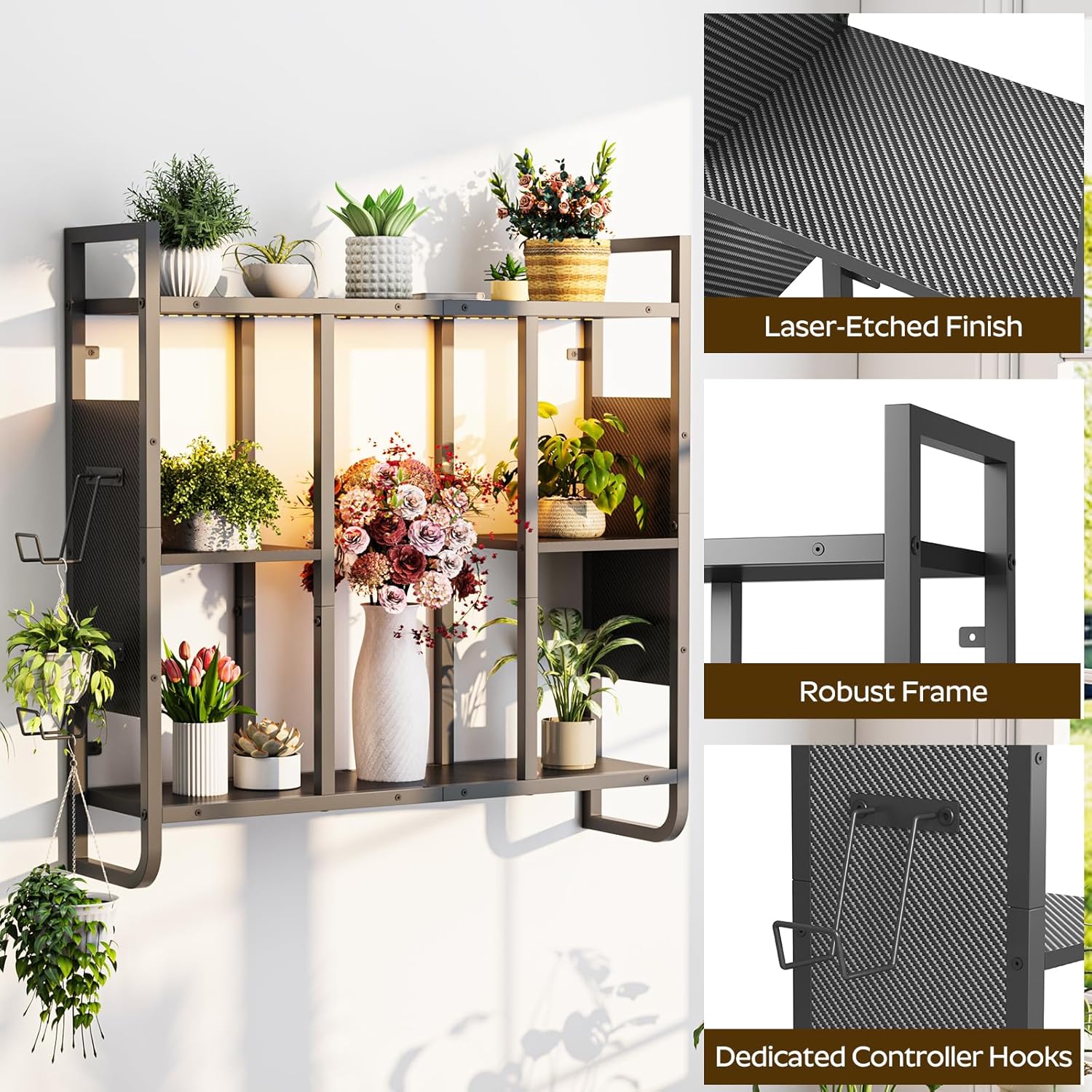
Image: The fully assembled shelf frame, showing its overall dimensions and internal structure.
Step 3: Attach Shelf Panels and Controller Hooks
Insert the engineered wood shelf panels into the designated slots within the metal frame. Secure them with the appropriate fasteners. Attach the two controller hooks to the right side of the shelf as shown in the diagram.

Image: The assembled shelf displaying various items and the attached controller hooks on the right side.

Image: A detailed view of the dedicated controller hooks, designed to securely hold game controllers.
Step 4: Wall Mounting
Choose a suitable location on a solid wall. Mark the drilling points accurately using a level. Drill pilot holes and insert wall anchors if necessary (for drywall, consult a professional). Secure the shelf to the wall using the provided mounting hardware. Ensure the shelf is level and firmly attached before placing any items on it.
Note: For optimal stability and safety, it is crucial to mount the shelf on a solid wall. If mounting on drywall, use appropriate heavy-duty anchors (not always included) and consider professional installation.
Step 5: Install LED Light Strip
Peel the adhesive backing from the LED light strip and carefully attach it to the desired location on the shelf (e.g., under the top shelf or along the back panels). Connect the light strip to the power cord and plug it into a power outlet within 20 inches.

Image: The shelf illuminated by the LED light strip, with a remote control shown for operating the lights.
Operating the LED Lights
The LED light strip features 24 color options and 6 modes, controlled by the included remote. Point the remote control directly at the LED receiver to change colors, adjust brightness, or select different lighting modes.
Video: This video demonstrates the MAHANCRIS Gaming Floating Shelves with their integrated LED lights, showcasing various color options and effects.
Maintenance
- Cleaning: Wipe the shelf surfaces with a dry, soft cloth. Avoid using abrasive cleaners or harsh chemicals that may damage the finish.
- Inspection: Periodically check all screws and mounting hardware to ensure they are tight and secure. Retighten if necessary.
- LED Strip Care: Ensure the LED strip and its connections are free from dust and moisture.
Troubleshooting
| Problem | Possible Cause | Solution |
|---|---|---|
| Shelf feels unstable after mounting. | Improper wall mounting or loose hardware. | Ensure all mounting screws are securely tightened. Verify the wall type is suitable and anchors are correctly installed. If unsure, consult a professional. |
| LED lights do not turn on. | Power connection issue or remote control battery. | Check if the power cord is securely plugged into both the LED strip and the wall outlet. Ensure the remote control has working batteries and is pointed at the receiver. |
| Shelf sags or bends. | Overloaded beyond weight limit. | Remove items to reduce the load. Ensure total weight does not exceed 33 pounds (15 kg) per shelf. |
Specifications
| Feature | Detail |
|---|---|
| Model Number | FSHS142E01 |
| Dimensions (L x W x H) | 28.5"L x 7.9"W x 28.7"H (72.5cm L x 20cm W x 73cm H) |
| Number of Shelves | 3 |
| Weight Limit | 33 Pounds (15 kg) |
| Material | Engineered Wood, Metal |
| Finish Type | Laser-Etched Finish |
| Installation Type | Wall Mount |
| Included Components | Shelf, Accessory Kit, LED Strips, Instructions |
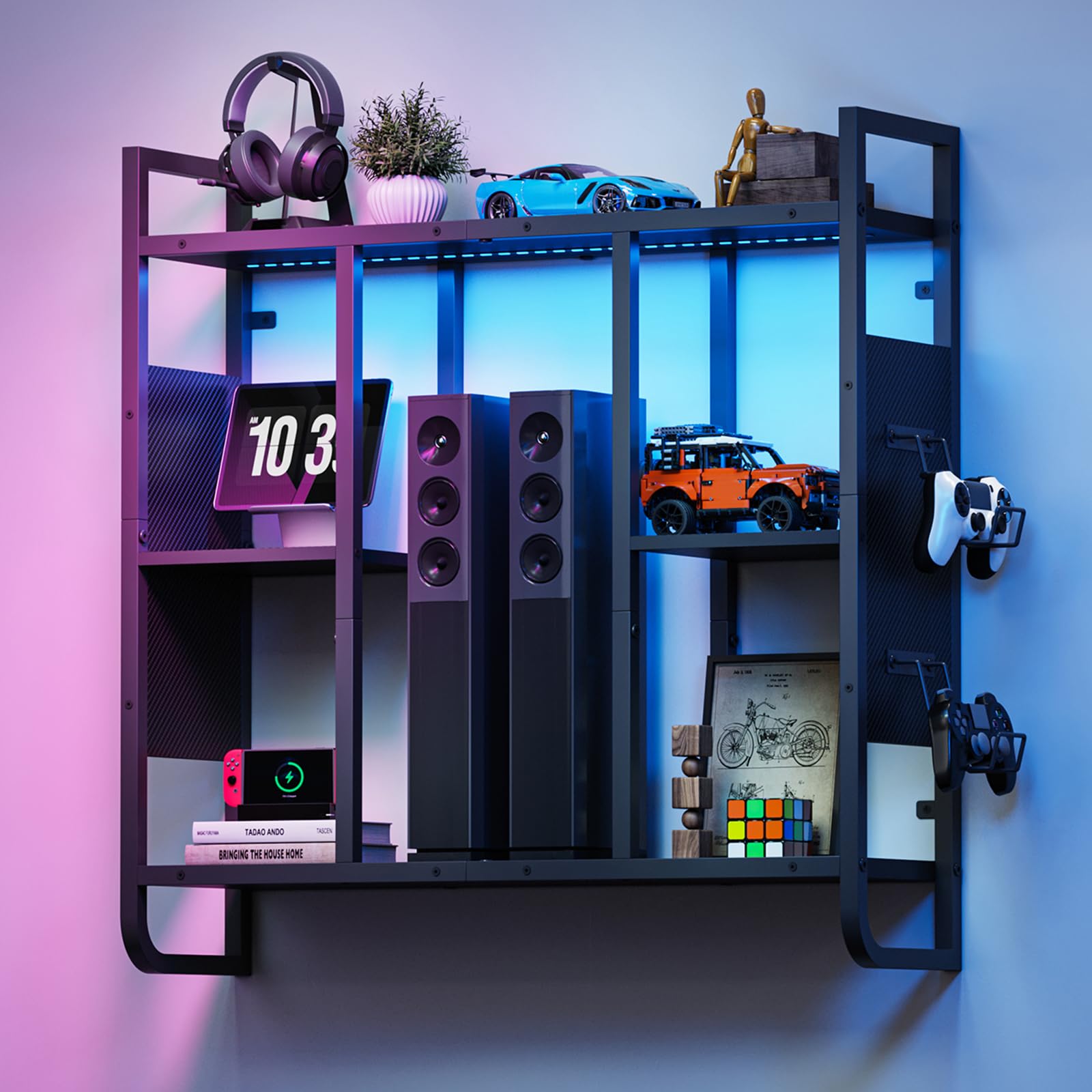
Image: A technical diagram illustrating the precise dimensions of the MAHANCRIS LED Gaming Floating Shelf.
Warranty and Support
For warranty information or technical support, please refer to the contact details provided with your purchase or visit the official MAHANCRIS website. Keep your purchase receipt for warranty claims.
Official MAHANCRIS Store: MAHANCRIS Store on Amazon


