
Alwtniet HY310
Alwtniet Mini Portable Projector HY310 User Manual
Model: HY310 | Brand: Alwtniet
1. Product Overview
The Alwtniet Mini Portable Projector HY310 is a versatile and compact device designed for various entertainment and presentation needs. Featuring auto-focus and auto vertical keystone correction, it delivers a clear and perfectly aligned 1080P image with 4K support. Its built-in 5W speaker and smart app integration provide a comprehensive home theater experience. The projector is highly portable, making it suitable for both indoor and outdoor use.

Figure 1.1: Alwtniet Mini Portable Projector HY310 and its remote control.
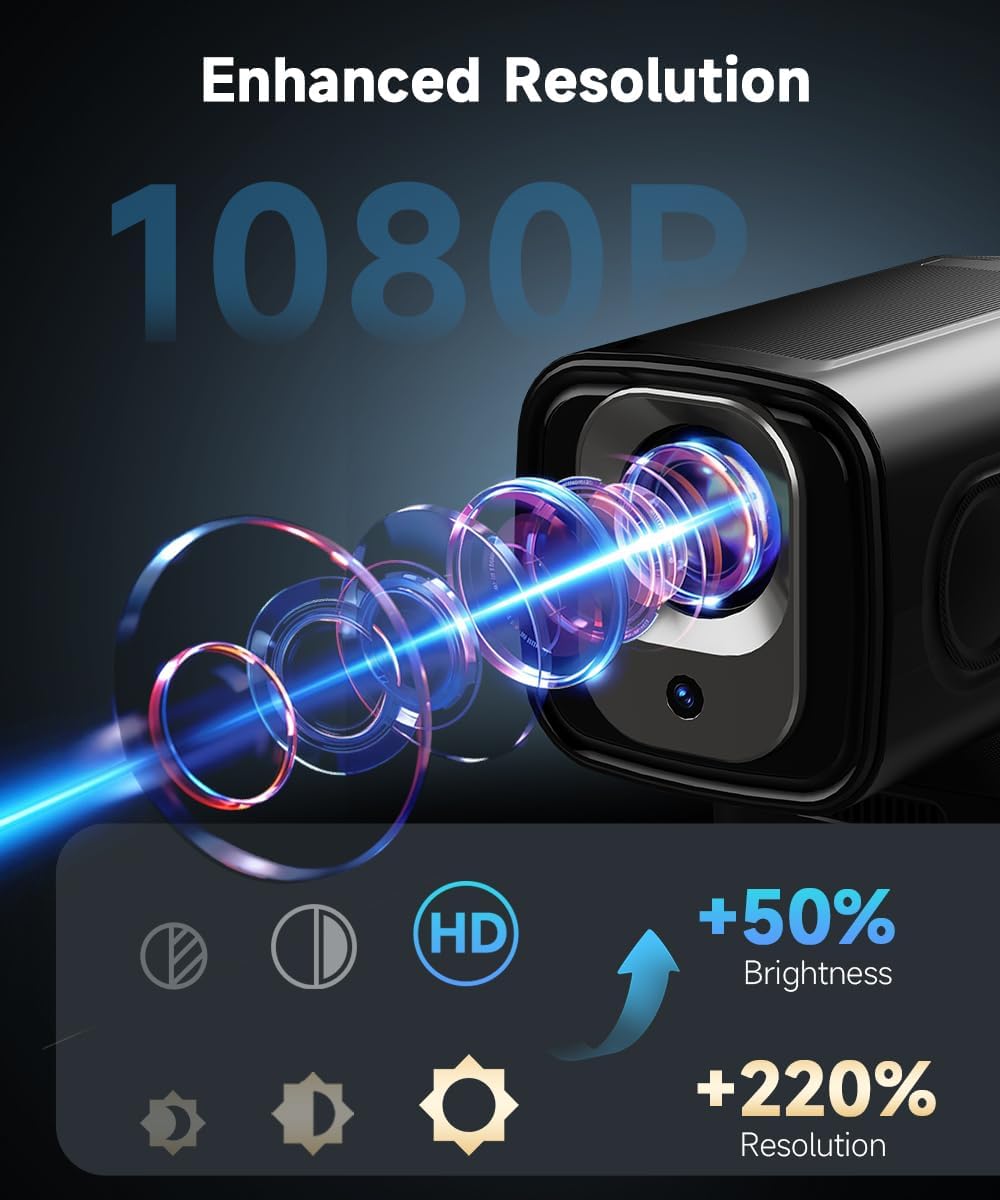
Figure 1.2: Visual representation of the projector's enhanced 1080P resolution and brightness capabilities.
2. What's in the Box
Upon unboxing your Alwtniet Mini Portable Projector HY310, please ensure all the following items are present:
- Power Cord
- User Manual (this document)
- Remote Control
3. Setup Guide
3.1 Initial Placement and Power
Place the projector on a stable, flat surface. Connect the power cord to the projector's DC input and then to a power outlet. Press the power button to turn on the device.

Figure 3.1: Overview of projector ports including HDMI, USB, Power, and Vent, along with compatible devices.
3.2 Automatic Adjustments
The projector is equipped with auto-focus and auto vertical keystone correction. Upon startup or movement, the projector will automatically adjust the image for clarity and proper alignment. No manual adjustments are typically needed for basic setup.

Figure 3.2: Illustration of the projector's automatic focus and keystone correction features.
3.3 Optimal Viewing Distance
For the best viewing experience, a distance of 4 feet is recommended for a 75-inch screen. The projector can project larger images at greater distances, but optimal clarity and brightness are achieved within recommended ranges.
- 75-inch screen: Approximately 4 feet distance
- 100-inch screen: Approximately 5.8 feet distance
- 150-inch screen: Approximately 8.5 feet distance

Figure 3.3: Guide to optimal projection distances for different screen sizes.
4. Operating Instructions
4.1 Remote Control and Voice Commands
The included Air Mouse remote combines traditional remote functionality with precise pointer control. It also supports voice commands for hands-free operation.
- Pairing the Remote:
- Open Bluetooth settings on the projector.
- Press and hold both the "OK" and "Back" buttons on the remote to enter pairing mode.
- Select the remote from the available Bluetooth devices on the projector screen.
- Using Air Mouse: Press the mouse icon button on the remote and move your wrist to control the on-screen pointer.
- Voice Commands: Press the microphone button on the remote and speak your command (e.g., "Open Netflix", "Turn up the sound", "Search for funny movies").

Figure 4.1: The Air Mouse remote control with voice command capabilities for intuitive navigation.

Figure 4.2: Detailed steps for pairing and using the Air Mouse remote control.
4.2 Connectivity and Built-in Apps
The projector offers multiple ways to connect and access content:
- Wi-Fi: Connect to your home network for seamless streaming and app access.
- Bluetooth: Pair with external speakers or headphones for enhanced audio.
- HDMI: Connect external devices like laptops, gaming consoles, or TV sticks.
- USB: Play media directly from a USB drive.
- Built-in Apps: Access a wide range of streaming services and content directly from the projector's interface, eliminating the need for external devices.
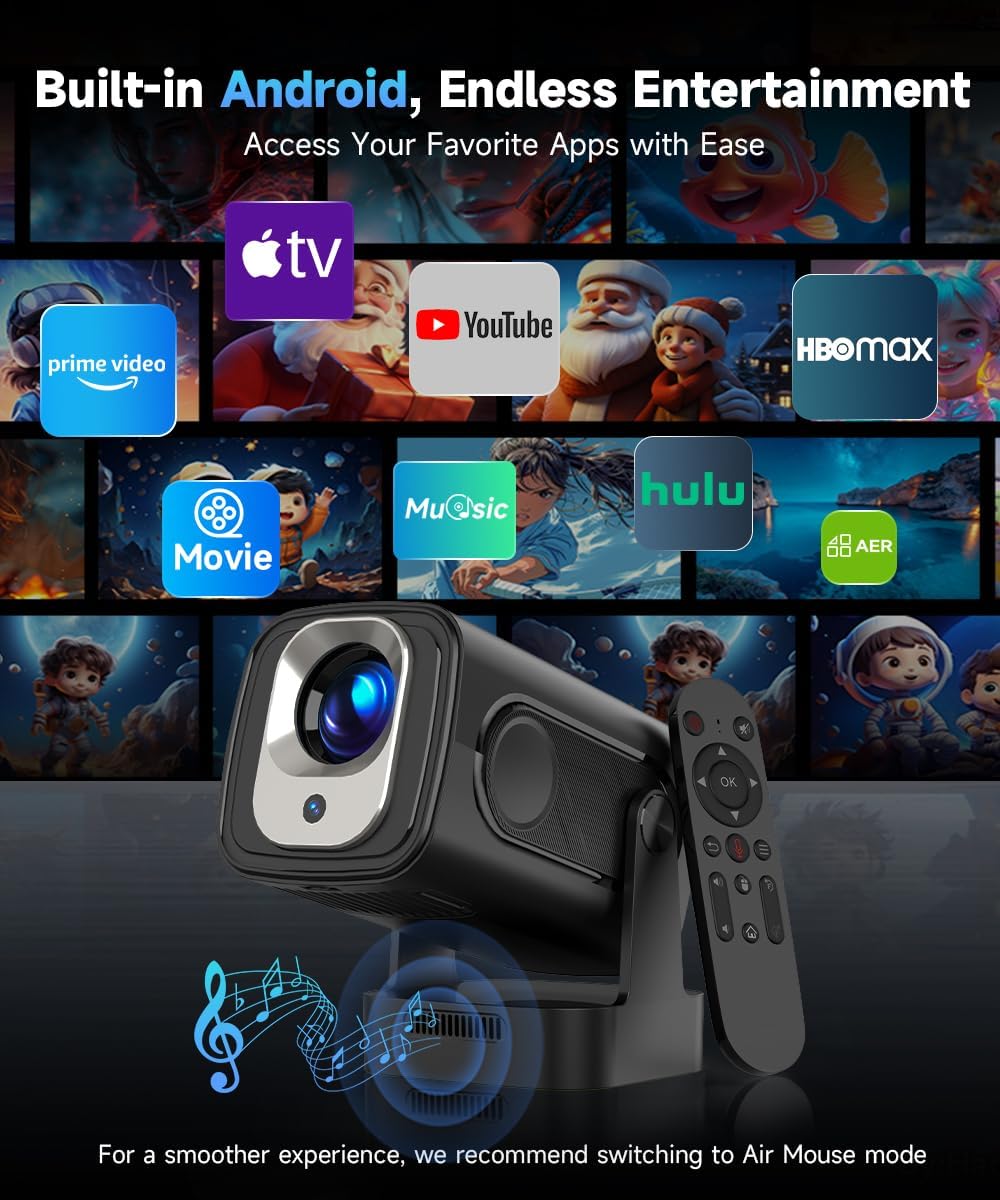
Figure 4.3: The projector's interface displaying various pre-installed applications for entertainment.
4.3 Official Product Video
Watch this official video from the seller for a visual guide on the projector's auto-focus feature and other functionalities.
Video 4.1: "Auto Focus Projector" - Demonstrates key features and operation of the Alwtniet projector.
5. Maintenance
5.1 Dust Filter
The projector features a built-in dust filter designed to block up to 95% of dust, reducing maintenance needs by 50%. Regularly check and clean the filter to ensure optimal performance and longevity of your projector.

Figure 5.1: Illustration of the projector's built-in dust filter system.
5.2 General Care
- Keep the projector in a clean, dry environment.
- Avoid blocking the ventilation ports to prevent overheating.
- Clean the lens gently with a soft, lint-free cloth designed for optical surfaces.
6. Troubleshooting
If you encounter issues with your projector, please refer to the following common troubleshooting steps:
| Problem | Possible Cause | Solution |
|---|---|---|
| No Power | Power cord not connected properly; Power outlet issue. | Ensure power cord is securely connected. Try a different power outlet. |
| No Image / Blurry Image | Projector not focused; Incorrect input source; Obstruction in projection path. | Allow auto-focus to complete. Check input source settings. Remove any obstructions. |
| No Sound | Volume too low; Muted; External audio device not connected or selected. | Increase volume. Check mute settings. Ensure Bluetooth speaker is paired or HDMI audio is selected. |
| Remote Not Responding | Low battery; Not paired; Obstruction between remote and projector. | Replace batteries. Re-pair the remote via Bluetooth settings. Ensure clear line of sight for IR (if applicable) or proper Bluetooth connection. |
| Wi-Fi/Bluetooth Connectivity Issues | Out of range; Incorrect password; Interference. | Move closer to the router/device. Re-enter password. Restart projector and router. |
If the problem persists, please contact customer support for further assistance.
7. Specifications
Detailed technical specifications for the Alwtniet Mini Portable Projector HY310:
| Feature | Detail |
|---|---|
| Brand | Alwtniet |
| Model | HY310 (ASIN: B0F6L8CBMM) |
| Display Resolution | Native 1920 x 1080 (1080P), 4K Support |
| Brightness | 260 ANSI Lumens |
| Contrast Ratio | 10000:1 |
| Connectivity Technology | Bluetooth, Wi-Fi (Wi-Fi 6) |
| Special Features | Portable, Auto Focus, Auto Vertical Keystone, 5W Soundbase Speaker, Built-in Apps |
| Item Weight | 2.05 pounds (approx. 930g) |
| Package Dimensions | 7.05 x 6.18 x 5.39 inches |
| Color | Black |
| Country of Origin | China |
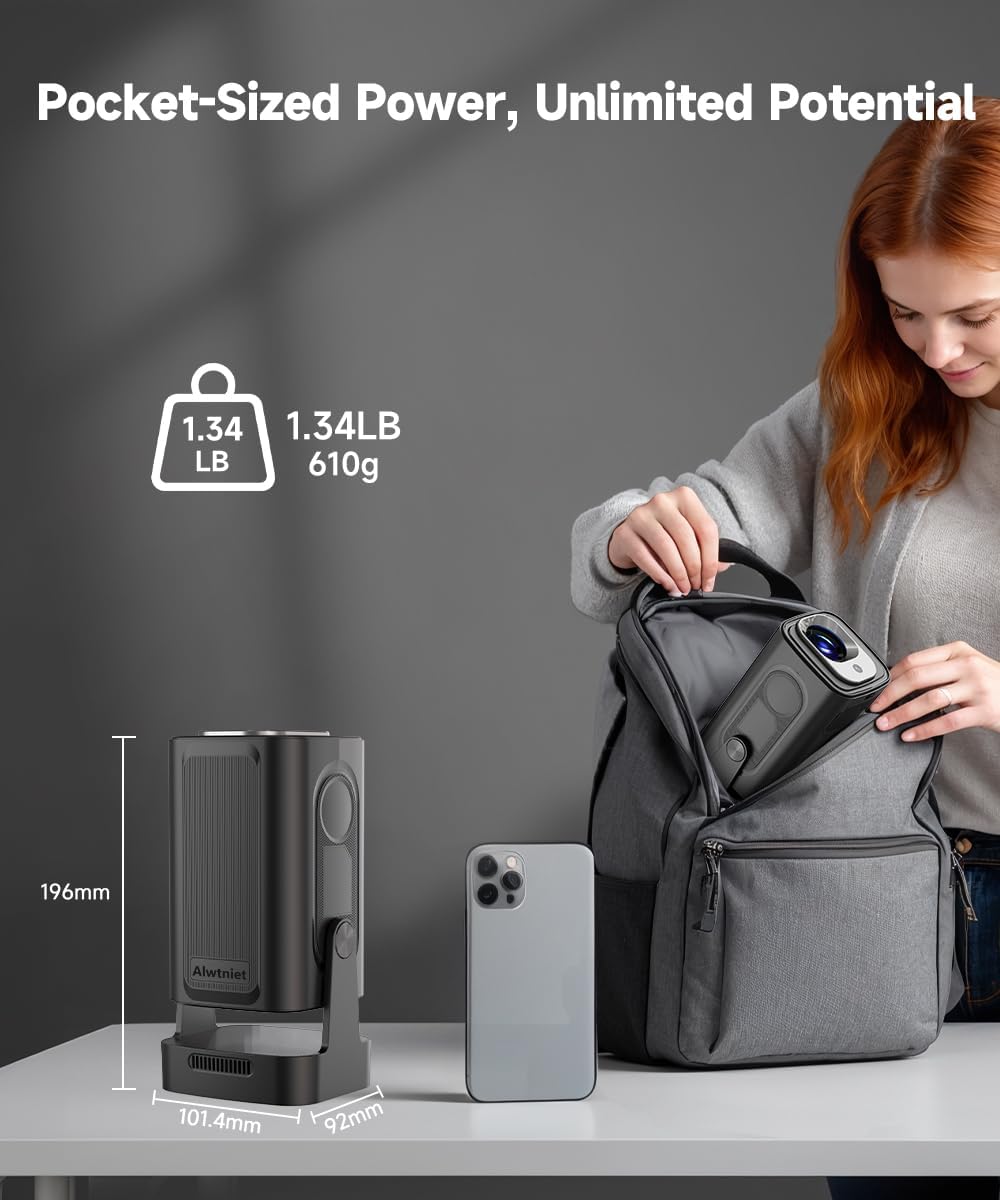
Figure 7.1: Physical dimensions and weight of the Alwtniet Mini Portable Projector HY310.
8. Warranty and Support
Alwtniet provides customer support for any inquiries or issues you may have with your projector. Please refer to your purchase documentation for specific warranty terms and conditions.
For technical assistance, troubleshooting not covered in this manual, or warranty claims, please contact Alwtniet customer support through the retailer where you purchased the product or visit the official Alwtniet store page on Amazon.
Amazon Store Page: Alwtniet Store
Ask a question about this manual
Ask about setup, troubleshooting, compatibility, parts, safety, or missing instructions. Manuals+ will review the question and use this page’s manual context to help answer it.