
GZCRDZ X7S
GZCRDZ X7S IPX8 Waterproof Bone Conduction Headphones User Manual
Model: X7S
1. Introduction
Thank you for choosing the GZCRDZ X7S IPX8 Waterproof Bone Conduction Headphones. This manual provides essential information for the proper setup, operation, and maintenance of your device. Please read it thoroughly before use to ensure optimal performance and longevity.
2. Package Contents
Verify that all items are present in your package:
- 1x GZCRDZ X7S Bone Conduction Headphone
- 1x Magnetic Charging Cable
- 1x User Manual (This document)

Image: The GZCRDZ X7S Bone Conduction Headphones, showing the main unit and its design.
3. Product Overview and Features
The GZCRDZ X7S headphones are designed for active lifestyles, featuring bone conduction technology and IPX8 waterproofing.
- IPX8 Waterproof Rating: Suitable for swimming and water sports.
- Dual Mode Operation: Switch between Bluetooth for wireless streaming and MP3 mode with 32GB built-in memory for offline playback.
- Bone Conduction Technology: Delivers sound through your cheekbones, leaving your ears open to ambient sounds.
- Comfortable and Secure Fit: Lightweight design (30g) with a secure fit for exercise.
- Magnetic Charging: Convenient and waterproof charging interface.

Image: Diagram illustrating bone conduction technology and sound leakage reduction features.
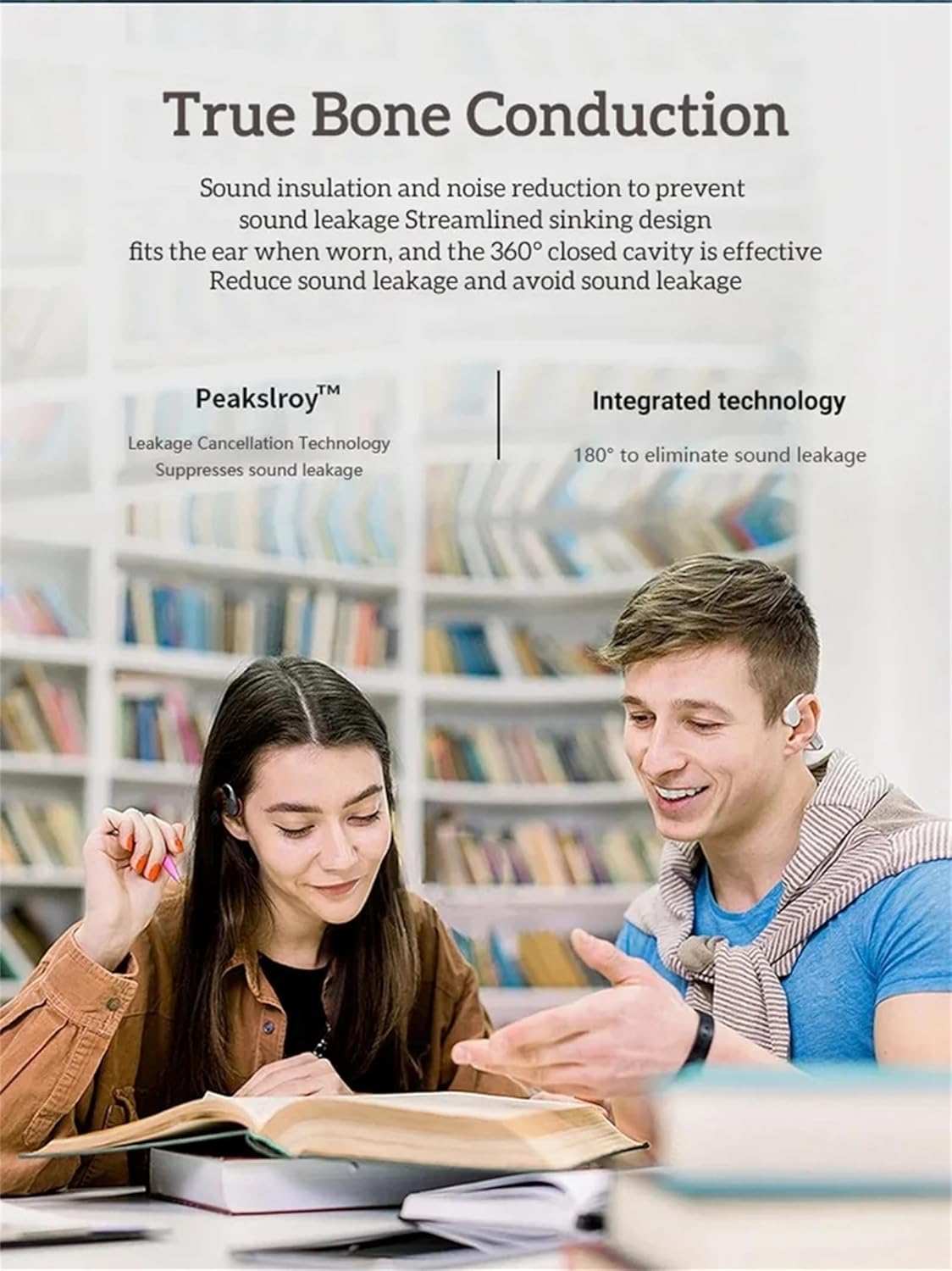
Image: Two individuals wearing bone conduction headphones, demonstrating the comfortable and open-ear design.
4. Setup and Initial Use
4.1 Charging the Headphones
Before first use, fully charge the headphones. Use the provided magnetic charging cable and a 5V 1A or 5V 2A charging adapter. Do not use fast chargers.
- Connect the magnetic end of the charging cable to the charging port on the headphones.
- Connect the USB end of the cable to a compatible USB power adapter or computer USB port.
- Charging time is approximately 1-2 hours. The indicator light will change to show charging status (refer to LED indicator section if available, otherwise assume standard behavior).

Image: Illustration of the magnetic charging interface and battery specifications.
4.2 Powering On/Off
- Power On: Press and hold the Power button (often combined with Play/Pause) for a few seconds until you hear an audible prompt or see an indicator light.
- Power Off: Press and hold the Power button again for a few seconds until you hear an audible prompt or the indicator light turns off.
4.3 Bluetooth Pairing
To connect your headphones to a Bluetooth-enabled device:
- Ensure the headphones are powered off.
- Press and hold the Power button until the indicator light flashes rapidly (usually blue and red), indicating pairing mode.
- On your device (smartphone, tablet, computer), go to Bluetooth settings and enable Bluetooth.
- Search for available devices and select "X7S" or similar from the list.
- Once connected, the indicator light will typically stop flashing and remain solid blue.
4.4 Loading Music to MP3 Mode (32GB Internal Memory)
The headphones have 32GB of internal storage for MP3 and WMA audio formats.
- Connect the headphones to your computer using the magnetic charging cable. The computer should recognize the headphones as a removable disk.
- Drag and drop your MP3 or WMA audio files directly into the recognized drive folder.
- Safely eject the headphones from your computer before disconnecting the cable.
5. Operating Instructions
5.1 Basic Controls
The headphones feature intuitive button controls. Refer to the image below for button locations:

Image: Detailed view of the headphone controls, including volume buttons, power/play/pause, and the magnetic charging/transmission interface.
- Power/Play/Pause Button:
- Press and hold: Power On/Off.
- Short press: Play/Pause music, Answer/End calls.
- Double press: Switch between Bluetooth and MP3 mode.
- Volume Up (+) Button:
- Short press: Increase volume.
- Long press: Next song.
- Volume Down (-) Button:
- Short press: Decrease volume.
- Long press: Previous song.
5.2 Switching Between Bluetooth and MP3 Mode
Double-press the Power/Play/Pause button to toggle between Bluetooth streaming and playing music from the internal 32GB MP3 player.
5.3 Using in Water (IPX8)
The IPX8 rating means these headphones are designed to withstand continuous immersion in water. For optimal performance in water, it is recommended to use the MP3 mode as Bluetooth connectivity can be limited underwater.

Image: A person wearing the headphones while swimming, demonstrating their use in water.

Image: The headphones shown with water splashing, highlighting their waterproof design.
6. Maintenance and Care
Proper maintenance ensures the longevity and performance of your headphones:
- After Saltwater Use: If used in seawater or saltwater, rinse the headphones thoroughly with fresh water immediately after use and dry them completely. Pay special attention to the magnetic charging contacts, as they are susceptible to corrosion.
- After Exercise: After each exercise session, wipe any sweat or water from the surface of the earphones, especially the magnetic charging area, to prevent corrosion.
- Long-Term Storage: If not used for an extended period, fully charge the headphones at least once a month to maintain battery health.
- General Care:
- Keep the product away from fire, excessive heat, freezing temperatures, and harsh chemicals.
- Avoid violent impacts, disassembly, or unauthorized modifications to the product.
- Charging Precautions: Always use a 5V 1A or 5V 2A charging adapter. Do not use fast chargers.
7. Troubleshooting
If you encounter issues with your headphones, refer to the following common solutions:
- Headphones will not power on:
- Ensure the headphones are fully charged. Connect them to the charger for at least 30 minutes.
- Try pressing and holding the Power button for a longer duration (5-10 seconds).
- Cannot pair via Bluetooth:
- Ensure the headphones are in pairing mode (flashing indicator light).
- Turn off and on Bluetooth on your device.
- Move the headphones closer to your device.
- Clear previous Bluetooth connections on your device and try pairing again.
- Ensure no other devices are actively connected to the headphones.
- No sound in MP3 mode:
- Ensure the headphones are switched to MP3 mode (double-press Power button).
- Verify that MP3 or WMA files are correctly loaded onto the internal memory.
- Check the volume level.
- Charging issues:
- Ensure the magnetic charging cable is securely connected to both the headphones and the power source.
- Try a different USB power adapter (ensure it's 5V 1A or 5V 2A).
- Clean the magnetic charging contacts on both the headphones and the cable with a dry cloth.
- Sound quality issues:
- Ensure the headphones are positioned correctly on your cheekbones.
- Adjust the volume on both the headphones and your connected device.
- If using in water, ensure the headphones are in MP3 mode for best performance.
8. Technical Specifications
| Feature | Specification |
|---|---|
| Model | X7S |
| Bluetooth Version | 5.3 |
| Waterproof Rating | IPX8 |
| Internal Memory | 32GB |
| Battery Capacity | 200mAh |
| Music Playback Time | Up to 10 hours |
| Talk Time | Up to 10 hours |
| Standby Time | 300 hours |
| Charging Time | 1-2 hours |
| Wireless Working Range | >10 meters (33 feet) |
| Supported Audio Formats | MP3, WMA |
| Supported Protocols | A2DP, AVRCP, HSP, HFP |
| Speaker Sensitivity | 100dB at 1KHz/1mW |
| Speaker Frequency Response | 20Hz-20KHz |
| Material | ABS+PC |
| Item Weight | 30g (1.06 oz) |
9. Warranty and Support
For warranty information and customer support, please refer to the documentation provided at the time of purchase or visit the official GZCRDZ website. Keep your proof of purchase for warranty claims.
If you experience any issues not covered in this manual, please contact GZCRDZ customer service for assistance.
Ask a question about this manual
Ask about setup, troubleshooting, compatibility, parts, safety, or missing instructions. Manuals+ will review the question and use this page’s manual context to help answer it.