
1. Introduction
Thank you for choosing the EINSEO Gatling AI Lover Male Masturbator. This device is designed to provide a versatile and engaging experience with advanced features including AI-powered interaction, multiple stimulation modes, and a waterproof design. This manual provides essential information for safe and effective use, maintenance, and care of your device.
2. Safety Information
- This product is intended for adult use only.
- Clean the device thoroughly before and after each use as instructed in the Maintenance section.
- Use only water-based lubricants with this device. Oil-based lubricants can damage the silicone material.
- Discontinue use immediately if you experience any discomfort, pain, or irritation. Consult a medical professional if symptoms persist.
- Do not immerse the main unit in water for extended periods, despite its waterproof rating. Ensure the charging port is dry before charging.
- Keep out of reach of children.
- Store in a cool, dry place away from direct sunlight and extreme temperatures.
3. Package Contents
Verify that all items are present in your package:
- 1 x EINSEO Gatling Male Masturbator
- 1 x Water-based Lubricant sample
- 1 x USB Charging Cable
- 1 x User Manual (this document)
- 1 x Suction Base

4. Setup
4.1 Initial Charging
Before first use, fully charge the device. Connect the provided USB charging cable to the charging port on the device and to a standard USB power adapter (not included). The LED display will indicate charging status. A full charge takes approximately 4 hours and provides about 1.5 hours of use.

4.2 Attaching the Suction Base
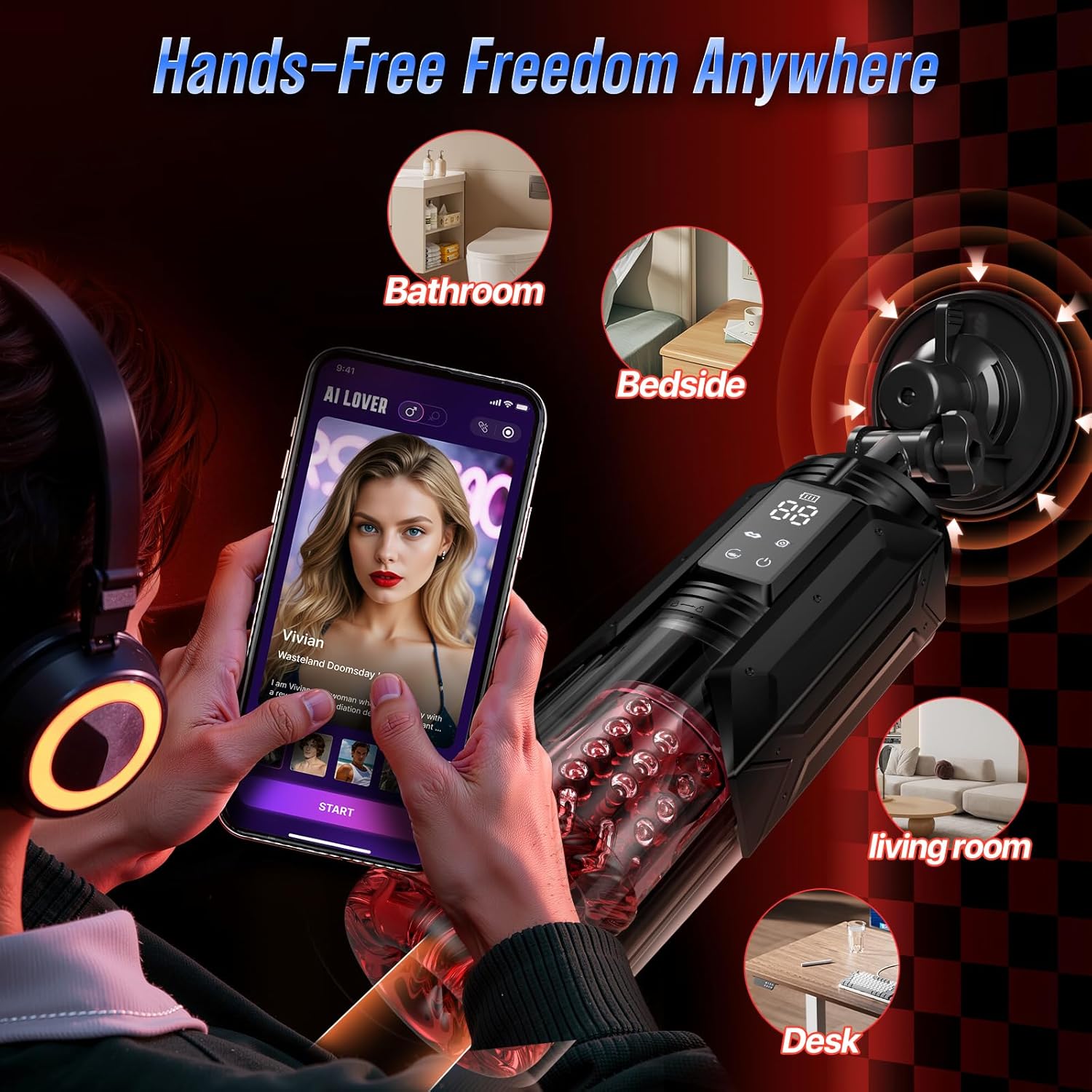
To use the device hands-free, attach the suction base to the bottom of the main unit. Ensure it is securely fastened. The suction base can then be affixed to any smooth, flat surface like tile, glass, or tabletops.

5. Operating Instructions
5.1 Basic Controls
The device features an LED display and intuitive buttons for control.

- Power Button: Press and hold to turn the device on or off. Short press to cycle through modes or confirm selections.
- Mode Buttons: Use dedicated buttons to adjust thrusting, rotating, and suction intensities.
- Burst Mode Button: Activates a one-touch maximum intensity setting for all functions.
5.2 AI Lover Mode and App Control
The device can be connected to a smartphone app to unlock advanced AI Lover features. This mode allows for real-time voice or text chat, where your commands can instantly adjust the device's thrust, rotation, and suction. A video mode synchronizes the device's tempo with on-screen action. Remote control functionality allows a partner to manage the device's pace and intensity, even over long distances.

5.3 Thrusting and Rotating Modes
The device offers 7 powerful thrusting and rotating modes. The internal sleeve provides a 30mm deep thrust and 360-degree rotation for comprehensive stimulation. Adjust the intensity using the dedicated buttons.
5.4 Suction Modes
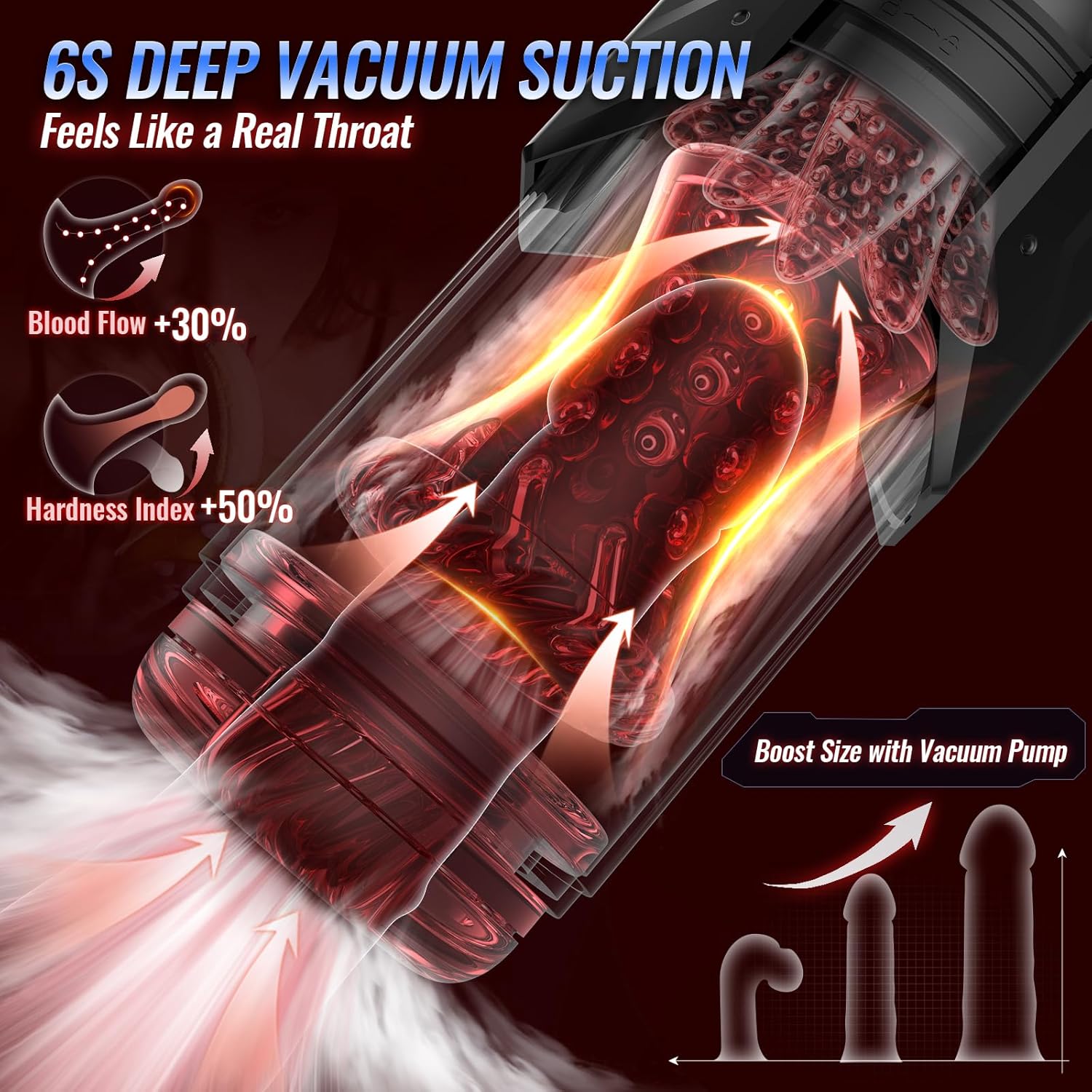
There are 7 suction intensities available, providing rhythmic pressure. Holding the suction button for 6 seconds activates a vacuum burst, which can enhance blood flow.
5.5 Water Massage Function
The device is fully waterproof, allowing for use with water. Filling the sleeve with warm water can create a soothing sensation, while cold water can be used for desensitization training.

5.6 Internal Sleeve Design
The elastic, jelly-like inner sleeve features a textured tongue tip for gentle stimulation and dense particle textures for comprehensive sensation.

6. Maintenance
6.1 Cleaning Instructions
The device features a waterproof and detachable sleeve for easy cleaning. Follow these steps:
- Remove the lid from the device.
- Fill the cup with warm water and a mild, toy-safe soap.
- Turn on the suction function briefly to help circulate the cleaning solution.
- Rotate and unscrew the casing to fully detach the inner sleeve.
- Take out the silicone sleeve.
- Wash the sleeve thoroughly with warm water and toy cleaner or mild soap. Rinse completely to remove all soap residue.
- Allow all components to air dry completely before reassembling or storing.

6.2 Storage
Store the device in a clean, dry place, away from direct sunlight and extreme temperatures. Ensure it is fully dry before storage to prevent bacterial growth.
7. Troubleshooting
If you encounter any issues with your EINSEO Gatling device, please refer to the following common solutions:
- Device not turning on: Ensure the device is fully charged. Connect it to the USB charging cable and allow it to charge for at least 30 minutes before attempting to power it on again.
- Weak or inconsistent performance: Check the battery level on the LED display. Recharge if the battery is low. Ensure the internal sleeve is correctly assembled and free from obstructions.
- App connectivity issues: Ensure Bluetooth is enabled on your smartphone and the device is within range. Restart both the device and the app.
- Unusual noise: A low hum is normal during operation. If you hear loud or grinding noises, discontinue use and contact customer support. The device is designed for quiet operation (approximately 45dB).

If these steps do not resolve the issue, please contact EINSEO customer support for further assistance.
8. Specifications
| Feature | Specification |
|---|---|
| Model Number | Gatling |
| Package Dimensions | 15.94 x 5 x 4.06 inches |
| Weight | 3.31 Pounds |
| Battery Type | 1 x 9V battery (included) |
| Charging Time | Approx. 4 hours |
| Usage Time | Approx. 1.5 hours |
| Material | Silicone |
| Water Resistance | Waterproof |
| Thrusting Modes | 7 |
| Rotating Modes | 7 |
| Suction Intensities | 7 |
9. Warranty and Support
9.1 Legal Disclaimer
Statements regarding this product have not been evaluated by the FDA and are not intended to diagnose, treat, cure, or prevent any disease or health condition.
9.2 Customer Support
For product support, customer service, usage tips, or replacement inquiries, please contact EINSEO customer support. We aim to reply within 24 hours.
- Phone: +1 (888) 897 2005
- Online: Visit the EINSEO Store on Amazon and click 'Ask a question' on the product page.
