
1. Product Overview
The E GATE C207 Bluetooth Soundbar delivers 18W stereo sound through 52mm dynamic drivers, offering clear vocals and rich bass. It features ambient RGB lighting, up to 18 hours of playback from a 2000mAh battery, and multiple connectivity options including Bluetooth 5.4, USB, AUX, mSD, and FM radio. The soundbar also supports True Wireless Stereo (TWS) pairing for enhanced audio and includes a built-in microphone for hands-free calls.

Image: The E GATE C207 Soundbar showcasing its 18W immersive sound capabilities.
2. Key Features
- Audio Performance: 18W stereo sound with 52mm dynamic drivers for clear vocals and deep bass.
- Battery Life: Up to 18 hours of playback from a 2000mAh lithium-polymer battery, with fast charging via Type-C port.
- Ambient Lighting: Customizable RGB LED strip to enhance your listening experience.
- Connectivity: Bluetooth 5.4 for seamless wireless connection, USB, AUX, mSD card slot, and FM radio support.
- True Wireless Stereo (TWS): Pair two C207 soundbars for a combined 36W output and a wider stereo soundstage.
- Hands-Free Calling: Integrated microphone for convenient call management.
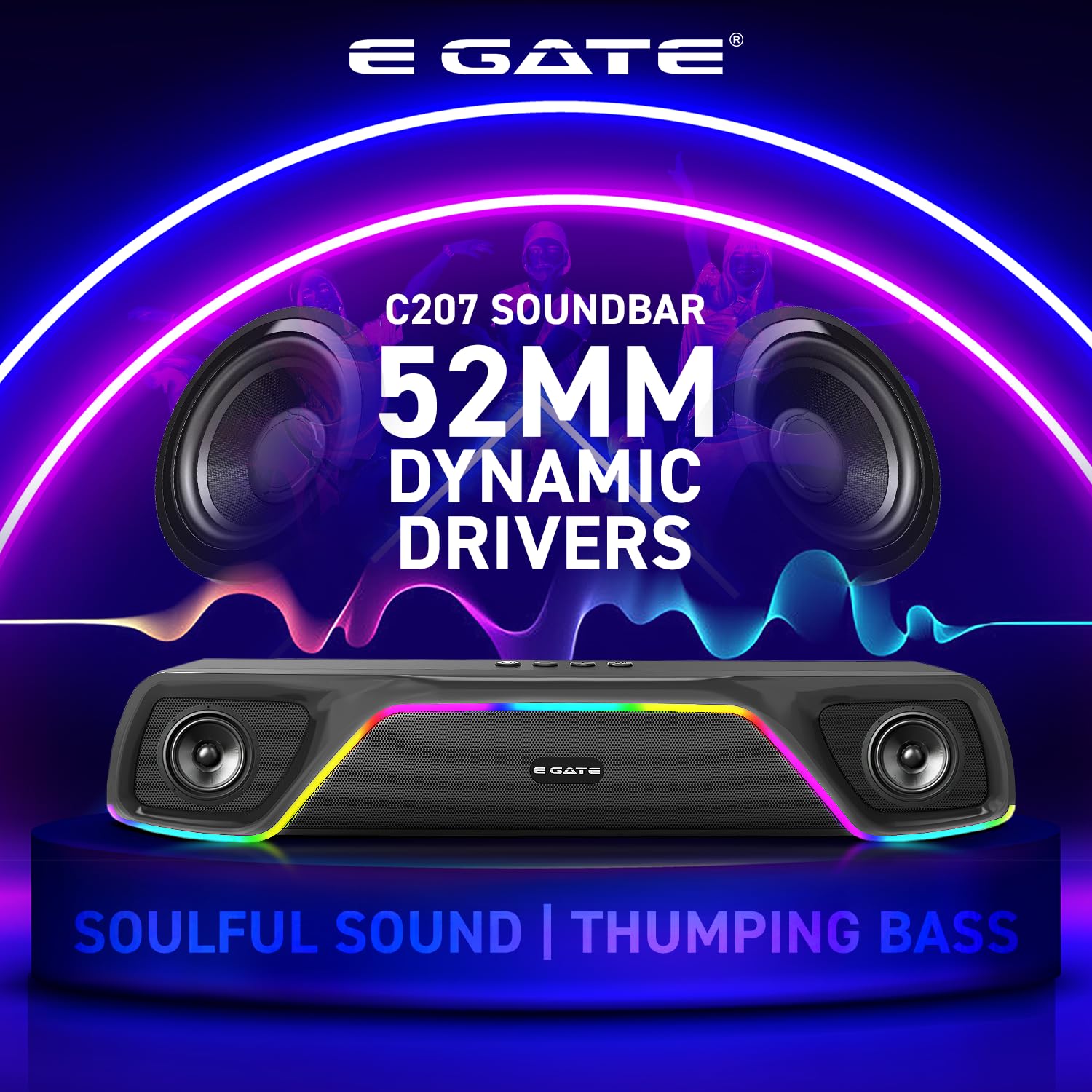
Image: Close-up view of the E GATE C207 Soundbar, emphasizing its 52mm dynamic drivers for powerful audio.

Image: The E GATE C207 Soundbar, illustrating its impressive 18-hour playback time.
3. Initial Setup
- Unboxing: Carefully remove the soundbar and all accessories from the packaging.
- Charging: Before first use, fully charge the soundbar using the provided Type-C charging cable. Connect the cable to the soundbar's charging port and a compatible USB power adapter (not included). The charging indicator will show the charging status.
- Power On: Press and hold the power button on the soundbar to turn it on. The RGB lights will illuminate, and an audio prompt will indicate it is ready for use.
4. Operation
- Mode Selection: Press the 'M' (Mode) button to cycle through available input modes: Bluetooth, AUX, USB, mSD, and FM radio.
- Volume Control: Use the '+' and '-' buttons to adjust the volume.
- Playback Control: In Bluetooth, USB, or mSD mode, use the play/pause button to control media playback. The '+' and '-' buttons can also be used for track navigation (long press for next/previous track).
- RGB Lighting: Short press the RGB light button to change lighting modes or turn off the lights.
- Hands-Free Calls: When a call comes in during Bluetooth mode, press the play/pause button to answer or end the call. Press and hold to reject a call.

Image: The E GATE C207 Soundbar displaying its built-in RGB lighting feature.
5. Connectivity
5.1 Bluetooth Pairing
- Turn on the soundbar and select Bluetooth mode. The soundbar will enter pairing mode, indicated by a flashing LED.
- Enable Bluetooth on your device (smartphone, tablet, TV).
- Search for "E GATE C207" in the list of available devices and select it to pair.
- A successful connection will be confirmed by an audio prompt.
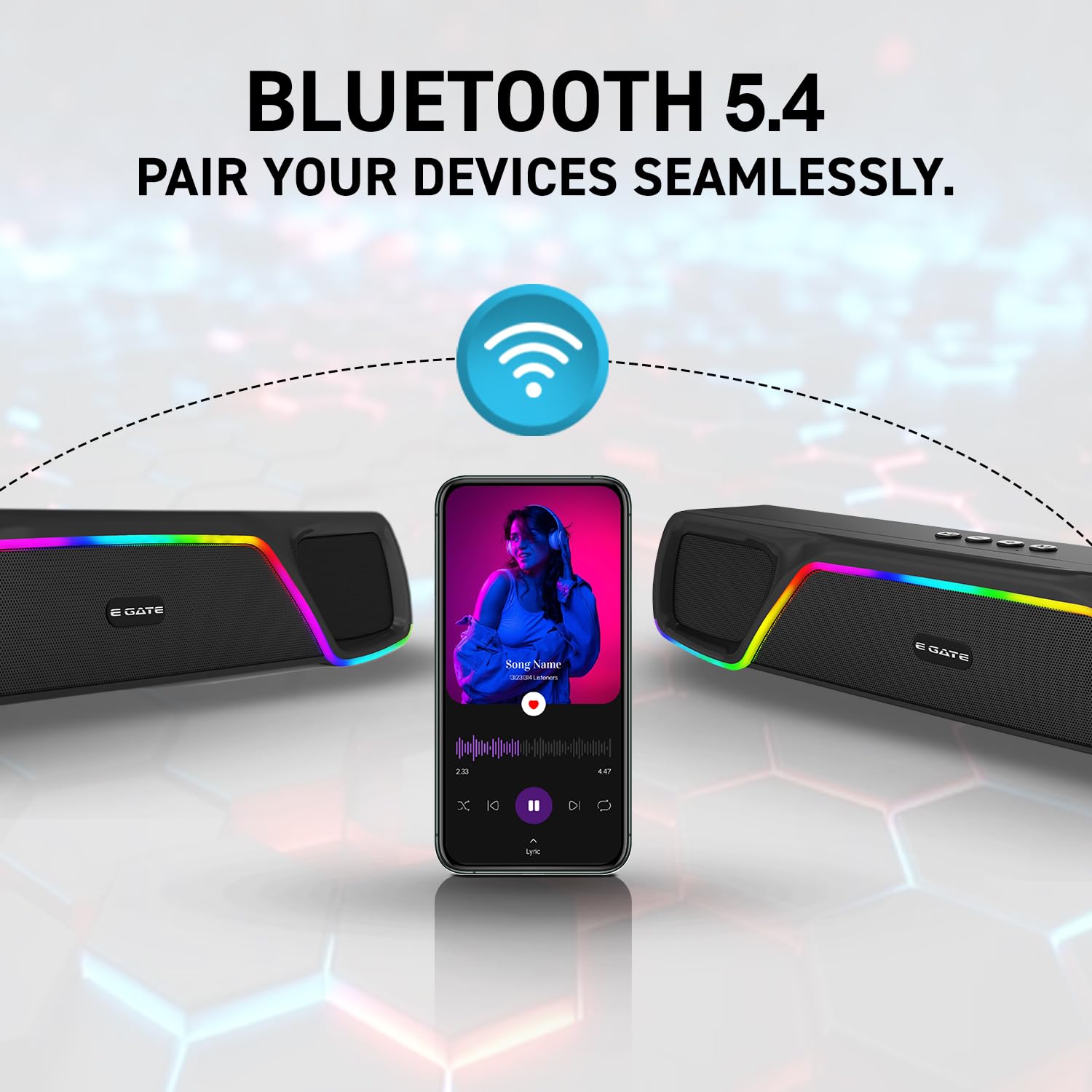
Image: Two E GATE C207 Soundbars wirelessly connected via Bluetooth 5.4, demonstrating TWS pairing.
5.2 True Wireless Stereo (TWS) Pairing
- Ensure both E GATE C207 soundbars are turned on and in Bluetooth mode, but not connected to any device.
- On one soundbar (this will be the primary unit), press and hold the TWS button until you hear a pairing tone.
- The two soundbars will automatically connect to each other.
- Once paired, connect your device to the primary soundbar via Bluetooth as described above. Audio will now play through both soundbars for a stereo experience.
5.3 Other Input Modes
- AUX Input: Connect your audio device to the soundbar's AUX port using the provided 3.5mm AUX cable. Select AUX mode on the soundbar.
- USB/mSD Card: Insert a USB drive or mSD card into the respective port. The soundbar will automatically switch to USB or mSD mode and begin playing audio files.
- FM Radio: Select FM mode. The soundbar will automatically scan and save available radio stations. Use the track navigation buttons to switch between stations.

Image: The E GATE C207 Soundbar highlighting its various connectivity options including Bluetooth, USB, AUX, TWS, SD card, and FM support.
6. Maintenance
- Cleaning: Use a soft, dry cloth to clean the soundbar. Do not use abrasive cleaners or solvents.
- Storage: Store the soundbar in a cool, dry place away from direct sunlight and extreme temperatures.
- Battery Care: To prolong battery life, avoid fully discharging the battery frequently. Charge the soundbar regularly, even if not in use for extended periods.
7. Troubleshooting
- No Power: Ensure the soundbar is charged. Connect the charging cable and try again.
- No Sound: Check the volume level on both the soundbar and your connected device. Ensure the correct input mode is selected.
- Bluetooth Pairing Issues: Make sure the soundbar is in Bluetooth pairing mode and within range of your device. Disconnect from other Bluetooth devices if necessary.
- Distorted Sound: Reduce the volume on both the soundbar and your device. Check for interference from other electronic devices.
- TWS Pairing Failure: Ensure both soundbars are not connected to any other Bluetooth device before initiating TWS pairing. Try restarting both units.
8. Specifications
| Feature | Detail |
|---|---|
| Brand | E GATE |
| Model Name | C207 |
| Model Number | ABE042-2CP |
| Speaker Maximum Output Power | 18 Watts |
| Frequency Response | 20000 Hz |
| Connectivity Technology | Bluetooth |
| Audio Output Mode | Stereo |
| Mounting Type | Tabletop Mount |
| Speaker Type | Soundbar |
| Product Features | Bass Boost, Dual (52mm Driver & Passive Radiator), RGB Light, Upto 18 Hr Backup from 2000 mAH Built in Battery, Wireless bluetooth 18 Watt Stereo Sound |
| Colour | C207 Black |
| Is Waterproof | False |
| Control Method | Remote |
| Speaker Size | 52 Millimetres |
| Bluetooth Range | 10 Metres |
| Battery Average Life | 18 Hours |
| Controller Type | Remote Control |
| Input Voltage | 5 Volts (DC) |
| Item Dimensions D x W x H | 7.5D x 38W x 6H Centimeters |
| Item Weight | 750 Grams |
| Compatible Devices | Home Theater, TV, Smart Phone, Tablet |
| Battery Capacity | 2000 Milliamp Hours |
| Number of Audio Channels | 2.0 |
| Network Connectivity Technology | Bluetooth |
| Wireless Technology Type | Bluetooth |
| Audio Driver Type | Dynamic Driver |
| Audio Driver Size | 52 Millimetres |
9. What's in the Box
- E GATE C207 Soundbar
- AUX Cable
- Charging Cable (Type-C)
- User Manual
10. Warranty and Support
Warranty: The E GATE C207 Soundbar comes with a 1-year warranty from the date of purchase.
Manufacturer: Egate Infotel Pvt Ltd.
For further assistance, please refer to the contact information provided in the manual or on the E GATE official website.
11. Product Video
Video: A brief overview of the E GATE C207 Soundbar, highlighting its key features and design. This video provides a visual introduction to the product's capabilities.