
Introduction
This manual provides detailed instructions for the setup, operation, maintenance, and troubleshooting of your Yorenson Automatic Card Shuffler and Dealer, Model YSCS-BK-CA0001. Please read this manual thoroughly before using the device to ensure proper function and longevity.
Safety Information
This product is intended for indoor use only. Keep out of reach of children and pets. Do not expose the device to water or excessive moisture. Do not attempt to disassemble or repair the device yourself. Use only the provided charging cable.
Package Contents
Verify that all items are present in your package:
- 1 x Yorenson Automatic Card Shuffler and Dealer
- 4 x Wireless Drawing Remotes
- 1 x USB-A to USB-C Charging Cable
- 1 x Instruction Manual
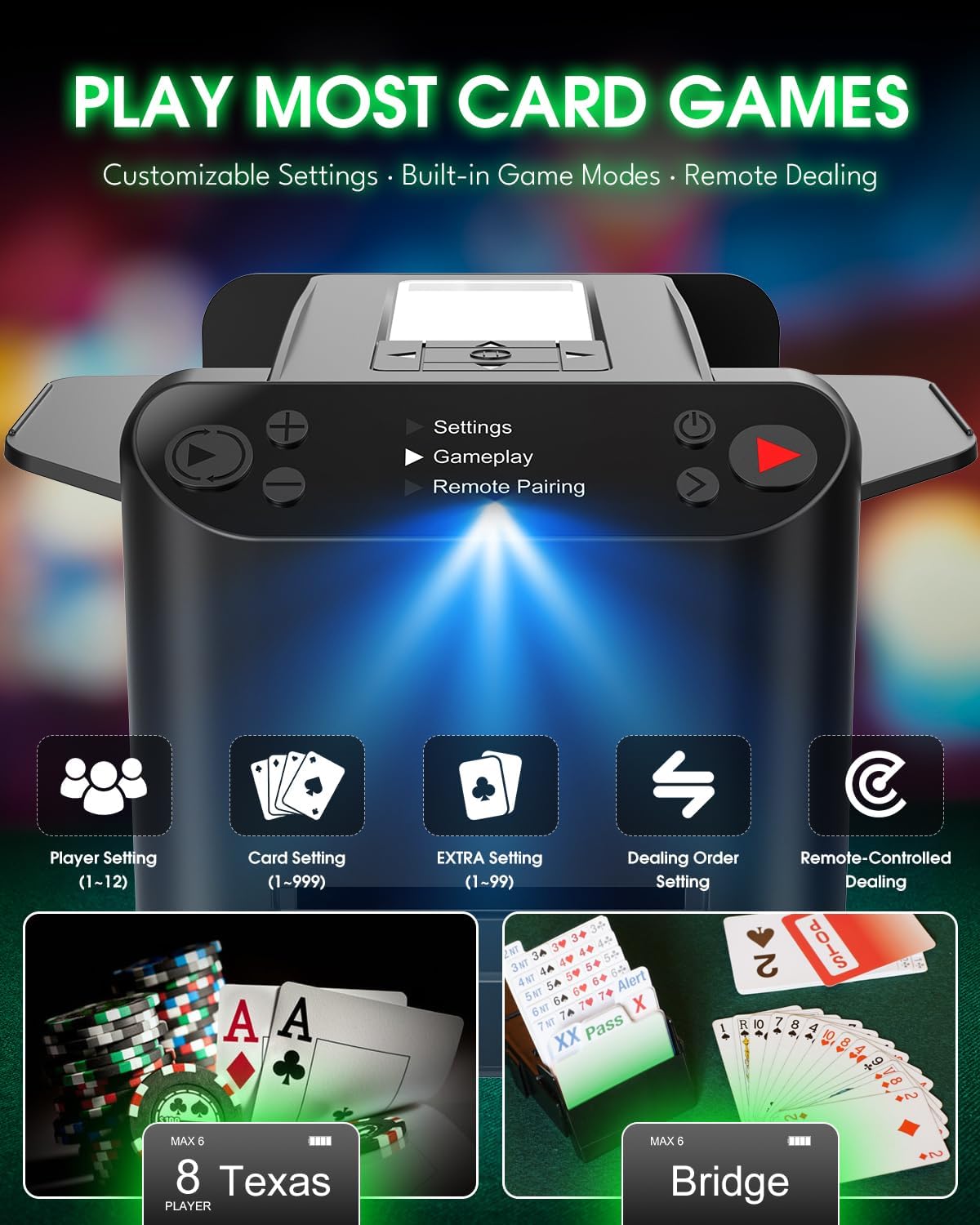
Image: The Yorenson Automatic Card Shuffler and Dealer unit, surrounded by four wireless drawing remotes and dealt cards, illustrating the complete package contents.
Product Overview
The Yorenson Automatic Card Shuffler and Dealer is a 3-in-1 device designed for shuffling, dealing, and counting cards. It features an intuitive control panel and an OLED display for easy operation.
Components and Controls
- OLED Display: Shows current settings, player count, cards per player, and extra cards.
- Card Tray: Area where cards are placed for shuffling.
- Card Dispenser: Slot from which cards are dealt.
- Touch Pause Area: Sensor for instant pause/resume of dealing.
- Retractable Tail Wing: Adjustable card guides for various card sizes.
- Silicone Dealing Wheels: Ensure smooth and quiet card delivery.
- USB-C Charging Port: For recharging the internal battery.
- Non-slip Silicone Base: Provides stability and reduces noise.
- Control Buttons: Power Key, Shuffle Key, Deal Key, Plus/Up Key, Minus/Down Key, Setting/Next Key, Random/Specified Deal Key, Extra/Community Cards, Player Count, Cards Per Player.

Image: Detailed views of the Yorenson Automatic Card Shuffler and Dealer, highlighting the card tray, OLED display, card dispenser, retractable tail wing, silicone wheel, USB-C charging port, and non-slip base.

Image: A top-down diagram of the device's control panel, clearly labeling the function of each button, including Power, Shuffle, Deal, Settings, and player/card adjustment keys.
Setup
1. Charging the Device
Before first use, fully charge the device using the provided USB-C cable. Connect the cable to the USB-C port on the device and a compatible USB power adapter (not included). The built-in 5200mAh battery provides up to 12 hours of operation on a full charge.
2. Powering On
Press the Power Key (usually marked with a power symbol) to turn on the device. The OLED display will illuminate.
3. Remote Pairing (Optional)
To pair the wireless drawing remotes:
- From the main menu on the OLED display, navigate to "Remote Pairing" using the navigation buttons.
- Press the Setting/Next Key to enter the pairing mode.
- Follow the on-screen prompts to pair each remote. Each remote can be assigned to a specific player position.
Operating Instructions
1. Card Compatibility
The device supports various card types, including standard playing cards, UNO, Rummy, Texas Hold’em, Bridge, Blackjack, Mahjong, Mini, and Chip cards. Adjust the retractable tail wings to fit the card size.

Image: An illustration demonstrating the adjustable card holder mechanism and the range of card sizes it can accommodate, including Standard, Texas Hold'em, Mini, Mahjong, UNO, and Chip cards.
2. Shuffling Cards
- Place one or two decks of cards into the card trays on top of the device.
- Press the Shuffle Key (usually marked with a circular arrow symbol). The device will automatically shuffle the cards and store them internally.
- For a more thorough shuffle, you may run the cards through the shuffler multiple times.
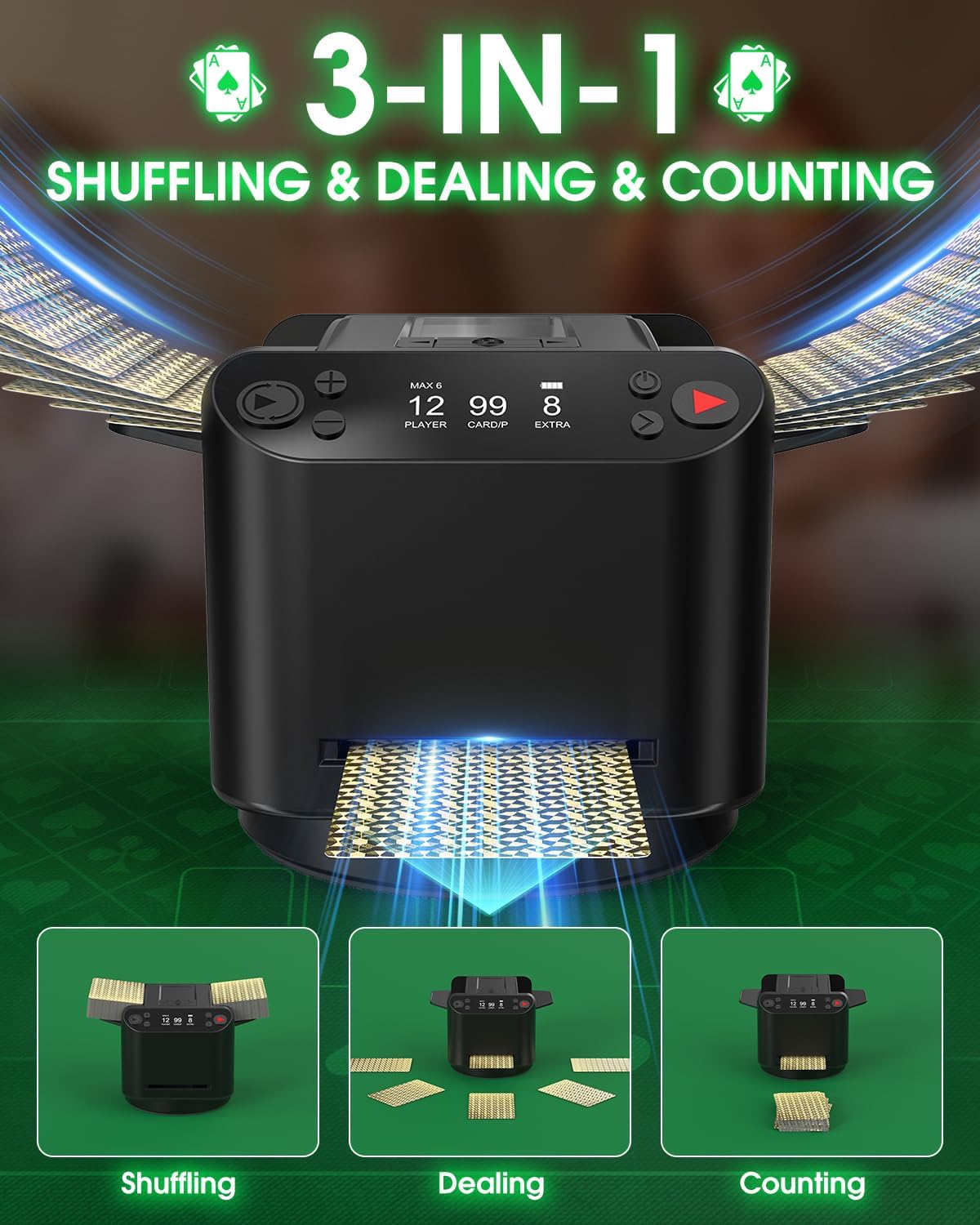
Image: A visual representation of the device's three core functions: shuffling cards in the top trays, dealing cards from the front slot, and counting cards, all integrated into one unit.
3. Customizing Game Settings
The device supports 2-12 players and allows customization of card count, extra cards (bottom cards), and dealing direction.
- Press the Setting/Next Key to access the main menu.
- Navigate to "Settings" using the Plus/Up and Minus/Down keys, then press Setting/Next Key to confirm.
- Adjust the following parameters:
- Player Count: Use Plus/Up and Minus/Down keys to set the number of players (1-12).
- Cards Per Player: Set the number of cards each player receives (1-99).
- Extra Cards: Define any additional cards to be dealt (e.g., community cards in poker).
- Dealing Direction: Choose between Clockwise, Anticlockwise, Back-Forth, or 360° Rotate.
- Dealing Distance: Select Close, Mid, or Far to adjust how far cards are dealt from the device.
- You can also select pre-programmed game modes like Texas Hold'em or Bridge from the "Gameplay" menu.

Image: A detailed flowchart illustrating the steps to navigate the device's menu, adjust settings for player count, card distribution, dealing direction, and access advanced options like shuffle speed and touch pause.
4. Dealing Cards
- After setting your desired game parameters, press the Deal Key (usually marked with a red play symbol). The device will begin dealing cards according to your settings.
- Dealing Modes:
- Back-Forth Deal: Suitable for 1-8 players, dealing cards in a linear fashion.
- 360° Rotate Deal: Ideal for 2-12 players, where the device rotates to deal cards to each player around a table.
- Remote Dealing: Players with a paired wireless remote can press their remote's button to draw a card. The device will rotate and deal a card directly to them.

Image: The card shuffler dealing cards in a circular pattern, demonstrating the 360-degree rotation and the three adjustable dealing distances (Close, Mid, Far) to suit different table sizes.
5. Pause and Resume
The device features a touch sensor for instant pause and resume. Simply tap the Touch Pause Area on the top of the device to stop dealing, and tap again to continue without resetting the game.
Maintenance
Cleaning
To clean the device, wipe the exterior with a soft, dry cloth. Do not use abrasive cleaners or immerse the device in water. Ensure no dust or debris accumulates in the card trays or dispenser slot.
Card Condition
For optimal performance, use clean, flat, and undamaged playing cards. Bent, sticky, or excessively worn cards may cause misfeeds or jams.
Troubleshooting
- Q: The device deals more than one card at a time or jams frequently.
- A: This issue is often related to the condition or thickness of the cards. Ensure you are using clean, non-bent cards. If a jam occurs, carefully remove the extra card and continue playing. Regularly inspect cards for wear and tear.
- Q: The device is difficult to operate or configure.
- A: The device has a learning curve due to its advanced features. Refer to the "Function Operation Demonstration" diagram in this manual for a visual guide to menu navigation and settings. Practice with the basic functions first. Shortcut keys can simplify operation:
- Short press Pause Key to shuffle.
- Short press Deal Key to deal.
- Short press Minus Key or use a remote to deal a single card.
- Long press Setting/Next Key (3 seconds) to access hidden settings.
- Q: My product box says "2-in-1" but the product is advertised as "3-in-1".
- A: To minimize waste, some units may be shipped in older "2-in-1" packaging. Rest assured, your device is the latest 3-in-1 model with all features, including card counting mode. To activate card counting, press and hold the Minus Key.
Specifications
| Feature | Specification |
|---|---|
| Model Number | YSCS-BK-CA0001 |
| Product Dimensions | 5.55 x 4.88 x 7.36 inches |
| Item Weight | 2.49 pounds |
| Battery Type | Built-in 5200mAh Type-C Rechargeable Battery |
| Battery Life | Up to 12 hours per charge (approx. 222 decks) |
| Noise Level | Approximately 40dB during operation |
| Player Support | 2-12 players |
| Dealing Modes | Back-Forth (1-8 players), 360° Rotate (2-12 players) |
Warranty and Support
Yorenson provides high-quality after-sales service for this product. If you encounter any issues or have questions, please contact us directly at yorensontech@gmail.com. We aim to respond to all inquiries within 24 hours.