
Magene H613-S
Magene H613 Heart Rate Monitor User Manual
Model: H613-S | Brand: Magene
1. Product Overview
The Magene H613 Heart Rate Monitor is a high-precision device designed to track your heart rate during various physical activities. It features advanced tracking algorithms, offline data storage, and multi-device connectivity.

Figure 1: Magene H613 Heart Rate Monitor and Chest Strap.
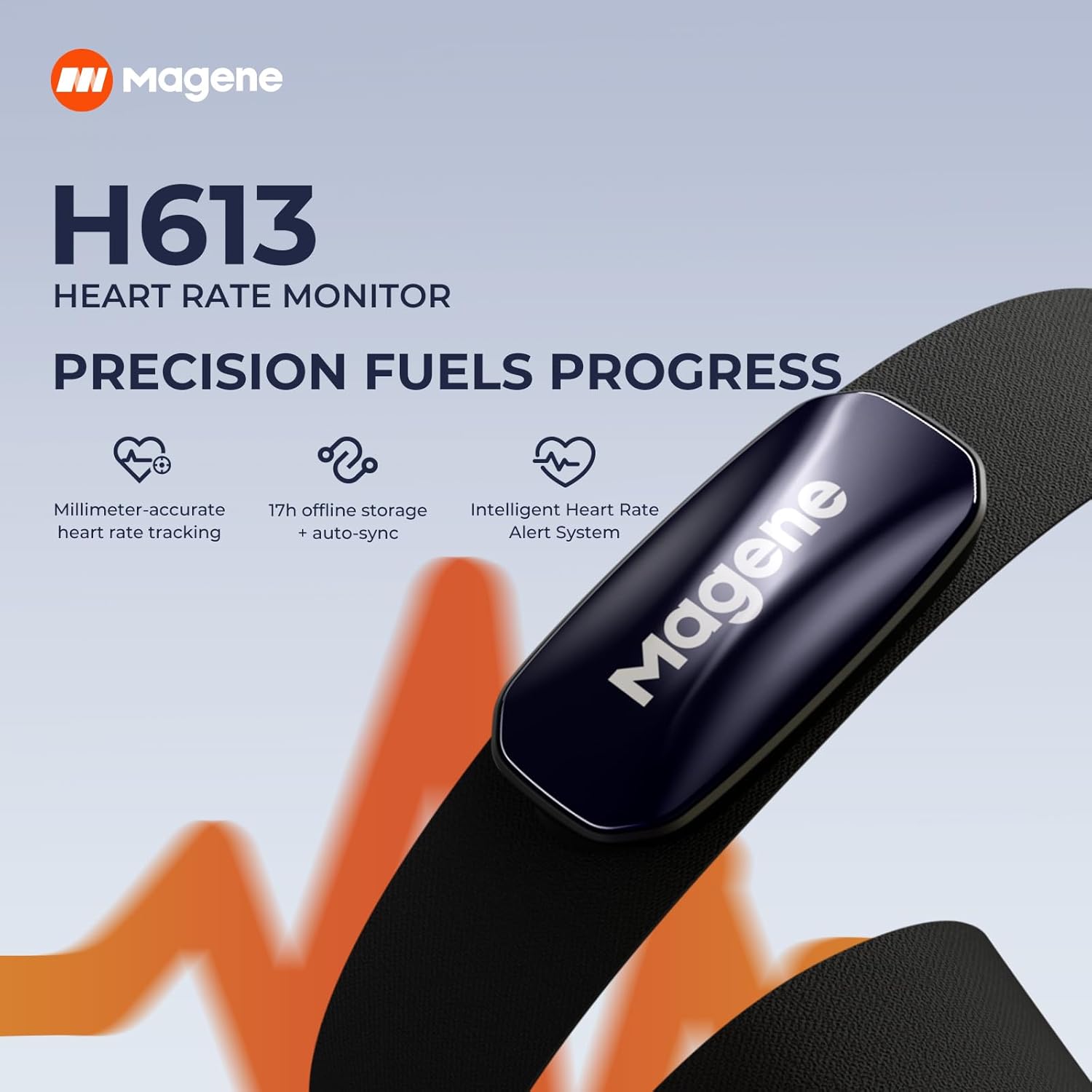
Figure 2: Key features of the Magene H613 Heart Rate Monitor.
2. Setup
2.1 Unboxing
The standard package for the Magene H613 Heart Rate Monitor includes the following components:
- Heart Rate Monitor Unit
- Chest Strap
- Magnetic Charging Cable
- User Manual
2.2 Activation
Before first use, the H613 Heart Rate Monitor requires activation. Connect the device to the magnetic charging cable. Activation is complete when the indicator light illuminates.
2.3 Fitting Adjustment
For accurate readings and comfortable wear, follow these steps to adjust your chest strap:
- Moisten the electrode areas on the chest strap with clean water.
- Position the strap below your chest.
- Adjust the strap length for a comfortable and secure fit.
- Ensure the electrodes contact your skin. The sensor will automatically turn on and begin broadcasting once properly worn.

Figure 3: Instructions for wearing the heart rate strap.
2.4 Size Options
The Magene H613 chest strap is available in three adjustable sizes to ensure a perfect fit for various body types:
- Short: 58–78cm (Recommended height: 140-168cm | Recommended weight: 35-80kg)
- Medium: 75–100cm (Recommended height: 160-190cm | Recommended weight: 65-95kg)
- Long: 93–136cm (Recommended height: 180-210cm | Recommended weight: 80-110kg)

Figure 4: Available strap sizes for optimal fit.
3. Operating Instructions
3.1 Multi-Device Connectivity
The Magene H613 supports seamless connectivity with multiple devices:
- Bluetooth: Connects to up to 3 devices simultaneously, including smartphones and smartwatches. Compatible with apps like Zwift, Onelap, Strava, Kinomap, Wahoo Fitness, TrainerRoad, ROUVY, Fulgaz, NikeRun Club, Openrider, Elite HRV, Selfloops HR, and other Bluetooth-compatible sports apps.
- ANT+: Compatible with Magene, Garmin, Bryton, and other ANT+-enabled bike computers and smartwatches.

Figure 5: Multi-device connectivity options.
3.2 Bike Computer Pairing
To pair with a Magene C606 Smart GPS bike computer:
- Ensure the H613 Heart Rate Monitor is active and worn.
- On the cycling computer, open the sensor interface.
- Tap the "+" icon to add a sensor.
- Select "Heart Rate" from the list.
- Choose your H613 device from the detected sensors to connect.
3.3 Smartphone App Pairing (OnelapFit App)
For detailed data analysis and advanced settings, pair your H613 with the OnelapFit app:
- Download and open the OnelapFit app on your smartphone.
- Navigate to "My other Device" within the app.
- Select "Heart Rate Monitor".
- Connect to your H613 device when it appears in the search results.
Once connected, you can enable and set various functions:
- Heart Rate Zone Alert: Enable this to receive alerts when your heart rate enters specific zones.
- Heart Rate Warning Alert: Customize thresholds that trigger a buzzer to prevent overexertion.
- Offline Heart Rate Data: Enable offline storage to record up to 17 hours of heart rate data without a phone. Sync data to the app after your workout for detailed reports on calories, heart rate zones, and more.

Figure 6: The H613 offers 17 hours of offline data storage.

Figure 7: Smart Heart Rate Alerts provide a safety boundary for training.
3.4 Multi-Color LED Indicators
The H613 features multi-color LED indicators that provide real-time heart rate zone display, allowing you to optimize your training intensity at a glance. The colors correspond to different heart rate zones:
| Color | Heart Rate Zone | Percentage of Maximum Heart Rate |
|---|---|---|
| White | Warm-up | < 60% |
| Blue | Fat Burning Zone | 60%–70% |
| Green | Aerobic Endurance | 70%–80% |
| Orange | Threshold Zone | 80%–90% |
| Red | Anaerobic Endurance | > 90% |

Figure 8: Visual representation of heart rate zones via LED indicator.
3.5 Official Product Video
Video 1: Magene H613 Heart Rate Monitor Usage Guide. This video provides a comprehensive guide on unboxing, activation, fitting, pairing with bike computers and smartphone apps, and care instructions for the Magene H613 Heart Rate Monitor.
4. Maintenance
4.1 Charging & Battery Check
The Magene H613 features magnetic charging and offers a 100-hour battery life. To check the charging status and battery level:
- Charging Status: A red blinking light indicates charging. A solid green light means the device is fully charged.
- Battery Level (when wearing the strap): The indicator light will show the battery level for 3 seconds:
- Green light: >60%
- Blue light: 30%–60%
- Yellow light: 10%–30%
- Red light: <10% (Charge promptly when low)

Figure 9: Magnetic charging and long battery life.
4.2 Chest Strap Care
Proper care of the chest strap ensures longevity and accurate performance:
- After each use, remove the sensor from the chest strap.
- Wipe the sensor dry.
- Rinse the strap with water.
- Air-dry the strap flat or by hanging it.
Important: Do not put the strap or device in a washing machine or dryer to prevent damage.
4.3 Waterproofing
The Magene H613 Heart Rate Monitor is IPX7 waterproof, meaning it can withstand immersion in water up to 1 meter for 30 minutes. This makes it suitable for use during sweaty workouts and in light rain, but it is not intended for swimming or prolonged submersion.

Figure 10: Crafted design for comfort and durability, including waterproofing.
5. Troubleshooting
If you encounter issues with your Magene H613 Heart Rate Monitor, consider the following common solutions:
- No Heart Rate Reading: Ensure the electrodes are moistened and making good contact with your skin. Check that the sensor unit is securely attached to the strap.
- Connectivity Issues: Verify that Bluetooth and/or ANT+ are enabled on your receiving device (bike computer, smartphone). Ensure the H613 is within range. Try restarting both the H613 and your receiving device.
- Inaccurate Readings: Ensure the strap is worn correctly and is snug but comfortable. Check battery level and charge if low.
- App Sync Problems: Make sure the OnelapFit app is updated to the latest version. Ensure Bluetooth is enabled on your phone and the app has necessary permissions.
For persistent issues, refer to the official Magene support resources or contact customer service.
6. Specifications
| Feature | Detail |
|---|---|
| Model Name | H613-S |
| Item Package Dimensions L x W x H | 5.91 x 4.8 x 1.42 inches |
| Package Weight | 104 Grams |
| Color | Blue |
| Material | Polyester |
| Connectivity | Bluetooth (up to 3 devices), ANT+ |
| Offline Storage | 17 hours of heart rate data |
| Battery Life | 100 hours |
| Waterproof Rating | IPX7 |
| Included Components | Charging Cable, Chest Strap, Magene H613, User Manual |
7. Warranty and Support
7.1 Warranty Information
The Magene H613 Heart Rate Monitor comes with a 2-Year Manufacturer Warranty. Please retain your proof of purchase for warranty claims.
7.2 Customer Support
For further assistance, technical support, or warranty inquiries, please visit the official Magene website or contact their customer service department. You can also refer to the Magene Store on Amazon for additional product information and support resources.
Related documentsH613-S


Ask a question about this manual
Ask about setup, troubleshooting, compatibility, parts, safety, or missing instructions. Manuals+ will review the question and use this page’s manual context to help answer it.