
1. Product Overview
The BUGANI Shock Bluetooth Speaker is a powerful and portable audio device designed for both indoor and outdoor use. Featuring 60W super power output, Bluetooth 5.4 connectivity, and IPX6 waterproofing, it delivers robust sound quality and durability. Its long-lasting battery also functions as a power bank for your mobile devices.

2. What's in the Box
Upon unboxing your BUGANI Shock Bluetooth Speaker, please ensure all the following items are present:
- BUGANI Shock Bluetooth Speaker
- Type-C Charging Cable
- AUX Cable
- User Manual (this document)
- Quick Start Guide

3. Key Features
3.1. Powerful Audio System
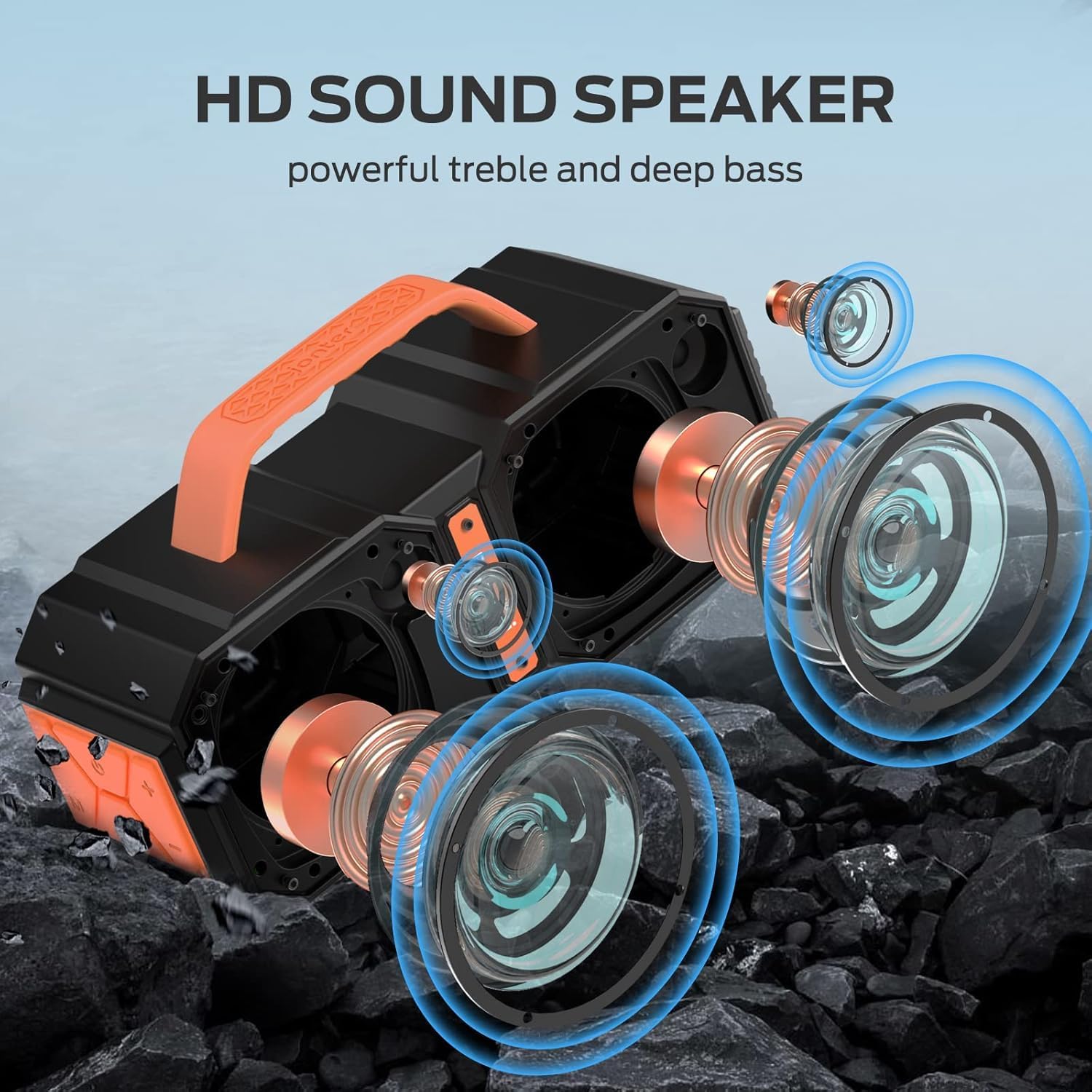
The speaker features two mid-bass external magnetic speakers, two tweeters, and two subwoofer diaphragms. With 60 watts of power, it delivers robust sound quality with deep bass and clear treble, providing surprisingly loud, room-filling volume without distortion, even at maximum levels.
3.2. Advanced Bluetooth 5.4 Connectivity
Equipped with the latest Bluetooth 5.4 technology, the speaker ensures faster connection speeds, more stable signal transmission, and lower power consumption. It offers a wireless connection range of up to 100 feet, allowing seamless pairing with mobile phones, computers, and MP3 players. A built-in microphone supports hands-free calls.
3.3. True Wireless Stereo (TWS) Functionality
For an enhanced audio experience, you can connect two BUGANI Shock speakers together to achieve a combined 120W stereo surround sound. This feature creates a dynamic and immersive listening environment.

3.4. IPX6 Waterproof Rating
The BUGANI Shock speaker boasts an IPX6 waterproof mechanical casing, making it resistant to high-pressure, heavy sprays of water. This robust design ensures durability and reliability for outdoor adventures, whether at the beach, by the pool, or during camping trips.

3.5. Built-in Power Bank Function
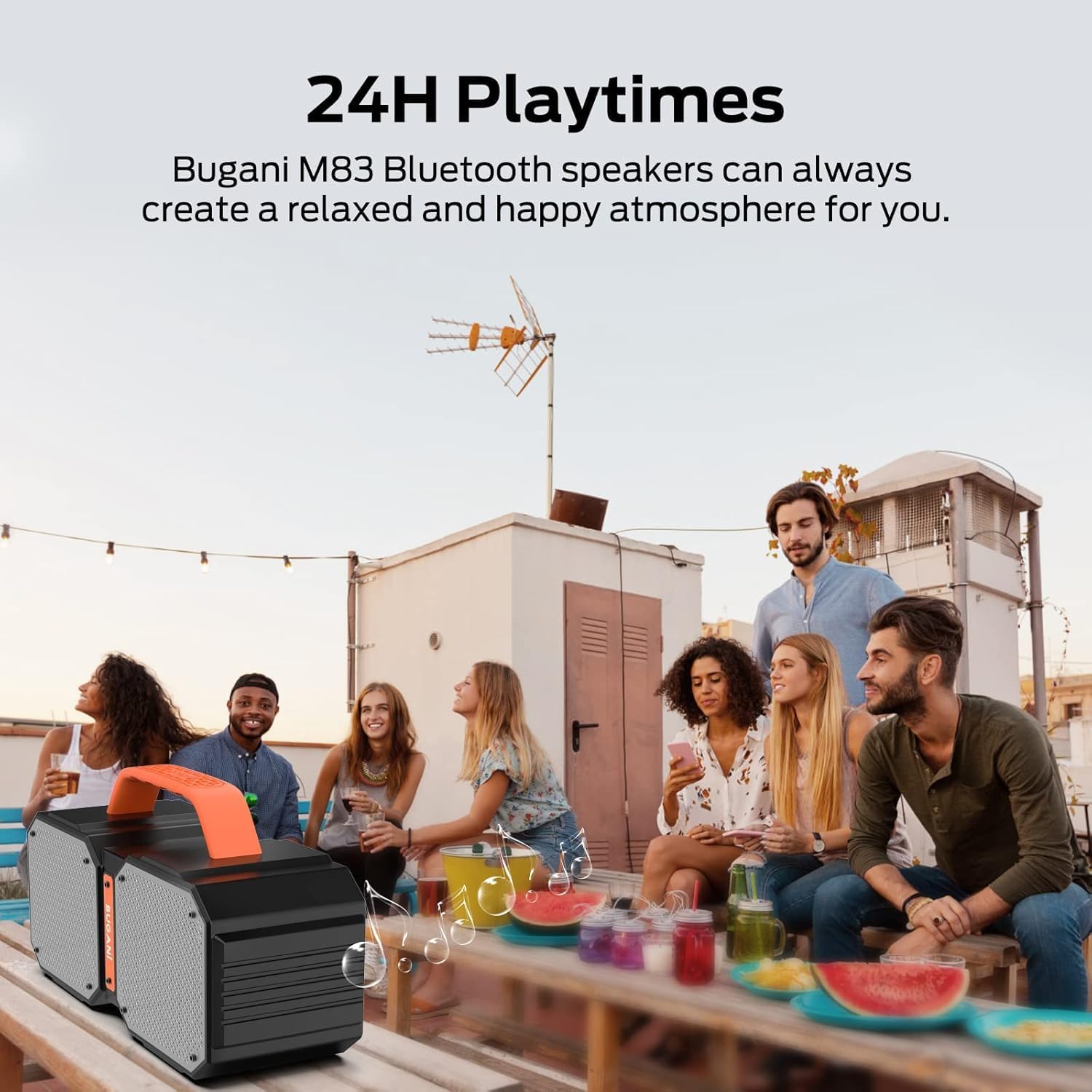
The speaker includes a massive built-in battery that provides up to 32 hours of playtime on a single charge. Additionally, it can function as a power bank, allowing you to charge your smartphone or other USB-powered devices via a USB cable, ensuring your devices stay powered during outdoor activities.

3.6. Dual EQ Modes (Indoor/Outdoor)
The speaker offers two equalization (EQ) modes, optimized for indoor and outdoor listening environments, allowing you to adjust the sound profile for the best audio experience wherever you are.
4. Setup
4.1. Charging the Speaker
- Connect the provided Type-C charging cable to the speaker's charging port.
- Connect the other end of the cable to a USB power adapter (not included) or a computer's USB port.
- The charging indicator light will illuminate. Once fully charged, the light will change or turn off.
4.2. Bluetooth Pairing
- Ensure the speaker is powered on. The Bluetooth indicator light will flash, indicating it's in pairing mode.
- On your device (smartphone, tablet, etc.), enable Bluetooth and search for available devices.
- Select "BUGANI Shock" from the list of devices.
- Once connected, the Bluetooth indicator light will become solid, and you will hear an audible confirmation.
4.3. True Wireless Stereo (TWS) Pairing
To pair two BUGANI Shock speakers for TWS:
- Ensure both speakers are powered on and not connected to any other Bluetooth device.
- On one speaker (this will be the primary speaker), press and hold the TWS button (often indicated by two interlocking circles or a similar icon) for a few seconds until you hear a pairing tone.
- The primary speaker will automatically search for and connect to the secondary speaker.
- Once successfully paired, both speakers will emit a confirmation tone, and their TWS indicator lights will become solid.
- Now, connect your device to the primary speaker via Bluetooth as described in section 4.2. Audio will play through both speakers in stereo.
5. Operating Instructions
5.1. Controls Overview
| Button/Port | Function |
|---|---|
| Power Button | Press and hold to power ON/OFF. Short press to play/pause music. |
| Volume + | Short press to increase volume. |
| Volume - | Short press to decrease volume. |
| Previous Track | Long press Volume - to go to previous track. |
| Next Track | Long press Volume + to go to next track. |
| Mode (M) Button | Short press to switch between Bluetooth, AUX, and TF Card modes. |
| TWS Button | Press and hold to initiate TWS pairing (see section 4.3). |
| AUX-in Port | Connect external audio devices via 3.5mm AUX cable. |
| TF Card Slot | Insert TF card for direct music playback. |
| USB-A Output Port | Use as a power bank to charge external devices. |
| USB-C Input Port | Charging port for the speaker. |
5.2. Switching EQ Modes
The BUGANI Shock speaker features two EQ modes: Indoor and Outdoor. To switch between these modes, locate the dedicated EQ button (if present, otherwise it might be integrated with another button or automatic). Refer to the Quick Start Guide for specific button functionality related to EQ mode switching.
6. Maintenance
6.1. Cleaning
Wipe the speaker with a soft, damp cloth. Do not use harsh chemicals or abrasive cleaners. Ensure all ports are dry before charging or connecting cables.
6.2. Water Resistance (IPX6)
The IPX6 rating means the speaker can resist high-pressure, heavy sprays of water. It is not designed for submersion. Ensure the charging port cover is securely closed before exposing the speaker to water.
6.3. Storage
Store the speaker in a cool, dry place away from direct sunlight and extreme temperatures. If storing for an extended period, charge the battery to approximately 50% every few months to maintain battery health.
7. Troubleshooting
| Issue | Possible Cause | Solution |
|---|---|---|
| Speaker does not power on | Low battery | Charge the speaker fully. |
| Cannot pair via Bluetooth | Speaker not in pairing mode; Device Bluetooth off; Too far from speaker | Ensure speaker is in pairing mode (flashing light). Turn on device Bluetooth. Move device closer to speaker (within 100ft). |
| No sound or low volume | Volume too low on speaker/device; Incorrect input mode; Not connected properly | Increase volume on both speaker and device. Press 'M' button to cycle through modes. Re-pair Bluetooth or re-connect AUX cable. |
| TWS pairing fails | Speakers already connected to other devices; Too far apart | Disconnect both speakers from any other Bluetooth devices. Ensure speakers are within close proximity during TWS pairing. |
| Charging external device fails | Speaker battery low; Incorrect cable | Ensure speaker has sufficient charge. Use a compatible USB cable for your device. |
8. Technical Specifications
| Specification | Value |
|---|---|
| Model Name | Brief Pro |
| Speaker Type | 3D |
| Compatible Devices | MP3 Player, Tablet, Smartphone |
| Unit Count | 1.0 Count |
| Surround Sound Channel Configuration | 2.1 |
| Color | orange |
| Battery Life | 32 Hours |
| Product Dimensions | 3"D x 3"W x 3"H |
| Item Weight | 7.26 pounds (3.3 Kilograms) |
| Is Waterproof | true (IPX6) |
| Maximum Range | 100 Feet (Bluetooth) |
| Control Method | Remote (via connected device) |
| Wireless Communication Technology | Bluetooth |
| Power Source | Battery Powered |
| Number of Batteries | 1 A batteries required (internal rechargeable) |
| Audio Driver Type | Dynamic Driver |
| Connectivity Protocol | Bluetooth, Auxiliary |
| Style | M83 |
| Manufacturer | BUGANI |
| Speaker Maximum Output Power | 160 Watts (Peak) |
| Audio Output Mode | Stereo, Surround |
9. Warranty and Support
The BUGANI Shock Bluetooth Speaker comes with a Limited Warranty. Please refer to the warranty card included in your package for specific terms and conditions.
BUGANI also offers Lifetime Technical Support for this product. If you encounter any issues or have questions not covered in this manual, please contact our support team:
- Email: support@bugani.com (example)
- Phone: 1-800-BUGANI (example)
- Website: Visit the BUGANI Store on Amazon


