
1. Product Overview
The SOBAST AI Language Translation Earphones are an innovative open wireless Bluetooth headset designed for seamless real-time communication across 144 languages. With an accuracy rate of up to 98% and instant two-way translation in approximately 0.2 seconds, these earbuds significantly enhance communication efficiency in diverse settings.

The ergonomic open-ear design ensures comfortable long-term wear, reducing pressure on the eardrum and promoting hearing health. Equipped with dual microphones and advanced noise reduction, the earphones deliver high-definition sound quality for clearer calls. They are compatible with mobile phones, tablets, computers, and laptops via advanced Bluetooth 5.4 technology, offering low latency connectivity.
2. Package Contents
Please verify that all items are present in your package:
- 1 x SOBAST AI Language Translation Earphones (Black)
- 1 x USB Charging Wire (Type-C)
- 1 x Soft Silicone Hanging Rope
- 1 x User Manual (this document)
3. Key Features
- 144-Language Real-Time AI Translation: Supports 144 languages with up to 98% accuracy, providing instant two-way translation in approximately 0.2 seconds.
- Multi-Scenario Functionality: Includes free conversation mode, voice-to-text, text-to-speech, and audio-to-text conversion, suitable for learning, travel, running, shopping, meetings, and driving.
- Comfortable Open-Ear Design: Ergonomically designed open earbuds fit perfectly, allowing natural sound entry and protecting hearing health.
- High-Definition Sound Quality & Noise Reduction: Dual microphones provide immersive sound effects and automatically reduce noise during calls.
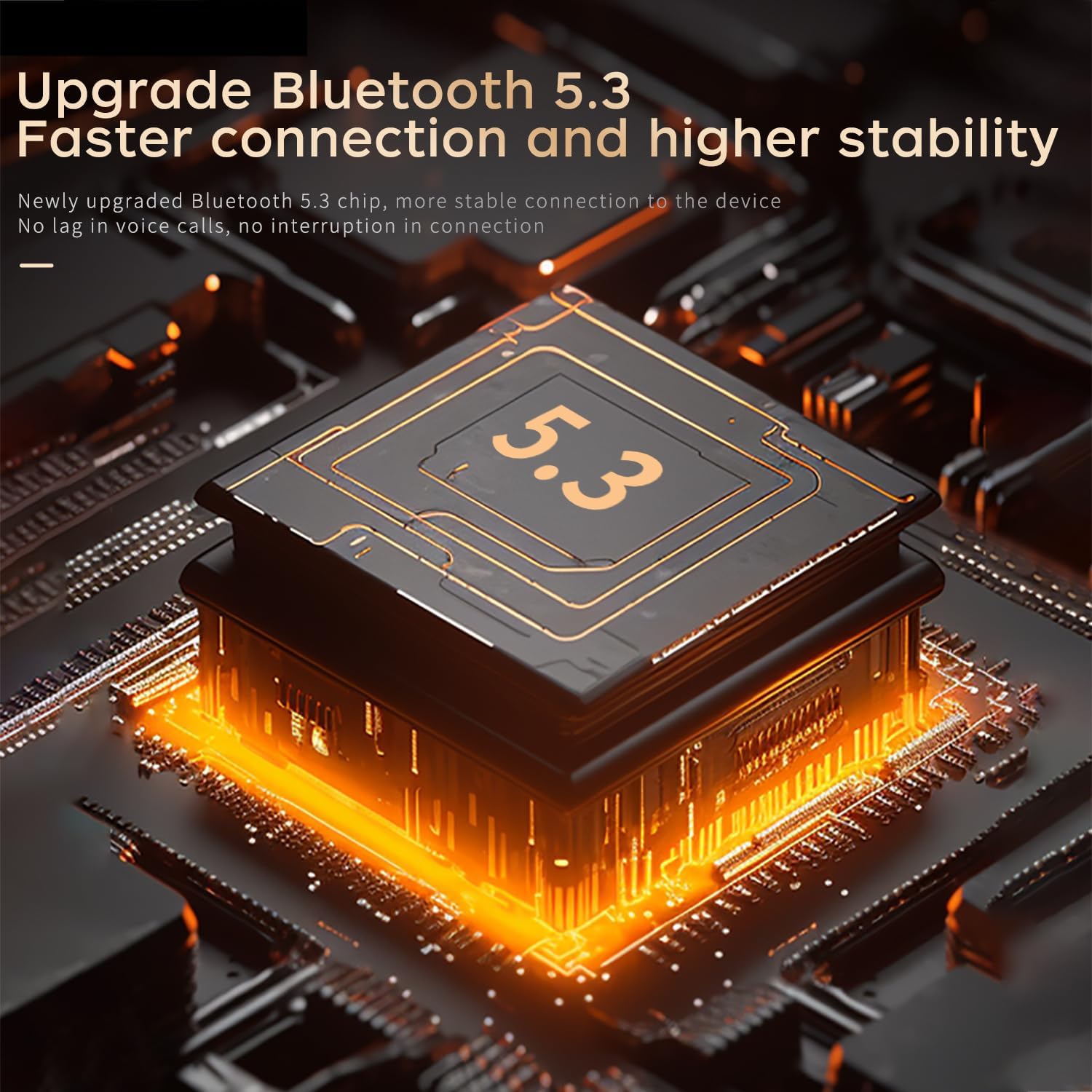
- Intelligent Compatibility & Bluetooth 5.4: Connects to mobile phones, tablets, computers, and laptops via advanced Bluetooth 5.4 for low latency and a 10-meter range. Earbuds automatically turn on and connect when the charging case is opened.

4. Setup Guide
4.1. Charging the Earphones
Before first use, fully charge the earphones and the charging case. Connect the provided Type-C USB charging wire to the charging port on the case and a power source. The indicator lights on the case will show charging status.

4.2. Bluetooth Pairing
- Ensure the earphones are charged.
- Open the charging case. The earbuds will automatically turn on and enter pairing mode.
- On your device (smartphone, tablet, computer), enable Bluetooth.
- Search for "SOBAST Earphones" (or similar name) in the list of available Bluetooth devices.
- Select the earphones to connect. A voice prompt will confirm successful pairing.
5. Operating Instructions
5.1. Simultaneous Translation Mode
The SOBAST AI Language Translation Earphones excel in real-time simultaneous interpretation. This feature is typically managed through a dedicated mobile application.
To use simultaneous translation:
- Download and install the official SOBAST translation application on your smartphone.
- Open the application and ensure your earphones are connected via Bluetooth.
- Navigate to the "Simultaneous Interpretation" section within the app.
- Select your native language (left side) and the language of the other speaker (right side). You can swap languages using the middle arrow.
- Tap the red dot to start recording and translating. The app will display the translated text in real-time.
- Tap the speaker icon to mute or unmute playback of the translated audio.
- Tap the red dot again to stop recording. The app may provide a transcription or summary of the conversation.

5.2. Wearing the Earbuds
The SOBAST earphones feature an ergonomic design for a secure and comfortable fit, even during active use.

- Confirm the left (L) and right (R) earphones.
- Rotate the headphones to a suitable angle.
- Rotate the earphone along the earlobe backward until the ear hook is in the right position.
- Wearing is completed.
6. Care and Maintenance
- Cleaning: Regularly wipe the earphones and charging case with a soft, dry, lint-free cloth. Do not use abrasive cleaners or solvents.
- Storage: When not in use, store the earphones in their charging case to protect them from dust and damage. Store in a cool, dry place away from direct sunlight and extreme temperatures.
- Water Resistance: The earphones are water-resistant (IPX4 rated), meaning they can withstand splashes of water. Do not submerge them in water or expose them to heavy rain.
- Battery Care: To prolong battery life, avoid fully discharging the batteries frequently. Charge them regularly, even if not in constant use.
7. Troubleshooting
| Problem | Possible Cause | Solution |
|---|---|---|
| Earphones not turning on | Low battery; Earbuds not properly seated in case. | Charge the earphones and charging case. Ensure earbuds are correctly placed in the case. |
| Cannot pair with device | Bluetooth is off; Earphones not in pairing mode; Device too far. | Ensure Bluetooth is enabled on your device. Open the charging case to activate pairing mode. Move device closer to earphones (within 10 meters). |
| Translation not working | App not open/configured; Internet connection issues; Incorrect language selection. | Ensure the SOBAST app is open and configured correctly. Check your internet connection. Verify that the correct source and target languages are selected in the app. |
| Poor sound quality/noise | Earbuds not properly worn; Environmental interference. | Adjust earbuds for a secure fit. Move away from sources of strong electromagnetic interference. |
8. Technical Specifications

| Specification | Detail |
|---|---|
| Product Type | On-Ear Bluetooth Headset |
| Bluetooth Version | 5.4 |
| Bluetooth Range | 10 Meters |
| Noise Control | Adaptive Noise Cancellation |
| Frequency Range | 20 Hz - 20,000 Hz |
| Impedance | 13 Ohm |
| MIC Signal-to-Noise Ratio | 58dB |
| Interface Type | Type-C |
| Water Resistance Level | IPX4 |
| Earphone Dimensions | 51*41*18mm |
| Charging Compartment Dimensions | 52.5*44mm |
| Item Weight | 5 ounces |
| Batteries | 3 9V batteries (included) |
| Control Method | App |
| Material | Plastic |
9. Warranty and Support
All SOBAST products, including these AI Language Translation Earphones, come with a warranty period of over 5 years from the date of purchase. For technical support, troubleshooting assistance, or warranty claims, please contact SOBAST Official Brand Store customer service through the platform where you purchased the product or refer to the contact information provided in your product packaging.
Please retain your proof of purchase for warranty validation.
