
1. Introduction
Welcome to the IOWODO W50PRO Military Smart Watch user manual. This guide provides detailed instructions to help you set up, operate, and maintain your new smartwatch. The IOWODO W50PRO is designed for durability and functionality, offering advanced health monitoring, extensive sports modes, and convenient communication features.
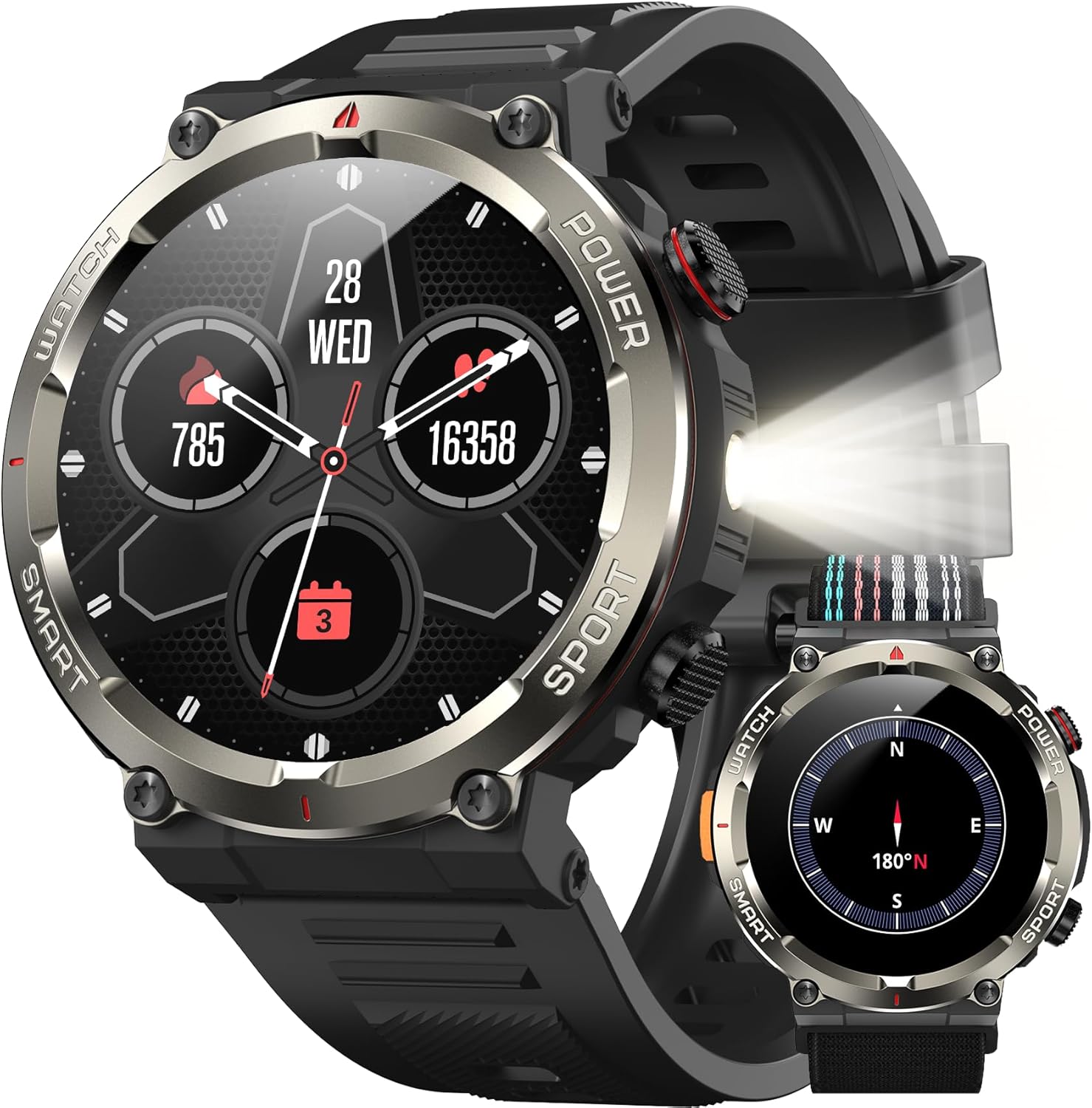
The IOWODO W50PRO Military Smart Watch, showcasing its robust design and vibrant display.
2. What's in the Box
Please verify that all items are present in your package:
- Smart Watch (1)
- Silicone Strap (1)
- Nylon Braided Strap (1)
- Magnetic Charging Cable (1)
- User Manual (1)

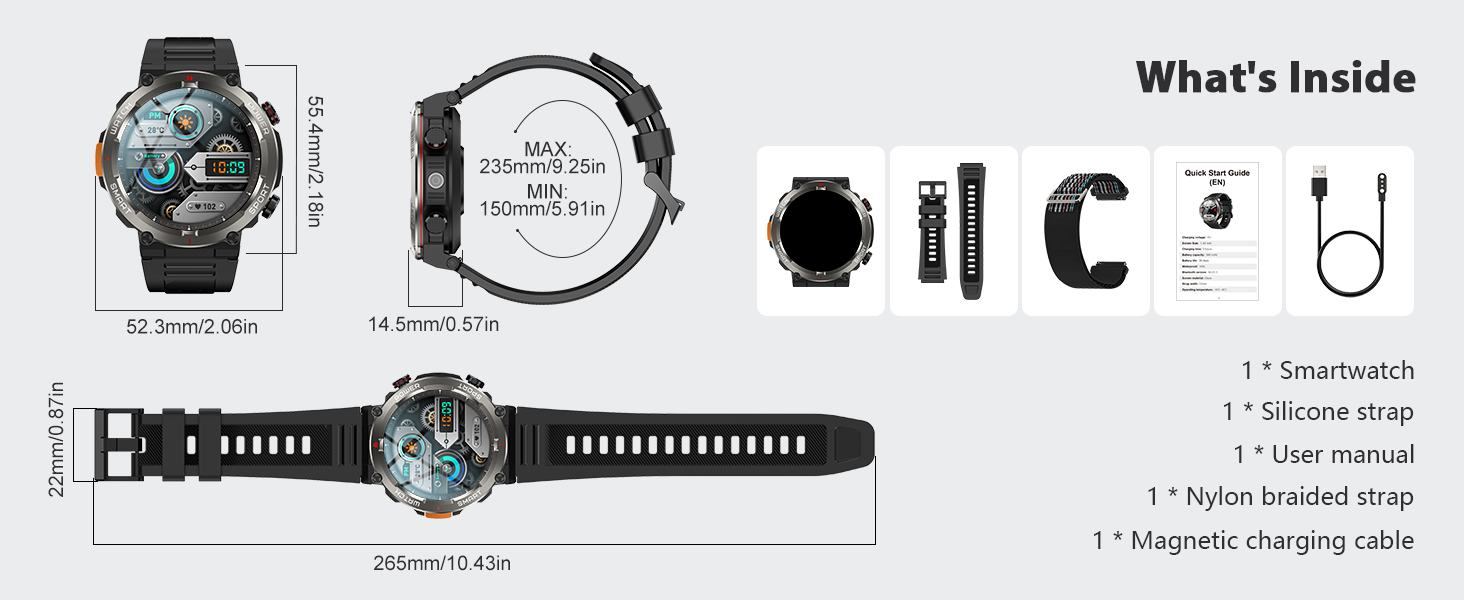
Contents of the IOWODO W50PRO Smart Watch package, including the watch, two straps, charging cable, and user manual.
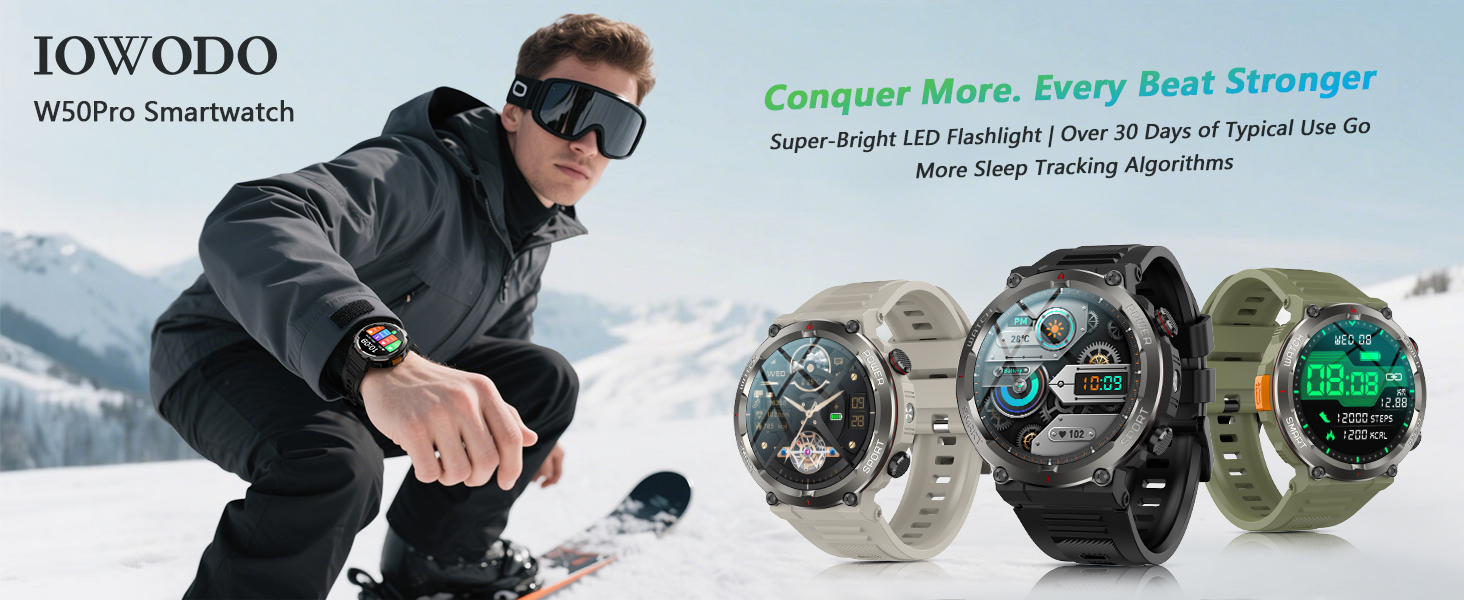
The IOWODO W50PRO Smart Watch with its included silicone and nylon straps, offering versatility and comfort.
3. Product Overview & Durability
The IOWODO W50PRO Smart Watch features a robust design with special composite materials and an aluminum alloy bezel, built to withstand challenging environments. It is IP68 waterproof, low-pressure resistant, and dustproof, making it suitable for various outdoor activities.
Overview of the IOWODO W50PRO's military-grade durability features, including IP68 waterproofing, scratch resistance, freeze resistance, shockproof design, and dustproof capabilities.
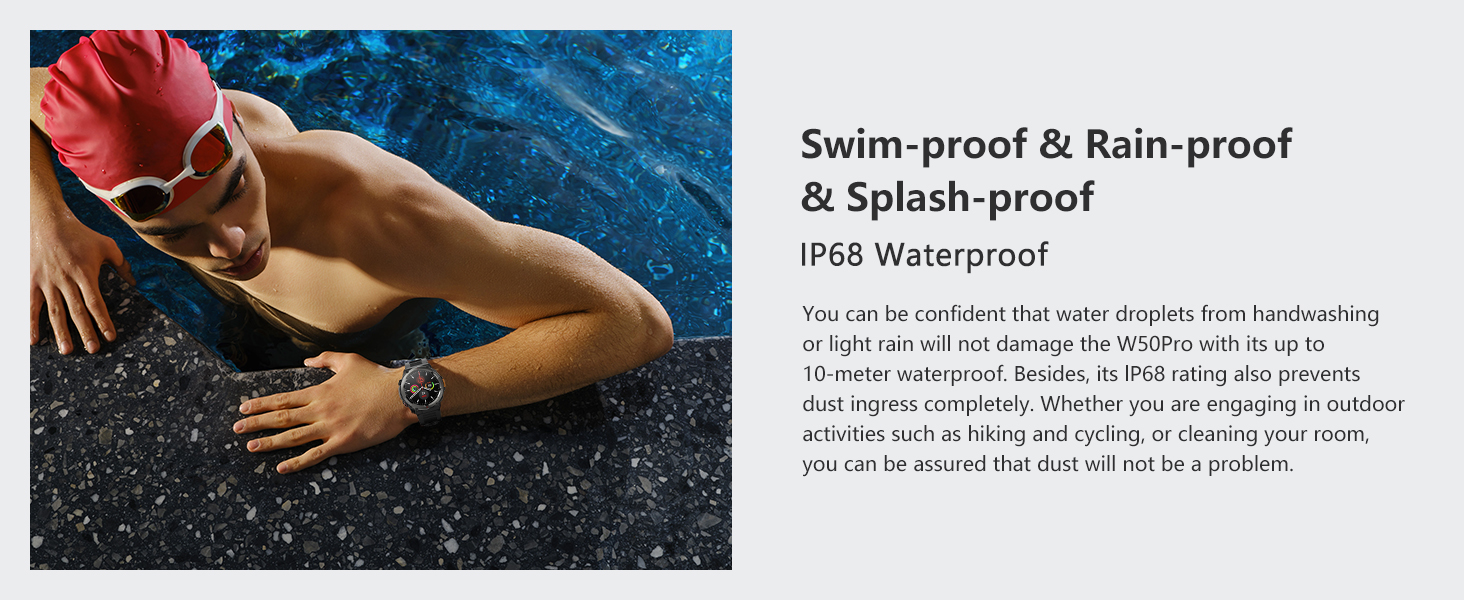
The IOWODO W50PRO Smart Watch demonstrating its IP68 waterproof rating, suitable for swimming and protection against splashes and rain.

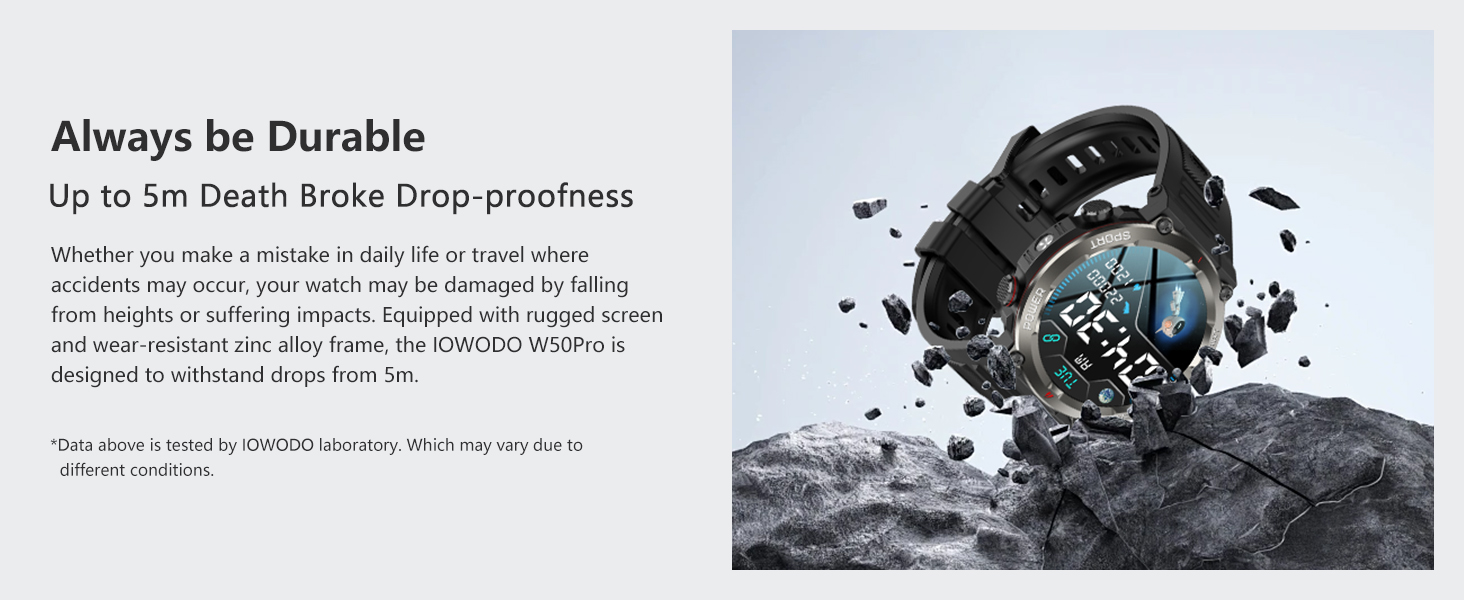
The IOWODO W50PRO Smart Watch designed for durability, capable of withstanding impacts and drops.
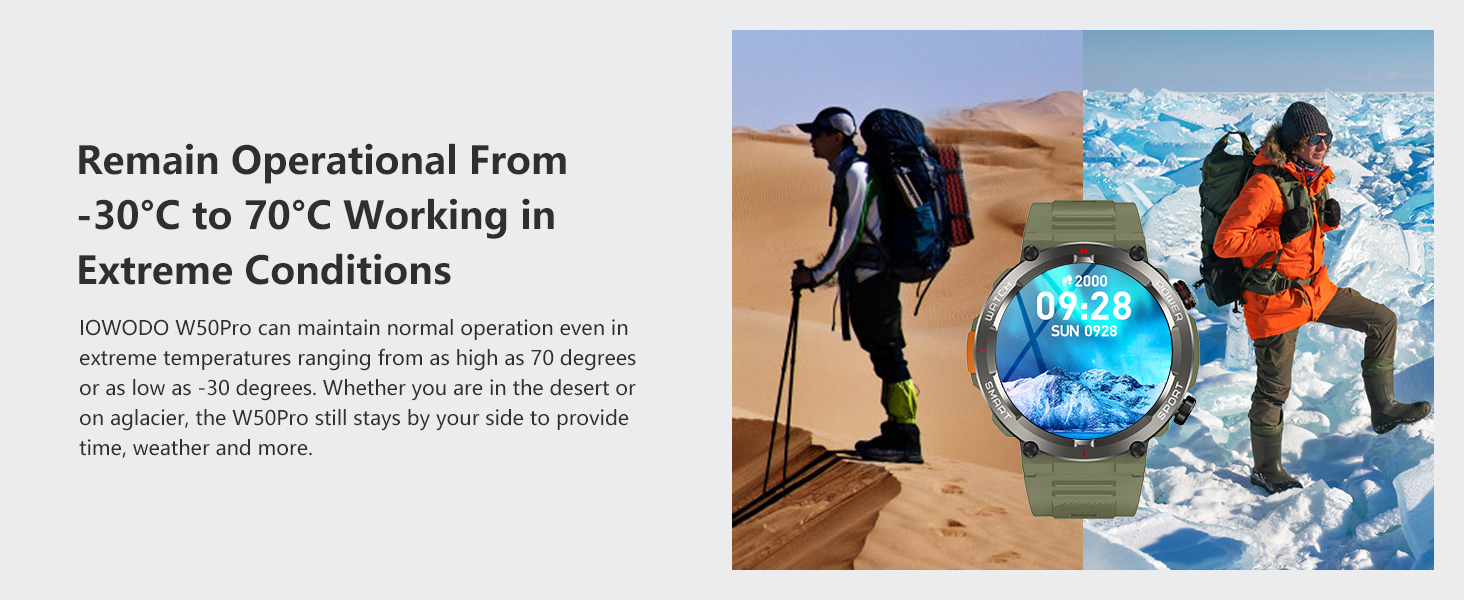
The IOWODO W50PRO Smart Watch operating reliably in extreme temperatures, from cold snowy environments to hot desert conditions.
4. Setup Guide
4.1 Initial Charging
Before first use, fully charge your IOWODO W50PRO Smart Watch using the provided magnetic charging cable. Connect the cable to a USB power adapter (not included) and attach the magnetic end to the charging points on the back of the watch. The watch display will indicate charging status.
4.2 App Download
To unlock the full functionality of your smartwatch, download the Dafit app on your smartphone. You can find the app on the App Store (iOS) or Google Play Store (Android), or by scanning the QR code provided in the manual or on the watch display during setup.
Alternatively, you can visit the app download page: http://plus.crrepa.com/app-download/dafit
4.3 Device Pairing
- Ensure Bluetooth is enabled on your smartphone.
- Open the Dafit app and follow the on-screen instructions to add a new device.
- Select 'W50PRO' from the list of available devices.
- Confirm the pairing request on both your phone and the watch.
- Grant necessary permissions within the app for calls, messages, and other notifications to function correctly.
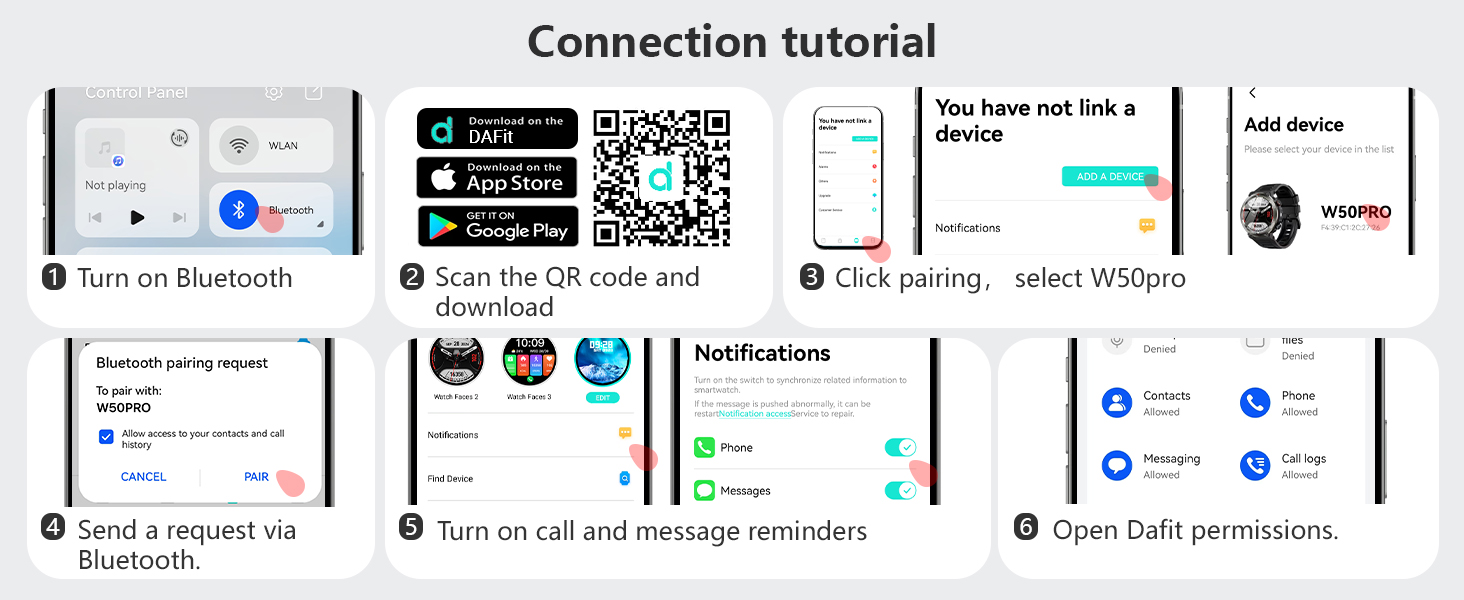
Step-by-step guide for connecting the IOWODO W50PRO Smart Watch to your smartphone using the Dafit app, including Bluetooth pairing and notification settings.
5. Operating the Watch
5.1 General Features Overview
The IOWODO W50PRO offers a wide range of features for daily use and outdoor adventures. Watch the video below for a quick demonstration of its key functionalities.
An overview video demonstrating various features of the IOWODO W50PRO Smart Watch, including its flashlight, call functions, notifications, durability, sports modes, and health monitoring capabilities.
5.2 Bluetooth Calls & Notifications
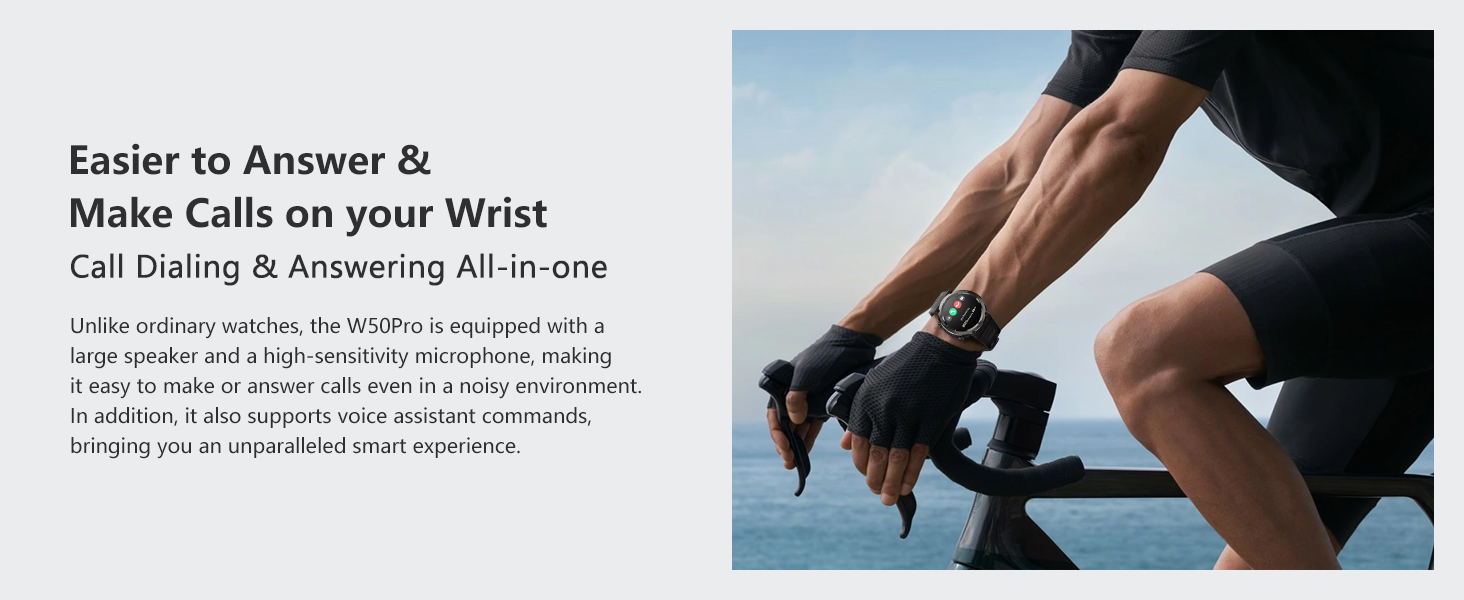
Once paired, the W50PRO allows you to make and receive calls directly from your wrist, sync contacts, and view call logs. It also displays notifications from various apps, ensuring you stay connected without needing to check your phone constantly.
The IOWODO W50PRO Smart Watch displaying call history, frequent contacts, dialpad, and various message notifications from connected apps.
A user answering a call directly from the IOWODO W50PRO Smart Watch while cycling, highlighting its hands-free communication feature.
A user viewing text and social media notifications on the IOWODO W50PRO Smart Watch while driving, emphasizing convenience and safety.
5.3 Health Monitoring
The W50PRO is equipped with advanced sensors for 24-hour health tracking, including heart rate, blood oxygen (SpO2), and sleep quality analysis. Access detailed health data through the Dafit app.
The IOWODO W50PRO Smart Watch's health tracking features, including continuous heart rate monitoring, blood oxygen saturation (SpO2) measurement, and comprehensive sleep quality analysis.
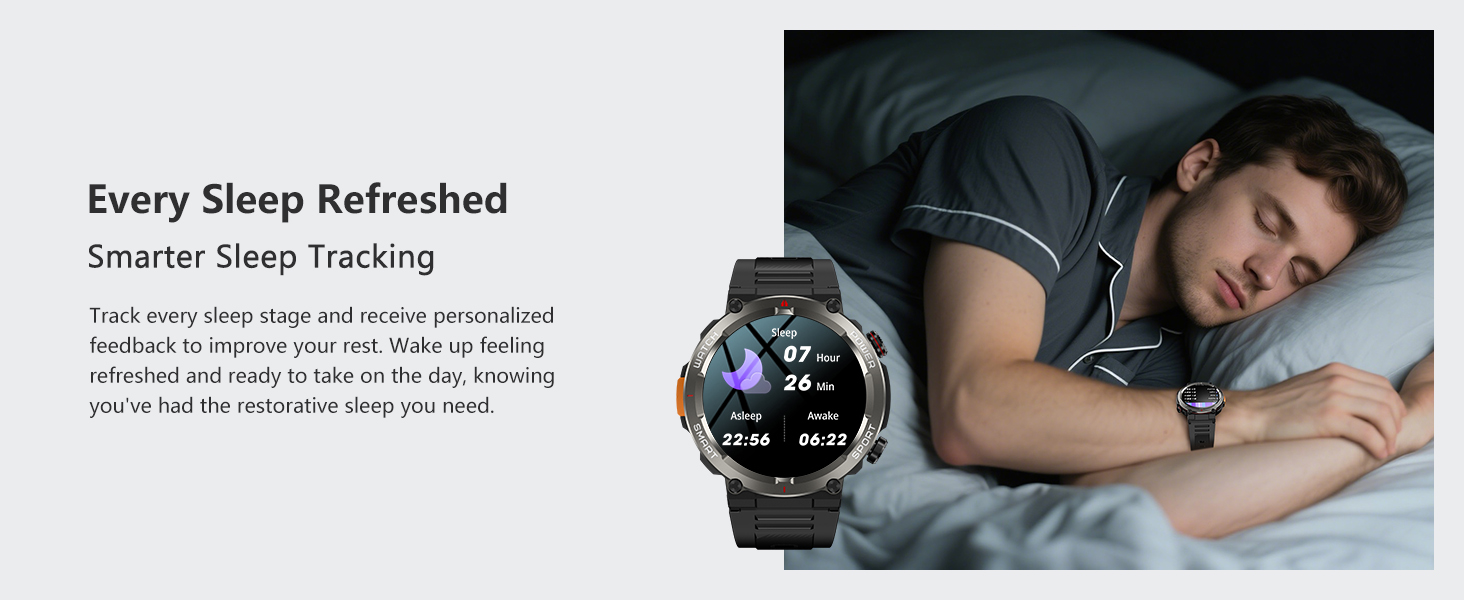
Detailed sleep tracking on the IOWODO W50PRO Smart Watch, illustrating deep sleep, light sleep, and wakefulness periods for improved rest.
5.4 Sports Modes
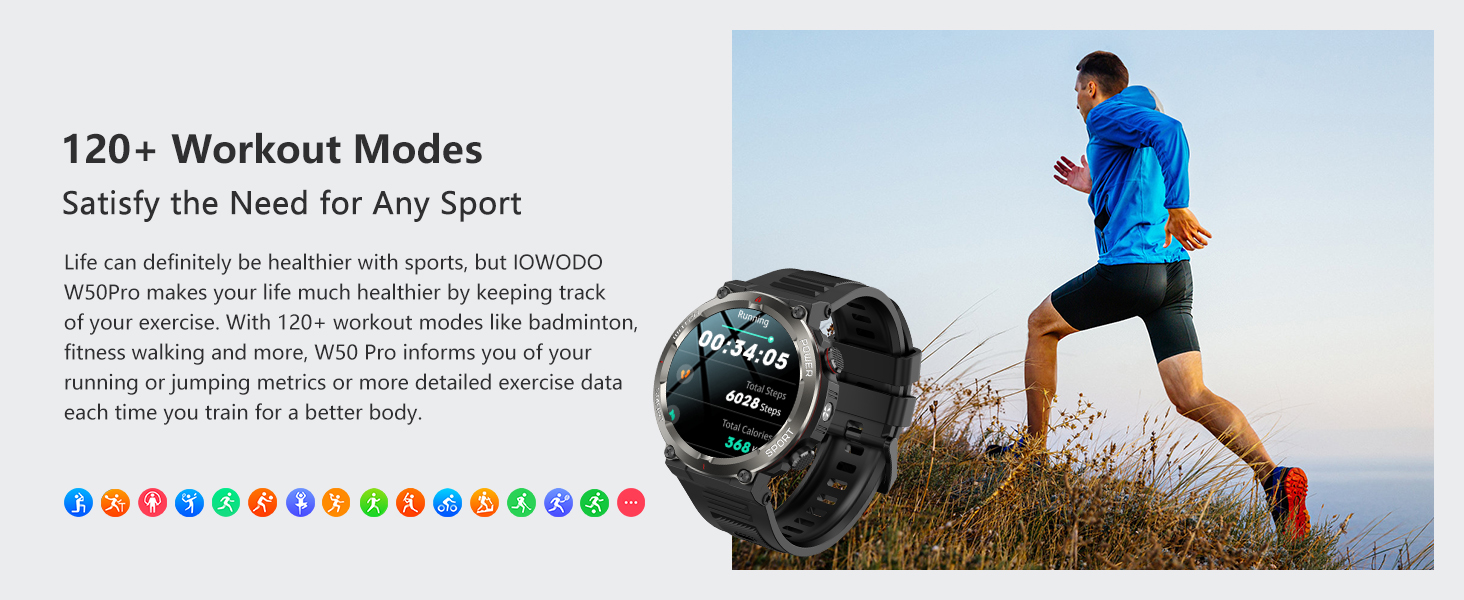
With over 120 sports modes, the W50PRO tracks your activity data, including heart rate, steps, distance, and calories burned. Its water resistance ensures reliable performance during various physical activities.
The IOWODO W50PRO Smart Watch tracking over 120 sports modes, including snowboarding and swimming, demonstrating its versatility and IP68 waterproof rating.
5.5 Flashlight & Compass
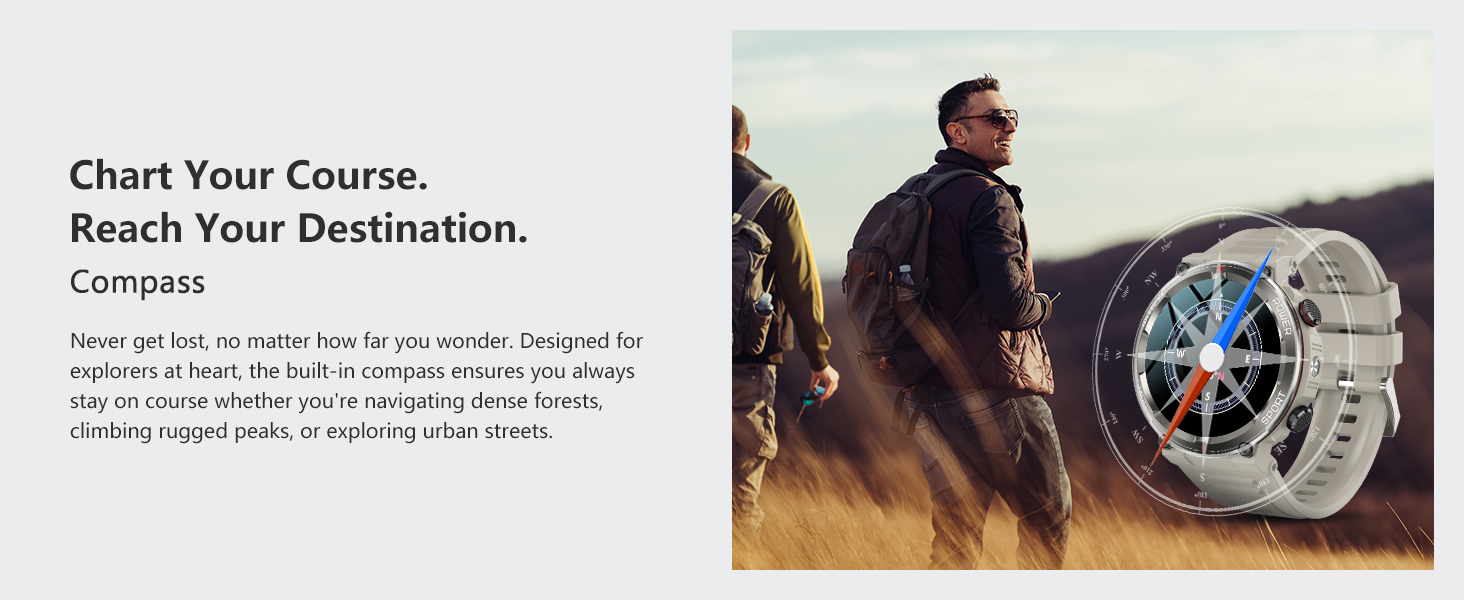
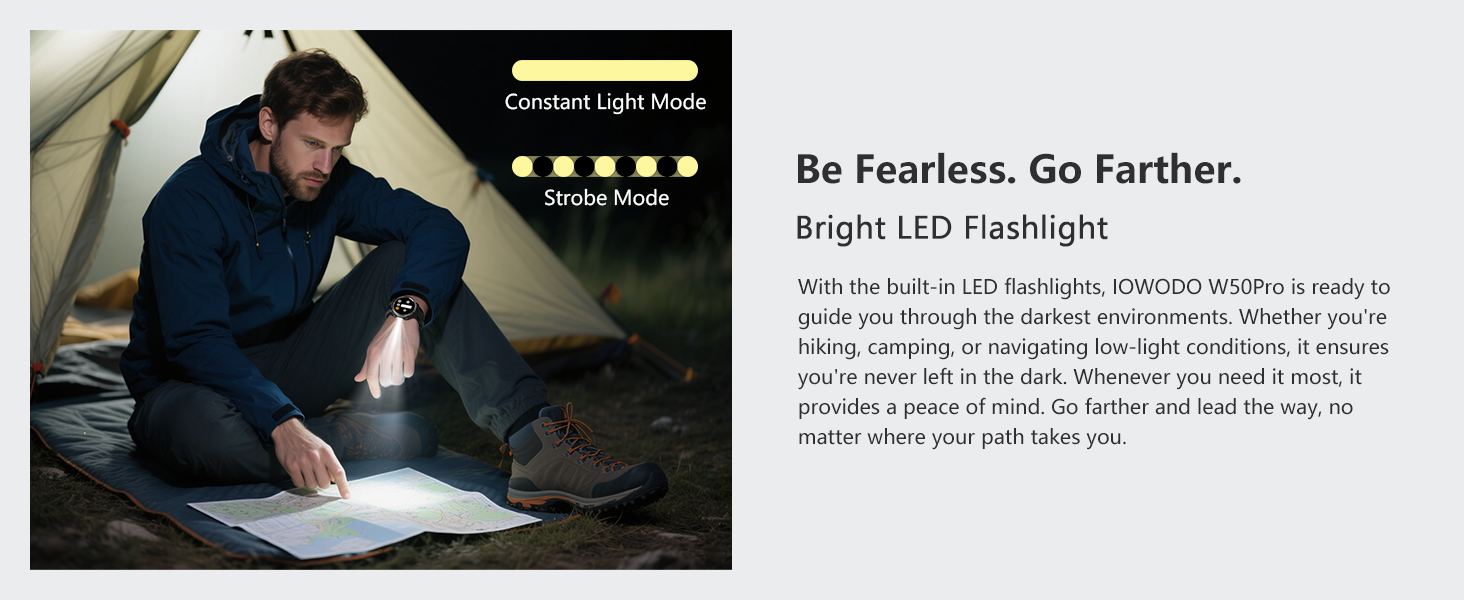
The watch includes a high-brightness LED flashlight with constant-on and SOS modes, and a high-precision anti-magnetic compass for reliable navigation in outdoor settings.
The IOWODO W50PRO Smart Watch featuring a built-in LED flashlight for illumination and a precise compass for navigation during outdoor activities.
A user utilizing the bright LED flashlight feature of the IOWODO W50PRO Smart Watch in a low-light camping environment.
The IOWODO W50PRO Smart Watch's integrated compass providing reliable directional guidance for hikers in natural terrain.
5.6 Other Functions
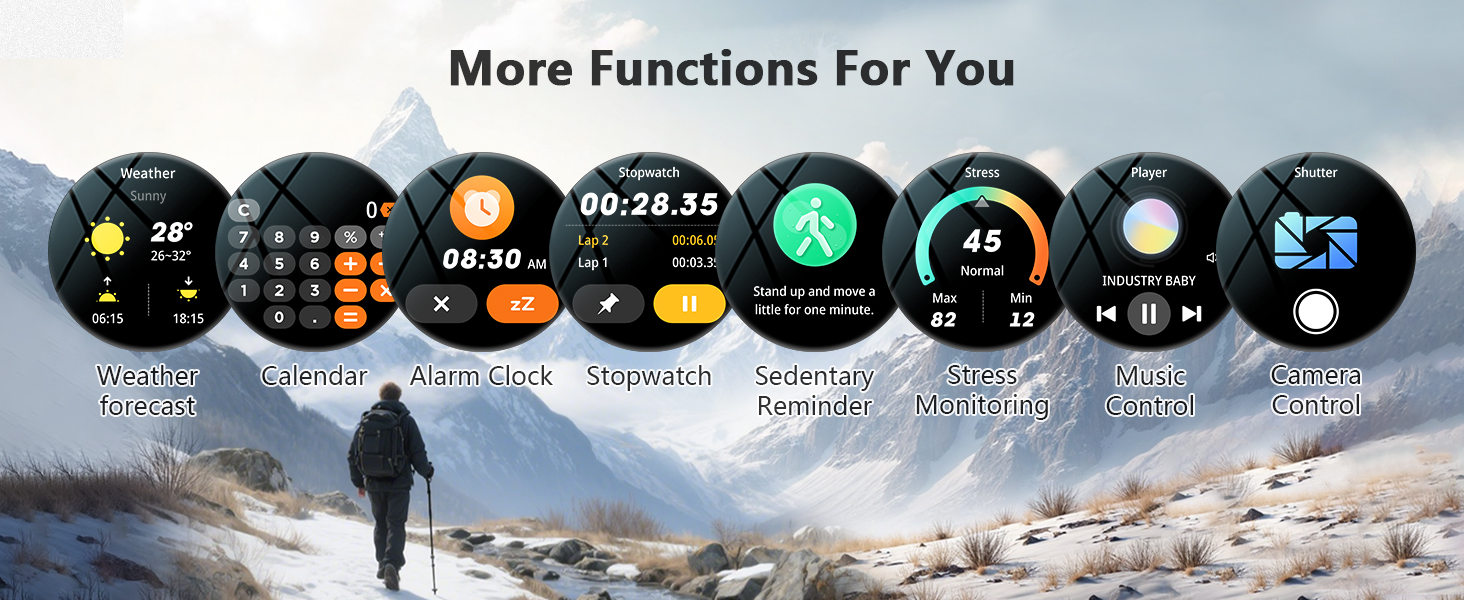
The W50PRO integrates various convenient functions such as music control, camera control, weather forecasts, sedentary reminders, alarm clocks, stopwatches, and timers to enhance your daily life.

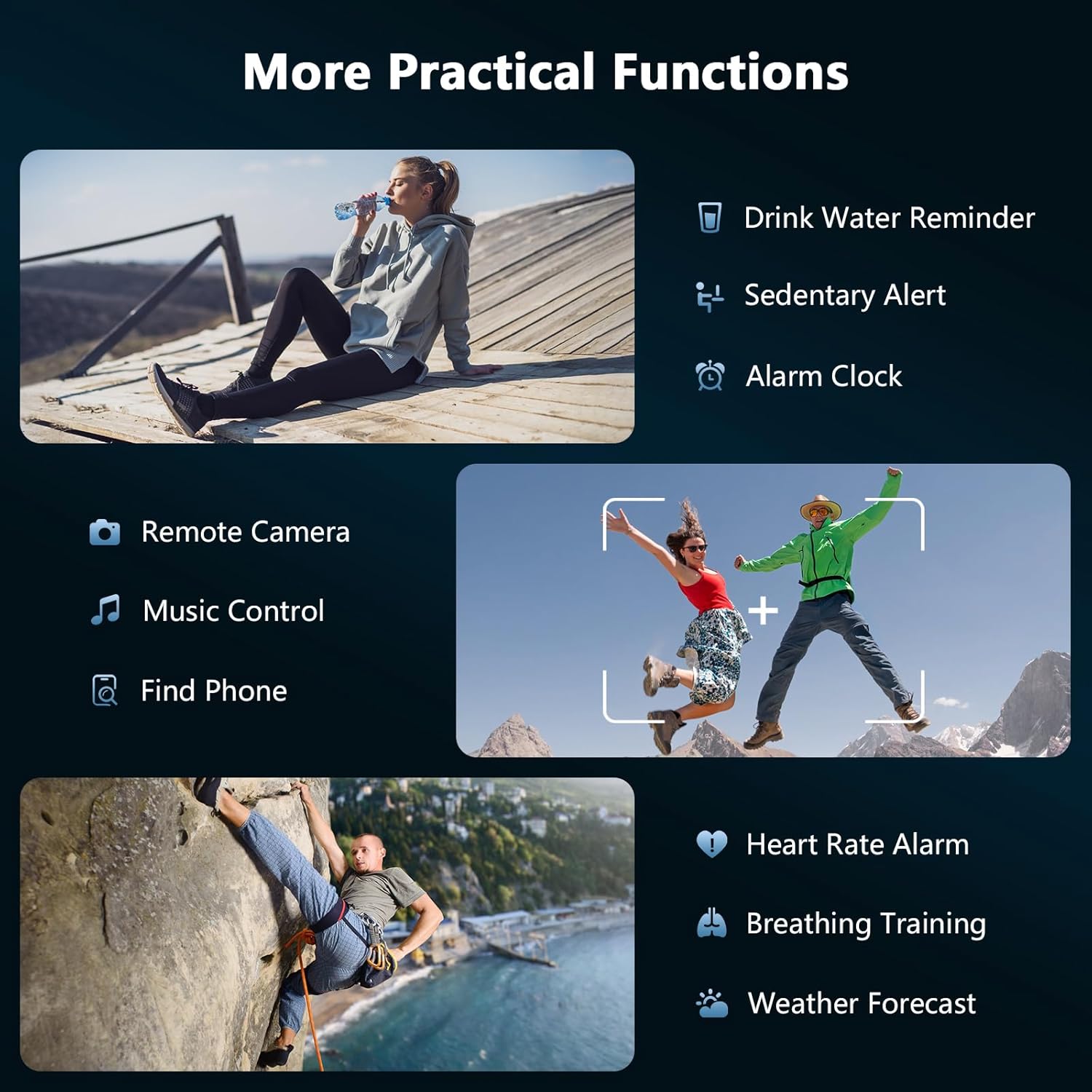
A visual representation of additional practical functions available on the IOWODO W50PRO Smart Watch, such as drink water reminders, sedentary alerts, alarm clock, remote camera control, music control, and weather forecasts.
6. Maintenance
6.1 Cleaning and Care
Regularly clean your smartwatch and straps with a soft, dry cloth. For waterproof components, a damp cloth can be used. Avoid harsh chemicals or abrasive materials that could damage the watch.
6.2 Battery Life
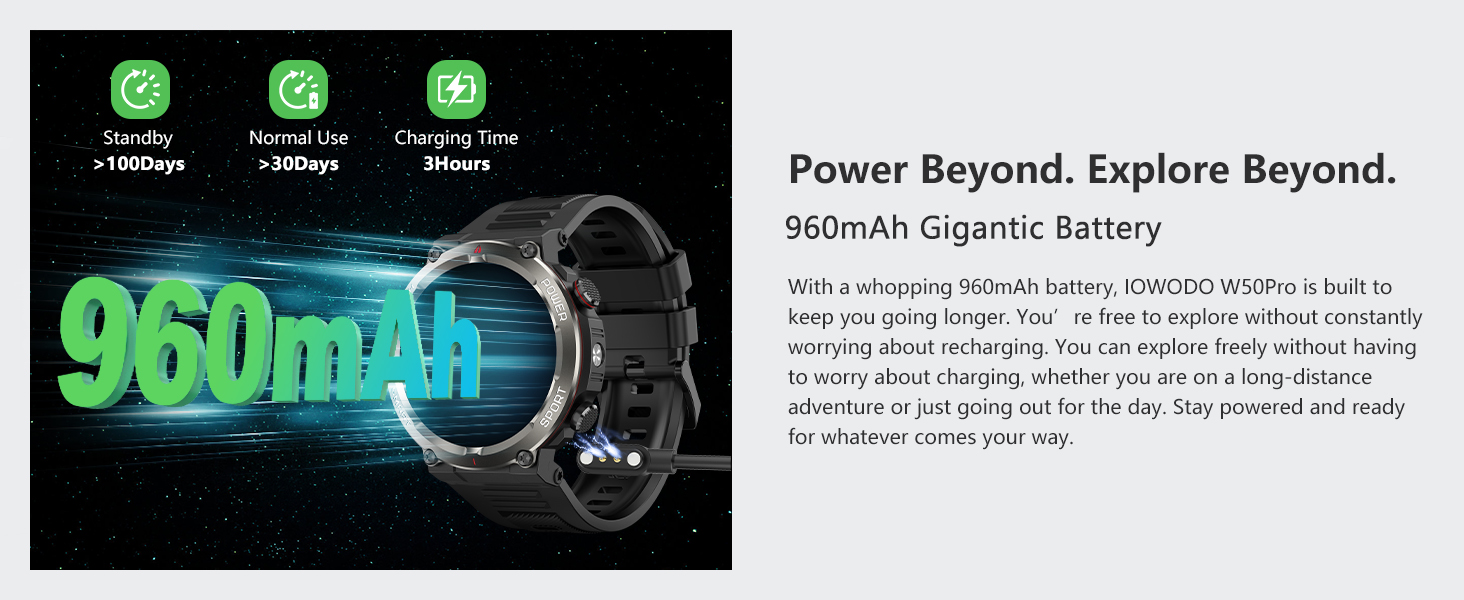
The IOWODO W50PRO features a 960mAh high-density battery, offering up to 30 days of battery life in smart mode and up to 100 days in extreme mode. To maximize battery longevity, avoid extreme temperatures and fully charge the device when prompted.
The IOWODO W50PRO Smart Watch highlighting its 960mAh high-density battery, offering extended usage and quick charging capabilities.
7. Troubleshooting
7.1 Watch Not Turning On
- Ensure the watch is fully charged. Connect it to the magnetic charging cable and a power source for at least 30 minutes.
- Press and hold the power button for several seconds.
7.2 Unable to Pair with Phone
- Make sure Bluetooth is enabled on your phone and the watch is within range.
- Restart both your phone and the watch.
- Ensure the Dafit app is updated to the latest version.
- Forget the device in your phone's Bluetooth settings and try pairing again through the Dafit app.
7.3 Inaccurate Health Data
- Ensure the watch is worn snugly on your wrist, not too tight or too loose.
- Clean the sensor on the back of the watch.
- Avoid excessive movement during measurements for best accuracy.
7.4 Notifications Not Appearing
- Check that notification permissions are granted for the Dafit app in your phone's settings.
- Ensure the watch is connected via Bluetooth.
- Verify that app notifications are enabled within the Dafit app settings.
8. Specifications
| Feature | Detail |
|---|---|
| Model Number | W50PRO |
| Screen Size | 1.45 Inches |
| Battery Capacity | 960 mAh |
| Battery Life (Smart Mode) | Up to 30 Days |
| Battery Life (Extreme Mode) | Up to 100 Days |
| Water Resistance | IP68 |
| Connectivity | Bluetooth |
| Operating System Compatibility | Android 4.4+ / iOS 8.0+ |
| Special Features | Military-Grade Durability, LED Flashlight, Compass, AI Voice Assistant, Call Functionality, 120+ Sports Modes, Heart Rate, SpO2, Sleep Monitor |
| Item Weight | 5 ounces |
| Package Dimensions | 7.17 x 3.46 x 0.75 inches |
9. Warranty & Support
9.1 Product Warranty
The IOWODO W50PRO Military Smart Watch comes with a 12-month warranty from the date of purchase. This warranty covers manufacturing defects and ensures product quality.
9.2 Customer Support
If you encounter any issues with your smartwatch, including accessories, quality, operation, or charging, please contact IOWODO customer support. We are committed to providing a solution within 24 hours. For assistance, refer to the contact information provided with your purchase or visit the official IOWODO website.


