
1. Introduction
This manual provides essential instructions for the safe and effective use of your CERAGEM V7 Therapeutic Thermal Massager. Please read this manual thoroughly before operating the device and retain it for future reference. The CERAGEM V7 is designed to provide temporary relief from muscle and joint pain, enhance blood circulation, and promote muscle relaxation through its advanced thermal massage technology.

Image 1.1: The CERAGEM V7 Therapeutic Thermal Massager shown in both its compact, folded state and its extended, operational configuration.
2. Safety Information
The CERAGEM V7 is an FDA-Cleared Class II Medical Device (501K) intended for temporary relief of muscle and joint pain. Adhere to all safety guidelines to prevent injury or damage to the device.
Important Safeguards:
- Always consult a healthcare professional before using this device if you have pre-existing medical conditions, are pregnant, or have implanted medical devices.
- Do not use the device on open wounds, swollen areas, or skin irritations.
- Ensure the power cord is not damaged and is properly connected to a grounded outlet.
- Keep the device away from water or excessive moisture.
- Do not attempt to disassemble or repair the device yourself. Contact customer support for service.
- Monitor temperature settings to avoid burns, especially for individuals with reduced sensation.

Image 2.1: The FDA 510k Class II Medical Device clearance logo, indicating the device meets regulatory standards for safety and effectiveness.
3. Product Overview
The CERAGEM V7 features a sophisticated design incorporating various therapeutic elements:
- Spine Scan Technology: A load sensor measures and analyzes the weight pressure on each vertebra, providing precise analysis of the length and curvature of the spine for a customized massage.
- CeraCore Engine: A single-module structure designed for concentrated traction to specific spinal sections, minimizing heat and pressure loss.
- 3D Massage Rollers: Provide a dynamic massage experience.
- Deep Heat & Acupressure Therapy: Thermal wheels and lower body heating elements deliver warmth and acupressure.
- Finger Motion: Gravity + Lifting 9-step vertical traction massage, and 180-degree intensive horizontal massage.
- Abdominal Massager: A vibrating thermal massager to ease tension in the abdominal area and support digestive circulation.
- Leg Aircell Massager: Four-zone air cell leg massage for full-leg circulation support and reduction of swelling or fatigue.
- V7 Exclusive Cervical Mode: A dedicated neck and shoulder mode targeting muscles linked to tension and discomfort.
- 20 Massage Modes: Includes 15 auto modes and 5 customizable modes.

Image 3.1: Visual representation of the intelligent spine scanning feature, 3D massage rollers, and the application of deep heat and acupressure therapy within the device.

Image 3.2: A user demonstrating the use of the vibrating abdominal thermal massager, positioned on the lower torso while resting on the CERAGEM V7.

Image 3.3: The four-zone air cell leg massager wrapped around a user's legs, illustrating its application for circulation support.
4. Setup
The CERAGEM V7 is designed for straightforward setup. It typically arrives fully assembled in one box.
Initial Placement:
- Unpack the device from its packaging.
- Place the massager on a flat, stable surface in your desired location. Ensure there is sufficient space around the device for safe operation and user access.
- Extend the massager bed to its full operational length.
- Connect the power cord to the device and then to a suitable grounded electrical outlet.
- Ensure all accessories, such as the abdominal massager and leg aircell massager, are properly connected if you intend to use them.
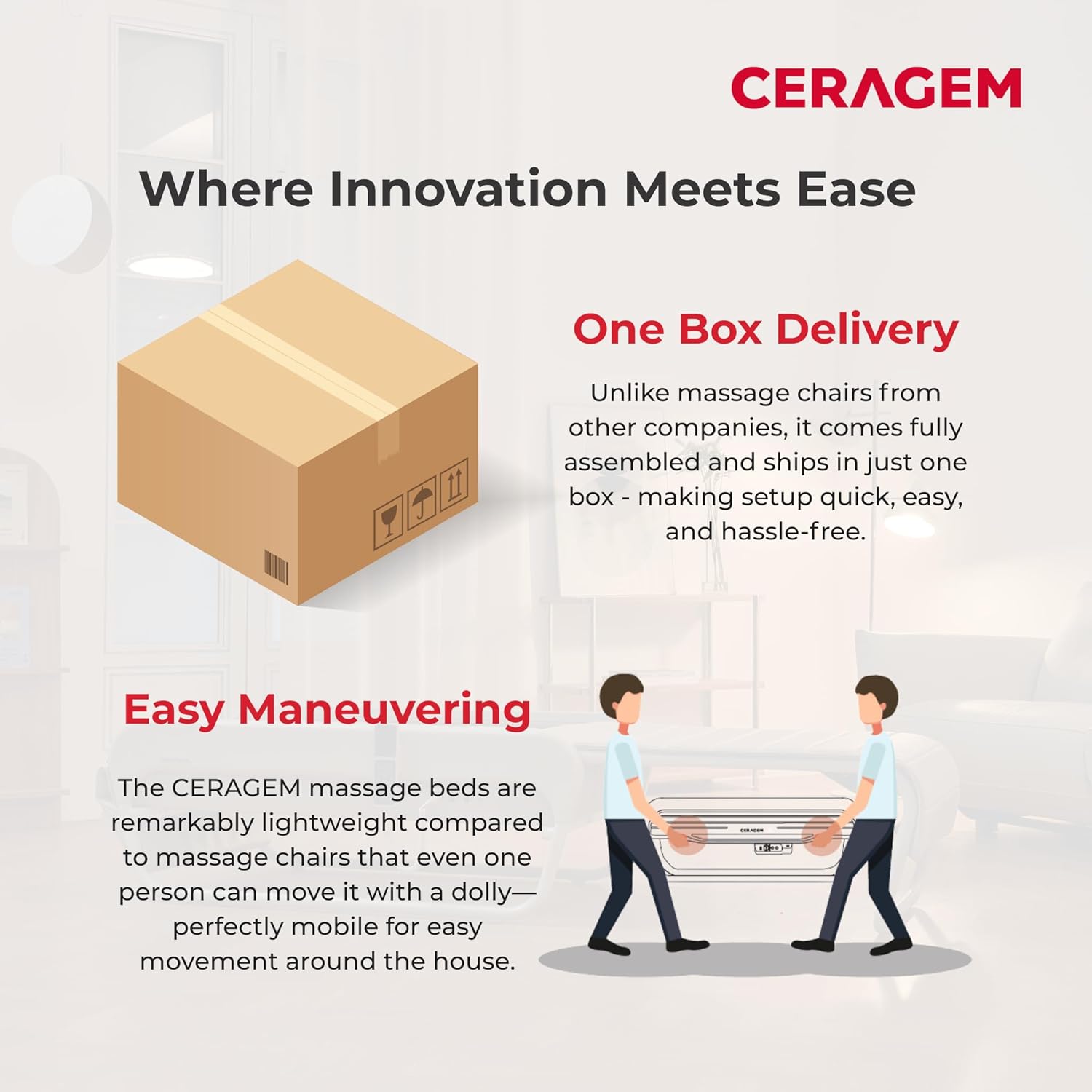
Image 4.1: Depiction of the CERAGEM V7's compact packaging for one-box delivery and its design for easy maneuvering by one person using a dolly.
5. Operating Instructions
Familiarize yourself with the control panel and remote before beginning a session.
Starting a Session:
- Lie down comfortably on the massager bed.
- Power on the device using the main power button.
- The device will typically perform an initial spine scan to customize the massage to your body's curvature.
- Select your desired massage mode using the remote control. You can choose from 15 auto modes or 5 custom modes.
- Adjust the intensity and temperature settings as needed for your comfort.
- To use the abdominal or leg aircell massagers, connect them and activate their respective functions via the control panel or remote.
Massage Modes:
The CERAGEM V7 offers 20 distinct massage modes, including:
- 15 Auto Modes: Pre-programmed sequences for various therapeutic benefits, including an 'Acu' mode.
- 5 Custom Modes: Allows users to tailor the massage experience to specific needs and preferences.
- Cervical Mode: A specialized mode for targeted relief in the neck and shoulder region.

Image 5.1: A user holding the remote control for the CERAGEM V7, emphasizing the availability of 20 massage modes (15 auto and 5 custom).
6. Maintenance
Regular maintenance ensures the longevity and optimal performance of your CERAGEM V7.
Cleaning:
- Always unplug the device before cleaning.
- Wipe down the exterior surfaces with a soft, damp cloth. Do not use abrasive cleaners or solvents.
- For the leather surfaces, use a mild leather cleaner if necessary, following the product instructions.
- Ensure no liquid enters the internal components.
Storage:
- When not in use, fold the massager into its compact form.
- Store the device in a cool, dry place, away from direct sunlight and extreme temperatures.
- Keep the power cord neatly coiled to prevent damage.

Image 6.1: The CERAGEM V7 in its sleek, folded design, suitable for compact storage when not in use.
7. Troubleshooting
If you encounter issues with your CERAGEM V7, refer to the following common problems and solutions:
| Problem | Possible Cause | Solution |
|---|---|---|
| Device does not power on. | Power cord not connected; outlet malfunction; device fault. | Check power cord connection; try a different outlet; contact customer support. |
| Massage rollers are not moving. | Device in standby mode; obstruction; internal malfunction. | Ensure a massage mode is selected; check for obstructions; restart device; contact customer support. |
| No heat or insufficient heat. | Heat setting too low; internal heating element issue. | Increase heat setting; allow time for heating; contact customer support. |
| Abnormal noise during operation. | Loose component; internal mechanism issue. | Discontinue use and contact customer support. |
If the problem persists after attempting these solutions, please contact CERAGEM customer support.
8. Specifications
| Feature | Detail |
|---|---|
| Model Number | V7 |
| Product Dimensions (Opened) | 80.5" (L) x 28.5" (W) x 17.0" (H) |
| Product Dimensions (Folded) | 47.7" (L) x 28.5" (W) x 17.0" (H) |
| Item Weight | 150 Pounds (approx. 137 lbs for the unit itself) |
| Material | Leather |
| Power Source | Corded Electric |
| Intended Use | Back massage, muscle and joint pain relief, blood circulation enhancement, relaxation |
| FDA Clearance | 501K Class II Medical Device |

Image 8.1: A detailed diagram illustrating the dimensions of the CERAGEM V7 Therapeutic Thermal Massager when folded and fully opened, including its weight.
9. Warranty and Support
Protection Plans:
Extended protection plans are available for the CERAGEM V7 to provide additional coverage beyond the standard manufacturer's terms. These plans can be purchased separately and typically offer:
- 2-Year Protection Plan
- 3-Year Protection Plan
Please refer to the specific terms and conditions of your purchased protection plan for full details on coverage and duration.
Customer Support:
For technical assistance, service inquiries, or questions regarding your CERAGEM V7, please contact CERAGEM International, Inc. customer support. You can find contact information on the official CERAGEM website or through your purchase documentation.
For more information about CERAGEM products, visit the CERAGEM Store on Amazon.
10. Video Resources
No official product videos from the seller were available in the provided data to embed in this manual.


