
1. Introduction
Thank you for choosing the Monster TVlink 300 Wireless Headphones. This manual provides essential information for setting up, operating, and maintaining your new headphones and transmitter base. Please read this manual thoroughly before use to ensure optimal performance and longevity of your device.
Package Contents:
- Monster TVlink 300 Wireless Headphones
- Transmitter Charging Base
- Optical Audio Cable
- AUX Audio Cable (3.5mm)
- RCA Adapter Cable
- USB-C Charging Cable
- User Manual (this document)

Image 1.1: Monster TVlink 300 Wireless Headphones and Charging Base. The headphones are black, over-ear style, resting on a black charging base with the Monster logo.
2. Safety Information
- Do not expose the device to extreme temperatures, humidity, or liquids.
- Avoid dropping or subjecting the device to strong impacts.
- Do not attempt to disassemble or repair the device yourself. Refer all servicing to qualified personnel.
- Keep the device away from medical devices such as pacemakers, as it contains magnets.
- Dispose of batteries and electronic components responsibly according to local regulations.
- Prolonged listening at high volume levels may cause hearing damage. Adjust volume to a safe level.
3. Product Overview
Familiarize yourself with the components and controls of your Monster TVlink 300 Wireless Headphones and Transmitter Charging Base.

Image 3.1: Detailed diagram showing the headphones and charging base with labels for all buttons, ports, and indicator lights. Included cables (Type-C, Aux-in, Optical, RCA adapter) are also displayed.
Headphone Controls:
- On/Off Button: Powers the headphones on or off.
- Multi-function Button (MFB): Controls playback, calls, and pairing.
- Volume Up Button: Increases volume, also used for previous track.
- Volume Down Button: Decreases volume, also used for next track.
- USB-C Charging Port: For direct charging of headphones.
- Indicator Light: Shows power, charging, and connection status.
- Mic: Built-in microphone for calls.
Transmitter Charging Base:
- Charging Interface: Dock for charging headphones.
- Multi-function Button (MFB): For pairing and mode selection.
- USB-C Charging Port: Powers the transmitter base.
- Optical Input: For connecting to TV via optical cable.
- Aux-in Port: For connecting to TV or other audio sources via 3.5mm AUX cable.
- LED Indicator Light: Shows power and connection status.
4. Setup
Follow these steps to set up your Monster TVlink 300 Wireless Headphones and Transmitter Charging Base.
4.1 Powering the Transmitter Base
- Connect the provided USB-C charging cable to the USB-C port on the transmitter base.
- Plug the other end of the USB-C cable into a USB power adapter (not included) or a powered USB port on your TV.
- The LED indicator light on the base will illuminate, indicating it is powered on.
4.2 Connecting to Your TV
The Monster TVlink 300 offers multiple connection options for your television. Choose the method that best suits your TV's available ports.

Image 4.1: The Monster TVlink 300 headphones on its charging base, with illustrations of Optical, AUX In, and RCA Adapter cables, indicating flexible connection options for various TV models.

Image 4.2: Diagram illustrating the Monster TVlink 300's compatibility with various devices, showing connections to a TV via Optical, Aux-in, or RCA Adapter, and Bluetooth connections to a laptop and smartphone.
Option 1: Optical Audio Connection (Recommended for Digital Audio)
- Connect one end of the optical audio cable to the "Optical Input" port on the transmitter base.
- Connect the other end of the optical audio cable to the "Optical Out" or "Digital Audio Out" port on your TV.
- Ensure your TV's audio output settings are configured to "PCM" or "Stereo" for the optical output. Refer to your TV's manual for specific instructions.
Option 2: AUX Audio Connection (3.5mm)
- Connect one end of the 3.5mm AUX audio cable to the "Aux-in" port on the transmitter base.
- Connect the other end of the AUX audio cable to the "Headphone Out" or "Audio Out" (3.5mm) port on your TV.
Option 3: RCA Audio Connection
- Connect the 3.5mm end of the RCA adapter cable to the "Aux-in" port on the transmitter base.
- Connect the red and white RCA plugs to the corresponding "Audio Out" (red for right, white for left) ports on your TV.
4.3 Initial Pairing and Connection
The headphones and transmitter are designed for effortless setup and typically pair automatically upon powering on. No complex pairing steps are required for TV use.
- Ensure the transmitter base is powered on and connected to your TV.
- Turn on the headphones by pressing and holding the On/Off button until the indicator light illuminates.
- The headphones will automatically connect to the transmitter base. The indicator lights on both devices will show a stable connection (refer to the "Indicator Lights" section for details).
- Adjust the volume on your headphones and TV as needed.
5. Operating Instructions
5.1 Wearing the Headphones
Adjust the headband for a comfortable and secure fit. The soft protein ear cushions are designed for extended wear.

Image 5.1: A woman lying down, wearing the Monster TVlink 300 headphones and looking at her phone, demonstrating the comfortable fit for extended listening sessions.
5.2 Basic Functions
| Function | Action |
|---|---|
| Power On/Off | Press and hold the On/Off button. |
| Volume Up | Press the Volume Up button. |
| Volume Down | Press the Volume Down button. |
| Play/Pause (Bluetooth mode) | Press the Multi-function Button (MFB) once. |
| Answer/End Call (Bluetooth mode) | Press the MFB once. |
| Reject Call (Bluetooth mode) | Press and hold the MFB. |
| Next Track (Bluetooth mode) | Press and hold the Volume Down button. |
| Previous Track (Bluetooth mode) | Press and hold the Volume Up button. |
5.3 Charging the Headphones
The headphones offer up to 45 hours of playback on a single charge. They can be charged via the transmitter base or directly via a USB-C cable.
Charging via Transmitter Base:
- Simply place the headphones onto the transmitter charging base. Ensure the charging contacts align.
- The indicator light on the headphones will show charging status (e.g., red for charging, blue for fully charged).
- The headphones will automatically begin charging.
Direct USB-C Charging:
- Connect the provided USB-C charging cable to the USB-C port on the headphones.
- Plug the other end into a USB power source.
- The indicator light on the headphones will show charging status.
5.4 Bluetooth Connection (for other devices)
While primarily designed for TV use with the transmitter, the headphones also support direct Bluetooth connection to other devices like smartphones or tablets.
- Ensure the headphones are powered off.
- Press and hold the On/Off button until the indicator light flashes rapidly (usually blue/red), indicating pairing mode.
- On your device (smartphone, tablet), go to Bluetooth settings and search for "Monster TVlink 300".
- Select "Monster TVlink 300" to connect. Once connected, the indicator light on the headphones will show a stable blue light.
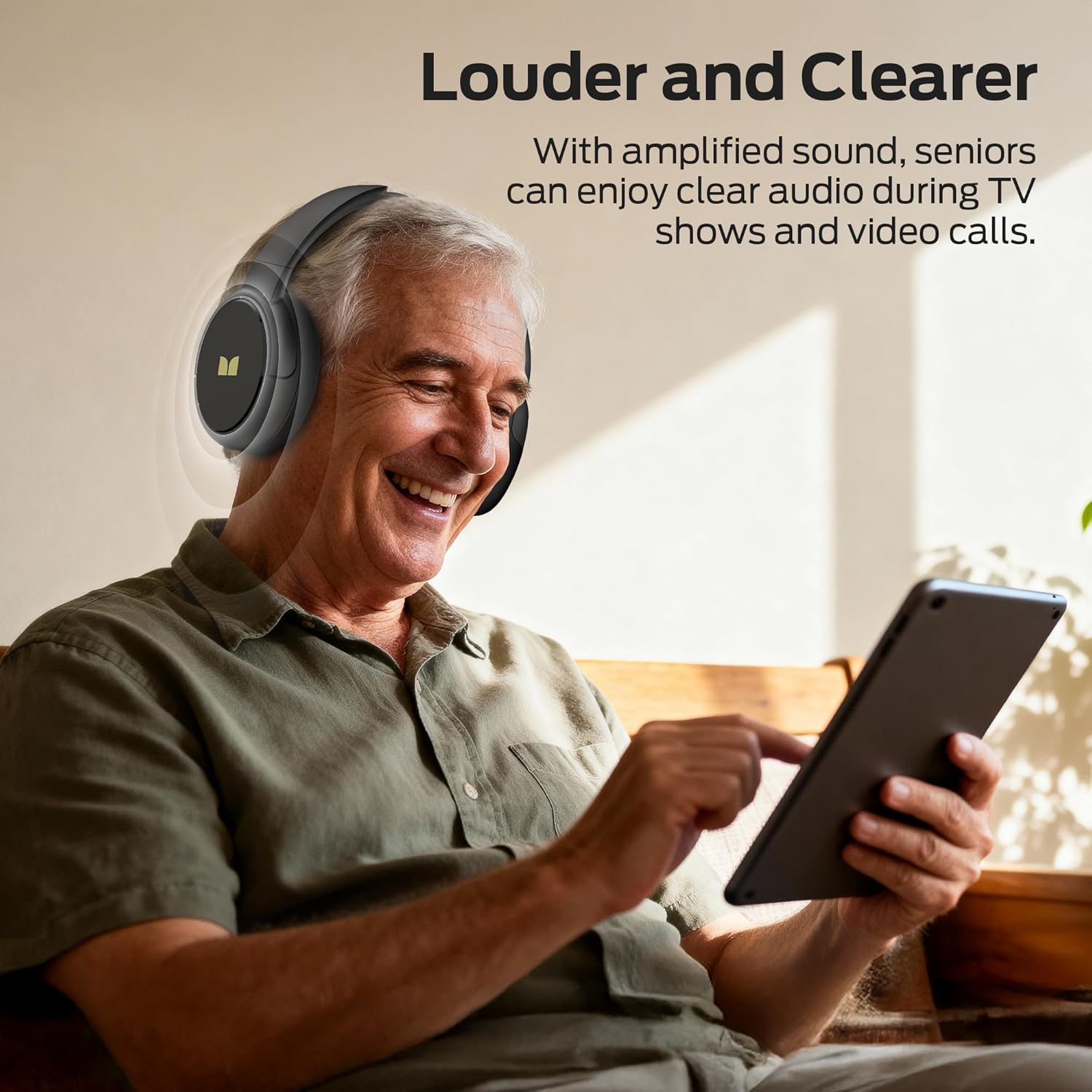
Image 5.2: A senior man smiling while wearing the Monster TVlink 300 headphones and interacting with a tablet, demonstrating the clear audio for various media.
6. Maintenance
6.1 Cleaning
- Wipe the headphones and transmitter base with a soft, dry, lint-free cloth.
- Do not use abrasive cleaners, alcohol, or chemical solvents.
- Avoid getting moisture into any openings.
6.2 Storage
- When not in use, store the headphones on the charging base or in a cool, dry place.
- The foldable design allows for compact storage and portability.
- Avoid storing in direct sunlight or extreme temperatures.
7. Troubleshooting
| Problem | Possible Cause | Solution |
|---|---|---|
| No audio from headphones (TV mode) |
|
|
| Audio delay/lag | Interference or connection issue. |
|
| Headphones not charging |
|
|
| Cannot connect via Bluetooth (to phone/tablet) |
|
|
8. Specifications
| Feature | Detail |
|---|---|
| Model Name | Monster TVLink 300 |
| Item Model Number | H20 |
| Wireless Communication | Bluetooth 5.3 |
| Form Factor | Over Ear |
| Connectivity Technology | Wireless (Transmitter & Bluetooth) |
| Battery Life | Up to 45 hours (headphones) |
| Charging Method | Transmitter Charging Base, USB-C |
| Audio Delay | Ultra-low latency (under 40ms) |
| Included Components | Headphones, Transmitter Base, Optical Cable, AUX Cable, RCA Adapter, USB-C Cable |
| Color | Black |
| Item Weight | 1.32 pounds (0.6 Kilograms) |
9. Warranty and Support
Monster products are designed and manufactured to the highest quality standards. For detailed warranty information, please refer to the warranty card included in your product packaging or visit the official Monster website.
If you encounter any issues or have questions regarding your Monster TVlink 300 Wireless Headphones, please contact Monster customer support:
- Website: www.monsterproducts.com
- Email: Refer to website for support contact.
- Phone: Refer to website for support contact.
Please have your product model number (TVlink 300 / H20) and purchase date ready when contacting support.


