
Airversa ANW-Black
Airversa ANW-Black Smart Scent Air Machine User Manual
Model: ANW-Black
Introduction
This manual provides comprehensive instructions for the safe and effective operation, setup, and maintenance of your Airversa ANW-Black Smart Scent Air Machine and the accompanying 100mL Hotel-MRT Scent Essential Oil. Please read this manual thoroughly before use and retain it for future reference.

Image: The Airversa ANW-Black Smart Scent Air Machine (left) and the 100mL Hotel-MRT Scent Essential Oil bottle (right).
Safety Information
To ensure safe operation and prevent damage, please observe the following safety precautions:
- Keep the device out of reach of children and pets.
- Use only the provided power adapter.
- Do not immerse the device in water or any other liquid.
- Do not block the air outlet or inlet during operation.
- Ensure the device is placed on a stable, flat surface.
- Avoid direct exposure to sunlight or heat sources.
- Do not attempt to disassemble or repair the device yourself. Contact customer support for assistance.
- Handle essential oils with care. Avoid direct contact with skin and eyes. In case of contact, rinse thoroughly with water.
- Do not ingest essential oils.
Package Contents
Verify that all items are present in the package:
- Airversa ANW-Black Smart Scent Air Machine
- 100mL Hotel-MRT Scent Essential Oil Bottle
- Power Adapter (2m cable)
- Oil Bottle and Nozzle Set (pre-installed or separate)
- Keys (for securing the oil compartment)
- Bottle Cap (for the essential oil bottle)
- Wall Mount Hardware (screws, anchors)
- User Manual (this document)

Image: All components included in the Airversa Smart Scent Air Machine package, including the machine, oil bottle, power adapter, keys, bottle cap, and wall mount hardware.
Setup
1. Placement
Choose a suitable location for your scent machine. It can be placed on a flat surface or mounted on a wall.
- Tabletop Placement: Ensure the surface is stable and clear of obstructions.
- Wall Mounting: Use the provided wall mount hardware. Mark the desired position, drill pilot holes, insert anchors, and secure the machine using the screws. Ensure it is level and securely fastened.

Image: The Airversa Smart Scent Air Machine placed on a wooden table, demonstrating tabletop placement.

Image: The Airversa Smart Scent Air Machine mounted on a wall, illustrating wall-mount installation.
2. Filling the Essential Oil Bottle
- Open the essential oil compartment of the machine using the provided key.
- Remove the empty oil bottle (if applicable) or the new oil bottle from its packaging.
- Carefully pour the 100mL Hotel-MRT Scent Essential Oil into the bottle. Avoid overfilling.
- Securely attach the nozzle set to the top of the filled oil bottle.

Image: A close-up of the 100mL Hotel-MRT Scent Essential Oil bottle, showing its design and the included dropper for precise measurement.
3. Installing the Oil Bottle
- Insert the filled oil bottle with the attached nozzle set into the designated compartment within the scent machine. Ensure it is seated firmly.
- Close the compartment door and lock it with the key.
4. Power Connection
Connect the power adapter to the power input port on the scent machine, then plug the adapter into a standard electrical outlet.
Operating Instructions
1. Initial Power On
Once connected to power, the machine will power on automatically. A status indicator light may illuminate.
2. App Control (Scenta XL App)
The Airversa Smart Scent Air Machine is designed for smart control via a mobile application. Download the "Scenta XL" app from your device's app store (available on Apple App Store and Google Play Store).
- Download and Install: Search for "Scenta XL" in your app store and install it on your smartphone.
- Pairing: Open the app and follow the on-screen instructions to pair your device via Bluetooth. Ensure Bluetooth is enabled on your smartphone.
- Basic Operation: Within the app, you can manually turn the scent machine ON or OFF.
- Scheduling: Create up to 5 custom scent schedules. This allows you to set specific operating times and days for the machine to diffuse scent automatically.
- Intensity Adjustment: Adjust the scent intensity level through the app to suit your preference and room size.

Image: The Airversa Smart Scent Air Machine positioned next to a smartphone screen showing the "Scenta XL" application interface, highlighting the app control feature.

Image: The Airversa Smart Scent Air Machine mounted on a wall in a commercial setting, with a person interacting with the Scenta XL app on a smartphone to automate fragrance schedules.
Maintenance
1. Refilling Essential Oil
When the scent output diminishes or the oil bottle appears empty, it's time to refill. Follow the steps outlined in the "Filling the Essential Oil Bottle" section under Setup.
Note: The machine is designed for less frequent refilling due to its efficient diffusion system.
2. Cleaning the Device
Regular cleaning helps maintain optimal performance and extends the lifespan of your device.
- Disconnect the power adapter before cleaning.
- Wipe the exterior of the machine with a soft, dry, or slightly damp cloth. Do not use abrasive cleaners or solvents.
- For the nozzle and internal components, if cleaning is required, use a cotton swab lightly dampened with rubbing alcohol. Ensure all parts are completely dry before reassembling and powering on.
- Avoid getting water or liquid into the internal electronic components.
3. Storage
If storing the device for an extended period, ensure the oil bottle is removed and capped, and the machine is clean and dry. Store in a cool, dry place away from direct sunlight.
Troubleshooting
| Problem | Possible Cause | Solution |
|---|---|---|
| No scent output | Oil bottle empty or improperly installed; nozzle clogged; device not powered on. | Check oil level and ensure bottle is correctly installed. Clean nozzle if clogged. Verify power connection. |
| Device not turning on | No power; faulty adapter. | Ensure power adapter is securely plugged into both the device and the outlet. Try a different outlet. |
| App cannot connect to device | Bluetooth off; device out of range; app issue. | Ensure Bluetooth is enabled on your phone. Move closer to the device. Restart the app or your phone. |
| Scent is too strong/weak | Intensity setting incorrect. | Adjust the scent intensity level through the Scenta XL app. |
If the problem persists after attempting these solutions, please contact Airversa customer support.
Specifications
- Model: ANW-Black Smart Scent Air Machine
- Brand: Airversa
- Scent Type: Hotel-MRT Scent Essential Oil
- Essential Oil Volume: 100 Milliliters (3.38 Fl Oz)
- Coverage Area: Up to 2000 sq.ft. (approximate, depending on environment)
- Control: App Control (Scenta XL App via Bluetooth)
- Diffusion Method: Waterless, Heatless
- Installation: Tabletop or Wall-Mountable
- Power Source: AC Adapter (Input: 100-240V, Output: specific to adapter, typically low voltage DC)
- Product Benefits: Aromatherapy, Odor Elimination, Enhanced Sleep, Personalized Ambiance
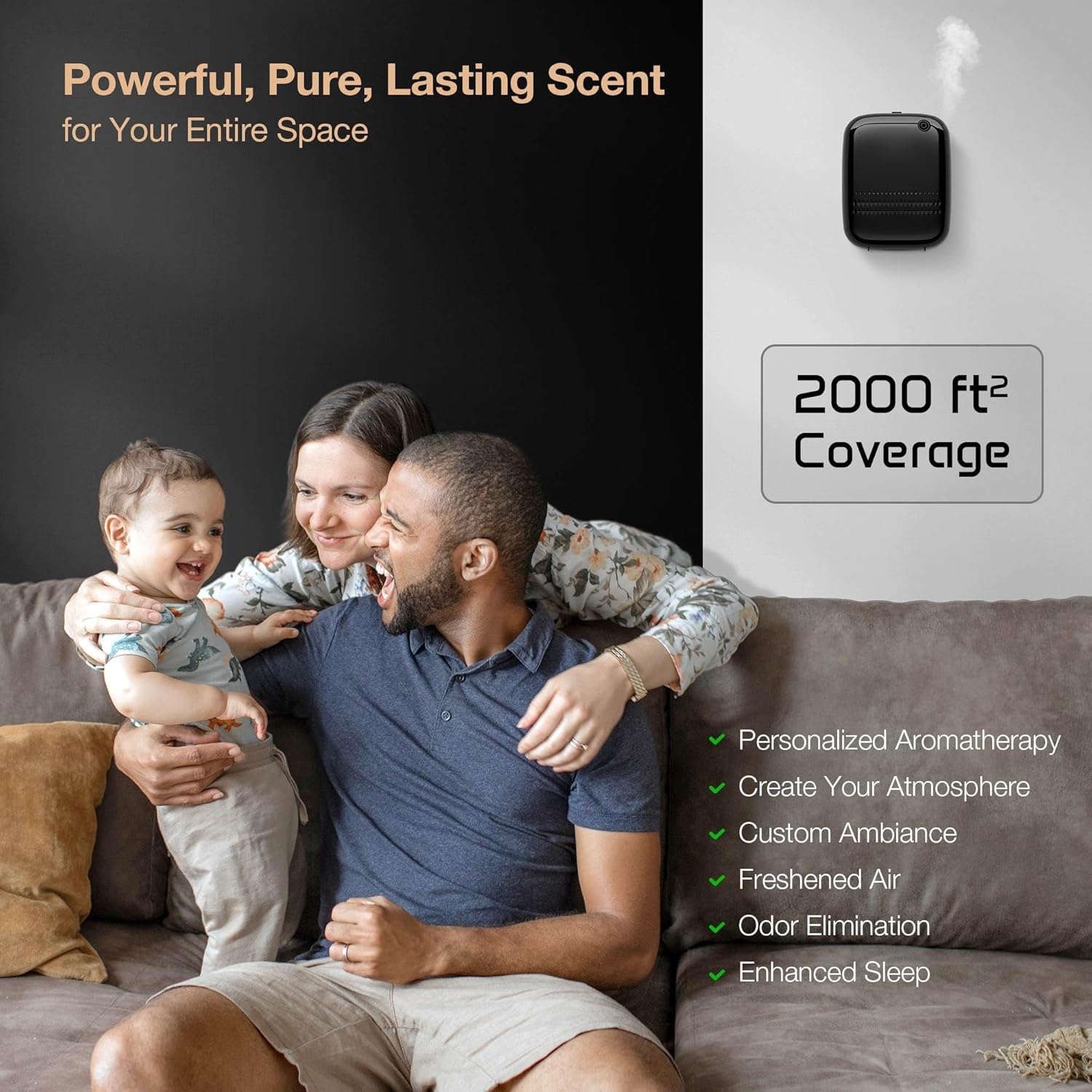
Image: A family enjoying a living room environment, illustrating the wide coverage area of the Airversa Smart Scent Air Machine (up to 2000 sq.ft.) and its benefits like personalized aromatherapy and odor elimination.
Customer Support
For technical assistance, warranty inquiries, or general support, please visit the official Airversa website or contact their customer service team. Refer to the product packaging or the Airversa website for the most current contact information.
Website: Airversa Official Store on Amazon
Ask a question about this manual
Ask about setup, troubleshooting, compatibility, parts, safety, or missing instructions. Manuals+ will review the question and use this page’s manual context to help answer it.