1. Product Overview
The DUNHOO 15.6 Inch Laptop (Model UL153) is a versatile computer designed for both work and entertainment. It features a powerful N5095 processor, ample memory and storage, and a vibrant Full HD display. Its portable design and long-lasting battery make it suitable for various uses, from daily tasks to light gaming.

Figure 1: DUNHOO 15.6 Inch Laptop highlighting 1080P Full HD, IPS, 16GB RAM, 512GB SSD, and N5095 Celeron processor.
Key Features:
- N5095 Processor: Efficient performance for documents, web browsing, and multitasking with low energy consumption.
- Ample Storage: 16GB RAM and 512GB high-speed SSD for faster application loading and file transfers. Expandable via TF card slot.
- Stunning Visuals: 15.6-inch 1920x1080 Full HD IPS display with a 90% screen-to-body ratio and 0.19-inch micro bezel. Features a flexible hinge allowing 180-degree opening.
- User-Friendly Design: Full-size backlit keyboard (activated by FN+F9) and fingerprint unlocking for convenience and security. Dual stereo speakers and microphones for enhanced audio.
- Extensive Connectivity: Latest WiFi and Bluetooth modules, two USB 3.0 ports, HDMI port, and headphone jack for connecting peripherals.
- Portability: Weighs only 3.53 pounds, equipped with a 5,000 mAh lithium-ion battery for extended use.
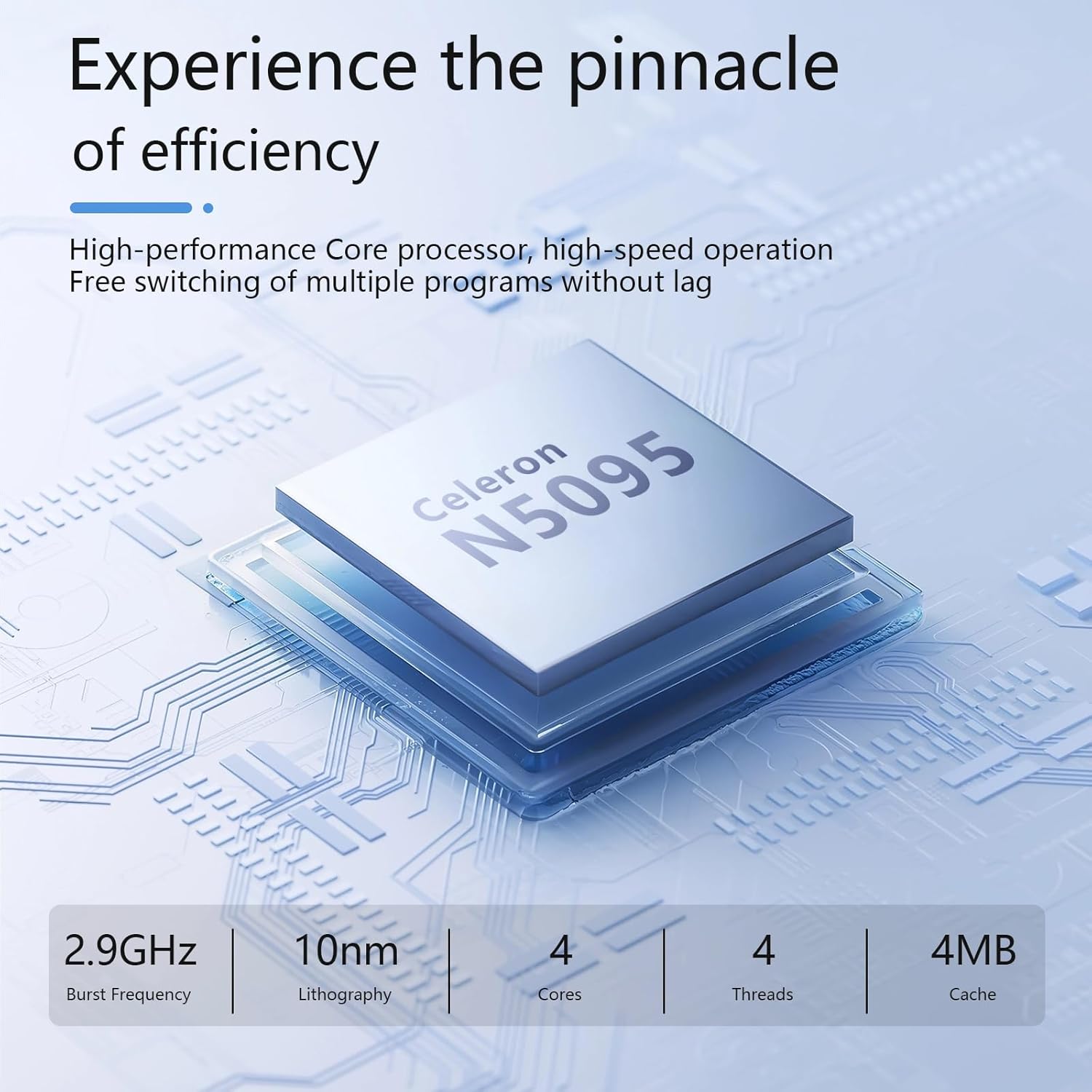
Figure 2: Close-up of the Celeron N5095 processor, highlighting its efficiency.
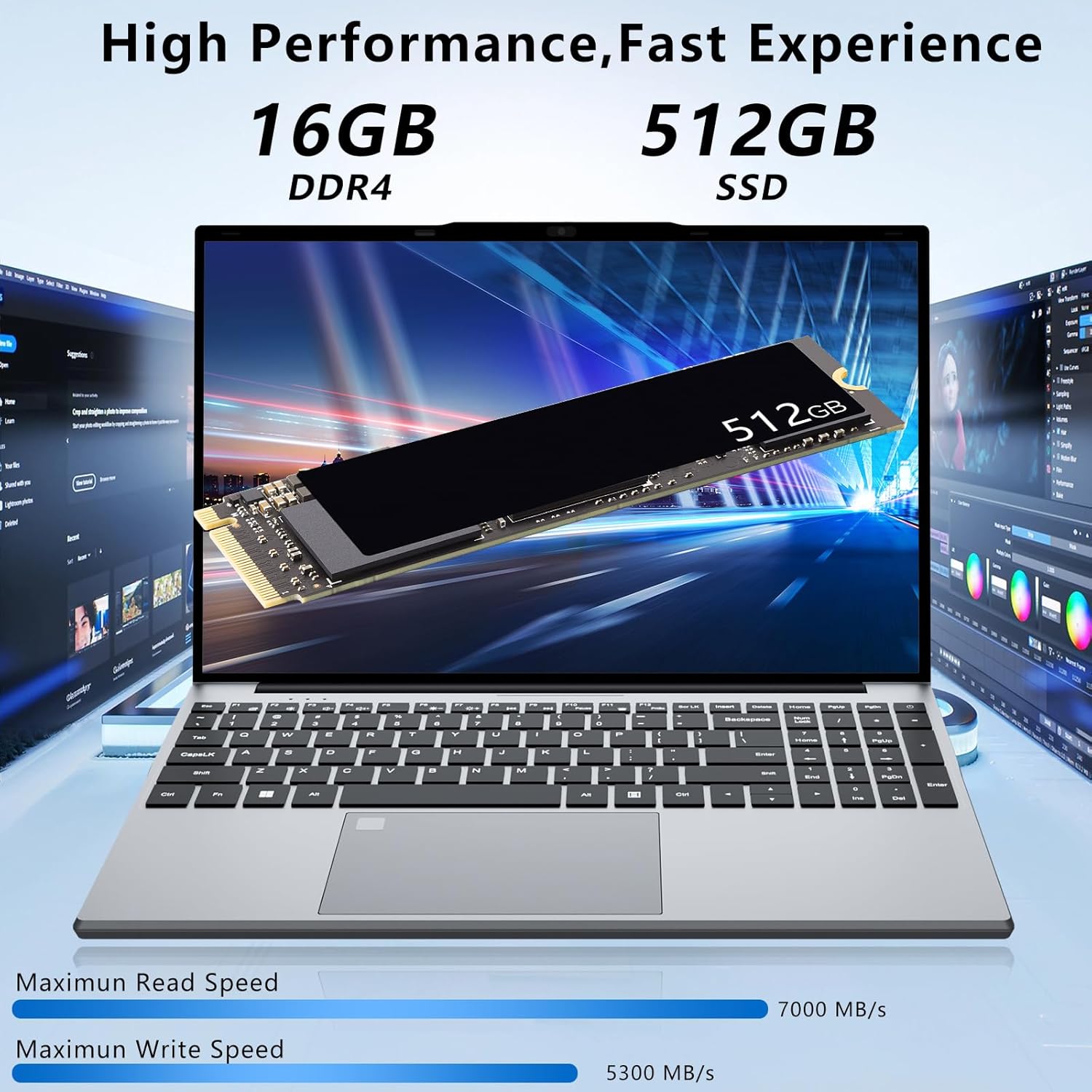
Figure 3: Visual representation of the laptop's 16GB DDR4 RAM and 512GB SSD for high performance.
2. Setup Guide
2.1 Unboxing and Initial Inspection
Carefully remove all items from the packaging. Ensure the following components are present:
- 15.6 inch Laptop
- AC Adapter
- Instruction Manual (this document)
Inspect the laptop and accessories for any signs of damage. If any items are missing or damaged, contact customer support immediately.
2.2 First Power On and Charging
- Connect the AC adapter to the charging port on the laptop and then to a power outlet.
- Allow the laptop to charge for at least 30 minutes before the first use, or until the battery indicator shows sufficient charge.
- Press the power button to turn on the laptop.
- Follow the on-screen instructions to complete the initial Windows 11 Pro setup, including language, region, network connection, and user account creation.

Figure 4: Side profile of the laptop illustrating the charging port and other connectivity options.
3. Operating Instructions
3.1 Keyboard and Touchpad
The laptop features a full-size keyboard with a numeric keypad for efficient data entry. The touchpad is highly responsive and supports multi-touch gestures.
- Backlit Keyboard: To activate or deactivate the keyboard backlight, press the FN + F9 keys simultaneously.
- Fingerprint Unlock: Utilize the integrated fingerprint reader for secure and quick login. Set up your fingerprint in Windows Security settings.

Figure 5: The laptop's full-size keyboard, numeric keypad, and fingerprint unlocking feature.
3.2 Display and Viewing Angles
The 15.6-inch Full HD IPS display offers clear and vibrant visuals. The 180-degree flexible hinge allows you to adjust the screen to various angles for comfortable viewing and collaboration.
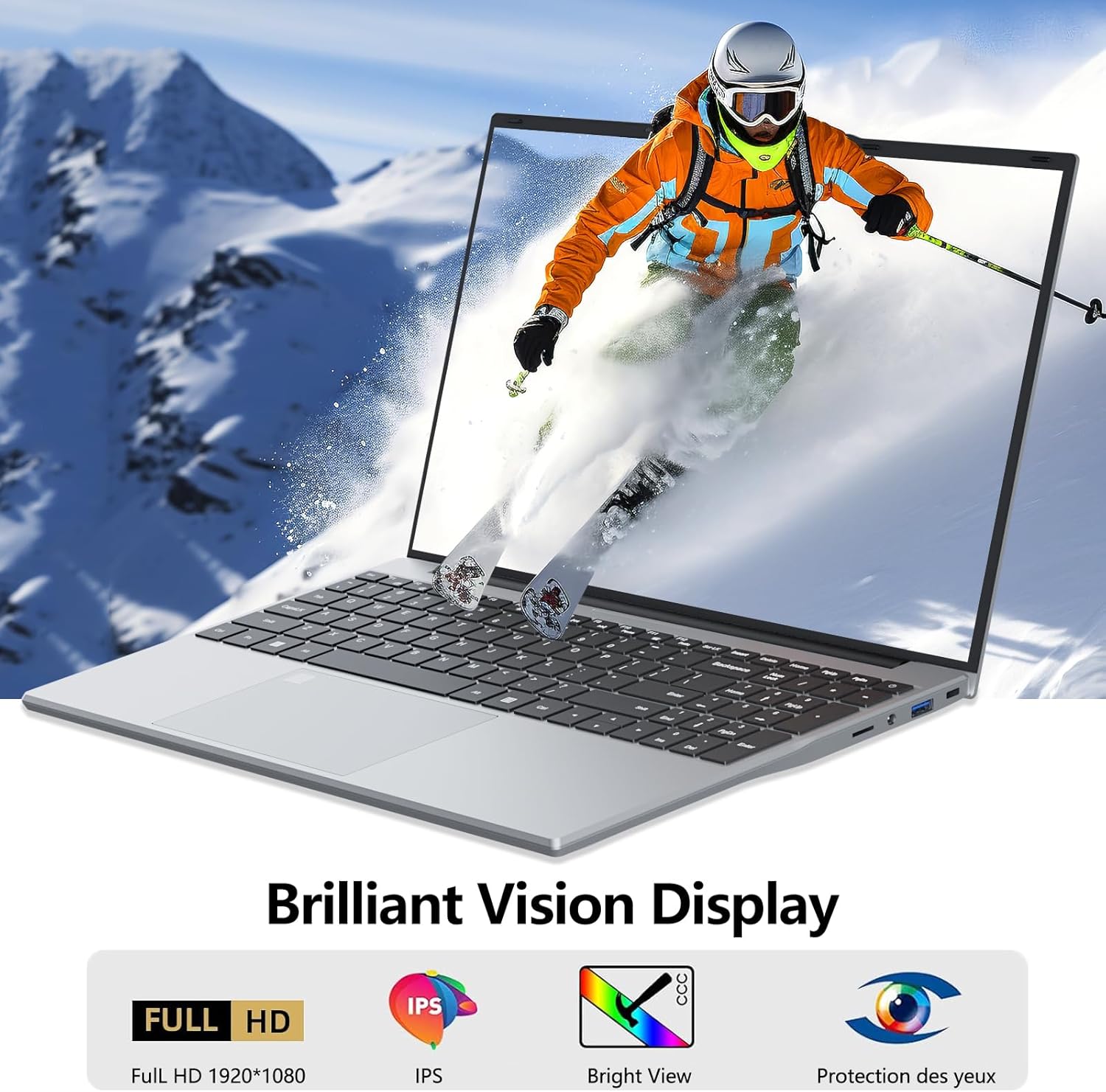
Figure 6: The laptop's brilliant vision display, ideal for multimedia content.
3.3 Connectivity
The laptop provides a range of ports for connecting external devices:
- USB 3.0 Ports (x2): For high-speed data transfer with USB devices.
- HDMI Port: Connect to external monitors or projectors.
- Headphone Jack: For audio output to headphones or external speakers.
- TF Card Slot: Expand storage capacity using a TF (microSD) card.
- WiFi & Bluetooth: Integrated modules for wireless internet and peripheral connections.
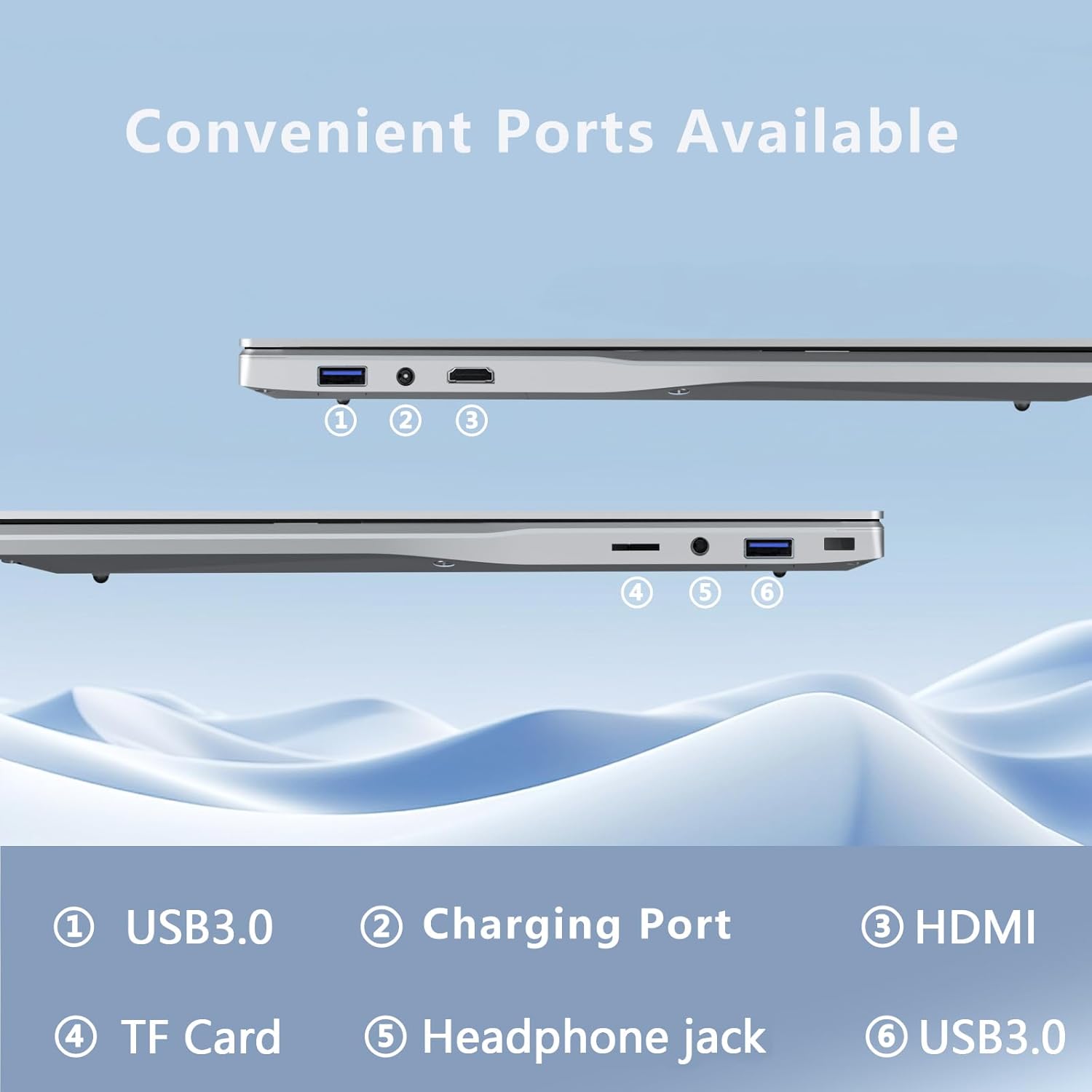
Figure 7: Overview of the convenient ports available on the laptop.
3.4 Battery Management
The laptop is equipped with a 5,000 mAh lithium-ion battery. To maximize battery life:
- Adjust screen brightness to a comfortable level.
- Close unused applications and browser tabs.
- Utilize Windows power saving modes when not performing intensive tasks.
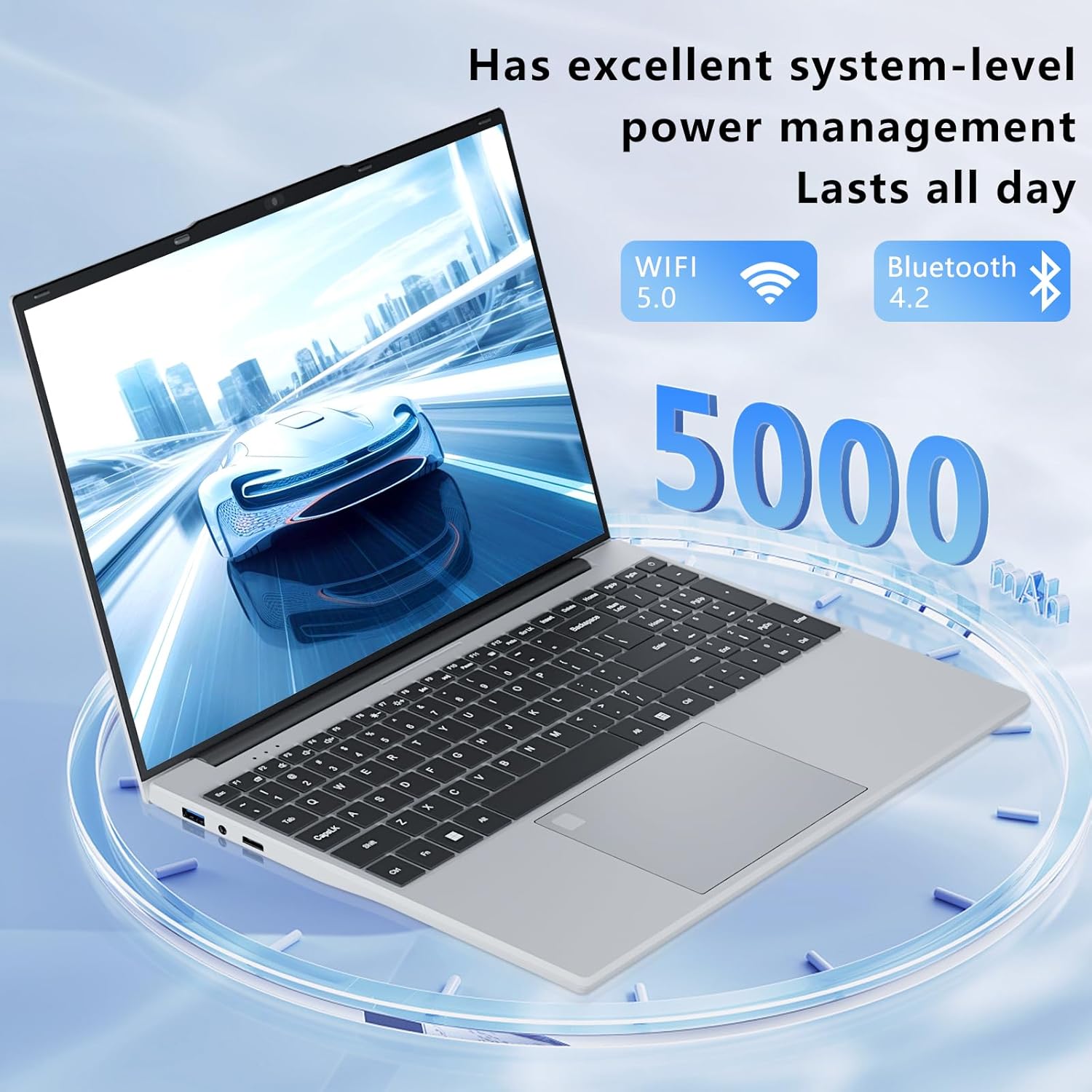
Figure 8: The laptop's power management features, including WiFi, Bluetooth, and 5000mAh battery.
3.5 Official Product Video
Video 1: An official product video demonstrating the DUNHOO 15.6 Inch Laptop. The video showcases the laptop's large screen, backlit keyboard with numeric keypad, responsive touchpad, clear picture quality, loud speakers, ample RAM and storage, Windows operating system, and various connectivity ports including USB and HDMI.
4. Maintenance and Care
4.1 Cleaning the Laptop
- Use a soft, lint-free cloth to clean the screen and exterior surfaces.
- For stubborn smudges, slightly dampen the cloth with water or a screen-cleaning solution. Do not spray liquid directly onto the laptop.
- Use compressed air to clear dust from keyboard keys and ventilation openings.
4.2 Battery Care
- Avoid fully discharging the battery frequently.
- Store the laptop in a cool, dry place when not in use for extended periods.
- If storing for a long time, charge the battery to about 50% before turning off the device.
4.3 Software Updates
Regularly check for and install Windows updates to ensure optimal performance and security. Go to Settings > Windows Update to check for available updates.
5. Troubleshooting
This section addresses common issues you might encounter with your DUNHOO laptop.
| Problem | Possible Cause | Solution |
|---|---|---|
| Laptop does not power on | Low battery; Power adapter issue | Ensure AC adapter is securely connected and plugged into a working outlet. Allow to charge for a few minutes before attempting to power on again. |
| Screen is blank or black | Sleep mode; Display settings; Hardware issue | Press any key or move the mouse to wake from sleep. Check external display connections if applicable. Restart the laptop. |
| Keyboard backlight not working | Backlight is off | Press FN + F9 to toggle the backlight on/off. |
| Slow performance | Too many applications running; Low storage space; Outdated software | Close unnecessary programs. Free up disk space. Install all pending Windows updates. |
| Wi-Fi connection issues | Router issue; Driver issue; Wi-Fi adapter off | Restart your router. Check Wi-Fi settings in Windows to ensure Wi-Fi is enabled. Update network drivers. |
6. Specifications
| Feature | Detail |
|---|---|
| Brand | DUNHOO |
| Model Name | UL153 |
| Screen Size | 15.6 Inches |
| Screen Resolution | 1920 x 1080 pixels (Full HD) |
| Processor | 1.7 GHz Celeron N5095 |
| RAM | 16 GB LPDDR4 |
| Hard Drive | 512 GB SSD |
| Graphics Coprocessor | UHD Graphics |
| Operating System | Windows 11 Pro |
| Wireless Type | 802.11a/b/g/n/ac, Bluetooth |
| USB Ports | 2 x USB 3.0 |
| Average Battery Life | 8 Hours (5,000 mAh) |
| Item Weight | 3 pounds |
| Product Dimensions | 13.74 x 0.7 x 8.74 inches |
| Special Features | 180 Degrees Open, Backlit Keyboard, Fingerprint Reader, HD Audio, Numeric Keypad |
7. Warranty and Support
DUNHOO provides customers with a one-year effective warranty period, including free return or exchange service. Our commitment is to your satisfaction.
7.1 Customer Service
For any product-related matters or after-sales troubles, you can consult our professional service team via email. Offline maintenance services are also provided.
To contact us through Amazon:
- Log in to your Amazon account.
- Go to "Your Orders".
- Find your order for the DUNHOO 15.6 Inch Laptop.
- Click "Contact seller".
We are available 24/7 to assist you and ensure your experience is worry-free.
