
Introduction
The TECPHILE Mystic Mountain Aroma Tank is a refill designed for automatic atomizer car air freshener diffusers. It provides a long-lasting fragrance experience, neutralizing vehicle odors and leaving a refreshing aroma. This tank is compatible with TECPHILE automatic diffusers, ensuring consistent 360-degree fragrance release. It features essential oil-inspired notes for a calming and invigorating driving experience.

Image: The TECPHILE Smart Aroma Car Diffuser, highlighting its use of natural essential oils, zero additives, and pet-friendly composition.
What's in the Box
Your package should contain the following items:
- 1x Essential Oil Bottle (Mystic Mountain Aroma Tank)
Setup Instructions
Follow these steps to install the Mystic Mountain Aroma Tank into your TECPHILE automatic atomizer diffuser:
- Unscrew the Diffuser Base: Gently twist and remove the base of your TECPHILE automatic atomizer diffuser.
- Remove the Seal: Take the new Mystic Mountain Aroma Tank and carefully peel off the protective seal from the top.
- Insert the Aroma Tank: Place the aroma tank into the diffuser base, ensuring the correct orientation. It should fit snugly.
- Secure the Base: Screw the diffuser base back onto the main unit until it is securely fastened.
If the essential oil refill is not installed correctly, the device will display a blinking yellow atmosphere light upon activation.
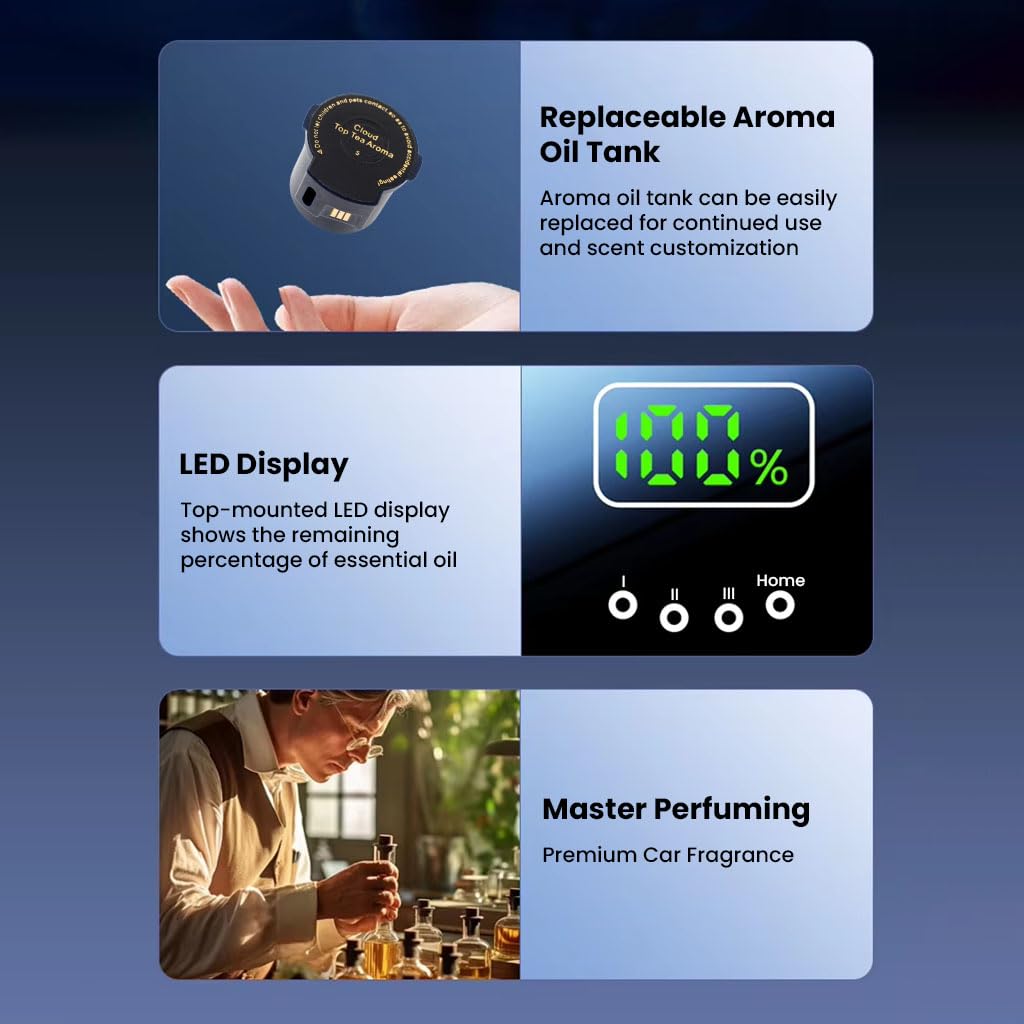
Image: A close-up view of the replaceable aroma oil tank, ready for installation into the diffuser unit.

Image: Illustration of the essential oil box with a fully sealed design, emphasizing its leak-proof nature.
Operating Instructions
The TECPHILE automatic atomizer diffuser offers intelligent operation and customizable fragrance settings.
Power On/Off
- To turn the device ON or OFF, press and hold the power button for 3 seconds.
Spray Modes
The diffuser features three spray modes to adjust fragrance intensity and frequency:
- Micro Mode: Auto sprays every 8 minutes.
- Light Mode: Auto sprays every 5 minutes.
- Strong Mode: Auto sprays every 3 minutes.
To change the spray level, single-press the power button. Each press cycles through the available modes.

Image: Visual representation of the three smart scent control levels: Micro, Light, and Strong, with their respective spray intervals.
AI Sensing (Car Mode)
The device operates with AI sensing, automatically activating when the car starts moving and turning off 10 minutes after the car stops. This ensures fragrance is diffused only when needed.
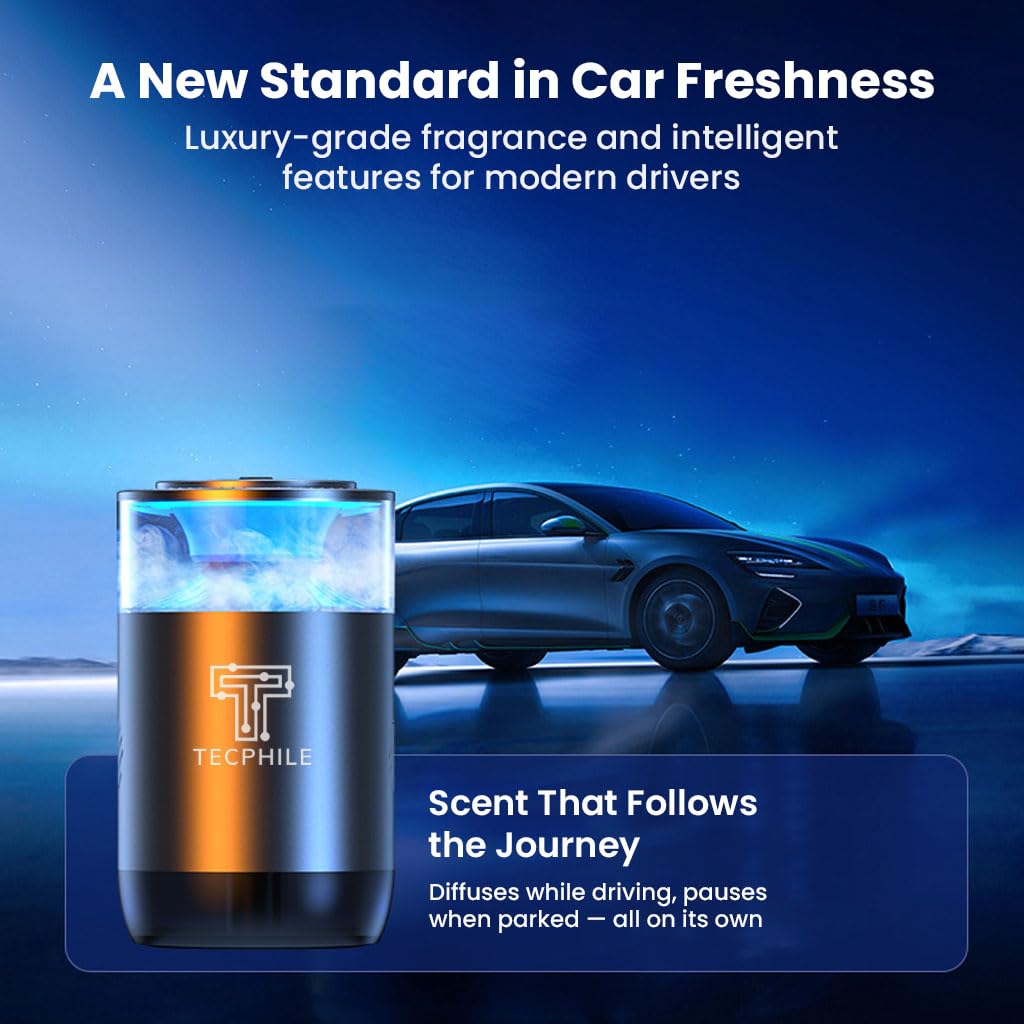
Image: The TECPHILE diffuser in a car, demonstrating its ability to diffuse scent while driving and pause when parked.

Image: An illustration depicting 360-degree fragrance diffusion within a car, ensuring full coverage.
Home Mode
For use outside the car, the device features a Home Mode:
- To activate Lab Mode (a specific setting for non-car use), double-press the power button.
- To activate Home Mode, press the power button five times.
- In Home Mode, the diffuser will operate for 3 hours and then automatically turn off.
LED Display and Indicators
- The LED display on the panel shows the remaining percentage of the aromatic oil, not the battery level.
- If the battery is low, a red atmosphere light will illuminate when the device is turned on.
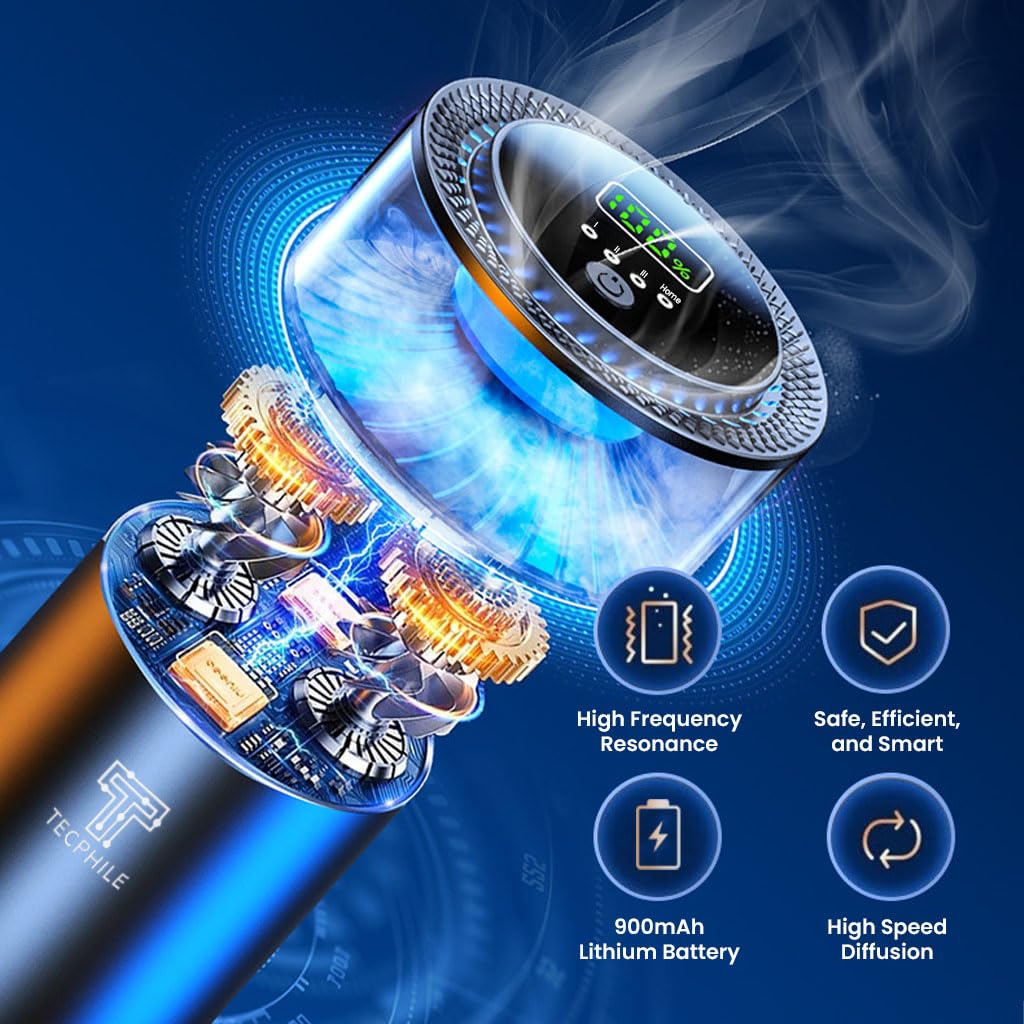
Image: The top of the diffuser showing the LED display, which indicates the remaining essential oil percentage.

Image: The diffuser showcasing its adjustable ambient light feature with different color options.
Maintenance
To ensure optimal performance and longevity of your TECPHILE diffuser:
- Condensation: It is normal for condensation or water accumulation to occur with prolonged use. This does not affect the device's performance or lifespan.
- Cleaning: Periodically wipe the exterior of the diffuser with a soft, dry cloth. Avoid using harsh chemicals or abrasive materials.
- Refill Replacement: Replace the aroma tank when the essential oil percentage on the LED display indicates it is low.
Troubleshooting
If you encounter any issues with your TECPHILE automatic atomizer diffuser, refer to the following common solutions:
- Device Not Turning On:
- Ensure the battery is charged. If the red atmosphere light illuminates upon activation, the battery is low and requires charging.
- Press and hold the power button for 3 seconds to ensure it is properly powered on.
- No Fragrance or Weak Scent:
- Check the LED display for the remaining essential oil percentage. Replace the aroma tank if it is low.
- Verify that the aroma tank is correctly installed and the seal has been fully removed. A blinking yellow light indicates improper installation.
- Ensure the diffuser is set to the desired spray mode (Micro, Light, or Strong).
- Device Not Turning Off Automatically in Car:
- Ensure the device is in Car Mode (AI sensing). If it's in Home Mode, it will run for 3 hours before turning off.
Specifications
| Feature | Detail |
|---|---|
| Model Number | P3 |
| Brand | TECPHILE |
| Scent | Mystic-Mountain-Aroma |
| Item Form | Oil |
| Color | Black |
| Product Dimensions (LxWxH) | 11 x 7 x 7 Centimeters |
| Item Weight | 360 g |
| Net Quantity | 50.0 Milliliters |
| Included Components | 1x Essential Oil Bottle |
| Manufacturer | TECPHILE |

Image: A graphic highlighting the 900mAh battery capacity and fast Type-C charging capability.
Safety Information
Please observe the following safety guidelines when using the TECPHILE Mystic Mountain Aroma Tank and diffuser:
- Keep Out of Reach: Do not let children or pets come into contact with the essential oil tank or the diffuser to avoid accidental ingestion or misuse.
- Ingredients: The essential oil contains French Spice. If irritation occurs, discontinue use and consult a medical professional.
- Placement: Ensure the diffuser is placed in a stable position within the vehicle to prevent it from falling or spilling during driving.
- Ventilation: Use in a well-ventilated area.

Image: A family enjoying an outdoor setting, illustrating the product's commitment to health, purity, and safety with 0-Alcohol and non-toxic ingredients.
Support
For any inquiries or support, please contact TECPHILE customer care:
- Email: customercare@conceptkart.com
- Address: A36 2nd Floor Naraina Industrial Area Phase-2, Delhi 110028, India.