
Introduction
This manual provides comprehensive instructions for the installation, operation, and maintenance of your Jufodrca 9-inch car radio. This unit is specifically designed for Toyota Tacoma models manufactured between 2005 and 2015, offering an enhanced in-car entertainment and navigation experience with features like Wireless CarPlay, Android Auto, Bluetooth, WiFi, GPS, FM radio, and backup camera support.
Setup and Installation
The Jufodrca car radio is designed for direct fitment in Toyota Tacoma models from 2005 to 2015. It utilizes the original wiring harness, eliminating the need for cutting or re-wiring. Installation can typically be completed within 30 minutes by following the provided step-by-step guide.
Compatibility and Fitment
Ensure your vehicle's dashboard matches the 'Before' image for proper fitment. The unit is designed to integrate seamlessly into the specified Toyota Tacoma models.

Wiring Connections
Connect the provided wiring harnesses to the corresponding ports on the car radio and your vehicle's existing wiring. Refer to the wiring diagram included in the packaging for specific connections. The unit supports a 3.5mm external microphone for improved voice command and call quality.
Installation Video Guide
For a visual guide on the wiring process, please refer to the official installation video:
Backup Camera Installation
The unit supports a 1080P backup camera (included). Connect the camera's video output to the designated input on the car radio. The system is designed to automatically display the rear view when the vehicle is shifted into reverse gear.
Operating Instructions
Your Jufodrca car radio features a 9-inch ultra-clear touch screen with a resolution of 1280*800 pixels, running on Android 13. It offers 4GB RAM and 64GB ROM for smooth operation and application storage.
Wireless CarPlay and Android Auto
Connect your smartphone wirelessly or via USB to access Apple CarPlay or Android Auto. This allows for integrated navigation, music playback, hands-free calling, and messaging directly from the car radio's display. Voice control features (Siri/Google Voice) are supported for commands like navigation, calls, and music selection.

Navigation
The unit supports real-time navigation through Google Maps/Apple Maps via CarPlay/Android Auto. It also offers offline map support for areas without cellular signal. The built-in GPS ensures accurate positioning.

Bluetooth Connectivity
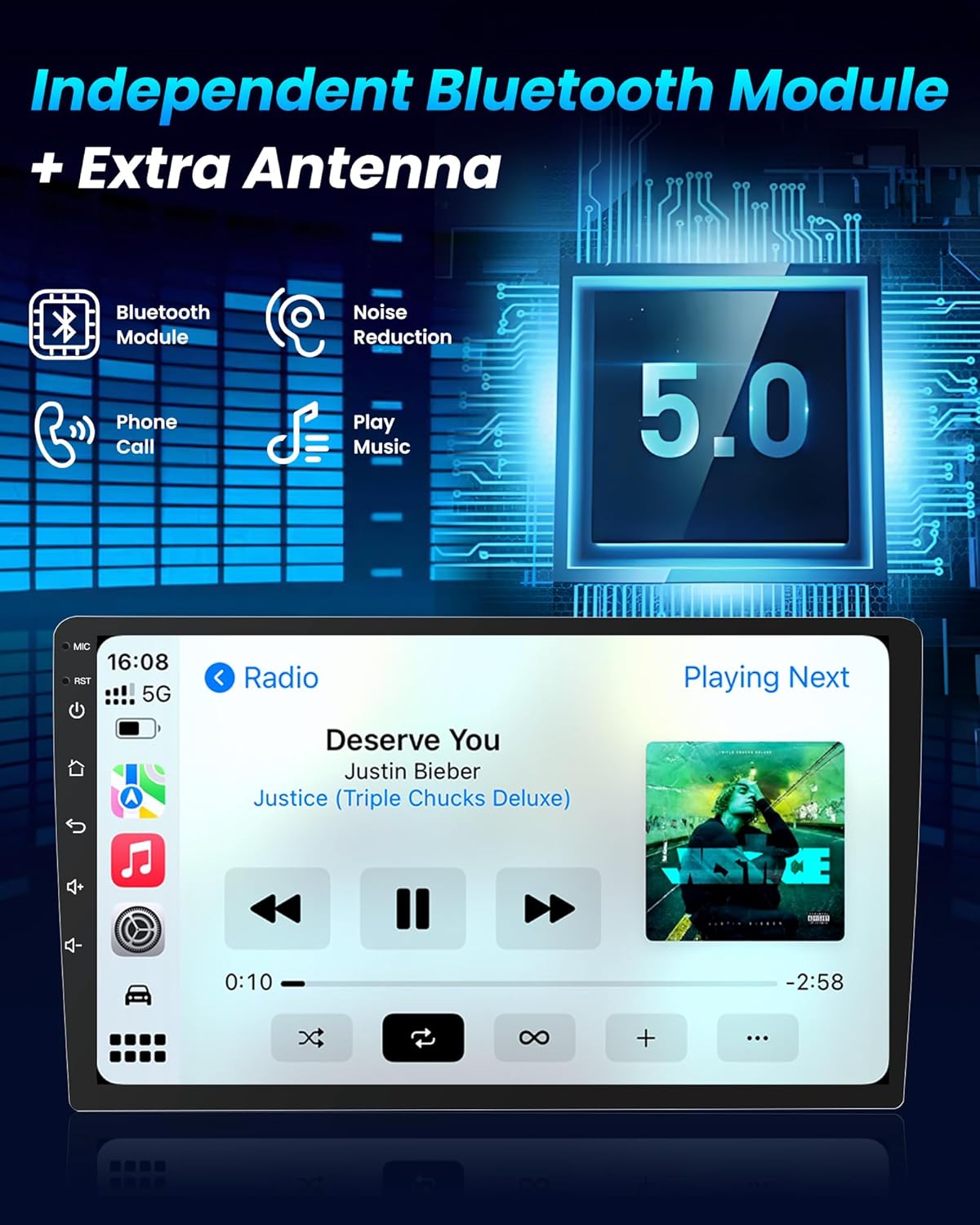
The upgraded Bluetooth module ensures faster pairing and stable signal for hands-free calls and audio streaming. The system supports automatic re-connection to previously paired devices.
WiFi and Multimedia
Utilize the dual-band 2.4G/5G WiFi for stable internet connection, allowing access to streaming media platforms like Spotify and YouTube, and downloading applications from Google Play. The unit supports split-screen display for multitasking.

FM Radio and Audio Settings
The unit includes an FM radio tuner. Adjust audio settings using the multi-band equalizer to customize your listening experience.

Steering Wheel Control (SWC)
The unit retains the original steering wheel button control functionality, allowing you to manage audio and calls without taking your hands off the wheel.
Feature Overview Video
To explore more features of your Tacoma radio, watch the following video:
Maintenance
Screen Care
To clean the 9-inch touch screen, use a soft, lint-free cloth. For stubborn smudges, lightly dampen the cloth with water or a screen-safe cleaner. Avoid abrasive materials or harsh chemicals that could damage the screen surface.
Software Updates
Periodically check for available software updates through the unit's settings menu or the manufacturer's website. Keeping the software updated ensures optimal performance and access to new features.
General Care
Ensure the unit is protected from extreme temperatures and direct sunlight for prolonged periods. Avoid spilling liquids on the device. If any issues arise, consult the troubleshooting section or contact customer support.
Troubleshooting
| Problem | Possible Cause | Solution |
|---|---|---|
| Unit does not power on. | Incorrect wiring, blown fuse. | Check power connections and vehicle fuses. Ensure all harnesses are securely connected. |
| No sound output. | Speaker wiring issues, volume too low, incorrect audio settings. | Verify speaker connections. Increase volume. Check audio output settings in the system menu. |
| Steering Wheel Controls (SWC) not working. | Incorrect SWC wiring, SWC learning not configured. | Ensure SWC wires are correctly connected. Access the SWC learning function in the unit's settings and program the buttons. If issues persist, verify vehicle compatibility or consult a professional installer. |
| Poor radio reception. | Antenna not connected, weak signal area. | Ensure the antenna is properly connected. In some cases, an antenna adapter or booster may be required. |
| CarPlay/Android Auto not connecting. | Bluetooth/WiFi off, incorrect phone settings, incompatible phone. | Ensure Bluetooth and WiFi are enabled on both the unit and your phone. Check phone settings for CarPlay/Android Auto permissions. Try a different USB cable for wired connection. |
| Backup camera not displaying. | Camera wiring issues, incorrect camera input selected. | Verify the camera's power and video signal connections. Ensure the reverse trigger wire is correctly connected to the vehicle's reverse light circuit. |
Specifications
- Brand: Jufodrca
- Model Name: Wireless CarPlay & Android Auto
- Vehicle Service Type: Car (Toyota Tacoma 2005-2015)
- Screen Size: 9 inches
- Display Type: IPS Capacitive Touch Screen
- Resolution: 1280*800 pixels
- Operating System: Android 13
- Memory (RAM): 4GB
- Storage (ROM): 64GB
- Connectivity Technology: Bluetooth, USB, Wi-Fi (Dual-band 2.4G/5G)
- Special Features: Wireless CarPlay & Android Auto, Voice Control, 1080P Backup Camera Support, GPS Navigation, Microphone, FM Radio, Steering Wheel Control (SWC), Mirror Link
- Map Type: North America (Offline map support)
- Audio Output Mode: Stereo
- Mounting Type: Dashboard Mount
- Supported Satellite Navigation System: GPS
- Item Weight: 1.89 kg
- UPC/GTIN: 750872695940

Warranty and Support
Return Policy
This product is eligible for a 30-day return/replacement policy from the date of purchase. Please refer to your retailer's specific return guidelines for detailed information.
Technical Support
For technical assistance, installation queries, or troubleshooting beyond the scope of this manual, please contact Jufodrca customer support. Contact information can typically be found on the product packaging or the official Jufodrca website.
