
Introduction
This manual provides essential information for the HP 15 Smartchoice Laptop, model fc1038AU. It covers initial setup, basic operation, maintenance tips, troubleshooting common issues, and detailed product specifications. Please read this manual thoroughly to ensure proper use and longevity of your device.

Image: Front view of the HP 15 Smartchoice Laptop.
1. Setup
1.1 Unboxing and Initial Inspection
Carefully remove all components from the packaging. Verify that all items listed in the "What's in the Box" section are present and undamaged.
- Laptop
- Power Adapter (65 W USB Type-C®)
- User manual (this document)
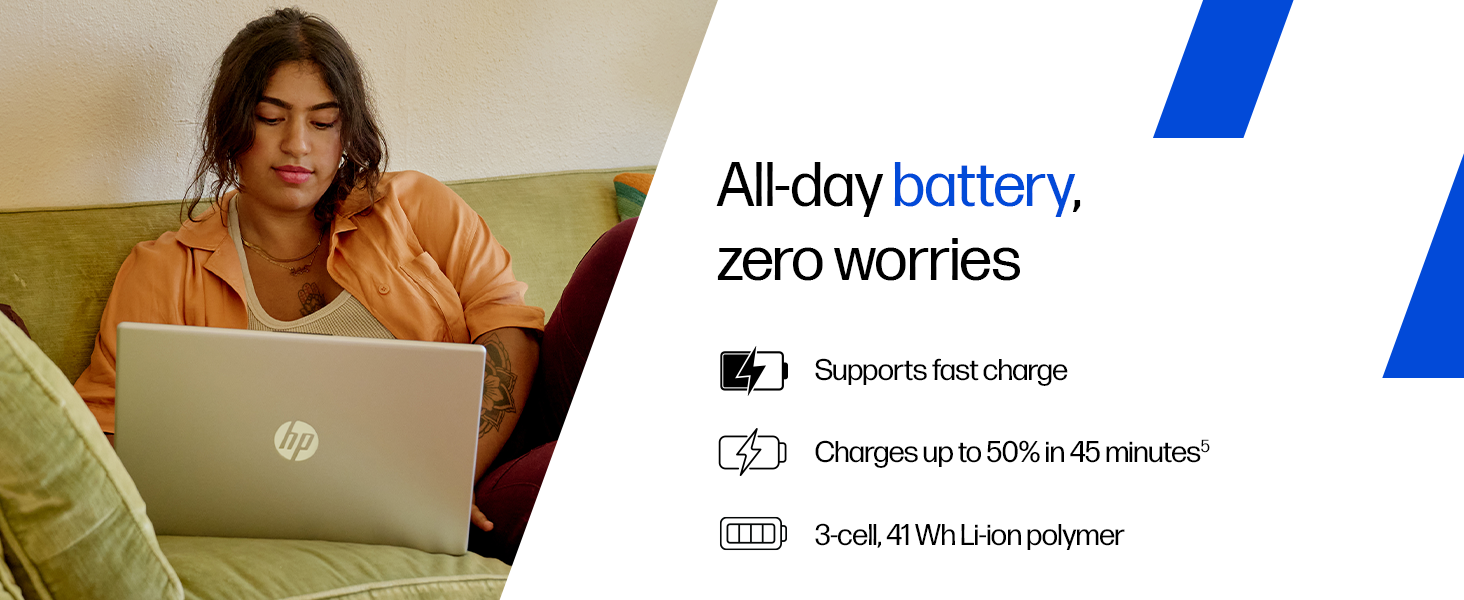
Image: Contents of the HP laptop box, including the laptop, power adapter, and user manual.
1.2 Connecting Power
Connect the power adapter to the laptop's AC smart pin port and then plug it into a power outlet. The laptop battery supports fast charging, reaching approximately 50% charge in 45 minutes.
Image: Illustration of connecting the power adapter to the laptop.
1.3 Initial Boot and Windows Setup
Press the power button to turn on the laptop. Follow the on-screen instructions to complete the Windows 11 Home setup. This includes setting up your region, language, network connection, and user account.
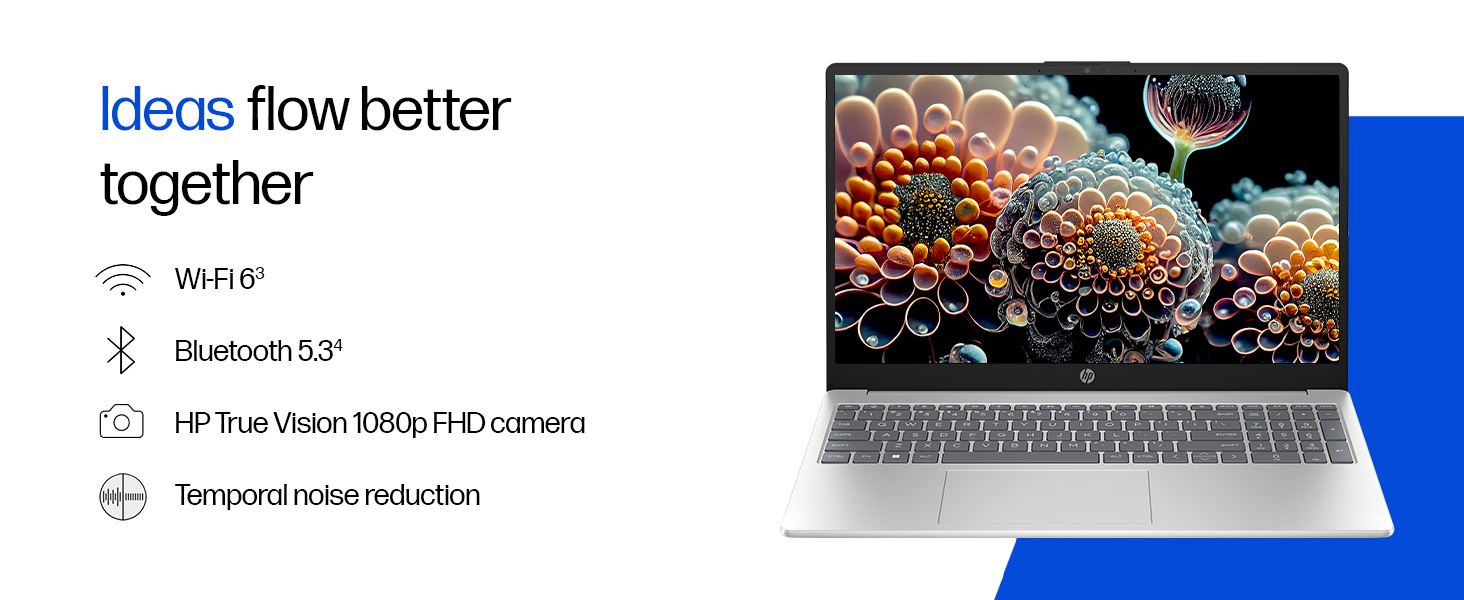
Image: A user interacting with the Windows 11 setup on the HP laptop.
2. Operating Your Laptop
2.1 Power On/Off and Sleep
- Power On: Press the power button located on the keyboard.
- Shut Down: Click the Start button, then Power, and select "Shut down".
- Sleep: Close the lid or click the Start button, then Power, and select "Sleep".
2.2 Keyboard and Touchpad
The laptop features a full-size, backlit, soft grey keyboard with a numeric keypad for comfortable typing and data entry. The HP Imagepad provides precise navigation.
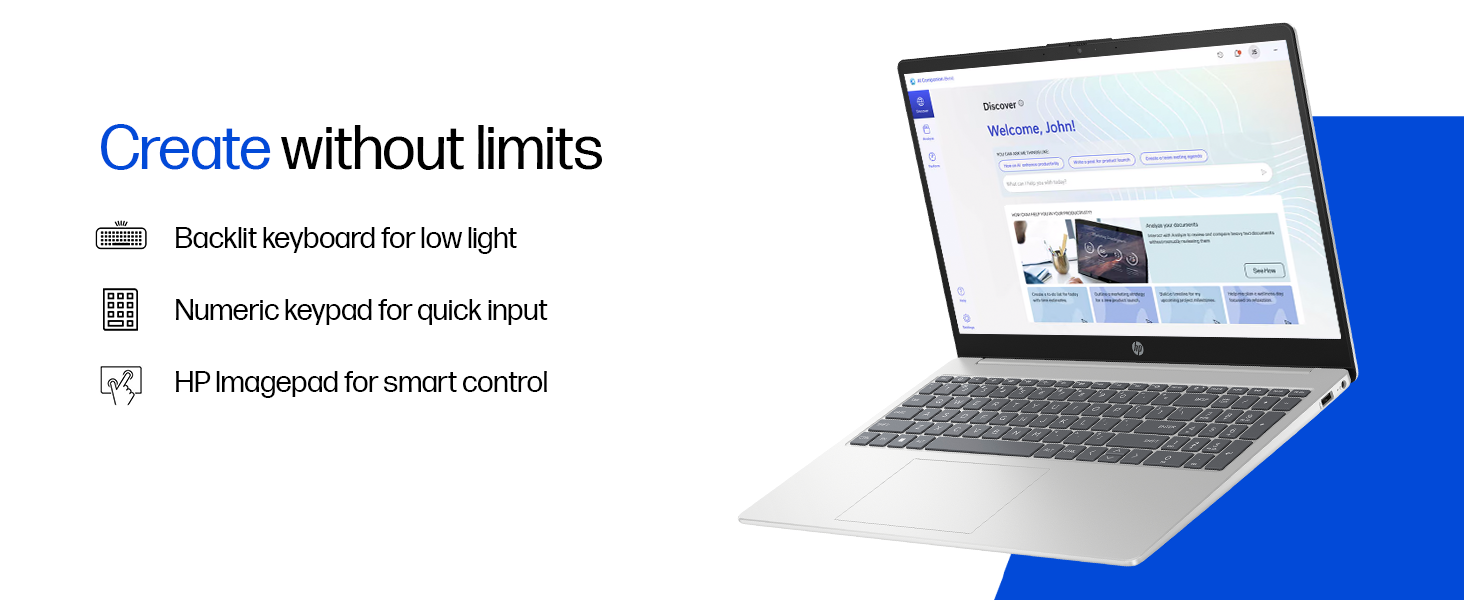
Image: Close-up view of the backlit keyboard and numeric keypad.
2.3 Display
Your laptop is equipped with a 39.6 cm (15.6") diagonal FHD (1920 x 1080) micro-edge, anti-glare display with 250 nits brightness and 45% NTSC color gamut. This design minimizes reflections and provides a wide viewing area.
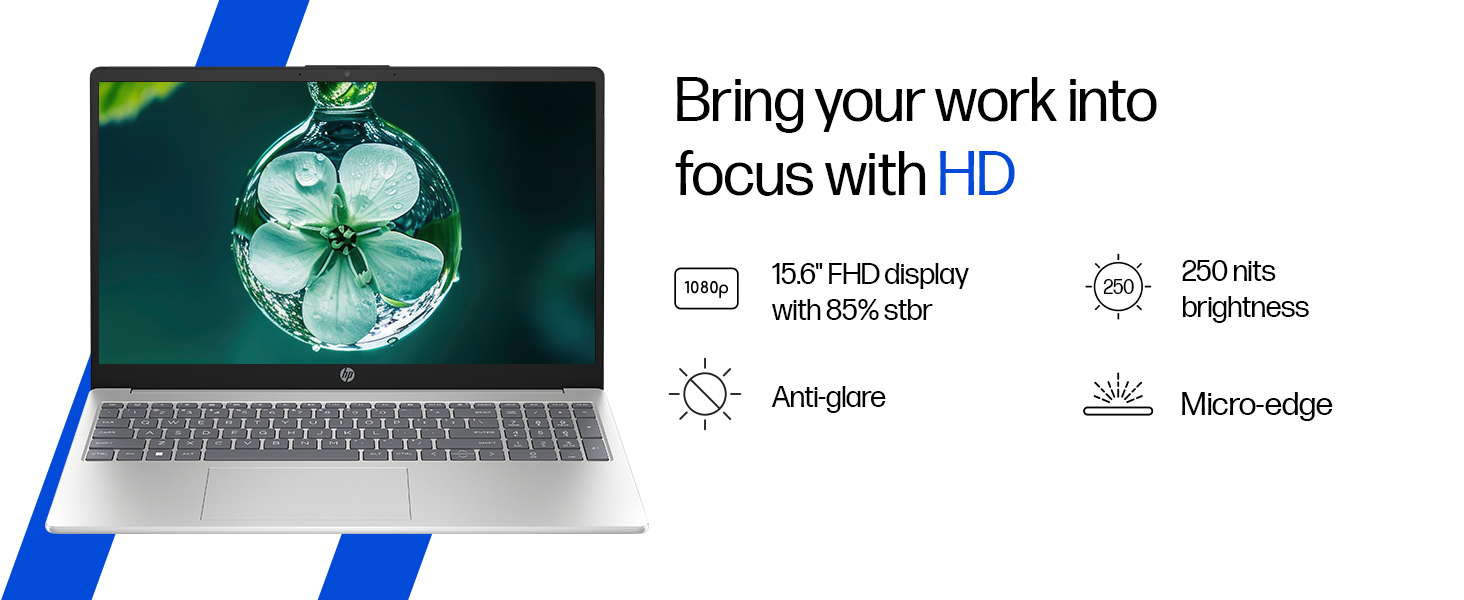
Image: The laptop's 15.6-inch FHD micro-edge display.
2.4 Ports and Connectivity
The laptop offers various ports for connecting peripherals and external devices:
- 1 USB Type-C 10Gbps signaling rate (supports USB Power Delivery, DisplayPort 1.4, HP Sleep and Charge)
- 2 USB Type-A 5Gbps signaling rate
- 1 AC smart pin
- 1 HDMI-out 1.4b
- 1 Headphone/microphone combo jack
For wireless connectivity, it includes Realtek Wi-Fi 6 (2x2) and Bluetooth 5.3.

Image: Side view of the laptop highlighting the various ports available.
2.5 Camera and Audio
The HP True Vision 1080p FHD camera features temporal noise reduction and an integrated privacy shutter. Dual array digital microphones and dual speakers provide clear audio for communication and entertainment.
Image: Close-up of the HP True Vision 1080p FHD camera with its privacy shutter.
3. Maintenance
3.1 Cleaning Your Laptop
- Screen: Use a soft, lint-free cloth lightly dampened with water or a screen cleaner. Avoid harsh chemicals.
- Keyboard and Chassis: Use a soft, dry cloth. For stubborn dirt, a slightly damp cloth can be used. Compressed air can help remove debris from between keys.
- Ensure the laptop is powered off and unplugged before cleaning.
3.2 Battery Care
The laptop uses a 3-cell, 41 Wh Li-ion polymer battery. To maximize battery lifespan:
- Avoid extreme temperatures.
- Do not fully discharge the battery frequently.
- If storing the laptop for an extended period, charge the battery to about 50% and store it in a cool, dry place.
4. Troubleshooting
This section addresses common issues you might encounter with your HP laptop.
4.1 Power Issues
- Laptop does not turn on: Ensure the power adapter is securely connected to both the laptop and a working power outlet. Try a different outlet. If the battery is completely drained, it may take a few minutes to show signs of life after plugging in.
- Battery not charging: Verify the power adapter is functioning. Check the charging indicator light on the laptop. If issues persist, contact support.
4.2 Display Problems
- Blank screen: Connect an external monitor to check if the display output works. If it does, the laptop screen might have an issue. If not, there might be a graphics card or system issue.
- Flickering screen: Update your graphics drivers. Adjust display refresh rate in Windows settings.
4.3 Connectivity Issues
- Wi-Fi not connecting: Ensure Wi-Fi is enabled in Windows settings. Restart your router and the laptop. Update Wi-Fi drivers.
- Bluetooth device not pairing: Ensure Bluetooth is enabled on both devices. Make sure the device is in pairing mode. Remove and re-add the device in Windows Bluetooth settings.
4.4 Performance Issues
- Slow performance: Close unnecessary applications. Check Task Manager for high CPU/RAM usage. Ensure sufficient free space on the SSD. Run a virus scan.
- Overheating: Ensure ventilation vents are clear. Use the laptop on a hard, flat surface. Consider reducing heavy workload if persistent.
5. Specifications
| Feature | Detail |
|---|---|
| Brand | HP |
| Model Name | HP Laptop (fc1038AU) |
| Processor | AMD Ryzen 7 7735HS (up to 4.75 GHz max boost clock, 8 cores, 16 threads, 16 MB L3 cache) |
| RAM | 16 GB DDR5-4800 MT/s (2 x 8 GB) |
| Storage | 512 GB PCIe Gen4 NVMe M.2 SSD |
| Graphics | AMD Radeon 680M Graphics |
| Display | 39.6 cm (15.6") diagonal, FHD (1920 x 1080), micro-edge, anti-glare, 250 nits, 45% NTSC |
| Operating System | Windows 11 Home Single Language |
| Preinstalled Software | MS Office Home 2024, 1 year Microsoft 365 Basic Free |
| Ports | 1 USB Type-C (10Gbps, PD, DP 1.4, HP Sleep and Charge), 2 USB Type-A (5Gbps), 1 AC smart pin, 1 HDMI-out 1.4b, 1 Headphone/microphone combo |
| Wireless Connectivity | Realtek Wi-Fi 6 (2x2), Bluetooth 5.3 |
| Camera | HP True Vision 1080p FHD camera with temporal noise reduction and privacy shutter |
| Audio | Dual speakers, Integrated dual array digital microphones |
| Keyboard | Full-size, backlit, soft grey keyboard with numeric keypad |
| Battery | 3-cell, 41 Wh Li-ion polymer (supports fast charge: approx. 50% in 45 minutes) |
| Weight | 1.59 kg |
| Color | Natural Silver |
| Dimensions (L x W x H) | 23.6 x 36 x 1.9 cm |
6. Warranty and Support
6.1 Warranty Information
Your HP 15 Smartchoice Laptop comes with a 1-year manufacturer warranty from the date of purchase. This warranty covers manufacturing defects and hardware failures under normal use conditions.
For detailed terms and conditions, please refer to the warranty documentation included with your product or visit the official HP support website.
6.2 Customer Support
If you encounter any technical issues or have product-related queries, please contact HP Customer Support:
- Toll-Free Numbers: 1800-258-7170 or 1860-258-3079
- Online Support: Visit the official HP support website for drivers, manuals, and troubleshooting guides.
When contacting support, please have your laptop's model number (fc1038AU) and serial number ready. The serial number is typically located on a sticker on the bottom of the laptop or can be found in the system information within Windows.


