
1. Introduction
This manual provides essential information for setting up, operating, and maintaining your NIMO 17.3-inch Business Laptop, Model N171. Please read this guide thoroughly to ensure proper use and to maximize the performance and longevity of your device. Keep this manual for future reference.

Image 1.1: NIMO 17.3-inch Business Laptop overview.
2. Package Contents
Verify that all items are present in the package:
- 1 x Nimo N171 Laptop
- 1 x Type-C 65W PD Fast Charger
- 1 x User Manual (this document)
- Windows 11 Home Operating System (pre-installed)
3. Setup
3.1 Initial Charging
Before first use, connect the provided 65W Type-C PD Fast Charger to the laptop and a power outlet. Allow the battery to charge fully. The charging indicator light will confirm the charging status.

Image 3.1: The 65W Type-C PD Fast Charger.
3.2 Powering On and Initial Windows Setup
- Open the laptop lid.
- Press the power button located on the keyboard.
- Follow the on-screen instructions to complete the Windows 11 Home initial setup, including language selection, network connection, and user account creation.
4. Operating Instructions
4.1 Power Management
- Power On: Press the power button.
- Sleep Mode: Close the lid or press the power button briefly.
- Shut Down: Click the Start button, then Power > Shut down.
4.2 Fingerprint Reader
The laptop features a fingerprint reader integrated into the touchpad for secure login. To set up:
- Navigate to Windows Settings > Accounts > Sign-in options.
- Select 'Fingerprint recognition (Windows Hello)' and follow the prompts to register your fingerprints.

Image 4.1: Fingerprint reader location on the touchpad.
4.3 Backlit Keyboard
The keyboard features backlighting for improved visibility in low-light conditions. Use the dedicated function key (usually Fn + Fx) to toggle the backlight on/off or adjust its brightness levels.

Image 4.2: The backlit keyboard illuminated for use in dim lighting.
4.4 Connectivity
The NIMO N171 laptop offers various connectivity options:
- Wi-Fi 6: For high-speed wireless internet access.
- Bluetooth 5.2: For connecting wireless peripherals like headphones or mice.
- USB Ports: Includes USB 3.2 Gen1, USB 2.0, and USB Type-C ports for connecting external devices.
- HDMI 2.1 Port: For connecting to external displays or projectors.
- Micro SD Card Slot: For expanding storage or transferring files.
- Audio Jack: For headphones or external speakers.

Image 4.3: Diagram illustrating the various ports on the NIMO N171 laptop.
4.5 Display
The laptop features a 17.3-inch Full HD (1920x1080) IPS anti-glare display, providing clear visuals and wide viewing angles. The narrow bezels contribute to an immersive viewing experience.

Image 4.4: The 17.3-inch FHD IPS display with narrow bezels.
4.6 180-degree Lay-Flat Hinge
The laptop is equipped with a 180-degree lay-flat hinge, allowing the screen to be opened completely flat. This feature is useful for sharing content with others or adjusting the viewing angle for various scenarios.

Image 4.5: Illustration of the laptop's 180-degree lay-flat hinge capability.
5. Maintenance
5.1 Cleaning
- Use a soft, lint-free cloth slightly dampened with water or a screen cleaner to clean the display.
- For the keyboard and chassis, use a soft, dry cloth. Avoid harsh chemicals or abrasive materials.
- Ensure the laptop is powered off and unplugged before cleaning.
5.2 Storage
Store the laptop in a cool, dry environment away from direct sunlight and extreme temperatures. If storing for an extended period, ensure the battery is charged to approximately 50% to preserve its lifespan.
6. Troubleshooting
This section addresses common issues you might encounter.
6.1 Laptop Does Not Power On
- Ensure the charger is properly connected to both the laptop and a working power outlet.
- Verify the power adapter is functioning correctly.
- If the battery is completely drained, it may take a few minutes of charging before the laptop can power on.
6.2 Wi-Fi Connectivity Issues
- Check if Wi-Fi is enabled in Windows settings.
- Restart your router and modem.
- Ensure you are within range of a Wi-Fi network and have entered the correct password.
6.3 Keyboard Backlight Not Working
- Press the dedicated function key combination (e.g., Fn + Fx) to toggle or adjust the backlight.
- Check power settings, as some configurations may disable backlighting to conserve battery.
For further assistance, please refer to the Warranty and Support section.
7. Specifications
Key technical specifications for the NIMO N171 laptop:
| Feature | Detail |
|---|---|
| Brand | NIMO |
| Model Name | Nimo N171S |
| Screen Size | 17.3 Inches |
| Screen Resolution | 1920 x 1080 pixels (FHD) |
| Processor | Intel Core i3-1215U (6 Cores, up to 4.4 GHz) |
| RAM | 16 GB DDR4 (3200 MHz) |
| Hard Drive | 1 TB PCIe SSD |
| Graphics Coprocessor | Intel Integrated Graphics |
| Operating System | Windows 11 Home |
| Wireless Type | 802.11a/b/g/n/ac (Wi-Fi 6), Bluetooth 5.2 |
| Ports | USB 3.0 (x2), USB 2.0 (x1), USB Type-C (x2, one charge only), HDMI 2.1, Micro SD, Audio Jack |
| Special Features | Backlit Keyboard, Fingerprint Reader, HD Audio, Memory Card Slot, Numeric Keypad |
| Average Battery Life | 5 Hours (53.58 Wh Capacity) |
| Item Weight | 3.8 pounds |
| Product Dimensions | 15.61 x 9.84 x 0.78 inches |
| Color | Natural Silver |

Image 7.1: Details of the 12th Gen Intel Core i3-1215U Processor.
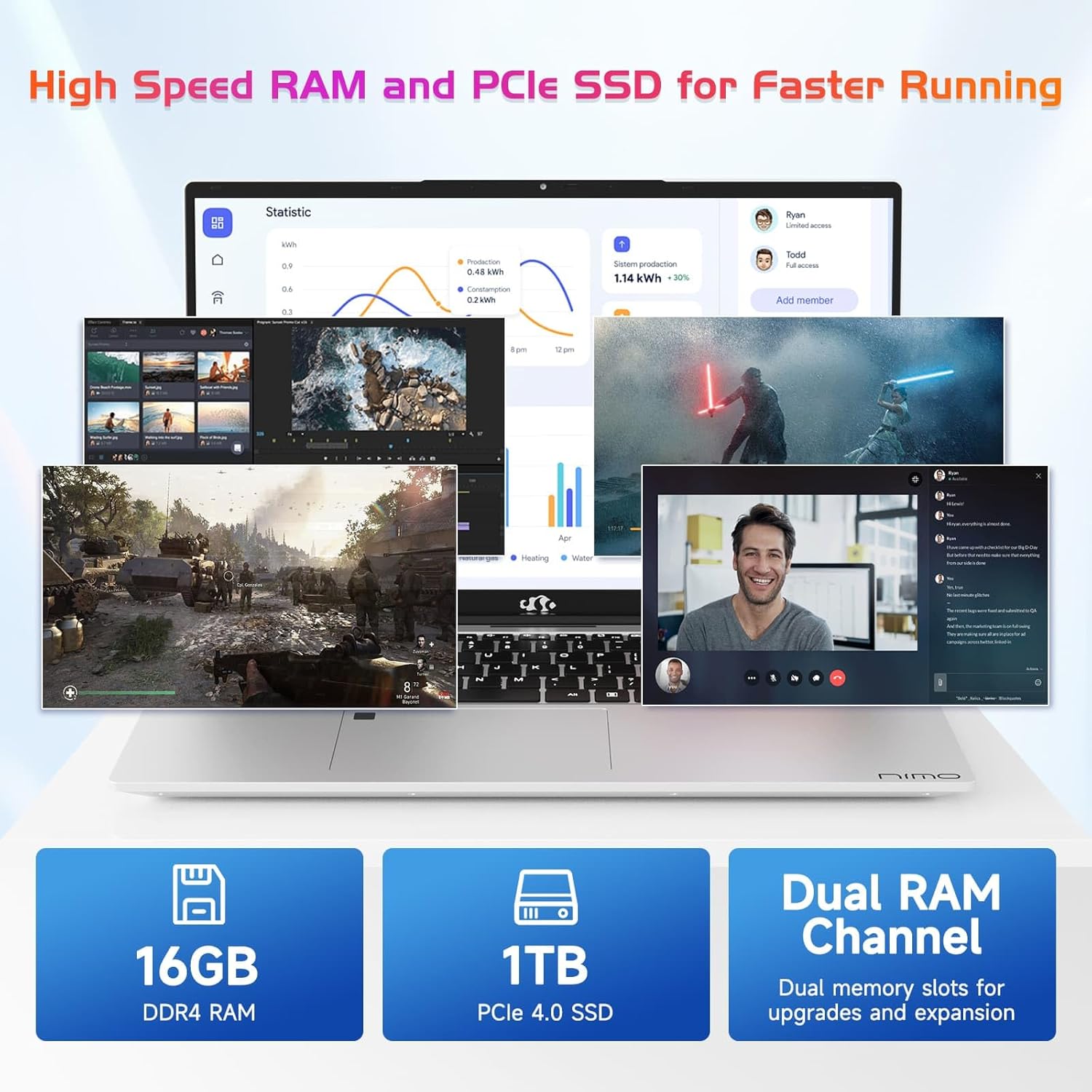
Image 7.2: Information on the 16GB DDR4 RAM and 1TB PCIe SSD.
8. Warranty and Support
NIMO provides comprehensive support for your laptop:
- 2-Year Manufacturer's Warranty: Covers defects in materials and workmanship under normal use.
- 90-Day Return Policy: Allows for returns within 90 days of purchase.
- 24/7 Customer Service Support: Contact NIMO customer service for technical assistance or warranty claims. Refer to the contact information provided with your purchase or on the official NIMO website.

Image 8.1: Overview of NIMO's after-sales support services.
9. Safety Information
To prevent injury or damage to your device, observe the following safety precautions:
- Do not expose the laptop to extreme temperatures, direct sunlight, or high humidity.
- Avoid placing heavy objects on the laptop.
- Use only the provided charger or a NIMO-approved replacement.
- Do not attempt to disassemble or repair the laptop yourself. Refer to qualified service personnel.
- Keep liquids away from the device.
10. Legal Disclaimer
This product is subject to Proposition 65 warning. The information in this manual is subject to change without notice. NIMO assumes no responsibility for any errors or omissions that may appear in this document. All trademarks and registered trademarks are the property of their respective owners.
