
1. Introduction
Thank you for choosing the LIFKOME DC101 Digital Kitchen Timer. This device is designed to assist with various timing needs, from cooking and baking to timed activities and reminders. Featuring a large LCD display, simple controls, and a loud alarm, it is an essential tool for any kitchen or task requiring precise timing.
2. Package Contents
- 1 x LIFKOME DC101 Digital Kitchen Timer
3. Product Overview
3.1 Key Features
- Large LCD display for easy readability.
- Loud alarm system to ensure timers are heard.
- Simple 3-button operation (M, S, Start/Stop).
- Countdown and count-up timer functions.
- Magnetic back for convenient attachment to metal surfaces.
- Integrated kickstand for tabletop use.
- Maximum timing capacity: 99 minutes and 59 seconds.
3.2 Components
Familiarize yourself with the timer's components:
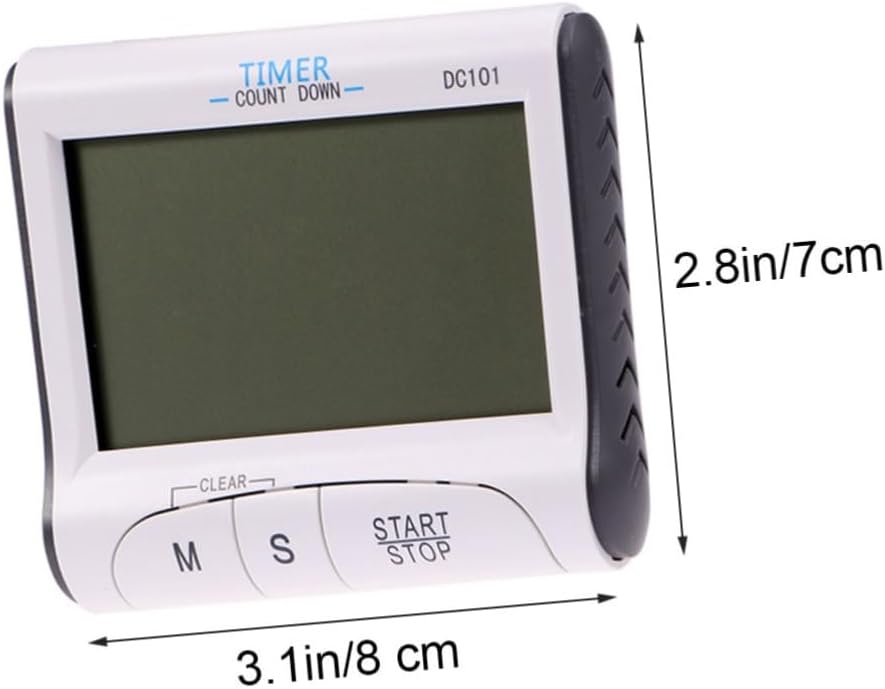
Figure 1: Front View. This image displays the front of the LIFKOME DC101 Digital Kitchen Timer, highlighting its large LCD screen and the three primary control buttons: 'M' for minutes, 'S' for seconds, and 'Start/Stop' for initiating or pausing the timer. The 'CLEAR' label is also visible above the 'M' and 'S' buttons.

Figure 2: Back View with Kickstand. This image shows the back of the timer with its integrated kickstand extended, allowing it to stand upright on a flat surface. The battery compartment cover and the magnetic strip for attaching to metal surfaces are also visible.
4. Setup
4.1 Battery Installation
- Locate the battery compartment on the back of the timer.
- Slide the battery compartment cover downwards to open it.
- Insert one AAA battery (not included), ensuring the correct polarity (+/-) as indicated inside the compartment.
- Replace the battery compartment cover by sliding it upwards until it clicks into place.

Figure 3: Battery Compartment. This image illustrates the back of the timer, specifically highlighting the battery compartment where a single AAA battery is to be inserted.
4.2 Placement
The timer can be placed in two ways:
- Magnetic Attachment: Use the magnet on the back to attach the timer to metal surfaces like refrigerators or oven doors.
- Tabletop Stand: Extend the integrated kickstand on the back to place the timer upright on any flat surface.
5. Operating Instructions
5.1 Countdown Timer Function
- Press the 'M' button to set the desired minutes (up to 99 minutes).
- Press the 'S' button to set the desired seconds (up to 59 seconds).
- To clear the set time, press both 'M' and 'S' buttons simultaneously.
- Press the 'Start/Stop' button to begin the countdown.
- To pause the countdown, press 'Start/Stop' again. Press it once more to resume.
- When the timer reaches zero, an alarm will sound. Press 'Start/Stop' to silence the alarm.
5.2 Count-Up Timer Function
- Ensure the timer display shows '00:00'. If not, press 'M' and 'S' simultaneously to clear any previous setting.
- Press the 'Start/Stop' button to begin counting up from zero.
- To pause the count-up, press 'Start/Stop' again. Press it once more to resume.
- To reset the count-up timer to '00:00', pause the timer and then press 'M' and 'S' simultaneously.
6. Maintenance
6.1 Cleaning
- Wipe the timer with a soft, damp cloth.
- Do not use abrasive cleaners or immerse the timer in water.
6.2 Storage
- Store the timer in a cool, dry place when not in use.
- If storing for an extended period, remove the battery to prevent leakage.
7. Troubleshooting
| Problem | Possible Cause | Solution |
|---|---|---|
| Display is blank or dim. | Battery is dead or incorrectly installed. | Replace the battery with a new AAA battery, ensuring correct polarity. |
| Alarm is not sounding. | Timer volume is too low (if adjustable) or timer is not reaching zero. | Ensure the timer counts down to 00:00. The DC101 has a fixed loud alarm. If it fails, replace the battery. |
| Buttons are unresponsive. | Low battery or internal malfunction. | Replace the battery. If the issue persists, the unit may require replacement. |
8. Specifications
- Model: DC101
- Material: Plastic
- Color: White
- Power Source: 1 x AAA Battery (not included)
- Product Dimensions: Approximately 3.15" W x 2.87" D x 0.87" H (8.00cm x 7.30cm x 2.20cm)
- Item Weight: 2.24 ounces
- Maximum Time Setting: 99 minutes, 59 seconds
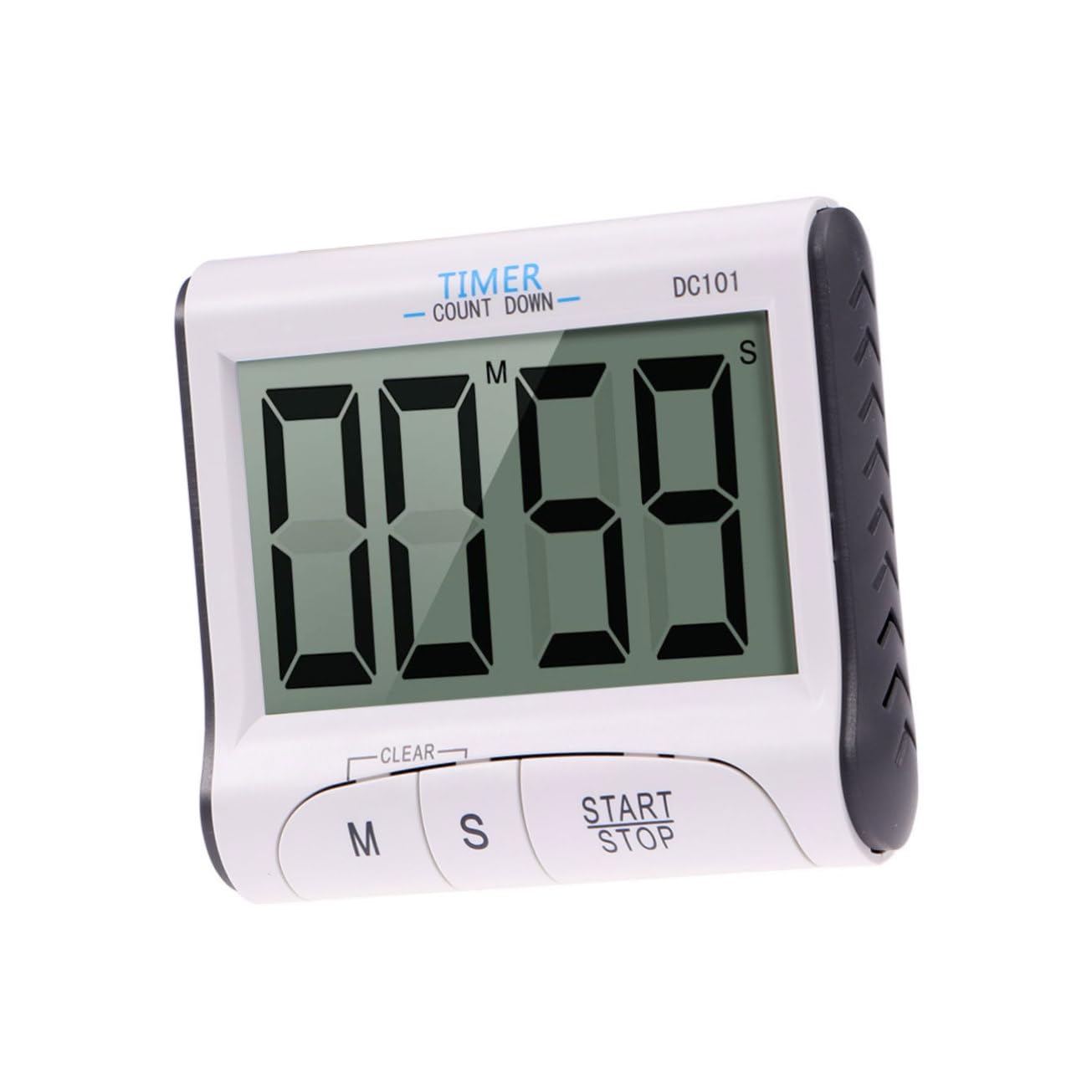
Figure 4: Timer Dimensions. This image provides a visual representation of the timer's approximate dimensions, indicating a width of 3.1 inches (8 cm) and a height of 2.8 inches (7 cm).
9. Warranty and Support
For warranty information or technical support, please refer to the retailer's return policy or contact the seller directly through your purchase platform. Keep your proof of purchase for any warranty claims.