
Introduction
This manual provides instructions for the proper use and care of your Radtel USB-C Programming Cable. This cable is designed to facilitate communication between your computer and compatible Radtel walkie talkies, enabling programming of settings and frequencies.
The Radtel USB-C Programming Cable is compatible with models such as RT-880, RT-880G, RT-6D, iRadio UV-98 Plus, and R6000.
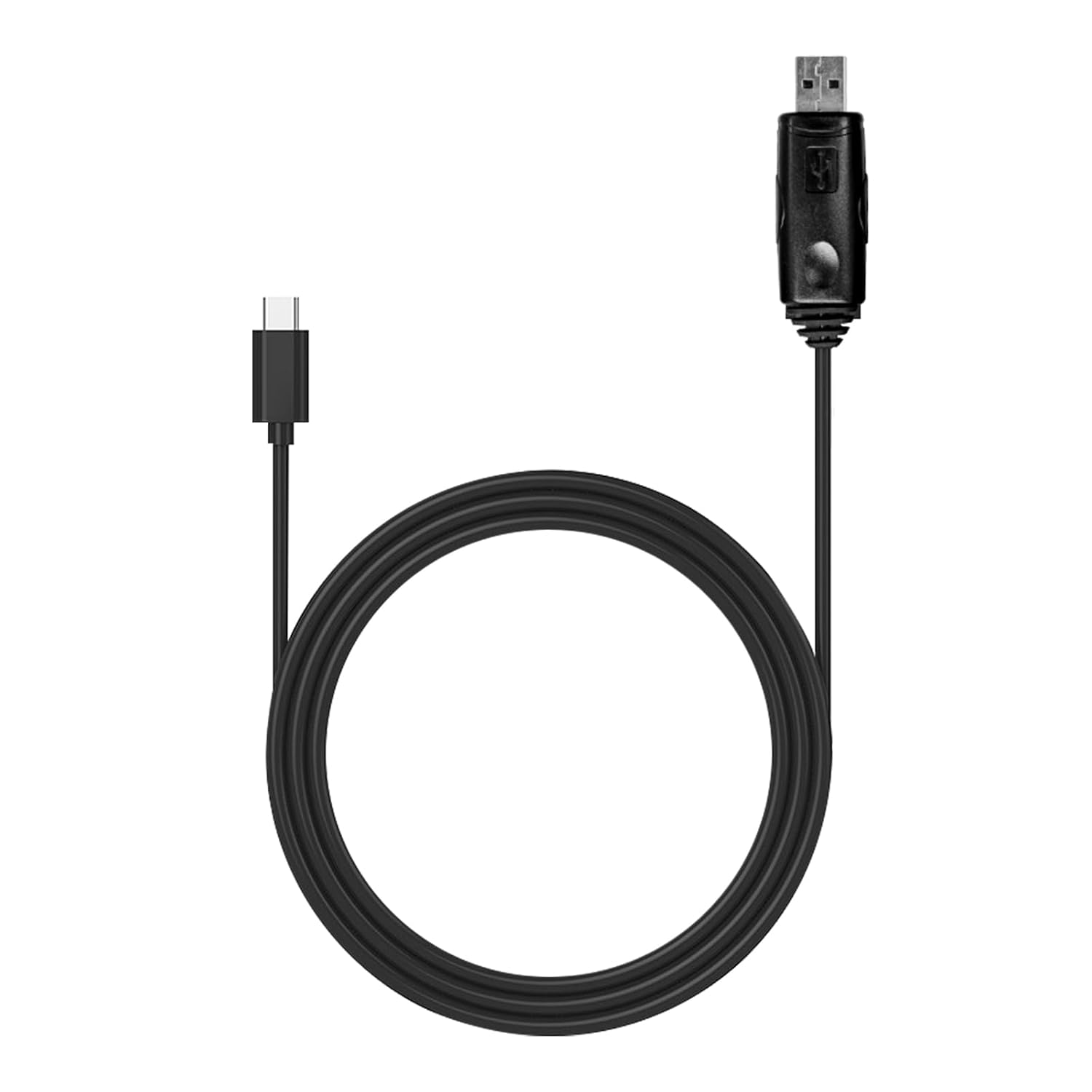
Image: The Radtel USB-C Programming Cable, showcasing its design and USB-A and USB-C connectors.
Package Contents
- 1x Radtel USB-C Programming Cable
Setup
Before using the programming cable, ensure you have the correct programming software installed on your computer. The software can typically be supplied by email or via a download link from Radtel.
- Software Installation: Obtain and install the appropriate programming software for your specific Radtel walkie talkie model on your computer. Follow the software's installation instructions.
- Connect to Computer: Insert the USB-A end of the programming cable into an available USB port on your computer.
- Connect to Walkie Talkie: Connect the USB-C end of the programming cable to the designated programming port on your Radtel walkie talkie. Ensure the connection is secure.
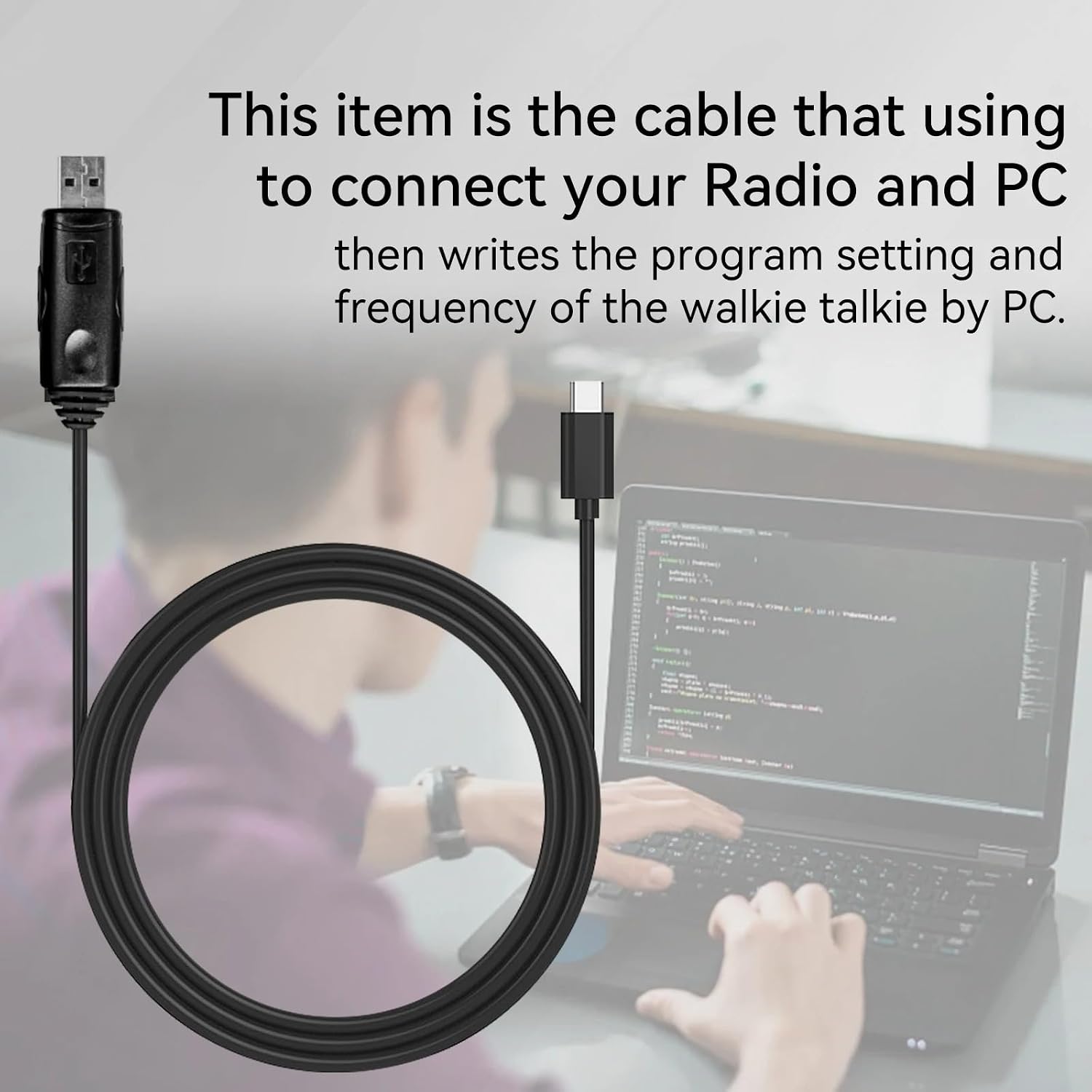
Image: The Radtel USB-C Programming Cable connecting a walkie talkie to a laptop, illustrating the setup for programming.
Operating Instructions
Once the cable is connected and the software is installed, you can proceed with programming your walkie talkie.
- Launch Software: Open the Radtel programming software on your computer.
- Select COM Port: Within the software, navigate to the communication settings and select the correct COM port that corresponds to the connected USB programming cable. This port is usually automatically detected or can be found in your computer's Device Manager.
- Read/Write Data: Use the software's functions to read the current settings from your walkie talkie or write new settings and frequencies to it. Follow the specific instructions provided within the programming software for detailed operations.
- Save Settings: After programming, ensure you save the settings within the software and properly disconnect the cable.

Image: A visual representation of the programming process, showing the Radtel walkie talkie connected to a laptop running programming software.
Maintenance
Proper care will extend the life of your programming cable.
- Storage: Store the cable in a cool, dry place away from direct sunlight and extreme temperatures.
- Cleaning: Use a soft, dry cloth to clean the cable. Do not use liquid cleaners or solvents.
- Handling: Avoid sharp bends or kinks in the cable, especially near the connectors, as this can damage the internal wires. Always pull from the connector, not the cable itself, when disconnecting.

Image: A close-up view highlighting the durable construction of the Radtel USB-C Programming Cable, designed to resist bending and wear.
Troubleshooting
- Cable Not Detected:
- Ensure the cable is securely plugged into both the computer and the walkie talkie.
- Try a different USB port on your computer.
- Restart your computer and the walkie talkie.
- Check your computer's Device Manager for any unrecognized devices or driver issues. You may need to update or reinstall the cable drivers.
- Programming Errors:
- Verify that you are using the correct programming software version for your specific walkie talkie model.
- Ensure the correct COM port is selected in the software.
- Confirm that the walkie talkie is powered on and in programming mode (if applicable).
- Temporarily disable any antivirus or firewall software that might interfere with the programming software.
Specifications
| Feature | Detail |
|---|---|
| Brand | Radtel |
| Model | USB-C Programming Cable |
| Connector Type | USB-A to USB-C |
| Cable Type | USB Data Cable |
| Compatible Devices | Radtel RT-880, RT-880G, RT-6D, iRadio UV-98 Plus, R6000 Walkie Talkies |
| Special Feature | Type-C USB Interface |
| Package Dimensions | 4.57 x 3.5 x 0.79 inches |
| Weight | 1.23 ounces |
| Manufacturer | Xiamen Radtel Electronics co ltd |
Warranty Information
For detailed warranty information regarding your Radtel USB-C Programming Cable, please refer to the official Radtel website or contact Radtel customer support directly. Warranty terms and conditions may vary by region and purchase date.
Customer Support
If you encounter any issues or have questions not covered in this manual, please contact Radtel customer support:
- Website: Visit the official Radtel website for FAQs, software downloads, and contact information.
- Email: Refer to your product packaging or the Radtel website for customer service email addresses.

