Introduction
Thank you for choosing the Flagfront Golf Rangefinder with Slope. This device is designed to provide accurate distance measurements for an enhanced golfing experience. Featuring 6X magnification, slope compensation, and flag-locking vibration, it assists golfers in making precise shot decisions. Please read this manual thoroughly to understand the proper operation and care of your rangefinder.

Image 1: Flagfront Golf Rangefinder. This image displays the overall design of the rangefinder, featuring its compact black casing and optical lenses.
Product Overview
The Flagfront Golf Rangefinder is equipped with several key features to assist in your golf game:
- Accurate Measurement: Measures distances from 5 to 1000 yards with an accuracy of ±1 yard.
- 6X Magnification: Provides a clear and magnified view of your target.
- High-Definition LCD Display: Ensures clear readings even in bright conditions.
- Slope Compensation: Automatically calculates and adjusts distances based on terrain elevation changes, providing an "effective playing distance."
- Flag Locking Vibration: Quickly locks onto the flagpole and provides a short vibration to confirm target acquisition.
- Rechargeable Battery: Built-in lithium-ion battery provides extended use on a single charge.
- Durable Design: IP54 waterproof rating and high-strength plastic construction for various conditions.

Image 2: Rangefinder Display View. This image illustrates the internal display of the rangefinder, showing target reticle, distance readings in yards and meters, and flag lock indicator.
Package Contents
Please verify that all items are present in the package:
- 1x Flagfront Golf Rangefinder
- 1x Type-C Charging Cable
- 1x User Manual
- 1x Portable Soft Case
- 1x Lens Cleaning Cloth
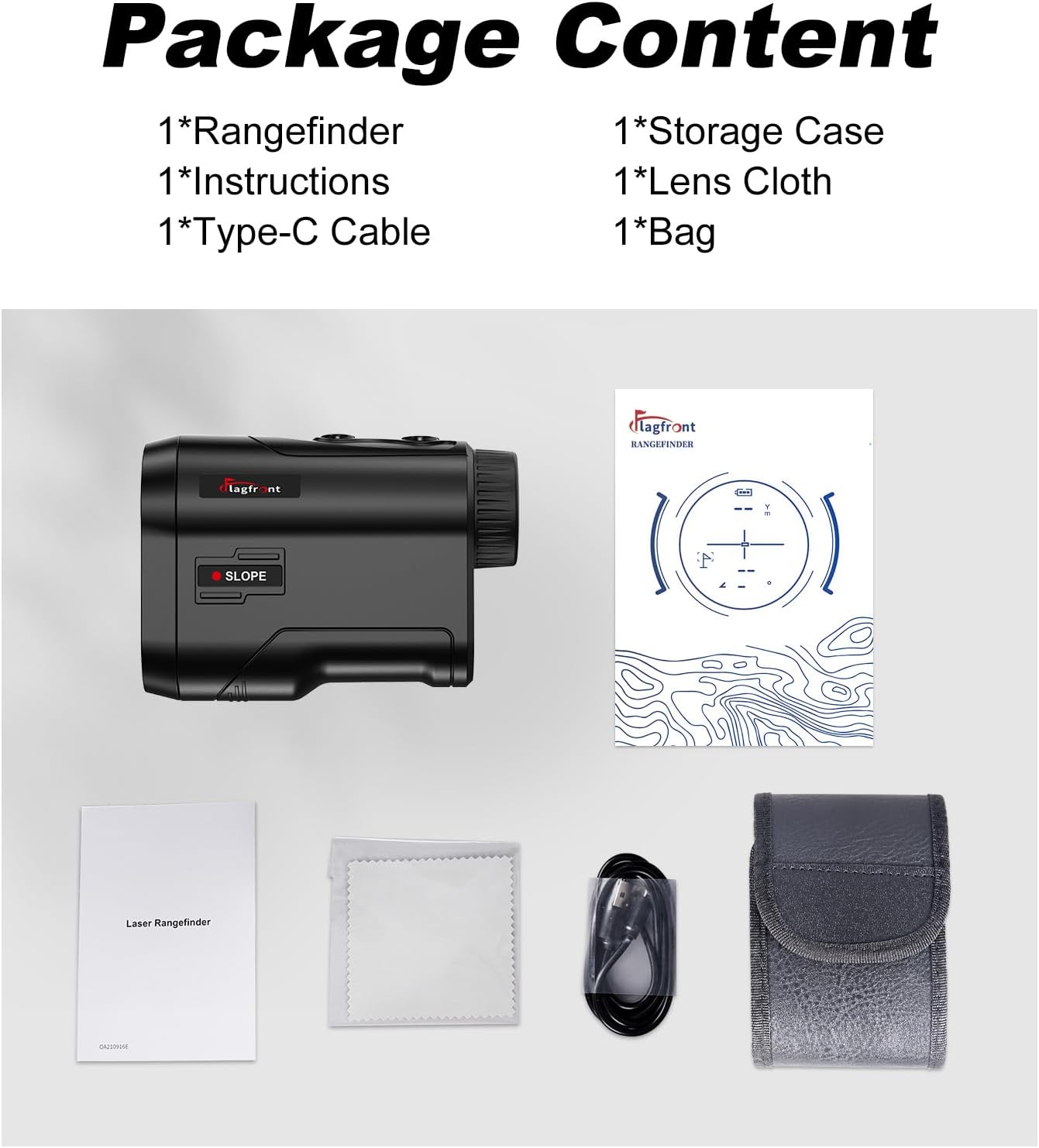
Image 3: Package Contents. This image displays all items included in the product package: the rangefinder, a soft case, a Type-C cable, a lens cloth, and the user manual.
Setup and Charging
Initial Charging
Before first use, fully charge the rangefinder. The device comes with a built-in rechargeable lithium-ion battery.
- Locate the Type-C charging port on the side or bottom of the rangefinder.
- Connect the provided Type-C cable to the rangefinder and the other end to a USB power source (e.g., computer, wall adapter).
- The charging indicator light will illuminate during charging and change color or turn off when fully charged.
- A full charge can provide approximately 30,000 measurements.

Image 4: Rechargeable Battery Port. This image highlights the Type-C USB charging port located on the rangefinder, indicating its rechargeable nature.
Operating Instructions
Powering On/Off
Press the power button (usually located on the top) once to turn on the device. The device will automatically power off after a period of inactivity to conserve battery.
Adjusting Focus
Rotate the eyepiece to adjust the focus until the display and target appear clear.
Measuring Distance
- Look through the eyepiece and aim the reticle at your desired target.
- Press the measurement button (often the same as the power button) once. The distance will be displayed on the LCD screen.
- For continuous scanning, press and hold the measurement button while sweeping across multiple targets.
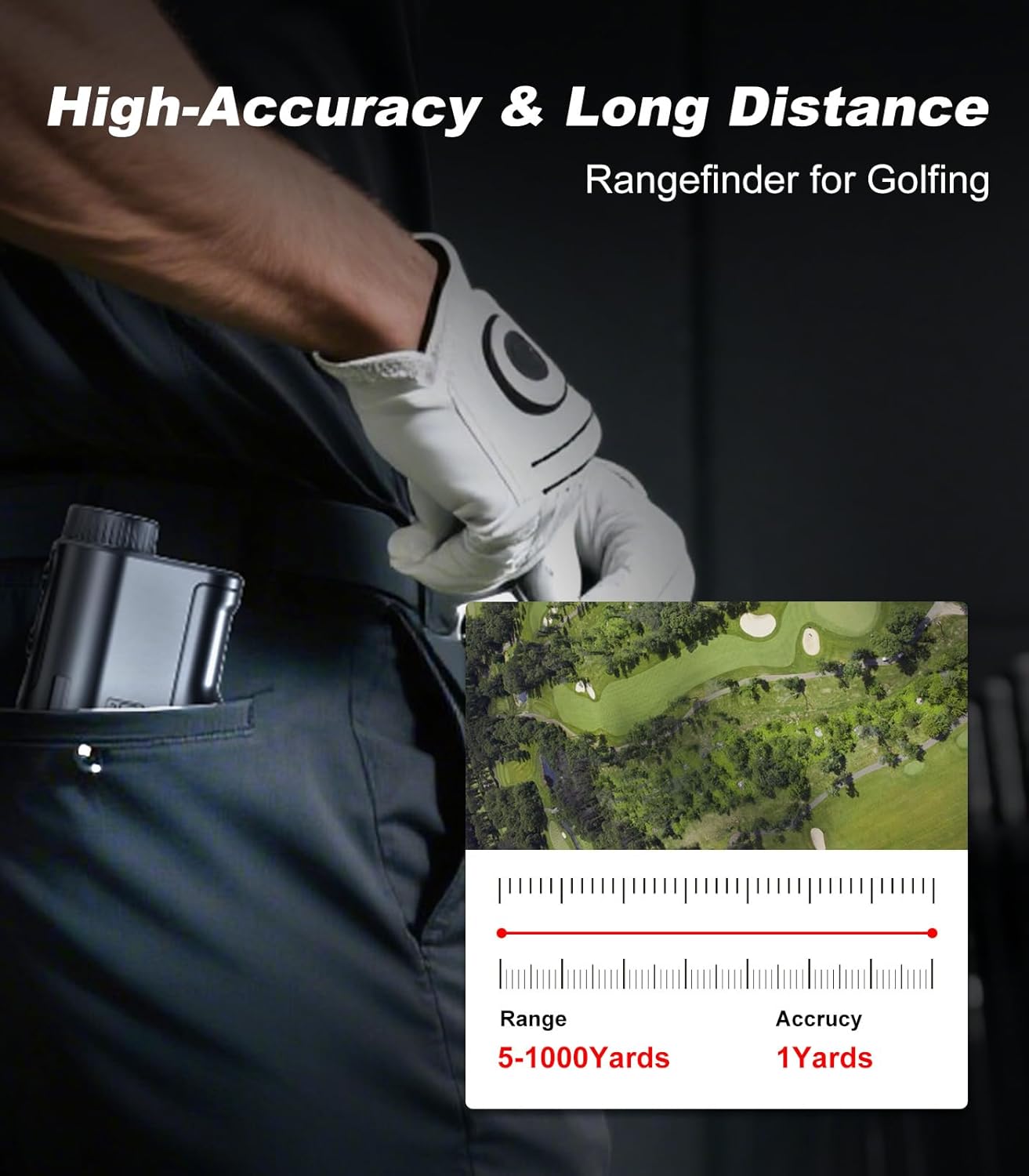
Image 5: High Accuracy and Long Distance Measurement. This graphic illustrates the rangefinder's capability to measure distances from 5 to 1000 yards with 1-yard accuracy, emphasizing its precision for golfing.
Slope Compensation Mode
The rangefinder features a slope compensation mode that adjusts the measured distance based on elevation changes, providing a "play as" distance. This feature can typically be toggled on or off via a dedicated switch or button, making it suitable for both casual play and tournament use where slope features may be restricted.

Image 6: Slope Switch Functionality. This image demonstrates the physical slope switch on the rangefinder, allowing users to quickly enable or disable the slope compensation feature for competition or practice.
Flag Locking with Vibration
To use the flag locking feature:
- Aim the rangefinder at the area around the flagpole.
- Press and hold the measurement button while slowly scanning across the flagpole.
- Once the rangefinder identifies and locks onto the flagpole, it will vibrate briefly, and the distance to the flag will be displayed. This feature is effective for targets up to 250 yards.
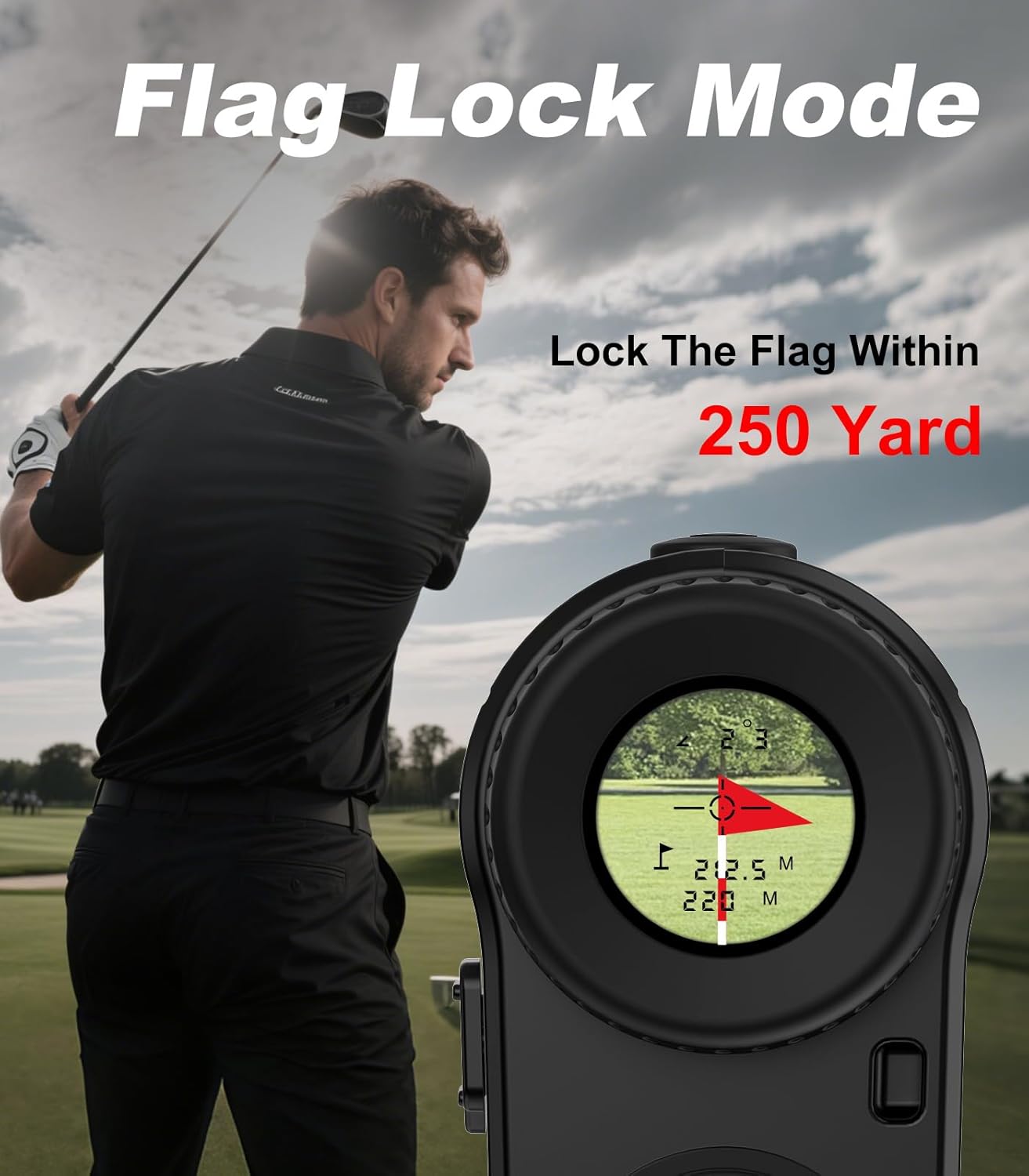
Image 7: Flag Lock Mode in Use. This image shows a golfer using the rangefinder, with an overlay demonstrating the flag lock feature and its ability to lock onto a flag within 250 yards.

Image 8: 6X Magnification View. This image provides a simulated view through the rangefinder's eyepiece, showcasing the 6X magnification and the clarity of the target, including distance and flag lock indicators.
Maintenance
- Cleaning Lenses: Use the provided lens cleaning cloth to gently wipe the lenses. Do not use abrasive materials or harsh chemicals.
- Cleaning Body: Wipe the body of the rangefinder with a soft, damp cloth.
- Storage: Store the rangefinder in its protective case when not in use. Avoid extreme temperatures and direct sunlight.
- Water Resistance: The device has an IP54 waterproof rating, meaning it is protected against dust and splashing water. Do not submerge the device in water.
Troubleshooting
| Problem | Possible Cause | Solution |
|---|---|---|
| Device does not power on. | Low battery or device malfunction. | Charge the battery fully. If the issue persists, contact customer support. |
| Inaccurate distance readings. | Unstable aiming, dirty lenses, or environmental factors (e.g., fog, heavy rain). | Ensure stable aiming. Clean lenses with the provided cloth. Avoid use in extreme weather conditions. |
| Display is dim or unclear. | Low battery, improper focus, or strong ambient light. | Charge the battery. Adjust the eyepiece focus. Shield the display from direct sunlight if necessary. |
| Flag lock not working. | Target too far, unstable scan, or obstruction. | Ensure the flag is within 250 yards. Perform a slow, steady scan across the flag. Ensure no objects are obstructing the view. |
Specifications
| Measurement Range | 5 - 1000 yards |
| Accuracy | ±1 yard |
| Magnification | 6X |
| Battery Type | Rechargeable Lithium-Ion (700mAh) |
| Waterproof Rating | IP54 |
| Dimensions | 3.3 x 3.3 x 9.3 cm |
| Weight | 117 g |
| Material | Plastic |
Warranty and Support
Flagfront is committed to providing high-quality products and customer service. If you encounter any issues with your Golf Rangefinder, please contact our after-sales support team. Refer to your purchase documentation for specific warranty terms and contact information.
For support, please visit the official Flagfront website or contact the retailer from whom you purchased the product.


