
1. Product Overview
The TODAAIR Outdoor WiFi Extender (Model TD-MRT20) is designed to extend your wireless network coverage in outdoor environments. Featuring IP65 weatherproof construction, it is suitable for use in various conditions, including farms, courtyards, factories, and campsites. This dual-band device supports 2.4GHz (300Mbps) and 5GHz (867Mbps) frequencies, providing stable and high-speed internet access over an extended range.
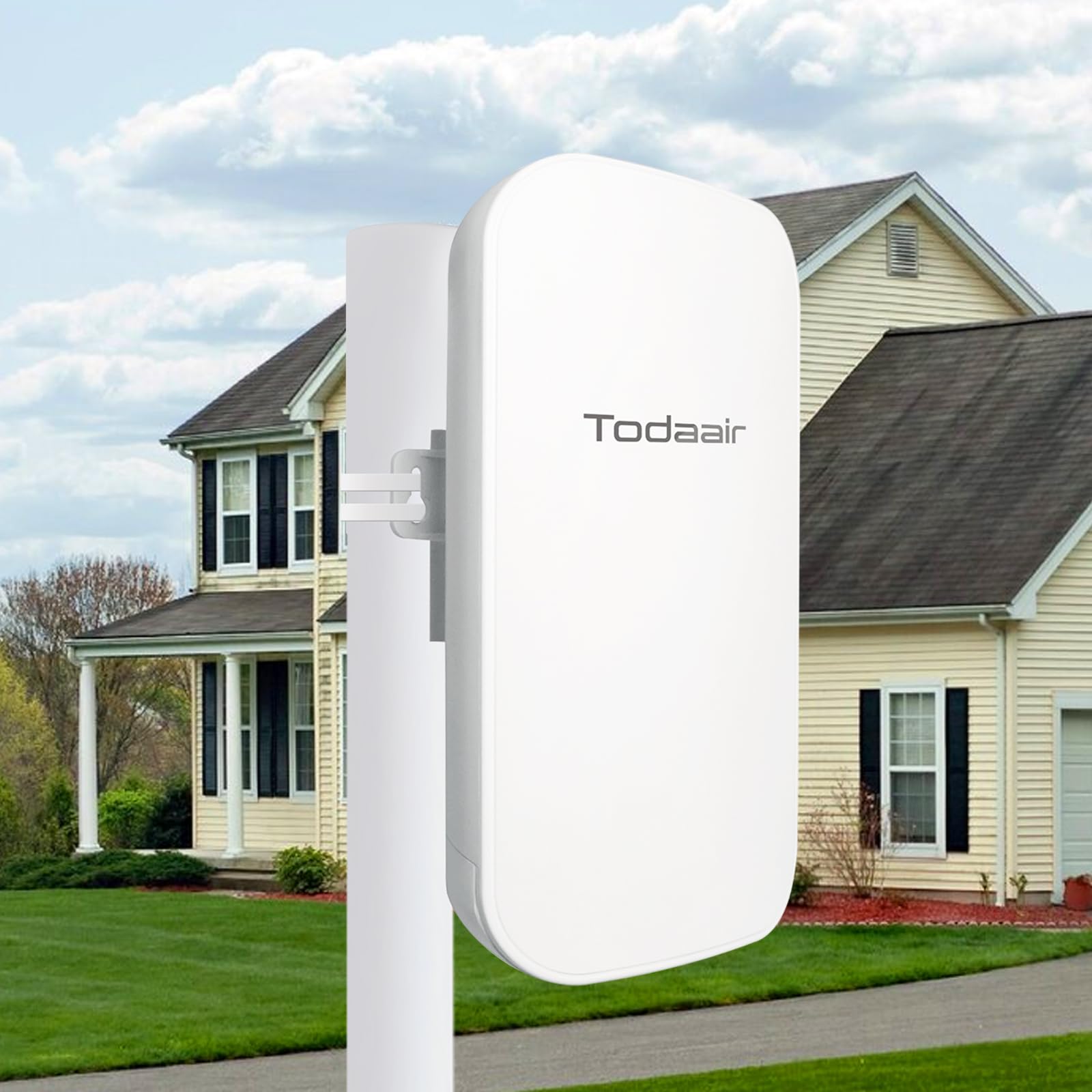
Image: TODAAIR Outdoor WiFi Extender, a white rectangular device.
Video: An overview of the TODAAIR Outdoor WiFi Extender, highlighting its features and design.
2. Package Contents
Verify that all items are present in the package:
- Outdoor WiFi Extender (1 unit)
- Quick Installation Guide (1 unit)
- Power Adapter 12V/1A (1 unit)
- Plastic Cable Tie (1 unit)
- Stainless Steel Tie (1 unit)
Video: Unboxing the TODAAIR Outdoor WiFi Extender, showing all included accessories and initial power connection.
3. Setup and Installation
Follow these steps to set up your TODAAIR Outdoor WiFi Extender:
- Power Connection: Open the protective cover on the device to access the LAN port, DC 12V power input, and Reset button. Connect the provided 12V/1A power adapter to the DC 12V port.
- Initial Power-On: After connecting the power, the device will start detection. Wait approximately 20 seconds for initial detection, then another 40 seconds for the device to start up. The indicator lights will flash when the device is ready for pairing.
- Secure Power Supply: Carefully close the protective cover to shield the power supply connection from environmental elements.
- Network Connection (First Time Setup):
- Connect to the "TDair" network and enter the password on the login screen.
- Find the name of your main router and enter its password.
- Set your desired SSID (Wi-Fi name) and password for the extender's network, then confirm. The extender will restart and be ready for use.
- Optimal Placement: For best performance, place the extender in an area where it can receive a good signal from your main router and effectively extend coverage to your desired outdoor area. Avoid placing it too close or too far from the router.
- Mounting Options: The extender can be mounted on a wall using screws or tied to a pole using the provided cable ties.

Image: Close-up view of the extender's ports, including LAN, DC 12V, and Reset button.

Image: Visual guide for connecting to the extender's network and setting up the SSID and password.
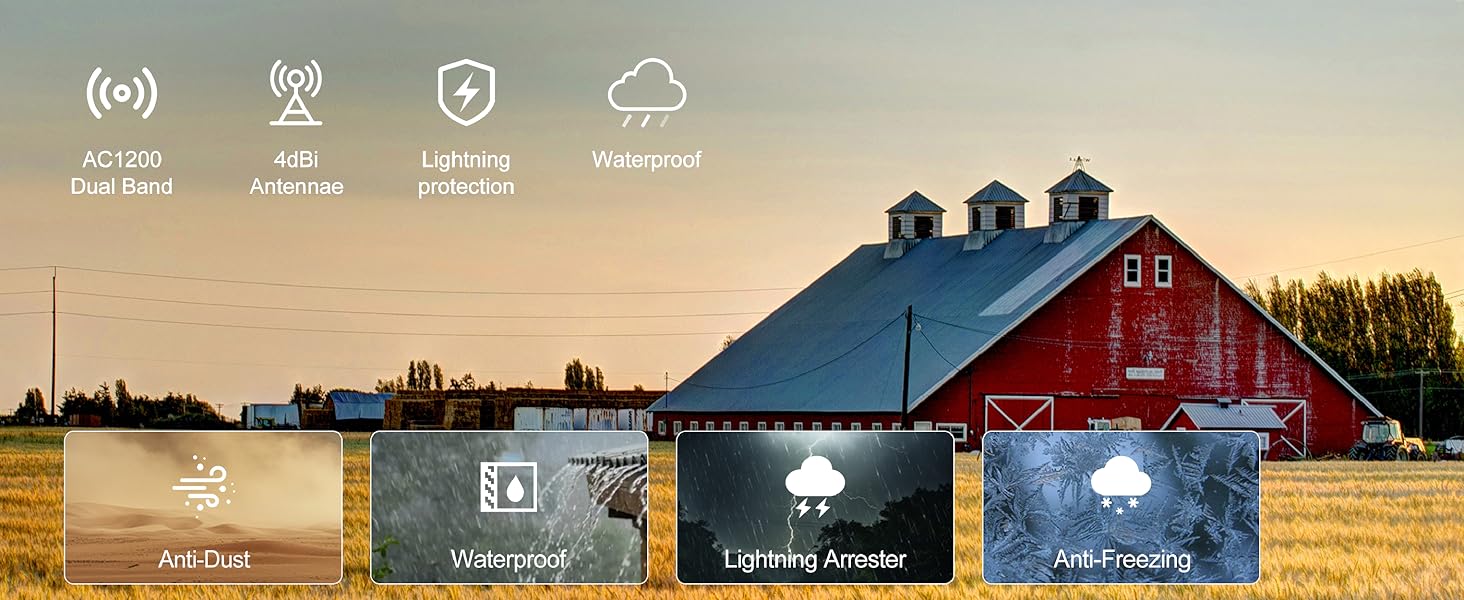
Image: Guide on optimal extender placement for maximum signal extension.
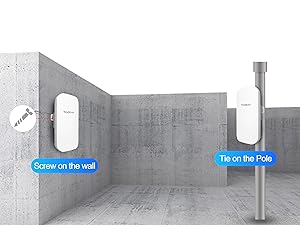
Image: Mounting options for the TODAAIR Outdoor WiFi Extender.
4. Operating Modes
The TODAAIR Outdoor WiFi Extender supports two primary working modes:
- Repeater Mode: Extends the existing Wi-Fi signal from your main router to eliminate dead zones and increase coverage. This mode supports both wired and wireless connections.
- Access Point (AP) Mode: Converts a wired internet connection into a wireless access point. This is useful for creating a new Wi-Fi network in an area with only wired internet access. The Ethernet port can also connect wired devices like Blu-ray players, game consoles, desktops, or smart TVs.
5. Key Features
- Worry-Free Compatibility & Dual Frequency: Connects to various devices including Wi-Fi routers, gateways, and access points. Supports 2.4GHz (300Mbps) for better diffraction and 5GHz (867Mbps) for faster network speeds, providing extensive Wi-Fi coverage and high-speed internet for activities like HD video streaming and gaming.
- Intelligent Reset & Automatic Recovery: Equipped with a watchdog function that triggers an intelligent reset mechanism if faults or abnormalities occur. This allows the repeater to automatically restart and restore normal operation without manual intervention, ensuring continuous network connectivity.
- Unique Super Coverage: Extends Wi-Fi range up to 2000 sq ft and connects up to 30 devices, including laptops, smartphones, speakers, IP cameras, tablets, and IoT devices. Features enhanced antennas to improve signal stability and gain.
- Enhanced Security: Supports WPA-PSK/WPA2-PSK and WPA/WPA2 wireless security protocols to maximize network security and protect personal data from unauthorized access.
- Outdoor Waterproof (IP65 Rated): Features an IP65 waterproof housing with lightning protection, dust resistance, antifreeze capabilities, high-temperature resistance, and anti-corrosion properties. This ensures stable operation in harsh outdoor environments and varying climates.
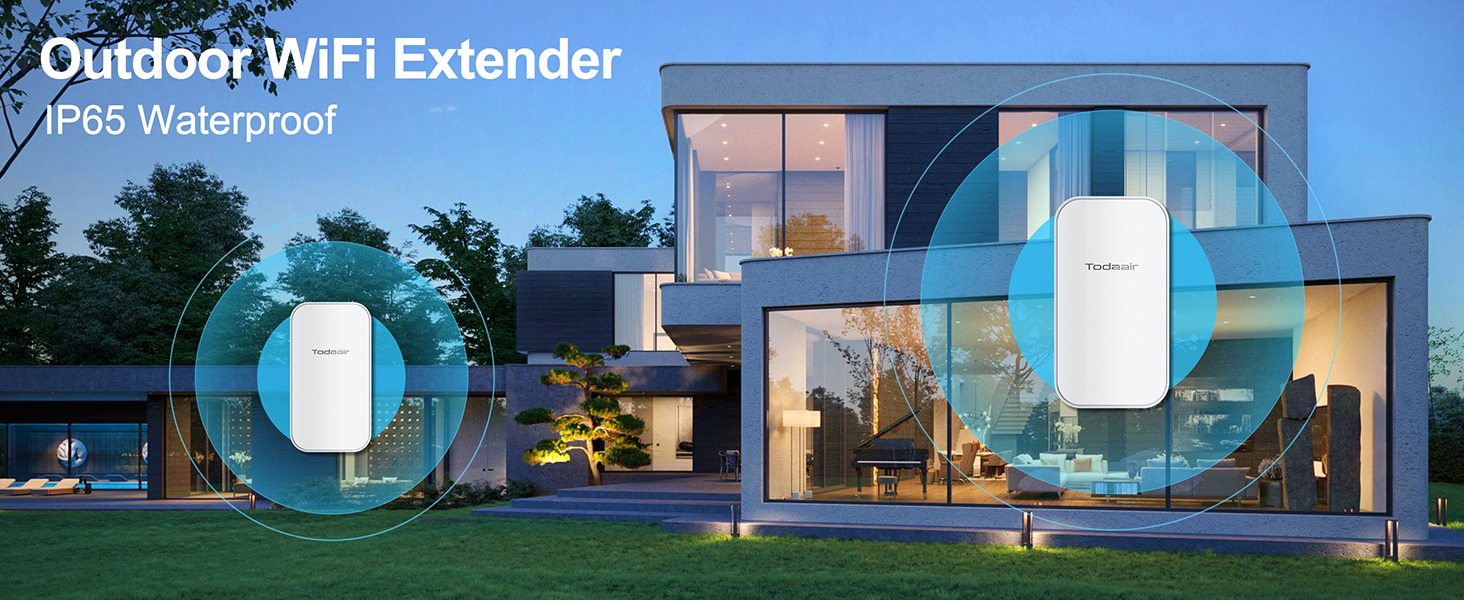
Image: Illustration of extended WiFi coverage up to 300 feet.
Video: Demonstrates the TODAAIR outdoor repeater in action, showing a phone losing connection when the extender is powered off, highlighting its active role in network extension.

Image: Visual representation of the IP65 weatherproof features.
Video: Demonstrates the IP65 weatherproof capabilities of the TODAAIR Outdoor Repeater under simulated rain conditions.
6. Specifications
| Feature | Detail |
|---|---|
| Brand | TODAAIR |
| Model | TD-MRT20 (Outdoor AC1200) |
| Wireless Communication Standard | 802.11a/b/g/n/ac |
| Data Transfer Rate | 1200 Megabytes Per Second (2.4GHz/300Mbps, 5GHz/867Mbps) |
| Frequency Band Class | Dual-Band (2.4 GHz, 5 GHz) |
| Special Features | Outdoor IP65 Waterproof, Repeater & AP Mode |
| Connector Type | RJ45 (Ethernet Port) |
| Compatible Devices | Router, iPhone, and other Wi-Fi enabled devices |
| Item Dimensions (D x W x H) | 9"D x 3"W x 4"H |
| UPC | 716035168249 |

Image: Performance metrics for the dual-band WiFi repeater.
7. Performance Testing
The TODAAIR Outdoor WiFi Extender has undergone transmission distance and speed tests to demonstrate its capabilities in extending network coverage.
Video: Demonstrates the actual rate testing of Wi-Fi extender transmission distance, showing stable video calls at extended ranges.
During testing, the extender maintained a stable connection for video calls at significant distances. For example, with the extender 30 meters from the router and the terminal device 110 meters from the extender (total 140 meters from the router), a local internet speed of 30Mbps was maintained, demonstrating effective long-range signal extension.
8. Maintenance
To ensure optimal performance and longevity of your TODAAIR Outdoor WiFi Extender:
- Regularly check for firmware updates on the TODAAIR official website to ensure the device has the latest features and security enhancements.
- Periodically inspect the device and its connections for any signs of wear or damage, especially after severe weather conditions.
- Clean the exterior of the device with a soft, dry cloth. Do not use liquid cleaners or aerosols.
- Ensure the protective cover for the ports is securely closed to maintain its IP65 weatherproof rating.
9. Troubleshooting
If you encounter issues with your WiFi extender, consider the following:
- No Internet Connection:
- Verify that your main router has an active internet connection.
- Check if the extender is powered on and its indicator lights are functioning as expected (flashing for pairing, solid for connected).
- Ensure the extender is within range of your main router. Relocate it if necessary.
- Perform a factory reset on the extender by pressing the Reset button (located under the protective cover) for 5-10 seconds, then reconfigure it.
- Slow Speed or Weak Signal:
- Adjust the placement of the extender to optimize signal reception from the main router and transmission to your devices.
- Minimize physical obstructions (thick walls, metal objects) between the extender and your devices.
- Ensure there is no interference from other electronic devices operating on similar frequencies.
- Connection Drops:
- Check for any loose cable connections.
- The intelligent reset feature should automatically recover from most temporary faults. If drops persist, try restarting both your main router and the extender.
If you continue to experience issues, please contact our professional technical support team for assistance. We value your experience and are committed to resolving any problems promptly.
10. Warranty and Support
The TODAAIR Outdoor WiFi Extender comes with a 1-year warranty from the date of purchase. This warranty covers manufacturing defects and ensures the product meets its specified performance standards.
For technical support, installation queries, or any other product-related concerns, please refer to the contact information provided in your Quick Installation Guide or visit the official TODAAIR website. Our dedicated technical team is available to provide solutions as soon as possible.

