
Introduction
This manual provides comprehensive instructions for the safe and efficient use of your INIU 100W Power Bank and 15W Qi2 Certified MagSafe Compatible Charger Pad. Please read this manual thoroughly before operating the device to ensure optimal performance and longevity.

Image: The INIU 100W Power Bank and the Qi2 MagSafe Charger Pad, showcasing both components of the product package.
What's in the Box
Upon opening your package, verify that all the following items are included:
- INIU 100W Power Bank (25000mAh)
- INIU MagSafe Charger Pad (15W Qi2 Certified)
- USB-C Charging Cable
- User Manual (this document)

Image: A user charging a phone with the INIU MagSafe charger, illustrating the included USB-C cable and the compact design of the charger and power bank.
Setup
Before first use, it is recommended to fully charge the INIU 100W Power Bank.
- Initial Power Bank Charge: Connect the provided USB-C cable to the power bank's input port and the other end to a compatible USB power adapter (not included, but a 20W USB-C charger is recommended for optimal charging speed). The digital display on the power bank will show the charging progress.
- MagSafe Charger Connection: Connect the integrated USB-C cable of the MagSafe Charger Pad to a compatible USB-C power adapter.
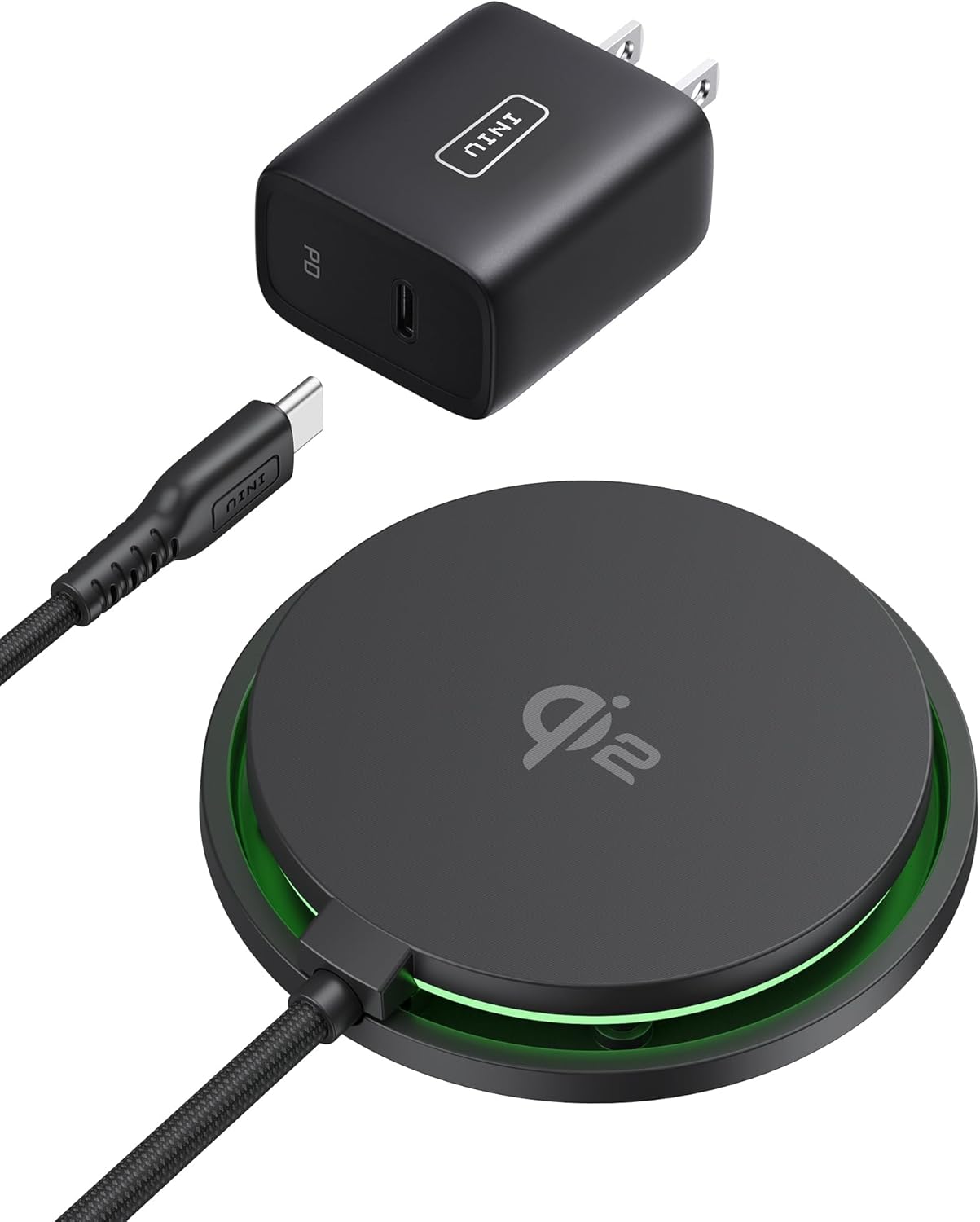
Image: The INIU MagSafe Charger Pad with its integrated USB-C cable and a separate USB-C power adapter, demonstrating the connection for power supply.
Operating Instructions
Using the INIU 100W Power Bank
The power bank features multiple output ports for charging various devices simultaneously.
- Charging Devices: Connect your device's charging cable to the appropriate output port on the power bank. The power bank will automatically detect and begin charging your device.
- Digital Display: The integrated digital display shows the remaining battery percentage of the power bank.

Image: The INIU 100W Power Bank held in a hand, displaying its compact size and the digital battery percentage indicator.
Using the INIU Qi2 MagSafe Charger Pad
The MagSafe Charger Pad provides fast and secure wireless charging for compatible devices.
- Compatibility: This charger is designed for iPhone 12-16 Series and AirPods 3/Pro 2. For optimal magnetic attachment, use with MagSafe compatible cases.
- Wireless Charging: Place your compatible device onto the center of the MagSafe Charger Pad. The magnetic alignment will secure your device in place, and charging will begin automatically.
- Fast Charging: The Qi2 certification enables 15W wireless charging, significantly reducing charging times for compatible iPhones.
- Cooling Technology: Equipped with an upgraded 23-Blade Turbo Cooling Fan, the charger actively dissipates heat to maintain optimal charging temperatures and protect your device's battery from overheating.
- Strong Magnetic Grip: The charger features a 12.5N magnetic force, ensuring a secure and stable connection with your device during charging.

Image: An iPhone 16 Pro being charged wirelessly by the INIU MagSafe Charger, with a graphical comparison showing its 15W charging speed against other chargers.

Image: A diagram illustrating the INIU MagSafe Charger's cooling technology with a 23-fin turbo cooling fan, showing how it keeps the phone cooler during charging compared to other chargers.

Image: A visual representation of the INIU MagSafe Charger's strong 12.5N magnetic lock, securely holding multiple iPhones, and indicating compatibility with MagSafe cases.

Image: A collage showing various scenarios of using the INIU MagSafe charger, including charging an iPhone while holding it, and charging AirPods wirelessly.
Maintenance
To ensure the longevity and proper functioning of your INIU Power Bank and MagSafe Charger Pad, follow these maintenance guidelines:
- Cleaning: Use a soft, dry cloth to wipe the surfaces of the power bank and charger. Avoid using harsh chemicals or abrasive materials.
- Storage: Store the devices in a cool, dry place away from direct sunlight, extreme temperatures, and humidity.
- Cable Care: Do not bend or crimp the charging cables excessively. The included USB-C cable features a reinforced SR Joint for enhanced durability.

Image: A visual comparison highlighting the superior durability of the INIU USB-C cable, showing it withstands over 30,000 bending tests due to its anti-break reinforced SR joint.
Troubleshooting
If you encounter issues with your INIU product, refer to the following common problems and solutions:
| Problem | Possible Cause | Solution |
|---|---|---|
| Power Bank not charging | Cable not connected properly; faulty adapter; power bank fully charged. | Ensure cable is securely connected. Try a different USB power adapter. Check digital display for charge level. |
| Device not charging from Power Bank | Power bank low on battery; incorrect cable; device not compatible. | Recharge the power bank. Use the correct charging cable for your device. Ensure device is compatible with USB charging. |
| MagSafe Charger not working | Not powered; device not aligned; device not MagSafe compatible; non-MagSafe case. | Ensure charger is connected to a power source. Realign device on the pad. Verify device is MagSafe compatible. Remove non-MagSafe cases. |
| Slow wireless charging | Using a non-Qi2 adapter; device not supporting 15W; foreign objects. | Use a power adapter that supports Qi2 15W output. Ensure your device supports 15W wireless charging. Remove any metal objects between the device and charger. |
Specifications
- Power Bank Capacity: 25000mAh
- Power Bank Output: Up to 100W
- Wireless Charger Output: 15W (Qi2 Certified)
- Magnetic Force: 12.5N
- Cooling System: 23-Blade Turbo Cooling Fan (for MagSafe Charger)
- Cable Type: USB-C (Reinforced SR Joint)
- ASIN: B0F5PJJFB5
- Date First Available: April 21, 2025
Warranty and Support
INIU stands behind the quality of its products. This product comes with an industry-leading 3-year INIU care warranty.
For technical support, warranty claims, or further assistance, please visit the official INIU store or contact INIU customer service through their official channels. You can find more information and contact details on the INIU Store on Amazon.