
Tapo Tapo D205
Tapo D205 Smart Wireless Video Doorbell Camera User Manual
Model: Tapo D205 | Brand: Tapo
Introduction
The Tapo D205 is a smart wireless video doorbell camera designed to enhance your home security and communication. It features 2K resolution video, a 160° ultra-wide field of view, and a long-lasting battery. This manual provides essential information for setting up, operating, and maintaining your Tapo D205 doorbell camera.
Key Features:
- 2K Sharp View: Monitor your home with clear 2K resolution video.
- Ultra-Wide 160° Field of View: Capture a broad area around your entryway, minimizing blind spots.
- Free AI Person Detection: Receive instant alerts when people are detected, without monthly fees.
- Built-in Rechargeable Battery: Enjoy up to 180 days of use on a single charge (5,200mAh battery). Supports optional solar panel charging.
- Doorbell Call Functionality: Receive phone calls via the Tapo app when a visitor presses the doorbell.
- Two-Way Audio & Quick Response: Communicate with visitors in real-time or use pre-recorded messages.
- Infrared Night Vision: Clear images in low-light conditions for 24/7 protection.
- Custom Activity Zones: Define specific areas for motion detection to reduce unnecessary alerts.
- IP54 Weather-Resistant: Designed to withstand various weather conditions.
- Flexible Storage Options: Store recordings on a local microSD card (up to 512GB, sold separately) or via Tapo Care cloud storage subscription.
- Smart Home Compatibility: Works with Alexa and Google Assistant for integrated control.
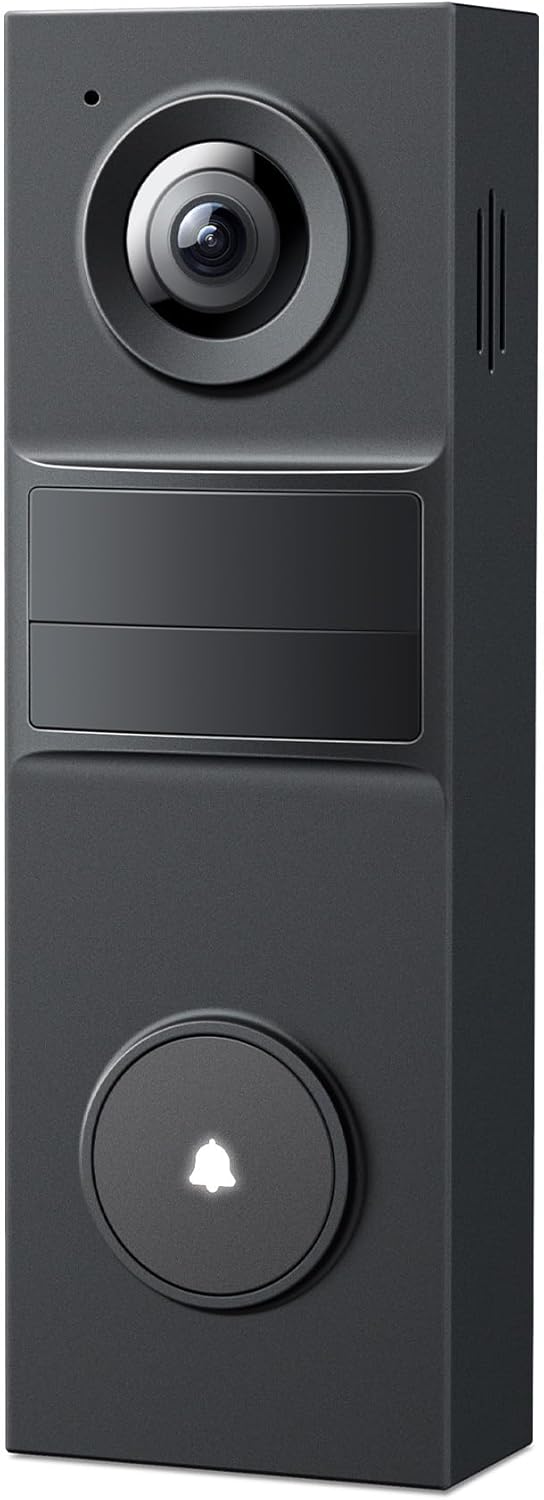
Image: Front view of the Tapo D205 Smart Wireless Video Doorbell Camera.
What's in the Box
Verify that all components are present before beginning installation:
- Tapo D205 Video Doorbell × 1
- Mounting Bracket × 1
- Horizontal Mounting Wedge × 1
- Mounting Template × 1
- 3M Adhesive × 1
- Foam Pad × 1
- Mounting Screws × 3
- Mounting Anchors × 3
- Mounting Wedge Screws × 5
- Doorbell Detaching Pin × 1
- Quick Start Guide × 1
- USB Adapter Cable × 1
Setup Instructions
Follow these steps to install your Tapo D205 video doorbell.
1. Prepare for Installation
- Ensure your Wi-Fi network is available at the installation location.
- Download the Tapo app from your device's app store and create an account.
- Charge the doorbell fully using the provided USB adapter cable before installation.

Image: The Tapo D205 doorbell connected to a USB power adapter for charging.
2. Mounting the Doorbell
The Tapo D205 offers flexible installation options: 3M adhesive or screw mount.

Image: Diagram illustrating two installation methods: using 3M adhesive or screw mounting.
- Option 1: 3M Adhesive Mount
- Clean the mounting surface thoroughly.
- Attach the 3M adhesive to the back of the mounting bracket (with or without the wedge).
- Press the bracket firmly onto the desired location on your door frame or wall.
- Slide the doorbell onto the bracket until it clicks, then tighten the bottom screw for security.
- Option 2: Screw Mount
- Use the mounting template to mark drill holes on your door frame or wall.
- Drill holes and insert the mounting anchors.
- Secure the mounting bracket (with or without the wedge) using the mounting screws.
- Slide the doorbell onto the bracket until it clicks, then tighten the bottom screw for security.
3. Adjusting the Viewing Angle (Optional)
The included horizontal mounting wedge allows you to tilt the camera for an optimal viewing angle, especially if your doorbell is mounted off-center.

Image: Illustration showing how to use the horizontal wedge to adjust the doorbell's viewing angle.
4. Connecting to the Tapo App
- Open the Tapo app on your smartphone or tablet.
- Tap the '+' icon to add a new device.
- Follow the in-app instructions to connect your Tapo D205 to your home Wi-Fi network.
- Once connected, you can configure settings such as motion detection zones, notification preferences, and video quality.
Operating Instructions
Learn how to use the various functions of your Tapo D205 video doorbell.
Live View and Event Playback
- Open the Tapo app and select your D205 doorbell to access the live view.
- Review recorded events and continuous footage (if using microSD card) through the app's playback feature.
- The 2K resolution provides clear images for monitoring.

Image: A screenshot of the Tapo app displaying a 2K live view from the doorbell camera, showing a street with houses.
Answering Doorbell Calls
- When a visitor presses the doorbell button, you will receive a phone call notification on your smartphone via the Tapo app.
- Answer the call to speak with the visitor in real-time.

Image: A hand holding a smartphone displaying an incoming call from "Tapo Video Doorbell".
Two-Way Audio and Quick Responses
- During a live view or doorbell call, use the microphone and speaker icons in the Tapo app to engage in two-way communication.
- If you are unavailable, select from pre-recorded "Quick Responses" to play a message to your visitor.
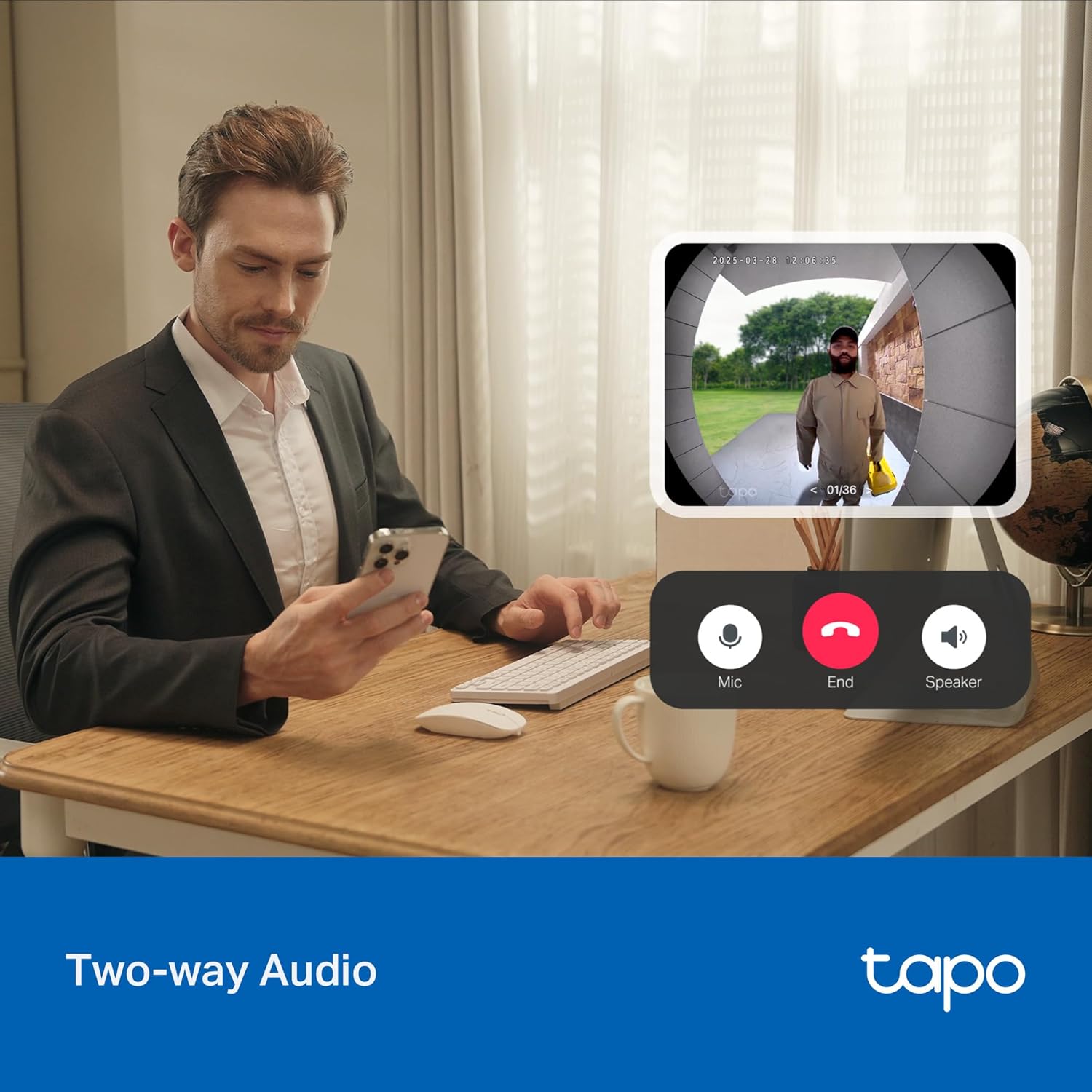
Image: A person using the Tapo app on a smartphone to communicate via two-way audio with a visitor shown on a larger screen.

Image: A smartphone screen displaying various quick response options within the Tapo app, next to the doorbell unit.
AI Person Detection and Custom Activity Zones
- The doorbell uses AI to detect people, sending relevant alerts to your phone.
- Configure custom activity zones in the Tapo app to receive alerts only for motion within specified areas.
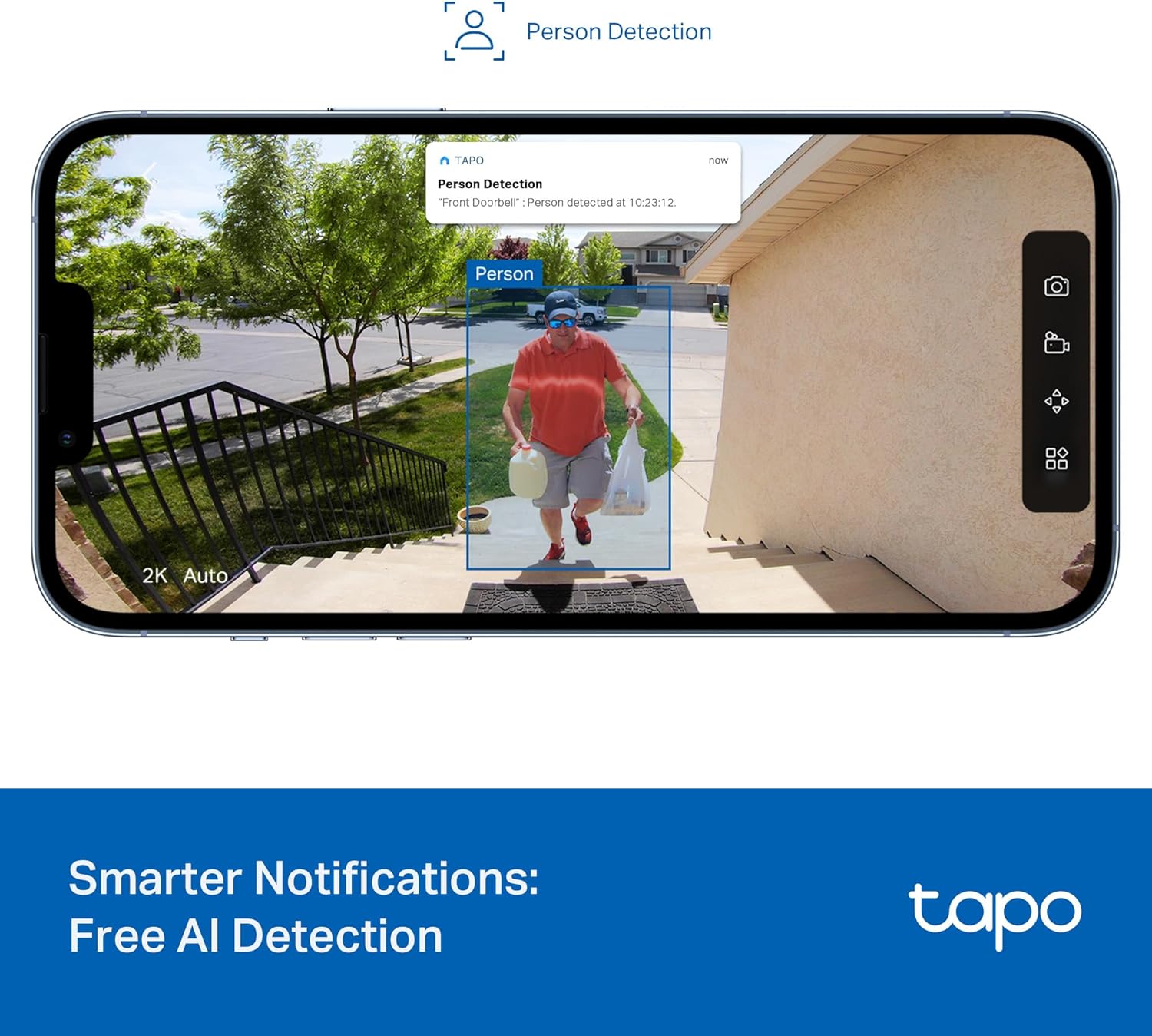
Image: A smartphone screen showing a "Person Detection" notification from the Tapo app, highlighting a person in the doorbell's view.

Image: A smartphone screen showing the Tapo app interface for setting up custom motion detection zones.
Night Vision
- The infrared night vision feature ensures clear visibility even in complete darkness, providing 24/7 monitoring.
Smart Home Integration
- The Tapo D205 is compatible with Amazon Alexa and Google Assistant.
- Use voice commands to view your doorbell feed on compatible smart displays.

Image: A person cooking in a kitchen, with an Alexa-enabled smart display showing the live feed from the Tapo doorbell.
Maintenance
Proper maintenance ensures the longevity and optimal performance of your Tapo D205 doorbell.
Battery Management
- The doorbell features a built-in 5,200mAh rechargeable lithium-ion battery, offering up to 180 days of use depending on activity and settings.
- Recharge the doorbell using the provided USB adapter cable when the battery level is low.
- For continuous power, the doorbell supports connection to a Tapo Solar Panel (sold separately).

Image: An illustration showing the internal battery of the Tapo D205 doorbell and its 180-day battery life.

Image: The Tapo D205 doorbell connected to an external solar panel for continuous charging.
Weather Resistance
- The doorbell has an IP54 rating, indicating resistance to dust and splashes of water.
- Regularly clean the camera lens and surrounding area to ensure clear video quality. Use a soft, damp cloth. Avoid harsh chemicals.

Image: The Tapo D205 doorbell mounted outdoors, with light rain or snow falling, demonstrating its weather resistance.
Storage Management
- If using a microSD card for local storage, ensure it is a high-endurance card for continuous recording. The doorbell supports up to 512GB.
- Periodically check the storage status in the Tapo app and manage recordings as needed.
Troubleshooting
This section addresses common issues you might encounter with your Tapo D205 doorbell.
Connectivity Issues
- Doorbell offline: Ensure your home Wi-Fi network is active and the doorbell is within range. Try restarting your Wi-Fi router.
- Cannot connect to Tapo app: Verify that you have entered the correct Wi-Fi password. Ensure your smartphone is connected to a 2.4GHz Wi-Fi network during initial setup, as the doorbell primarily uses this frequency.
- Poor video quality: Check your Wi-Fi signal strength at the doorbell's location. A weak signal can affect video streaming quality. Consider moving your router closer or using a Wi-Fi extender.
Battery and Charging
- Short battery life: Battery life can vary based on recording frequency, live view usage, and environmental factors. Reduce motion detection sensitivity or frequency of recordings in the Tapo app to extend battery life. Ensure the doorbell is fully charged before use.
- Doorbell not charging: Verify that the USB adapter cable is securely connected to both the doorbell and a working power source. If using a solar panel, ensure it is clean and receiving adequate sunlight.
Motion Detection and Notifications
- No motion alerts: Check that motion detection is enabled in the Tapo app. Ensure activity zones are correctly configured and cover the desired areas. Verify notification settings on your smartphone.
- Too many false alerts: Adjust the motion detection sensitivity in the Tapo app. Refine your custom activity zones to exclude areas with frequent irrelevant motion (e.g., passing cars, trees swaying).
Audio Issues
- No two-way audio: Ensure your smartphone's microphone and speaker are enabled and not muted during a call. Check the doorbell's microphone and speaker settings in the Tapo app.
For further assistance, refer to the Tapo app's help section or contact customer support.
Specifications
| Model Number | Tapo D205 |
| Dimensions (L x W x H) | 5.51 x 1.81 x 1.19 inches |
| Item Weight | 7.5 ounces (0.47 Pounds) |
| Video Capture Resolution | 2K 3MP |
| Field of View | 160° Diagonal |
| Power Source | Battery Powered (2 Lithium Ion batteries included) |
| Battery Capacity | 5,200mAh (up to 180 days battery life) |
| Connectivity Protocol | Wi-Fi (2.4GHz) |
| Water Resistance Level | IP54 (Water Resistant) |
| Storage Options | MicroSD card (up to 512GB, sold separately), Cloud Storage (Tapo Care subscription) |
| Compatible Devices | Smartphone, Tablet, Amazon Alexa, Google Assistant |
| Special Features | 2-Way Audio, Motion Sensor, Night Vision, AI Person Detection |
| UPC | 840460602976 |
Support Information
For technical support, warranty inquiries, or additional assistance, please contact Tapo customer service. Contact details are typically provided in the product packaging or on the official Tapo website.
You can also find helpful resources, FAQs, and troubleshooting guides within the Tapo app's support section.
Note: Specific warranty terms and conditions may vary by region. Please refer to the warranty card included with your product or the official Tapo website for detailed information.
Related documentsTapo D205


Ask a question about this manual
Ask about setup, troubleshooting, compatibility, parts, safety, or missing instructions. Manuals+ will review the question and use this page’s manual context to help answer it.