
1. Introduction
Thank you for choosing the Qiilu 5 Slots Silicone Toothbrush Holder. This product is designed to organize your toothbrushes and toothpaste efficiently in your bathroom. Crafted from durable silicone, it features multiple compartments and drainage holes to maintain hygiene and order on your countertop. This manual provides essential information for the proper setup, operation, and maintenance of your new toothbrush holder.

Image 1: Angled view of the Qiilu 5 Slots Silicone Toothbrush Holder, showcasing its overall design and multiple compartments.
2. Setup
The Qiilu 5 Slots Silicone Toothbrush Holder is designed for easy placement and stability. Follow these steps to set up your holder:
- Unpack the Holder: Carefully remove the toothbrush holder from its packaging. Inspect for any damage.
- Choose a Location: Select a clean, flat, and smooth surface in your bathroom, such as a countertop or shelf. Ensure the surface is dry before placement.
- Secure Placement: The holder features a base designed for stability. For enhanced grip on very smooth surfaces, ensure the bottom of the holder and the surface are clean and dry. The silicone material naturally provides a degree of slip resistance.
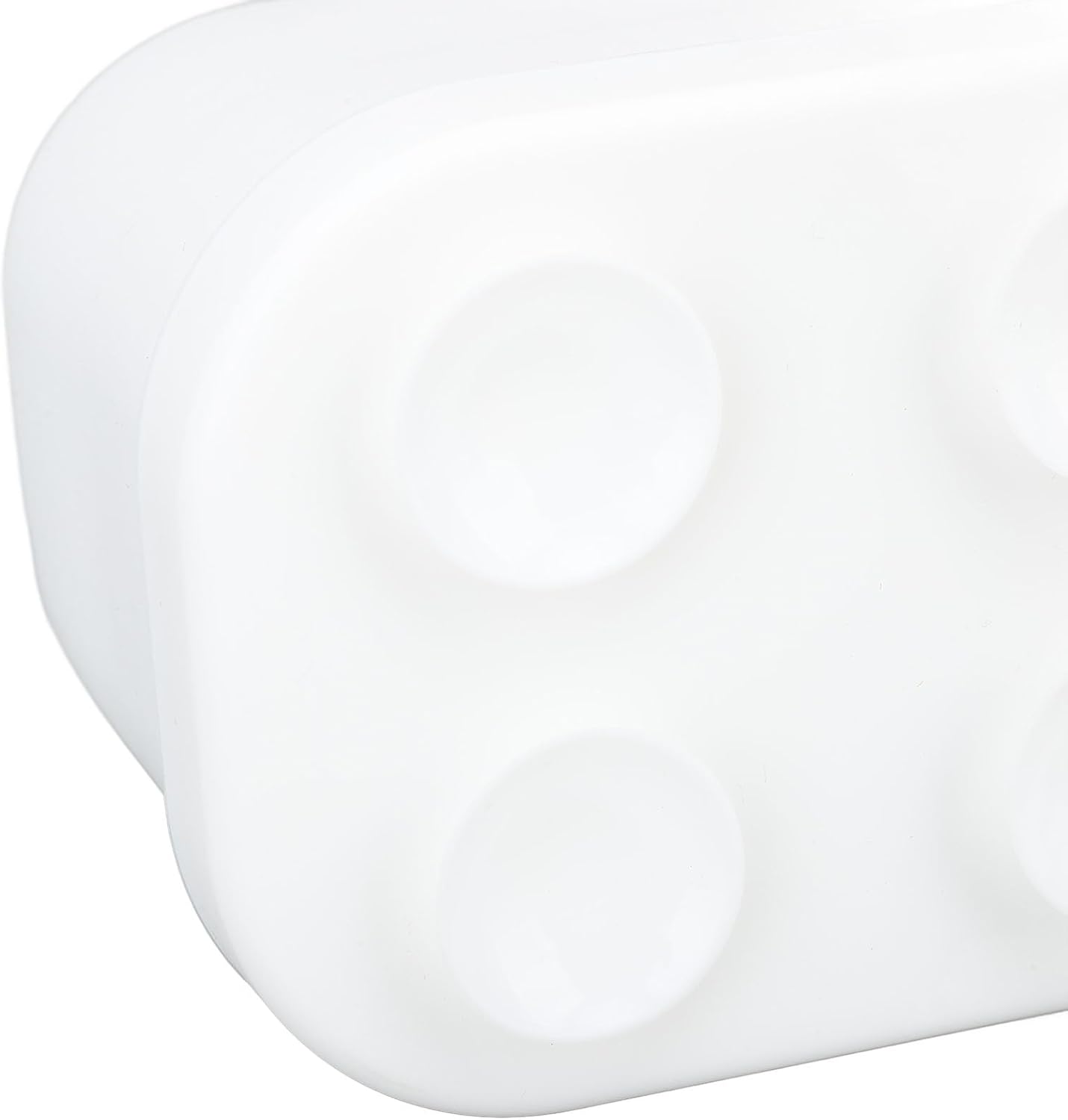
Image 2: Close-up of the bottom of the holder, illustrating the integrated suction cup design for secure placement on smooth surfaces.
3. Operating Instructions
Using your Qiilu toothbrush holder is straightforward:
- Place Toothbrushes: Insert your toothbrushes into the designated slots. The holder accommodates various sizes of manual and electric toothbrushes.
- Store Toothpaste: Use the larger compartments for toothpaste tubes or other bathroom essentials like dental floss or small cosmetic items.
- Drainage: The design includes drainage holes to prevent water accumulation, promoting a hygienic environment for your items.

Image 3: Detailed view of the internal compartments, highlighting the various slot sizes for different items.
4. Maintenance and Cleaning
To ensure the longevity and hygiene of your Qiilu toothbrush holder, regular cleaning is recommended:
- Detachable Design: The holder is designed to be detachable for easy cleaning. Gently separate the main holder from its base if applicable.
- Washing: Wash the holder with mild soap and warm water. A soft brush can be used to clean inside the compartments and drainage holes.
- Rinsing and Drying: Rinse thoroughly with clean water and allow it to air dry completely before reassembling or placing items back into it.
- Avoid Harsh Chemicals: Do not use abrasive cleaners or harsh chemicals, as these may damage the silicone material.
5. Troubleshooting
If you encounter any issues with your toothbrush holder, consider the following:
- Holder Not Stable: Ensure the surface where the holder is placed is clean, dry, and smooth. Residue or moisture can reduce grip.
- Water Accumulation: Verify that the drainage holes are not blocked. Clean them regularly as part of routine maintenance.
- Difficulty Cleaning: Remember the holder is detachable. Separate components for a more thorough cleaning.
6. Specifications
| Feature | Detail |
|---|---|
| Item Type | Silicone Toothbrush Toothpaste Holder |
| Material | Silicone |
| Weight | Approx. 14.4 ounces (405g) |
| Base Length | Approx. 7.09 inches (180mm) |
| Base Width | Approx. 3.78 inches (96mm) |
| Total Height | Approx. 3.27 inches (83mm) |
| Model Number | Qiilud13o8y2bep-12 |
| ASIN | B0F5HTDZY5 |
7. Warranty and Support
For warranty information or product support, please refer to the retailer's return policy or contact Qiilu customer service directly through their official channels. Keep your purchase receipt for any warranty claims.