
XP-Pen MNP1095
XPPen Magic Note Pad 10.95-inch Standalone Drawing Tablet User Manual
Model: MNP1095
1. Introduction
The XPPen Magic Note Pad is a versatile 10.95-inch standalone drawing tablet designed for sketching, drawing, and digital note-taking. It combines the tactile feel of traditional paper with the advanced capabilities of an Android 14 device, offering a seamless creative and productivity experience.
Key features include a realistic X-Paper display, 16K pressure sensitivity with the X3 Pro battery-free Pencil 2, multiple color modes, and eye-protection technology.
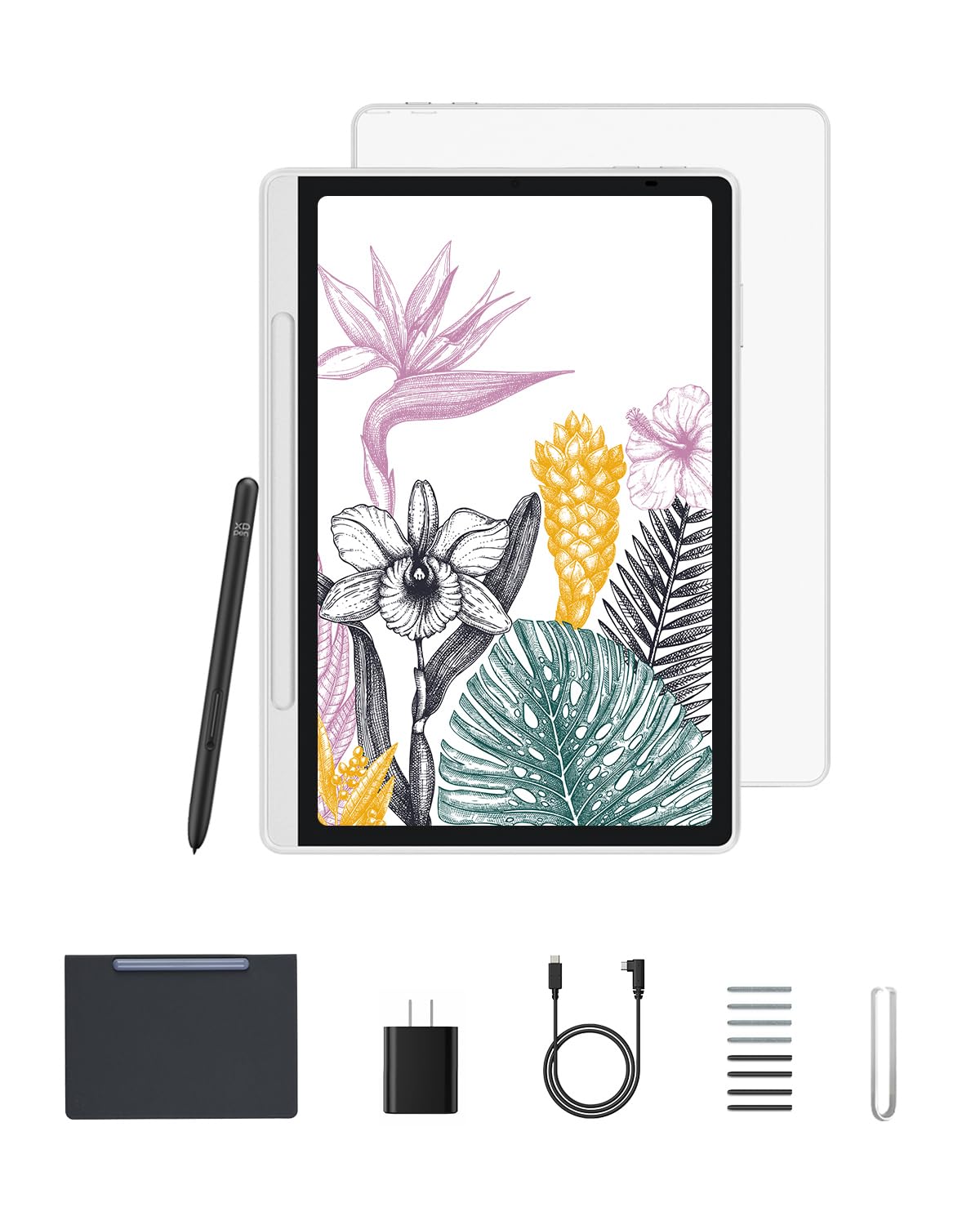
Image 1.1: XPPen Magic Note Pad with X3 Pro Pencil 2 and essential accessories.
2. Package Contents
Before you begin, please verify that all items are present in your package:
- XPPen Magic Note Pad (10.95-inch tablet)
- Magnet Folio
- X3 Pro Pencil 2
- Replacement Nibs (8 pieces)
- USB-C Cable
- Power Adapter
- Quick Guide
- Warranty Card
- Nib Extractor

Image 2.1: Detailed view of all items included in the product package.
3. Setup Guide
3.1 Initial Power On
- Unpack the XPPen Magic Note Pad and all accessories.
- Press and hold the power button (usually located on the side or top edge) until the XPPen logo appears on the screen.
- Follow the on-screen prompts to complete the initial Android 14 setup, including language selection, Wi-Fi connection, and Google account login.
3.2 Charging the Device
Connect the provided USB-C cable to the tablet's USB-C port and the power adapter. Plug the power adapter into a wall outlet. The battery indicator on the screen will show charging status. A full charge is recommended before first use.
3.3 Using the X3 Pro Pencil 2
The X3 Pro Pencil 2 is battery-free and does not require pairing or charging. Simply pick it up and begin using it on the tablet screen. It features 16384 pressure levels and tilt support for precise control in drawing and writing applications.

Image 3.1: Features of the X3 Pro Pencil 2, including pressure sensitivity and shortcut keys.
4. Operating Instructions
4.1 Display Modes
The Magic Note Pad offers three distinct color modes to optimize your viewing and creative experience:
- Nature Mode: Presents original colors vividly, ideal for general use and annotating notes.
- Light Color Mode: Features low saturation for sketching and reduced eye fatigue.
- Black & White Mode: Provides a paper-like black-and-white display for immersive reading and focused grayscale art.
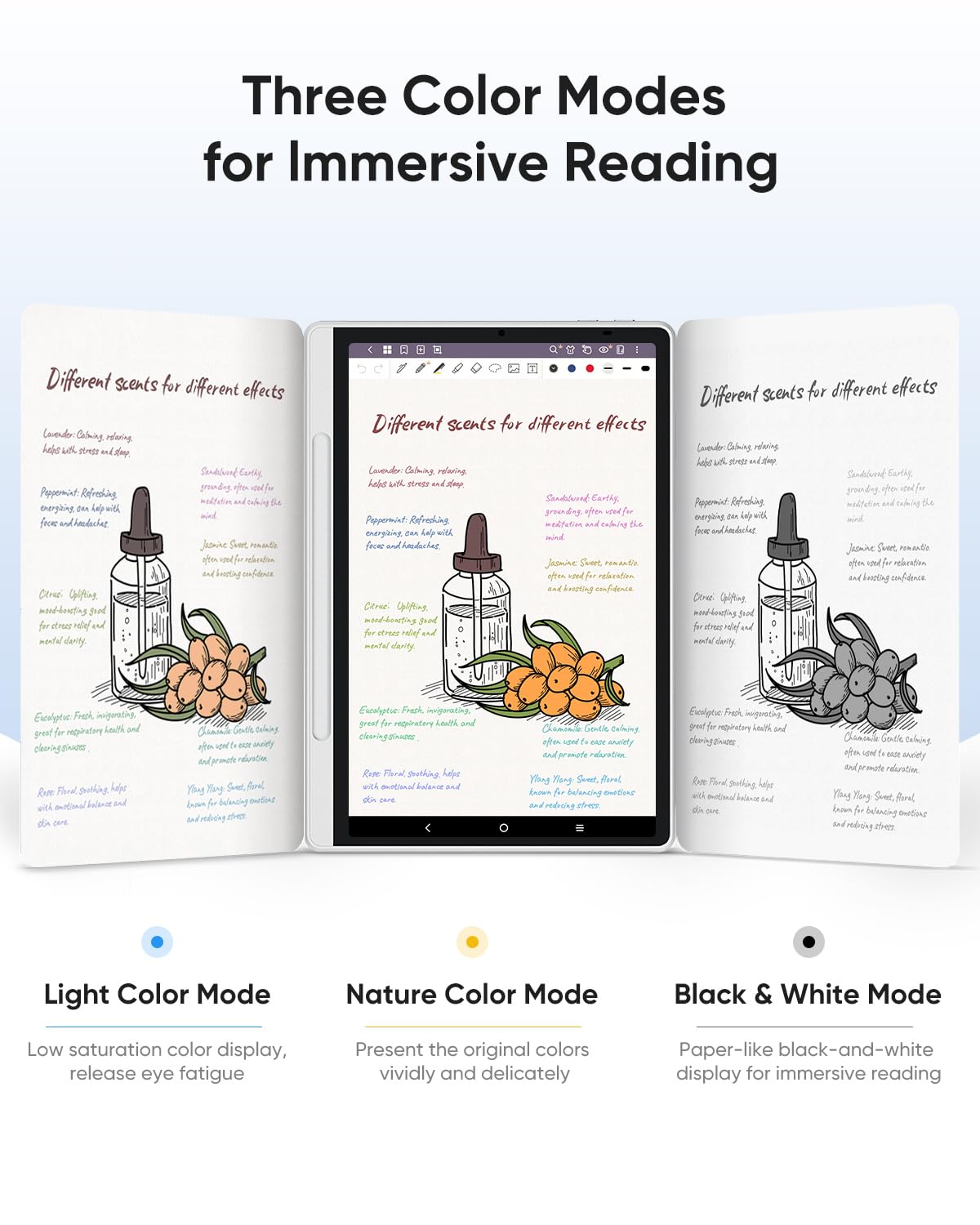
Image 4.1: Visual representation of the three available display color modes.

Image 4.2: Example of using the Black & White Mode for grayscale artwork.
4.2 Eye Comfort Features
The tablet's 10.95-inch X-Paper display features AG nano-etching technology and is TÜV-certified for low blue light and anti-glare. This design reduces eye strain and ambient light interference, providing a comfortable viewing and writing experience even during extended use.
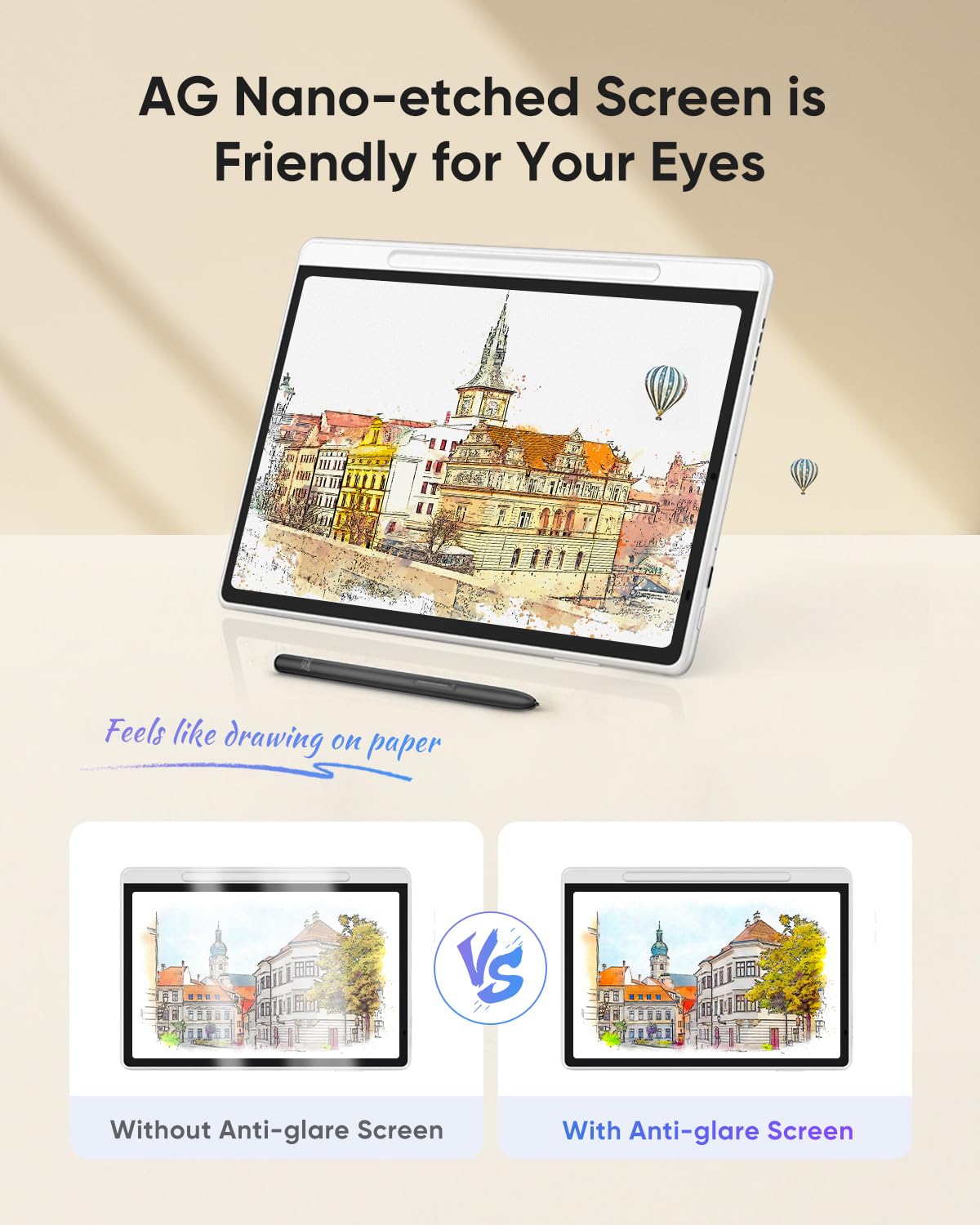
Image 4.3: Anti-glare screen technology reduces reflections for better visibility.

Image 4.4: The tablet's display is certified for eye comfort and a paper-like experience.
4.3 Applications and Creativity
Running on Android 14, the Magic Note Pad allows you to download a wide range of applications from the Google Play Store. This includes popular creative apps for sketching and drawing, as well as productivity tools for note-taking and PDF annotation.
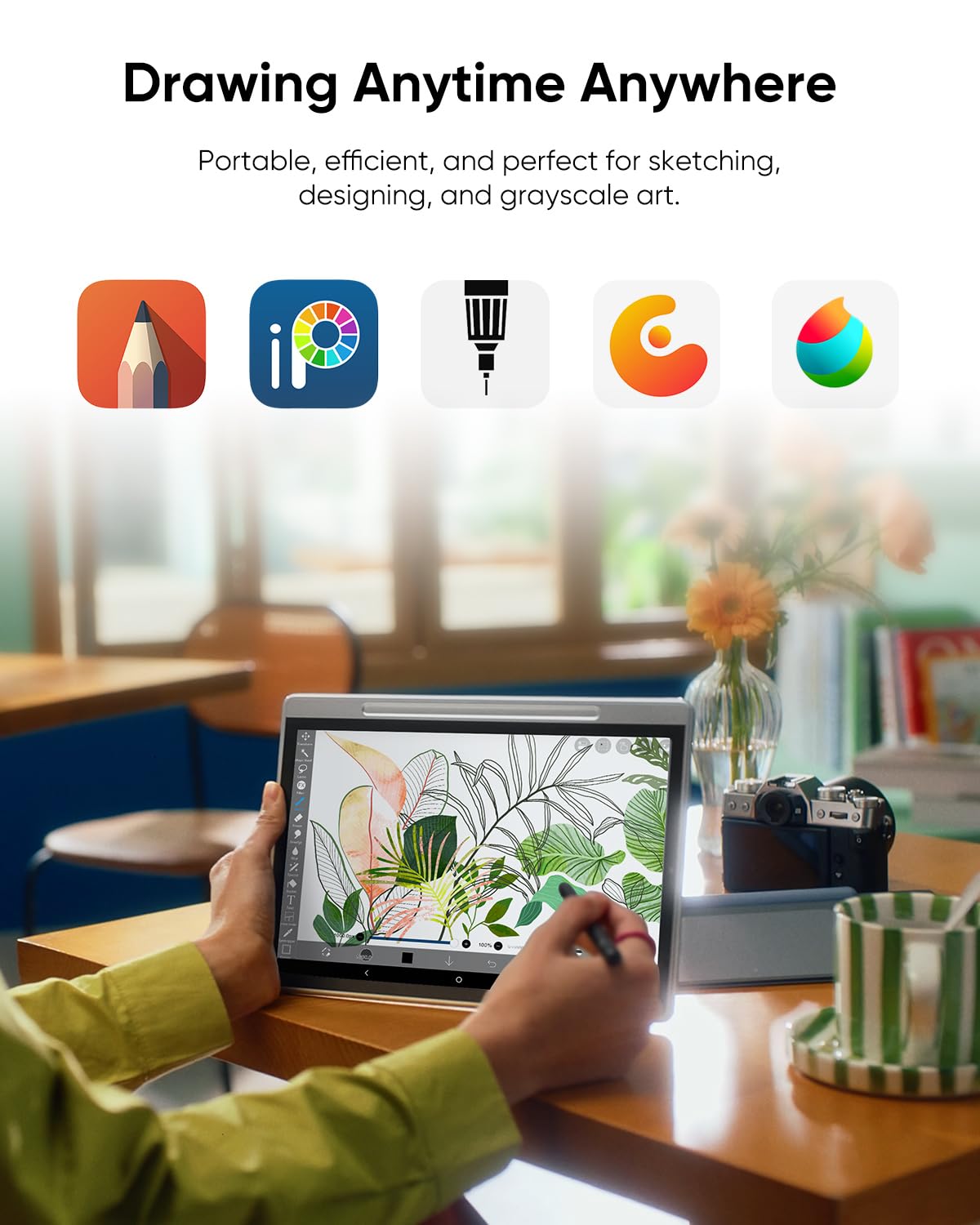
Image 4.5: The tablet supports various creative applications for drawing and sketching.
Image 4.6: Access a wide range of applications through the Google Play Store.
4.4 XPPen Notes App
The XPPen Notes app is pre-installed and offers a lifetime free membership. It provides multi-brush tools, multi-color selections, and features like AI Assistant, recording that follows handwriting, and PDF import/editing, enhancing your note-taking and annotation capabilities.
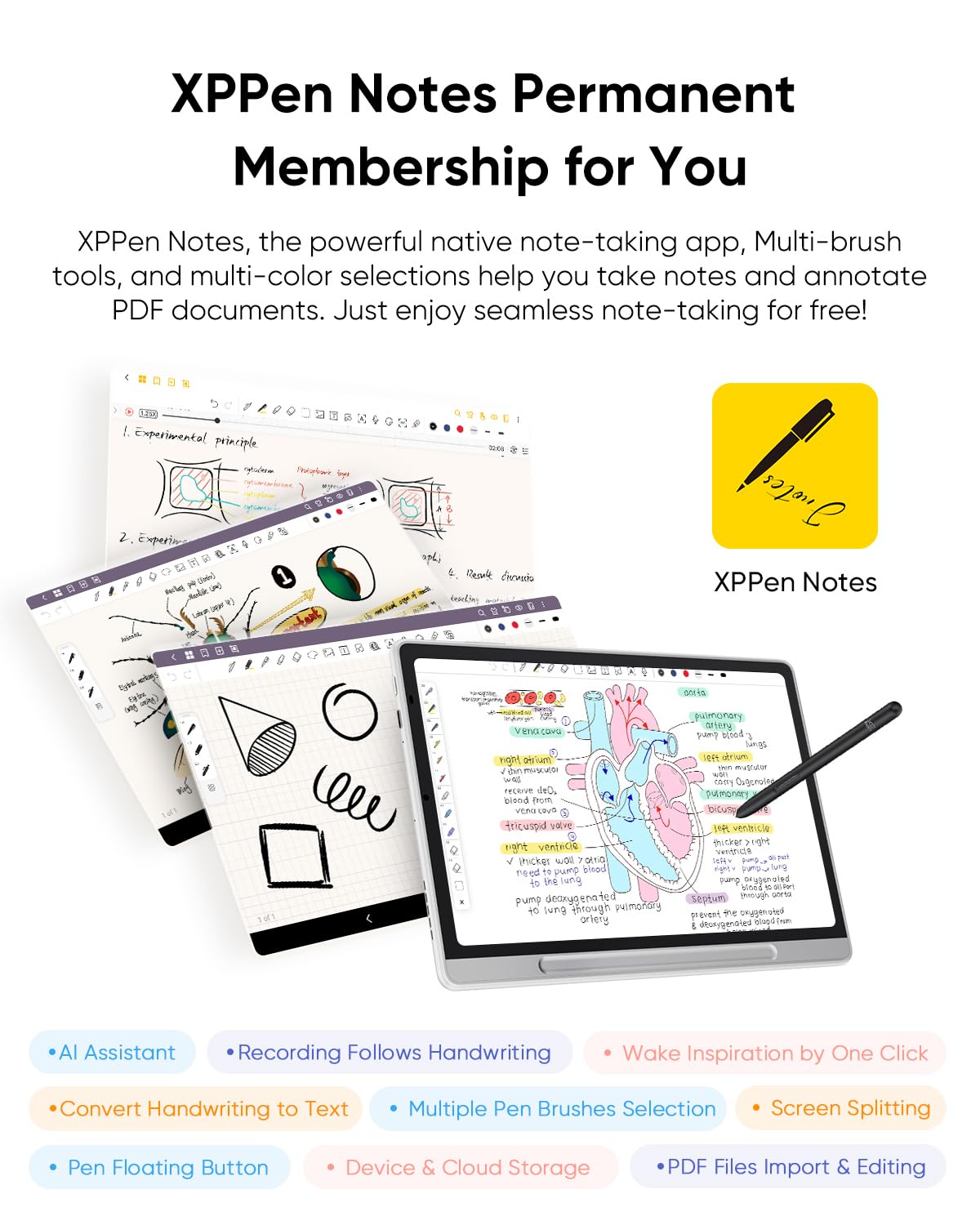
Image 4.7: Overview of the XPPen Notes app features for enhanced productivity.
4.5 Split-Screen Functionality
Utilize the split-screen feature to view multiple applications or documents simultaneously. This is particularly useful for referencing images while drawing or taking notes alongside a presentation.
Image 4.8: Using split-screen mode for drawing with reference images.
4.6 Portability
Weighing only 495g and with a thickness of 7mm, the Magic Note Pad is designed for portability, allowing you to carry your creative tools wherever inspiration strikes.
Image 4.9: The tablet's slim and lightweight design for on-the-go use.
5. Maintenance
5.1 Cleaning the Screen
To clean the screen, gently wipe it with a soft, lint-free cloth. For stubborn smudges, slightly dampen the cloth with water or a screen-safe cleaning solution. Avoid harsh chemicals or abrasive materials.
5.2 Replacing Stylus Nibs
Over time, the stylus nib may wear down. Use the included nib extractor tool to carefully pull out the old nib. Insert a new replacement nib firmly into the stylus until it clicks into place.
5.3 Battery Care
To prolong battery life, avoid exposing the tablet to extreme temperatures. For long-term storage, charge the battery to approximately 50% and power off the device.
6. Troubleshooting
6.1 Tablet Does Not Power On
- Ensure the tablet is sufficiently charged. Connect it to the power adapter and wait a few minutes before attempting to power on again.
- Press and hold the power button for 10-15 seconds to perform a forced restart.
6.2 Stylus Not Responding
- Check if the stylus nib is properly seated. Replace it if it appears worn or damaged.
- Ensure the stylus is within the active area of the screen.
- Restart the tablet.
6.3 Screen Freezes or Apps Crash
- Close any background applications that may be consuming excessive resources.
- Restart the tablet.
- If the issue persists, consider performing a factory reset (backup your data first).
7. Specifications
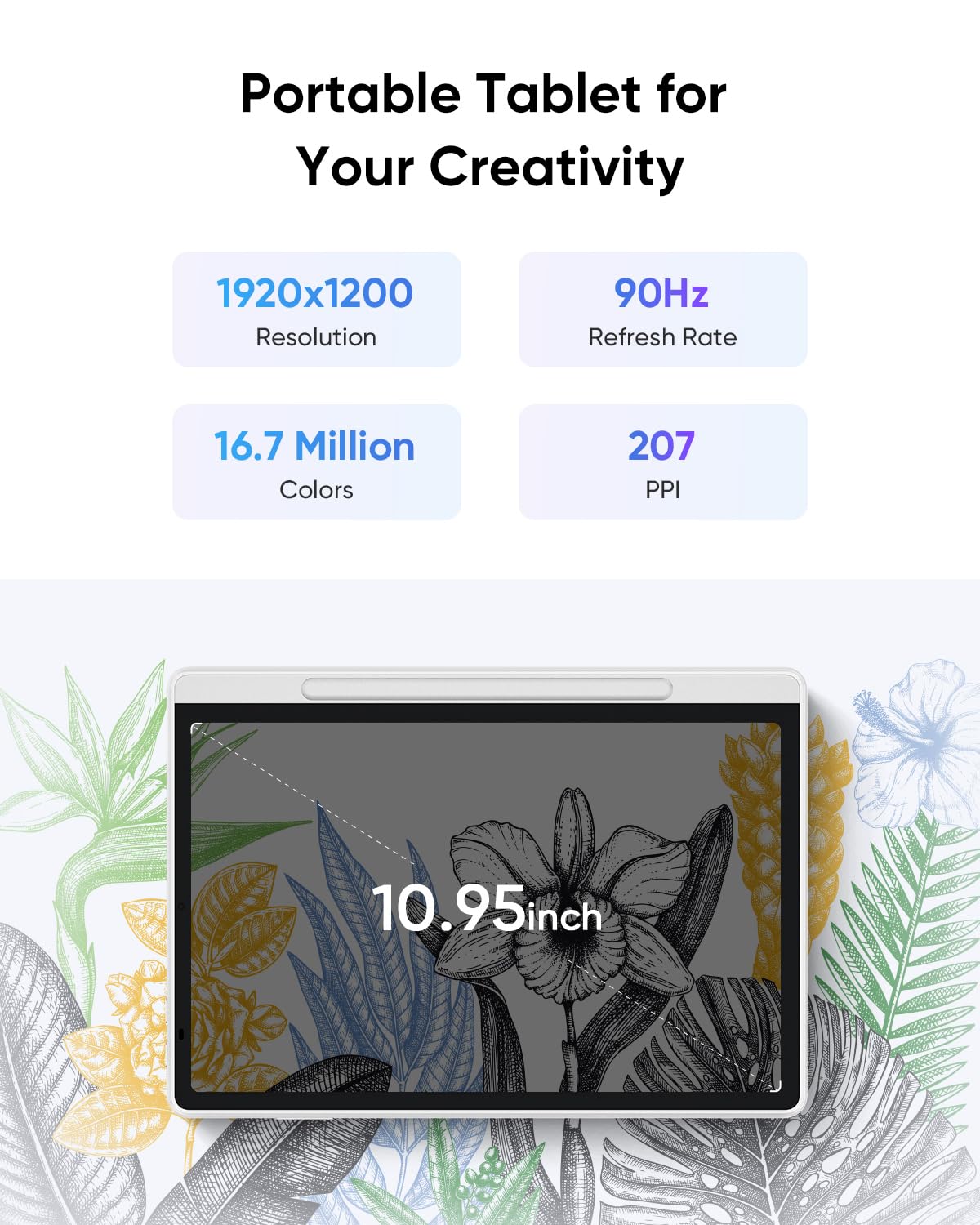
Image 7.1: Key display and performance specifications.
Image 7.2: Additional hardware specifications of the XPPen Magic Note Pad.
| Brand | XP-Pen |
| Model Name | MNP1095 |
| Operating System | Android 14 |
| Screen Size | 10.95 Inches |
| Screen Resolution | 1920 x 1200 pixels |
| Refresh Rate | 90Hz |
| Colors | 16.7 Million |
| Stylus Pressure Levels | 16384 |
| Item Weight | 495g (1.09 lbs) |
| Thickness | 7mm |
| Battery | 8000mAh |
| Wireless Type | 802.11a/b/g/n/ac |
| Processor Brand | ARM |
8. Warranty and Support
Your XPPen Magic Note Pad comes with a Warranty Card included in the package. Please refer to this card for detailed information regarding warranty coverage, terms, and conditions.
For technical support, product registration, or further inquiries, please visit the official XP-Pen website or contact their customer service department. Contact information can typically be found on the warranty card or the manufacturer's website.
Online resources, including FAQs and driver downloads, may also be available on the official support page.
Related documentsMNP1095


Ask a question about this manual
Ask about setup, troubleshooting, compatibility, parts, safety, or missing instructions. Manuals+ will review the question and use this page’s manual context to help answer it.