
TR8ZUY6GNRGBAZMK
Card Early Education Device User Manual
Model: TR8ZUY6GNRGBAZMK | Brand: Generic
Introduction
This manual provides comprehensive instructions for the safe and effective use of your Card Early Education Device. Please read this manual thoroughly before operating the device and retain it for future reference.

Image: The Card Early Education Device, a pink cat-shaped unit, is shown alongside two example flashcards. A young child is visible in the lower left, looking towards the device. This image illustrates the product and its primary components.
Product Features
- Exciting Variety: Immerses children in a world of creativity with themes spanning sports, music, and holidays; elevates cognitive skills through interactive wordplay and language proficiency.
- Simple Operation: Promotes uninterrupted learning with the key loop function, decreasing the hassle of card insertion, optimizing study training with this card early education device.
- Enhanced Learning Experience: Unlock 255 double-sided flash cards with QR code technology for accurate pronunciation guidance, advancing your learning experience effortlessly.
- Eye Health Protection: Designed to protect children's eyesight; interactive toy without electronic screen provides better protection, no internet required for safe playtime.
- Durable Design: Constructed from strong ABS material, providing fall-resistant properties for enhanced durability.
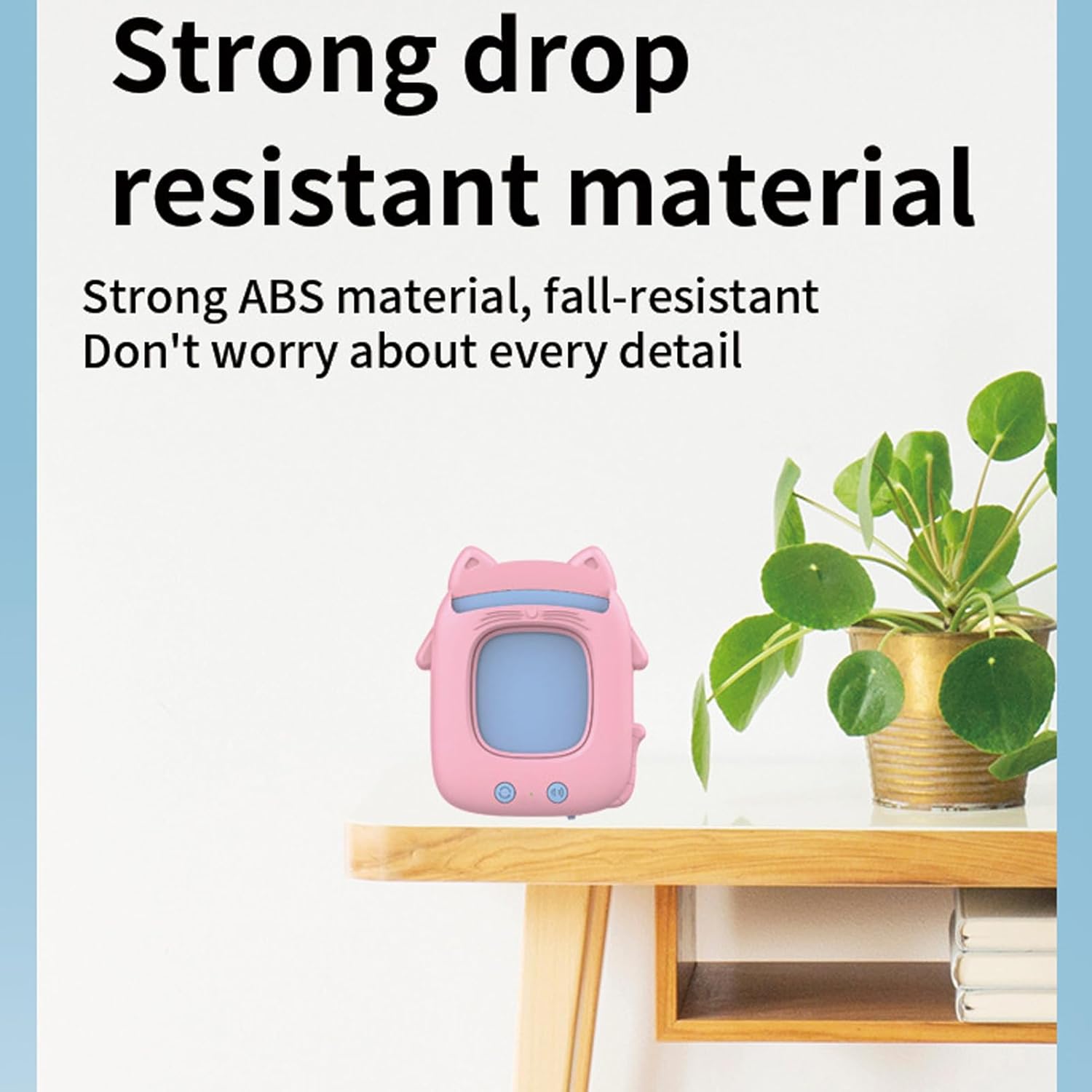
Image: The device is shown on a table, emphasizing its robust construction. This image highlights the product's durability and resistance to drops.
What's in the Box
Upon opening the package, please verify that all components are present and undamaged:
- Card Early Education Device x 1
- Double-sided Flash Cards (255 total)
- Charging Cable (USB)

Image: A child and an adult are shown interacting with the device and its cards, implying the contents of the package and the joy of discovery.
Setup
1. Charging the Device
The Card Early Education Device comes with a built-in 300mAh lithium battery. Before first use, or when the battery is low, please charge the device using the provided USB charging cable.
- Locate the charging port on the device (usually at the bottom or side).
- Connect the small end of the USB charging cable to the device's charging port.
- Connect the larger end of the USB cable to a compatible USB power adapter (not included) or a computer's USB port.
- The charging indicator light (if present) will illuminate during charging and turn off or change color when fully charged.
A full charge typically provides several hours of use.
2. Powering On/Off
Press and hold the power button (usually located near the charging port or on the front) for a few seconds to turn the device on or off.
Operating Instructions
1. Inserting Flash Cards
The device is designed for easy card insertion. Locate the card slot at the top of the device.
- Select a flash card from the provided set.
- Gently insert the flash card into the card slot until it clicks into place.
- The device will automatically recognize the card and play the corresponding word or sound.
2. Using the Buttons
The device features two main buttons on its front for interactive use:
- Repeat Play Button (Left Button): Press this button to repeat the pronunciation of the currently inserted card's content.
- Volume Key / Children's Song Play Button (Right Button):
- Short press to adjust the volume level.
- Long press to play a selection of children's songs.

Image: A detailed view of the device's control buttons, indicating their functions for repeating audio and controlling volume/playing songs.
3. Card Loop Function
The device supports a key loop function, allowing for continuous learning without constant card re-insertion. Refer to the device's specific behavior for activating this mode, typically by pressing a combination of buttons or a dedicated mode button if available.
Maintenance and Care
- Cleaning: Wipe the device with a soft, dry cloth. Do not use abrasive cleaners or immerse the device in water.
- Storage: Store the device and flash cards in a cool, dry place away from direct sunlight and extreme temperatures.
- Card Care: Keep flash cards clean and free from bends or tears to ensure proper recognition by the device.
- Battery Care: To prolong battery life, avoid fully discharging the battery frequently. Charge the device regularly, even if not in use for extended periods.
Troubleshooting
| Problem | Possible Cause | Solution |
|---|---|---|
| Device does not turn on. | Battery is depleted. | Charge the device for at least 30 minutes. |
| No sound when card is inserted. | Volume is too low or muted. Card not inserted correctly. | Press the volume button to increase volume. Re-insert the card firmly. Ensure the card is clean. |
| Device not recognizing cards. | Card is damaged or dirty. Card inserted incorrectly. | Clean the card. Ensure the card is inserted fully and correctly. Try a different card. |
| Sound is distorted. | Low battery. | Charge the device. |
Specifications
| Attribute | Detail |
|---|---|
| Model Number | TR8ZUY6GNRGBAZMK |
| Brand | Generic |
| Product Dimensions | Approx. 11cm x 9cm x 2cm (4.33"L x 3.54"W x 0.79"H) |
| Item Weight | 8.8 ounces |
| Material | PP and Electronic Components (ABS for durability) |
| Power Supply | Built-in 300mAh Lithium Battery (Rechargeable via USB) |
| Recommended Age | 3-4 years (as per product description and title) |
| Number of Flash Cards | 255 Double-Sided Cards |

Image: A visual representation of the device's dimensions, providing precise measurements for reference.
Safety Information
- This device is intended for educational use under adult supervision.
- Do not disassemble or attempt to repair the device yourself. This may void the warranty and cause damage.
- Keep the device and flash cards away from water and excessive moisture.
- Avoid dropping the device from significant heights, despite its durable design.
- Use only the provided charging cable or a certified equivalent.
- Small parts (e.g., flash cards if torn) may pose a choking hazard for very young children. Ensure proper supervision.
Warranty and Support
Specific warranty information for this product is not provided in the available documentation. For support inquiries, please contact the retailer or manufacturer directly through their official channels.
Please retain your purchase receipt as proof of purchase for any warranty claims or support requests.
Related documentsTR8ZUY6GNRGBAZMK


Ask a question about this manual
Ask about setup, troubleshooting, compatibility, parts, safety, or missing instructions. Manuals+ will review the question and use this page’s manual context to help answer it.