
RED5
RED5 Wireless Flame Speaker User Manual
Model: SP-0241 / 99819
Introduction
The RED5 Wireless Flame Speaker is a versatile audio device designed to enhance your listening experience with dynamic sound and captivating LED flame effects. This rechargeable Bluetooth soundbar features multiple lighting modes and supports hands-free calling, making it suitable for various environments including home, office, or gaming setups. This manual provides essential information for the proper setup, operation, and maintenance of your speaker.
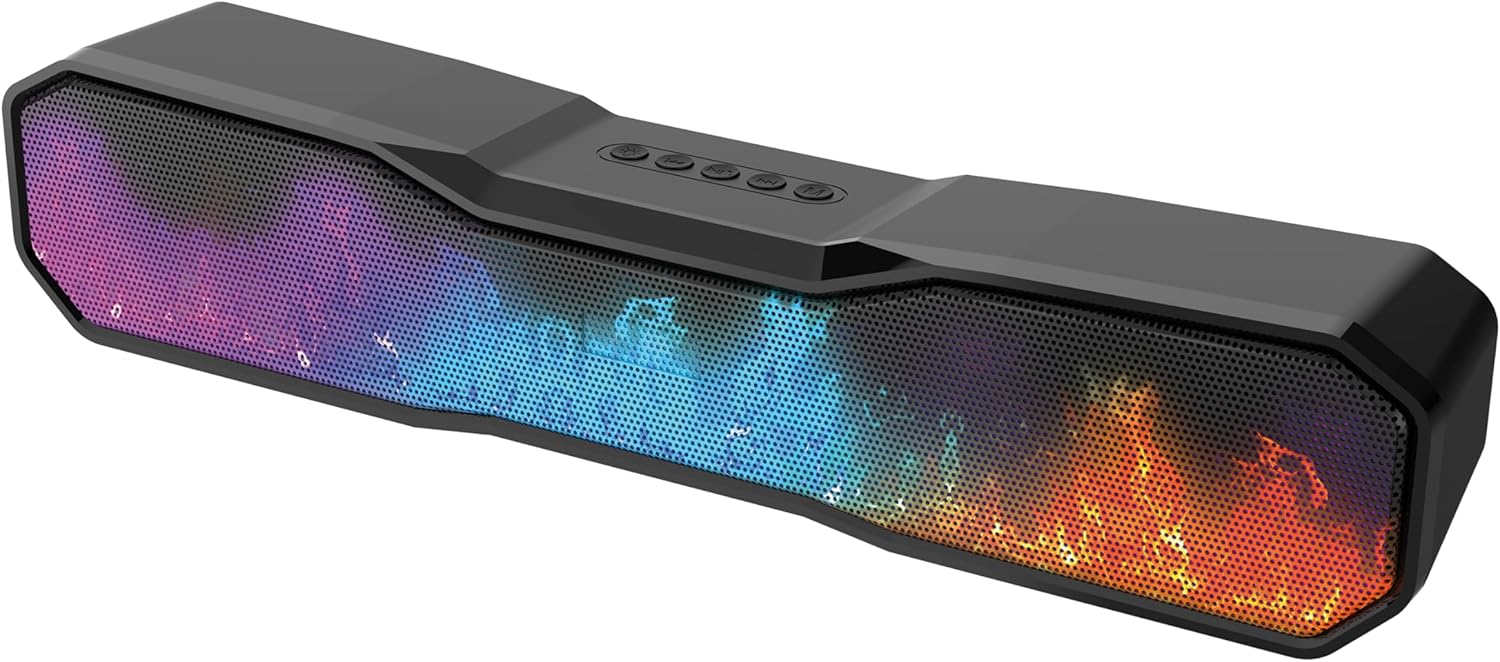
Image: The RED5 Wireless Flame Speaker showcasing its vibrant, multi-colored flame effect.
What's in the Box
- Flame Speaker
- Auxiliary Cable
- Charging Cable (USB-C)
- Information Leaflet
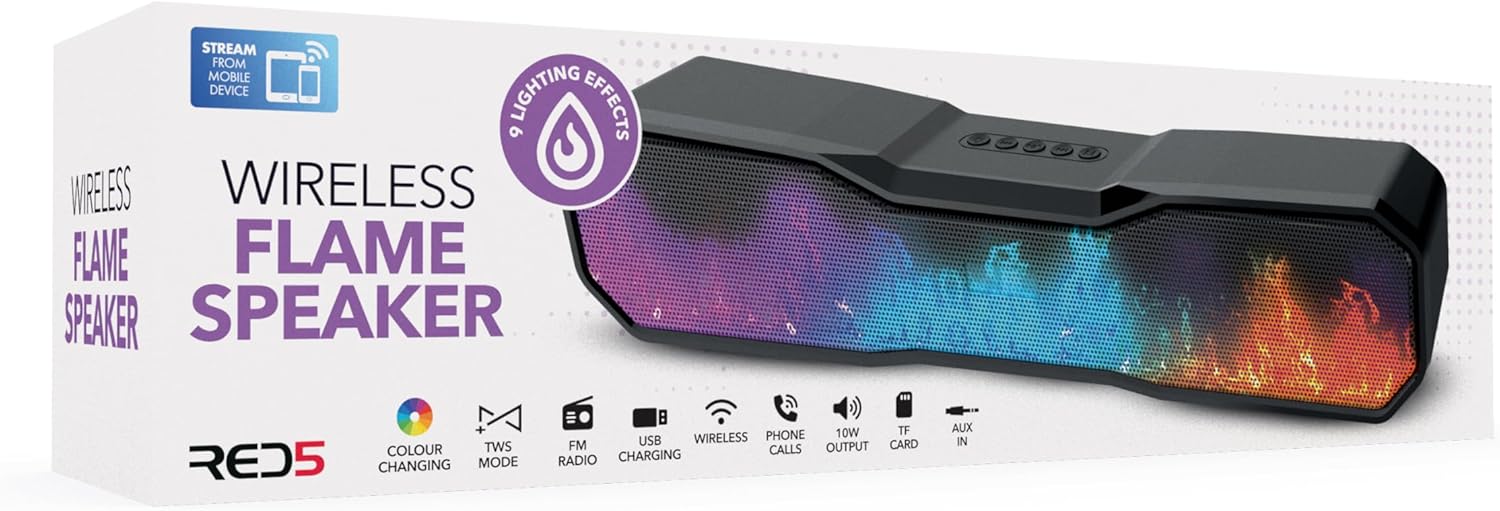
Image: The retail packaging for the RED5 Wireless Flame Speaker, indicating contents.
Setup
Initial Charging
Before first use, fully charge the speaker. Connect the supplied USB-C charging cable to the speaker's charging port and the other end to a 5V/1A USB adapter (not supplied). The charging indicator will show the charging status and turn off when fully charged. A full charge typically takes a few hours.
Powering On/Off
To power on the speaker, press and hold the power button located on the top panel until you hear an audible prompt or see the LED lights activate. To power off, press and hold the power button again until the speaker shuts down.
Operating Instructions
Bluetooth Pairing
- Ensure the speaker is powered on and in Bluetooth pairing mode (indicated by a flashing LED light).
- On your mobile device, enable Bluetooth and search for available devices.
- Select "RED5 Flame Speaker" from the list of devices.
- Once paired, the speaker will provide an audible confirmation, and the LED light will stop flashing.
- You can now play audio wirelessly from your device.
Auxiliary Input (AUX-In)
For wired audio playback, connect one end of the supplied 3.5mm auxiliary cable to the AUX-in port on the speaker and the other end to the audio output jack of your device (e.g., smartphone, MP3 player, computer). The speaker will automatically switch to AUX mode.
LED Flame Effect Modes
The speaker features multiple LED flame effect modes. Press the dedicated light mode button (usually indicated by a light bulb icon) on the top panel to cycle through the available lighting patterns and colors. These include various flame simulations and color-changing effects.

Image: The speaker displaying an orange flame effect, positioned on a surface next to a smartphone and keys.
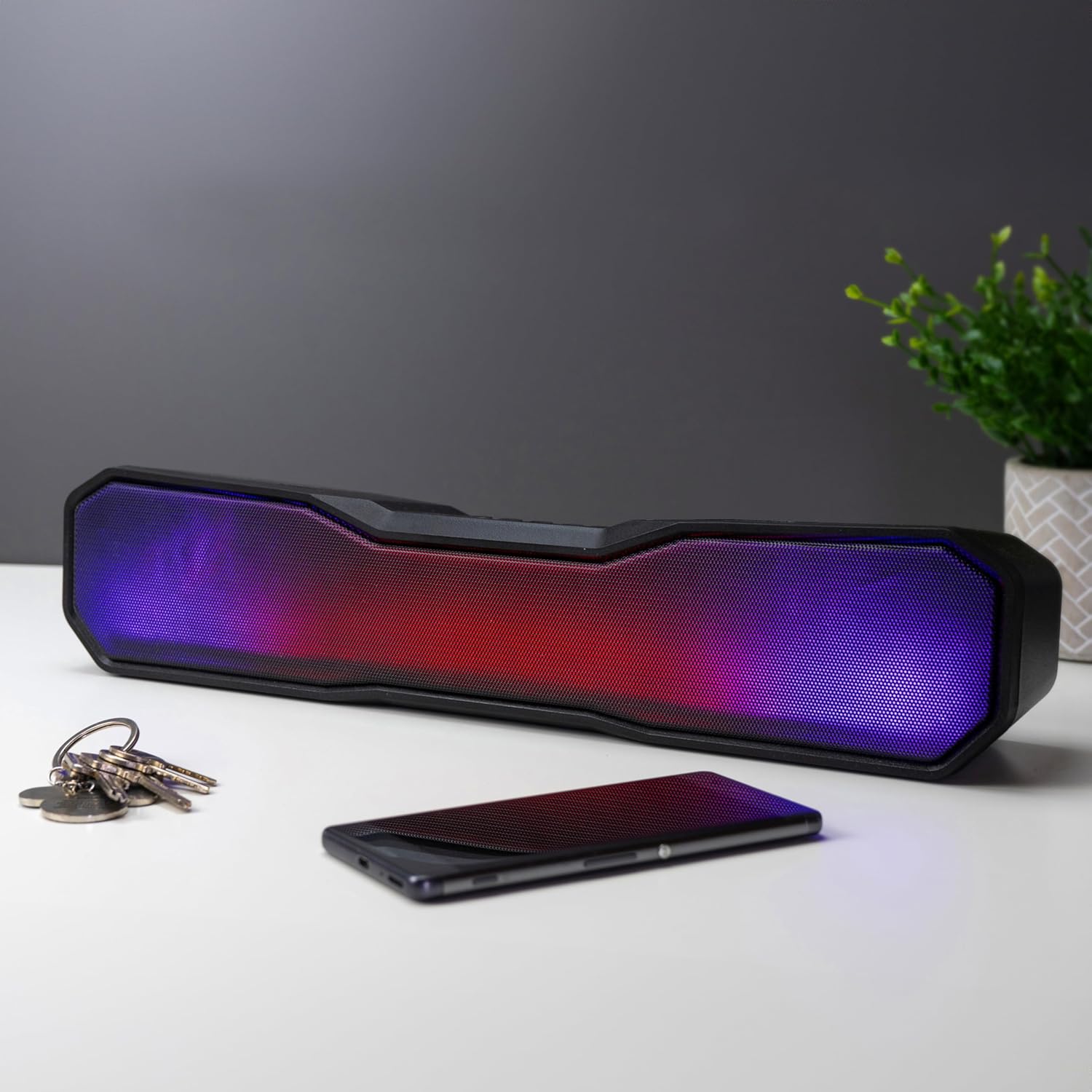
Image: The speaker illuminated with a dynamic purple and red light effect.
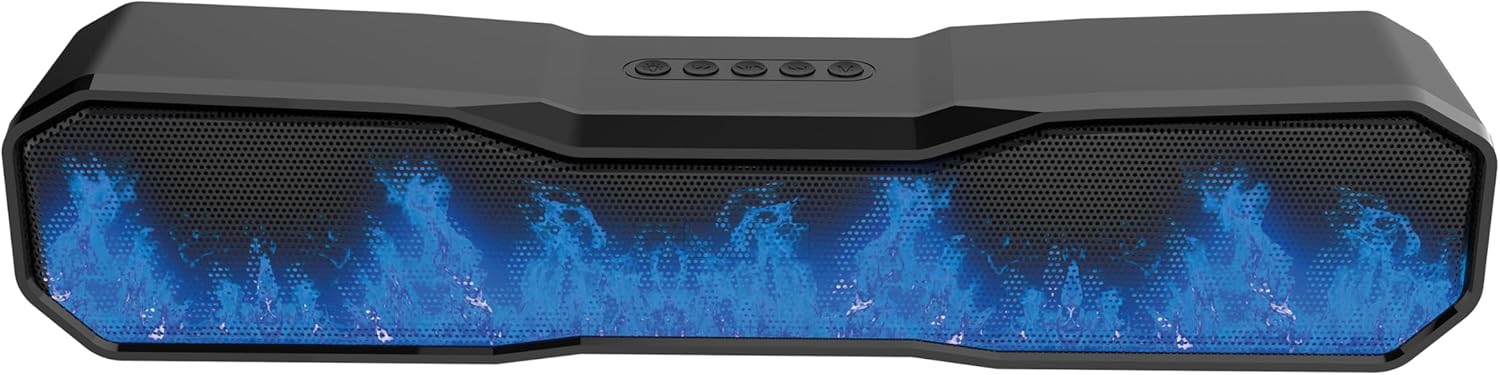
Image: The speaker showcasing a cool blue light effect.

Image: The speaker displaying a classic orange flame effect.
Hands-Free Calling
When connected via Bluetooth to a smartphone, the speaker's integrated microphone allows for hands-free calling. Incoming calls will be routed through the speaker. Use the control buttons on the speaker to answer, end, or reject calls as per the instructions in the included information leaflet.
Maintenance
- Clean the speaker with a soft, dry cloth. Do not use abrasive cleaners or solvents.
- Avoid exposing the speaker to extreme temperatures, direct sunlight, or high humidity.
- Do not immerse the speaker in water.
- Store the speaker in a cool, dry place when not in use for extended periods.
Troubleshooting
| Problem | Possible Cause | Solution |
|---|---|---|
| Speaker does not power on. | Low battery or no charge. | Charge the speaker fully using the supplied USB-C cable and a 5V/1A adapter. |
| No sound from speaker. | Volume too low; incorrect input mode; device not paired. | Increase speaker and device volume. Ensure correct input mode (Bluetooth/AUX). Re-pair Bluetooth device. |
| Bluetooth pairing fails. | Speaker not in pairing mode; device too far; interference. | Ensure speaker is in pairing mode. Move device closer to speaker. Turn off other Bluetooth devices. |
| LED flame effect not working. | Light mode not activated or selected. | Press the light mode button to cycle through effects. Ensure speaker is powered on. |
Specifications
| Brand | RED5 |
| Model Name | SP-0241 |
| Item Model Number | 99819 |
| Product Dimensions | 40 x 8 x 8 cm; 850 g |
| Speaker Maximum Output Power | 10 Watts |
| Frequency Response | 20000 KHz |
| Connectivity Technology | Bluetooth 5.3, 3.5mm Aux-in |
| Input Voltage | 5 Volts |
| Battery | 1500 mAh (Nonstandard Battery, included) |
| Material | Metal, Acrylonitrile Butadiene Styrene (ABS) |
| Special Features | Portable, Bluetooth, LED Light (Flame Effect), Hands-free Calling |
Warranty and Support
For information regarding warranty coverage and customer support, please refer to the included information leaflet or contact the retailer where the product was purchased. Keep your proof of purchase for any warranty claims.
Ask a question about this manual
Ask about setup, troubleshooting, compatibility, parts, safety, or missing instructions. Manuals+ will review the question and use this page’s manual context to help answer it.