1. Introduction
The SUNLINKCO COB LED Strip Light provides versatile and efficient lighting for various indoor applications. This 16.4ft strip features high-density COB LEDs, offering ultra-bright and uniform illumination with a 180-degree beam angle. It is designed for energy efficiency, low power consumption (36W), and a long lifespan. With a high CRI 90+, it ensures natural and vivid color reproduction.
This product supports multiple control methods, including a dedicated Smart Life APP, a 2.4 GHz wireless remote, a control box, and voice control via smart assistants like Alexa and Google Assistant. Users can adjust brightness from 1% to 100% and color temperature from 2300K (warm white) to 6500K (cool white) to suit different moods and tasks. Additional features include various scene modes, music sync, a memory function, and a timing function for automated operation.

Image: The complete SUNLINKCO COB LED Strip Light kit, showcasing the strip, remote, power adapter, and a smartphone displaying the control app.
2. What's in the Box
Please verify that all components are present upon unboxing:
- 1x LED Strip Light (16.4ft)
- 1x Remote Control
- 1x Control Box
- 1x Power Adaptor
- 10x Installation Accessories (clips)

Image: All components included in the product package, laid out on a white surface.
3. Setup and Installation
Follow these steps for proper installation:
- Prepare the Surface: Ensure the installation surface is clean, dry, and smooth for optimal adhesive performance.
- Measure and Cut (Optional): If a shorter length is required, the strip light can be cut at designated intervals of every 0.98 inches (25mm). Only the section with power will function after cutting.
- Apply the Strip: Peel off the backing from the double-sided adhesive tape on the back of the LED strip. Firmly press the strip onto the desired surface. Use the provided clips for additional security if needed.
- Connect Components: Connect the LED strip to the control box, and then connect the control box to the power adaptor. Finally, plug the power adaptor into a suitable power outlet.

Image: Visual instructions demonstrating how to cut the LED strip, peel the adhesive, and install it on a surface.
Video: An official product video from SUNLINKCO Lighting demonstrating the features and applications of the COB LED Strip Lights, including installation examples.
4. Operating Instructions
The COB LED Strip Light offers multiple ways to control your lighting experience:
4.1 Control Methods
- Smart Life APP: Download the Smart Life APP (search in your app store if QR code fails). Register and log in to your account. Pair the device by pressing and holding the control box key for 5 seconds until the light blinks, indicating pairing mode. Once paired, you can control brightness, color temperature, light modes, set timers, and link with smart home systems.
- 2.4 GHz Wireless Remote: Use the included remote to turn the lights on/off, adjust brightness, change color temperature presets, and activate various modes.
- Control Box: The inline control box provides basic functionality to turn the lights on/off and cycle through basic modes.
- Voice Control: Integrate with smart assistants like Amazon Alexa and Google Assistant for hands-free operation. Once connected via the Smart Life APP, you can use voice commands to control the lights.

Image: An illustration showing the four control methods: 2.4 GHz wireless remote, smartphone app control, control box, and voice control via smart speaker.
4.2 Brightness and Color Temperature Adjustment
- Stepless Dimming: Adjust brightness from 1% to 100% using the app or remote for customized lighting.
- CCT Tunable: Change the color temperature from 2300K (warm white, ideal for relaxation) to 6500K (cool white, suitable for working or reading).

Image: A graphic illustrating the range of color temperatures (2300K-6500K) and dimming levels (0-100%) available.
4.3 Special Modes and Functions
- Versatile Scene Modes: Select from preset modes like Night Light, Reading Light, Working Light, and Leisure Light to fit various scenarios.
- Music Sync Mode: The lights can synchronize with music, adjusting flash mode and speed to create a dynamic effect.
- Memory Function: The light retains its previous brightness and color temperature settings when turned on again.
- Timing Function: Set schedules for automatically turning the light on or off.
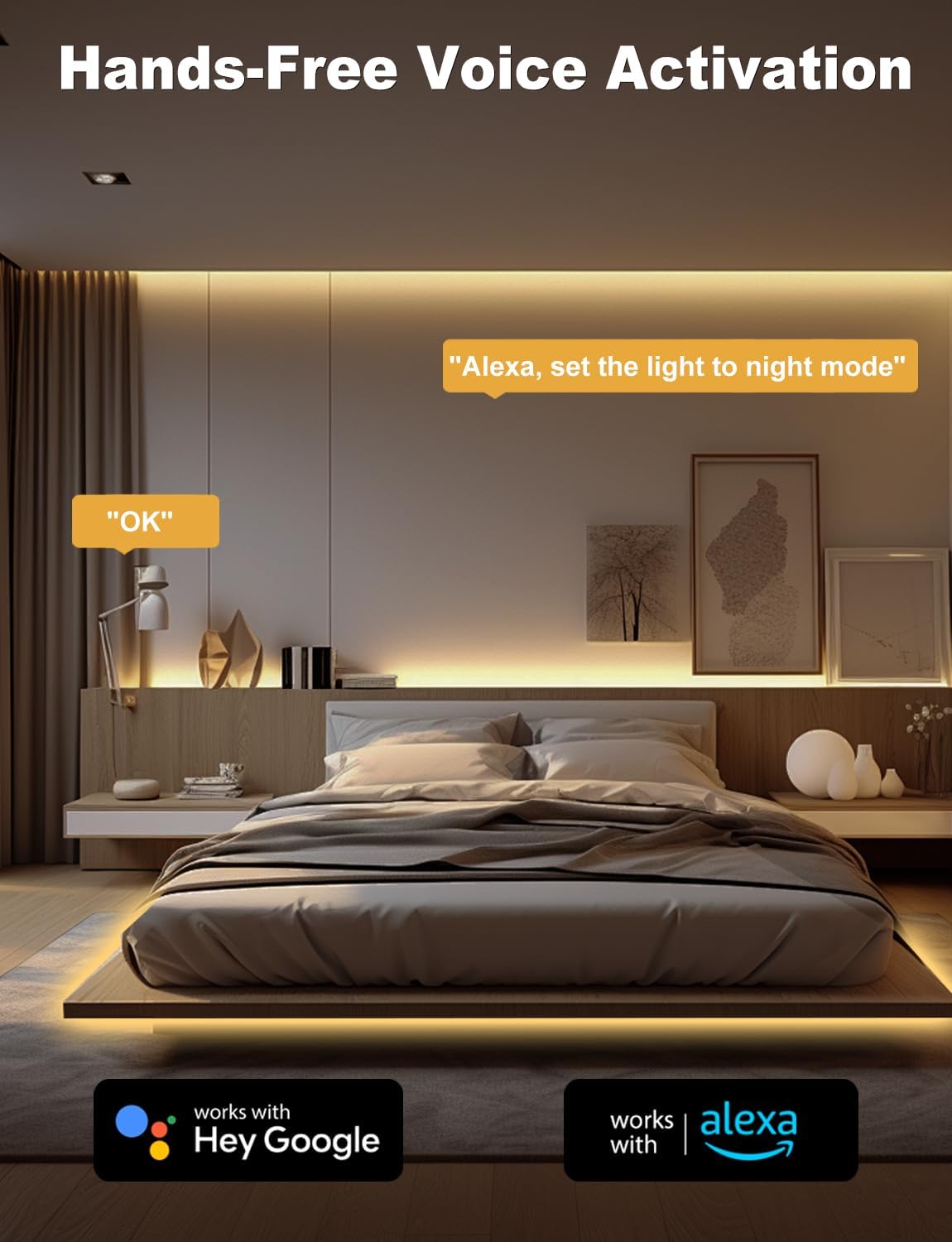
Image: A bedroom setting demonstrating hands-free voice activation with smart assistants like Alexa and Google Assistant.
5. Maintenance
To ensure the longevity and optimal performance of your LED strip light, follow these maintenance guidelines:
- Cleaning: Gently wipe the LED strip with a soft, dry cloth to remove dust. Avoid using abrasive cleaners or harsh chemicals, as these can damage the strip.
- Avoid Excessive Bending: While flexible, avoid sharp bends or excessive force during installation or repositioning to prevent damage to the internal circuitry.
- Ventilation: Ensure the installed area allows for adequate heat dissipation, especially if the strip is enclosed or in a confined space.
- Power Off When Not in Use: For extended periods of non-use, consider unplugging the power adapter to conserve energy and prolong the product's life.
6. Troubleshooting
If you encounter issues with your LED strip light, refer to the following common solutions:
- Light Not Turning On:
- Check all power connections to ensure they are secure.
- Verify the power adapter is plugged into a working outlet.
- Ensure the remote control has working batteries.
- App Connectivity Issues:
- If the QR code for the app download is not working, search for "Smart Life" directly in your device's app store.
- Ensure your smartphone's Wi-Fi is enabled and connected to a 2.4 GHz network (5 GHz networks are not supported for initial pairing).
- Reset the control box by unplugging and replugging the power, then attempt pairing again.
- Remote Control Not Responding:
- Check and replace the remote control battery (CR2025).
- Ensure there are no obstructions between the remote and the control box.
- Inconsistent Lighting After Cutting:
- Ensure cuts were made precisely at the designated cutting marks. Improper cuts can damage the circuit.
7. Specifications
| Feature | Detail |
|---|---|
| Model Number | PAK544599 |
| Brand | SUNLINKCO |
| Length | 16.4 Feet |
| Light Source Type | COB LED |
| Number of LEDs | 3040 |
| Wattage | 36 Watts |
| Voltage | 24 Volts (DC) |
| Color Temperature | 2300K-6500K Tunable White |
| Color Rendering Index (CRI) | 90+ |
| Dimming Range | 1% to 100% |
| Beam Angle | 180 Degrees |
| Cuttable Interval | 0.98 inches (25mm) |
| Control Methods | Smart Life APP, 2.4 GHz Remote, Control Box, Voice Control (Alexa, Google Assistant) |
| Indoor/Outdoor Usage | Indoor |
| Material | Polycarbonate |
8. Warranty and Support
Information regarding specific warranty terms and customer support contact details is not provided in the current product data. Please refer to the product packaging or the manufacturer's official website for the most up-to-date warranty information and support options.