
Introduction
This manual provides detailed instructions for the L LAVAREDO Kids Digital Watch Model T15E. This watch is designed for children aged 5-13 and features a pedometer, stopwatch, vibration alarm, and water resistance. Please read this manual thoroughly to ensure proper use and maintenance of your watch.

Image: The L LAVAREDO Kids Digital Watch showing time, steps, and calorie icons.
Setup
1. Charging the Watch
Before first use, ensure the watch is fully charged. The watch uses an improved magnetic charging port to prevent water entry.
- Locate the magnetic charging cable provided.
- Align the magnetic end of the cable with the charging points on the back of the watch. The cable will snap into place.
- Connect the USB end of the cable to a standard USB power adapter (not included) or a computer USB port.
- The watch display will show a charging indicator. A full charge typically takes approximately 2 hours.
- Once fully charged, the watch can operate for 10-15 days under normal use.

Image: Magnetic charging cable connected to the watch's charging port.
2. Setting Time, Date, and User Profile
The watch does not require a phone connection or app. All settings are adjusted directly on the watch.
- Time/Date Setting: Press button A to show the time. Press and hold button B to enter setting mode. Use button A to cycle through settings (hour, minute, month, day, year) and button B to adjust values. Press and hold button B again to confirm.
- 12/24 Hour Clock: While in time setting mode, you can switch between 12-hour and 24-hour formats.
- Height and Weight Setting (for Pedometer Accuracy): Press button A until the pedometer screen appears. Press and hold button B. Use button A to select unit (EN for Imperial, UN for Metric) and button B to confirm. Then, use button A to adjust height and weight values, confirming each with button B.
Operating Instructions
1. Basic Navigation
Press button A to cycle through the different display modes:
- Time display
- Date display
- Pedometer (steps)
- Distance traveled
- Calories burned
- Alarm clock settings
- Stopwatch
2. Pedometer and Fitness Tracking
The watch automatically tracks steps, distance, and calories once your height and weight are set.
- To view your daily steps, press button A until the step count is displayed.
- Continue pressing button A to view distance and calories.
- To reset daily exercise data, press and hold button B when the step count is displayed.
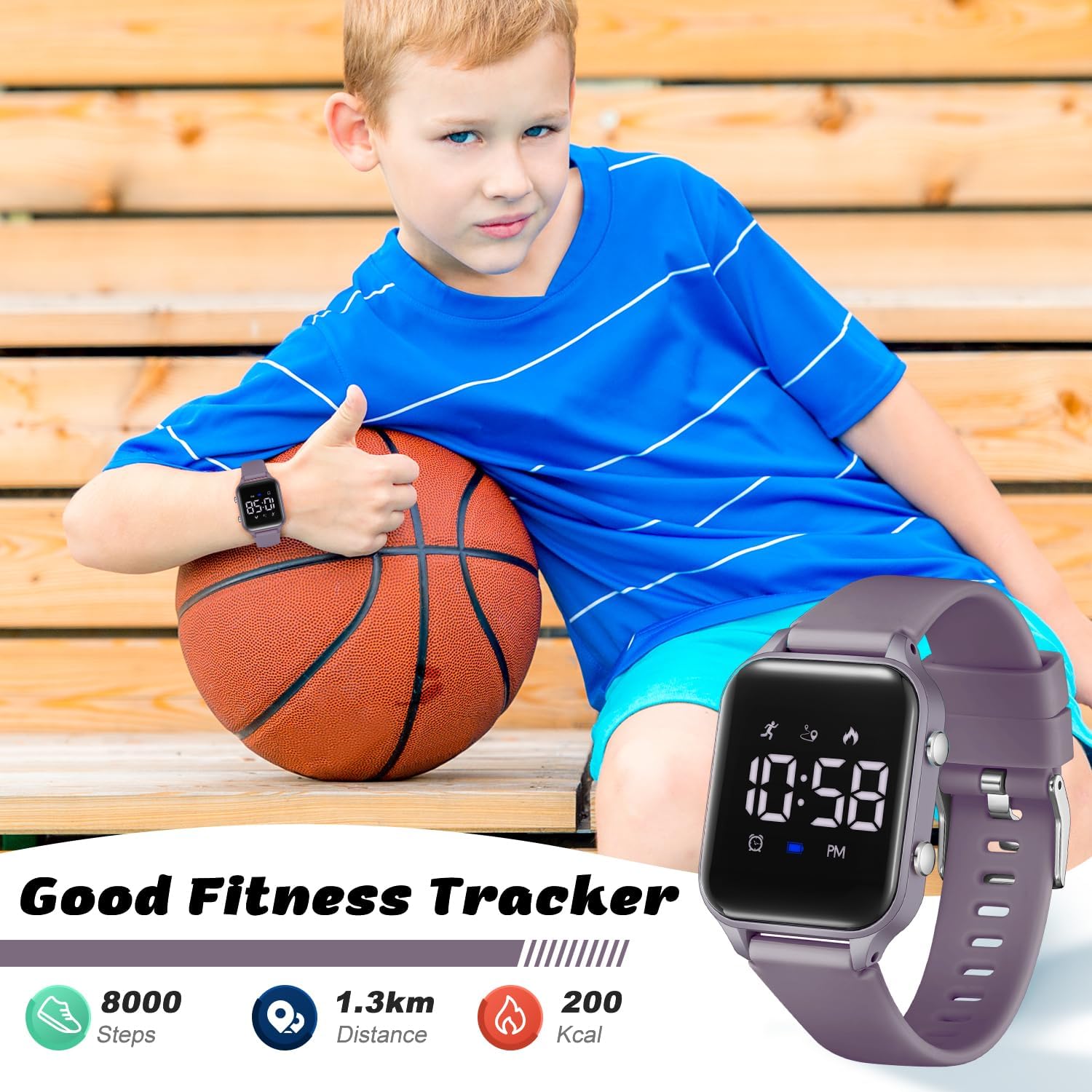
Image: Child wearing the watch, with icons indicating fitness tracking features.
3. Stopwatch Function
The watch includes a stopwatch for timing activities.
- Press button A until the stopwatch screen is displayed (00:00:00).
- Press button B to start the stopwatch.
- Press button B again to pause the stopwatch.
- Press and hold button B to reset the stopwatch to zero.

Image: The watch screen showing the stopwatch function.
4. Silent Vibration Alarm
The watch features two silent vibration alarms to help manage time without disturbing others.
- Press button A until the alarm screen (A1 or A2) is displayed.
- Press and hold button B to enter alarm setting mode.
- Use button A to adjust the hour and minute, and button B to confirm each setting.
- To enable or disable an alarm, press and hold button A when the alarm screen is displayed. The display will show