
1. Product Overview
The Roinvou 4+64G Android Autoradio is a 9-inch double DIN car stereo system designed for Peugeot 406 models manufactured between 1999 and 2004. It features an IPS touch screen, an Android operating system with 4GB RAM and 64GB storage, and supports various connectivity options and multimedia functions.
Key features include:
- Android Operating System with 4GB RAM + 64GB ROM for stable performance.
- Wireless CarPlay and Android Auto for seamless smartphone integration.
- MirrorLink function for screen mirroring from smartphones.
- Integrated Wi-Fi, GPS navigation, and Bluetooth for connectivity.
- FM/RDS radio tuner with 32-band equalizer (32EQ) for audio customization.
- Steering Wheel Control (SWC) compatibility.
- Includes an AHD rear camera for enhanced safety.
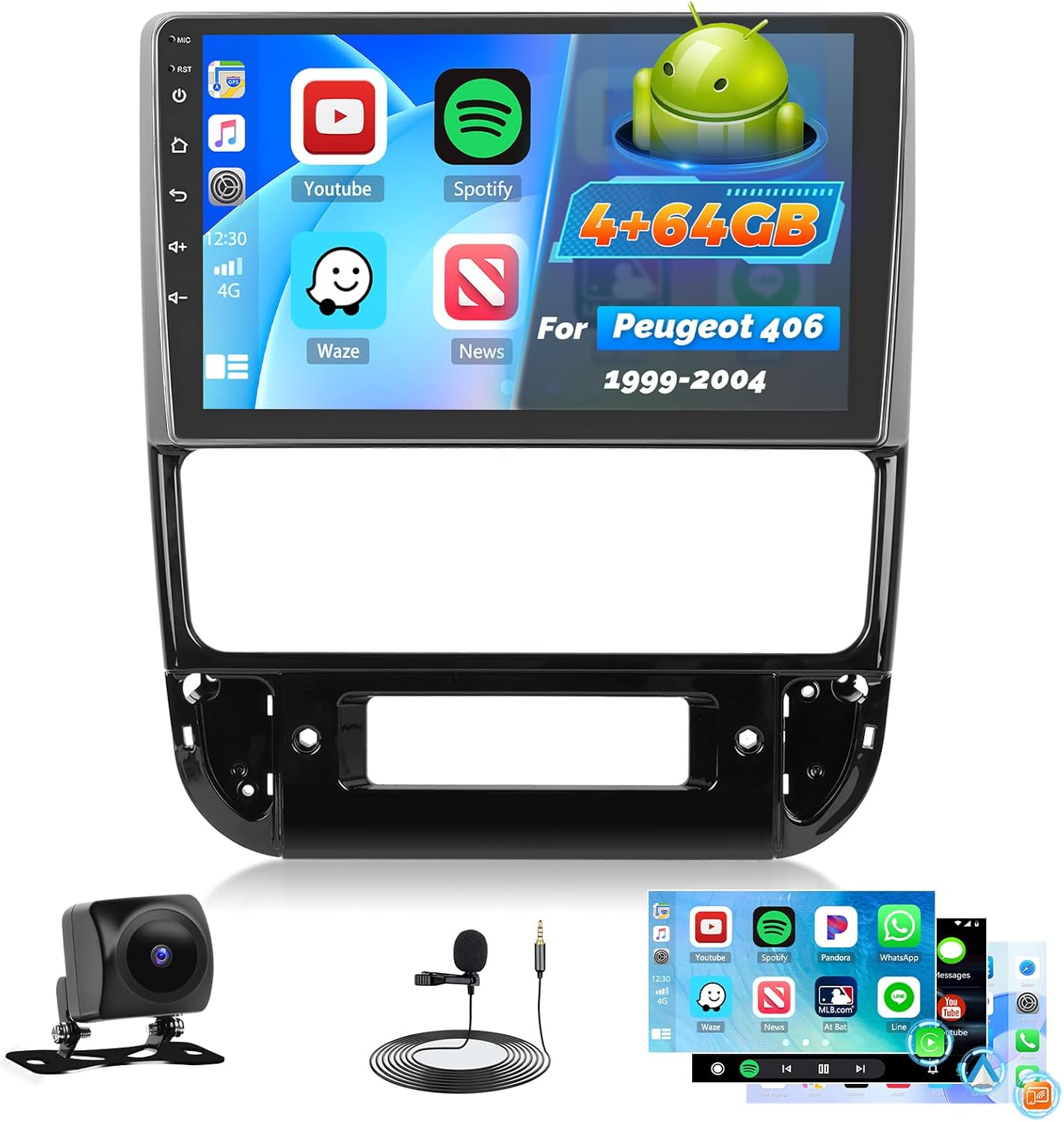
Image 1.1: The Roinvou 4+64G Android Autoradio unit with included accessories like the rear camera and microphone.
2. Setup and Installation
2.1 Package Contents
Before installation, verify that all components are present:
- Roinvou Android Autoradio for Peugeot 406 (1999-2004)
- Power Cable
- Radio Antenna
- Antenna Adapter
- RCA Cable
- Rear Camera Input Cable
- GPS Antenna
- Dual USB Cable
- AHD Rear Camera
- External Microphone
- Installation Accessories and Tool

Image 2.1: Visual representation of the product dimensions and the complete list of items included in the package.
2.2 Vehicle Compatibility
This autoradio is specifically designed for Peugeot 406 models from 1999 to 2004. Please ensure your vehicle's dashboard matches the compatible configuration.

Image 2.2: Illustration showing compatible (top right) and incompatible (bottom left and right) dashboard configurations for the Peugeot 406.
2.3 Wiring Port Diagram
Refer to the diagram below for connecting the various cables to the autoradio unit.

Image 2.3: Detailed diagram showing the rear wiring ports of the autoradio and corresponding cable connections, including power, RCA, USB, camera input, radio antenna, and GPS antenna.
2.4 Reversing Camera Wiring
To connect the AHD reversing camera:
- The Red Cable (1) connects to the positive terminal of the car's reverse light cable.
- The Black Cable (2) connects to the negative terminal of the car's reverse light cable.
- There is no need to connect the other two red extension cables (3) and (4).
Important: The reverse input cable must be plugged in even if the reverse camera is not being used. Otherwise, it may affect Bluetooth and Wi-Fi signal reception.

Image 2.4: Step-by-step wiring guide for the AHD reversing camera, showing connections to the vehicle's reverse lights.
2.5 Steering Wheel Control (SWC) Connection
Connecting the steering wheel controls depends on whether your vehicle has a CANBUS decoder:
- Without CANBUS Decoder: Connect the plugs or the steering wheel control wires (Key1/Key2) in the power cable to the corresponding port or wire of your original car. Then, go to "SteeringWheel Key" in the system settings to manually match and activate the button functions.
- With CANBUS Decoder: Connect the CANBUS before powering on the machine. Then, navigate to Apps > Settings > Factory Settings (8888/8317) > Vehicle > Automotive type to configure SWC. First, select the brand of the CANBUS decoder, then select the matching model and year according to your vehicle's actual situation.

Image 2.5: Visual guide for setting up steering wheel controls, detailing steps for both CANBUS and non-CANBUS systems.
3. Operating Instructions
3.1 Basic Operation
- Power On/Off: Press and hold the power button on the unit or use the vehicle's ignition.
- Volume Control: Adjust volume using the physical buttons on the unit or steering wheel controls.
- Touch Screen: Navigate the interface by tapping, swiping, and pinching on the 9-inch IPS touch screen.
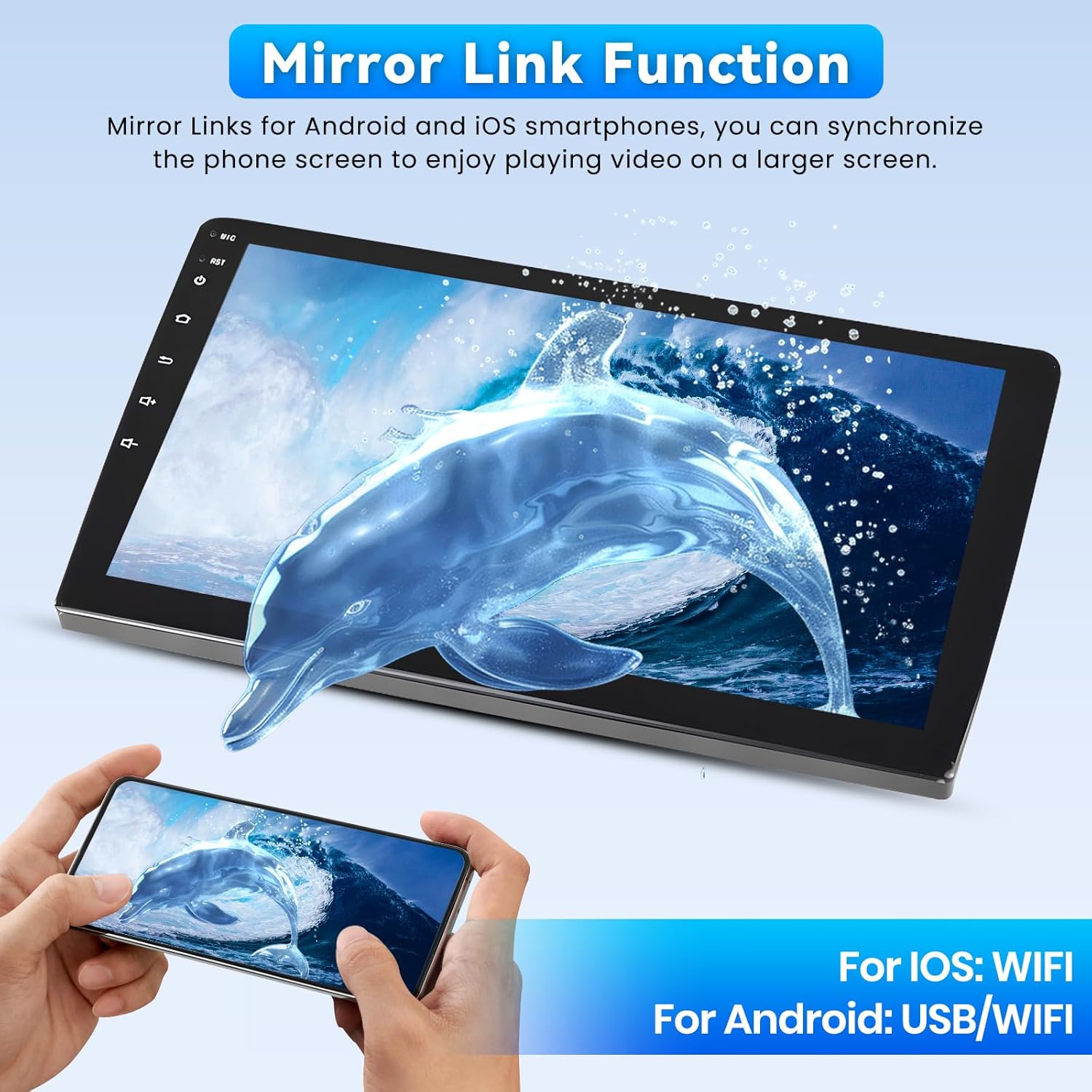
Image 3.1: The 9-inch QLED touch screen, highlighting its 1280x720P HD resolution for clear display.
3.2 Android System and Apps
The unit runs on an Android operating system, allowing access to various applications. You can download and install apps from the Play Store when connected to Wi-Fi.
- Split Screen Mode: The system supports split-screen functionality, enabling two applications to run simultaneously on the display.
- Customizable UI: Multiple user interfaces are available and can be customized to personal preferences.

Image 3.2: Demonstrates the three-panel homepage display and the split-screen mode, allowing multiple apps to be viewed concurrently.
3.3 Wireless CarPlay & Android Auto
Connect your smartphone wirelessly via Bluetooth to access CarPlay or Android Auto features. This allows for easy access to navigation, music, calls, and messages directly from the autoradio display.

Image 3.3: Display of the wireless CarPlay and Android Auto interface, showing common applications and voice control functionality.

Image 3.4: Diagram illustrating the wireless connection process for CarPlay and Android Auto using Bluetooth.
3.4 MirrorLink Function
MirrorLink allows you to project your smartphone screen onto the autoradio display. For iOS devices, connect via Wi-Fi. For Android devices, connect via USB or Wi-Fi.

Image 3.5: The MirrorLink function in action, showing a smartphone's display mirrored onto the larger autoradio screen.
3.5 GPS Navigation & Wi-Fi
The unit has built-in GPS navigation. You can download offline navigation maps directly from the Play Store. When connected to Wi-Fi, online maps and other internet-based services can be used.

Image 3.6: Demonstrates GPS navigation with online map usage and various applications accessible via Wi-Fi.
3.6 Bluetooth Connectivity
The integrated Bluetooth 5.1 module enables hands-free calling and seamless music streaming from your paired smartphone.

Image 3.7: Illustrates the Bluetooth 5.1 functionality for hands-free communication and audio playback.
3.7 FM/RDS Radio
The FM/RDS tuner provides clear radio reception and displays station information, song titles, and traffic news directly on the screen.

Image 3.8: The user interface for the FM/RDS radio, showing station selection and frequency display.
3.8 32-Band Equalizer (32EQ)
Customize your audio experience with the 32-band equalizer, allowing precise adjustment of sound frequencies for optimal bass, clear mids, and crisp highs.

Image 3.9: Screenshot of the 32-band equalizer interface, showing frequency adjustment sliders and balance controls.
3.9 Rear Camera Functionality
When the vehicle is shifted into reverse, the display automatically switches to the view from the included AHD rear camera, providing a wide-angle, clear image for parking and maneuvering.

Image 3.10: Depicts the steering wheel control interface and the clear view provided by the AHD backup camera with parking guidelines.
4. Maintenance
To ensure the longevity and optimal performance of your Roinvou autoradio, follow these maintenance guidelines:
- Cleaning the Screen: Use a soft, lint-free cloth to gently wipe the touch screen. Avoid abrasive cleaners or solvents that could damage the display.
- Software Updates: Periodically check for available software updates through the system settings when connected to Wi-Fi. Updates can improve performance and add new features. (Software updates guaranteed until: Unknown)
- Environmental Conditions: Avoid exposing the unit to extreme temperatures, direct sunlight for prolonged periods, or excessive moisture.
- Cable Connections: Ensure all cables are securely connected to prevent intermittent issues.
5. Troubleshooting
If you encounter issues with your autoradio, refer to the following common problems and solutions:
| Problem | Possible Cause | Solution |
|---|---|---|
| Unit does not power on | Loose power connection, blown fuse, vehicle battery issue. | Check power cable connections. Inspect vehicle fuses. Ensure vehicle battery is charged. |
| No sound output | Volume too low, mute activated, incorrect audio source, loose speaker wires. | Increase volume. Check if mute is active. Select correct audio source. Verify speaker wire connections. |
| GPS not working or inaccurate | GPS antenna not connected, poor satellite signal, outdated maps. | Ensure GPS antenna is properly connected and positioned. Move to an open area for better signal. Update maps if necessary. |
| Bluetooth connection issues | Bluetooth not enabled, device not discoverable, interference. | Ensure Bluetooth is enabled on both devices. Make device discoverable. Try pairing again. Reduce interference sources. |
| Rear camera not displaying | Camera input cable loose, reverse light trigger not connected, faulty camera. | Check camera input cable. Verify reverse light trigger wire connection. Ensure reverse input cable is plugged in (even if camera not used). |
| Steering Wheel Controls not responding | Incorrect wiring, SWC not configured in settings. | Review SWC wiring (Section 2.5). Configure SWC in system settings (manual match or CANBUS setup). |
If the problem persists after attempting these solutions, please contact Roinvou customer support for further assistance.
6. Specifications
Detailed technical specifications for the Roinvou 4+64G Android Autoradio:
| Feature | Specification |
|---|---|
| Brand | Roinvou |
| Model Name | 4+64G |
| Operating System | Android |
| Memory (RAM) | 4 GB |
| Storage (ROM) | 64 GB |
| Screen Size | 9 Inches |
| Display Type | IPS Touch Screen (1280x720P HD resolution) |
| Connectivity Technology | Bluetooth, USB, Wi-Fi |
| Bluetooth Version | 5.1 |
| Tuner Technology | FM/RDS (no AM DAB/DAB+) |
| Audio Output Modes | APE/FLAC/WAV/MP3/WMA |
| Wattage | 45 watts |
| Surround Configuration | 4 |
| Compatible Peripherals | Smartphone |
| Installation Type | Dash Mount |
| Item Weight | 1.63 Kilograms |
| Product Dimensions | 31 x 26 x 10 cm |
| Software Updates Guaranteed Until | Unknown |
7. Warranty and Support
Warranty Information: Please refer to your purchase documentation or the seller's terms and conditions for specific warranty details regarding this product.
Technical Support: For any technical assistance, installation queries, or troubleshooting beyond the scope of this manual, please contact Roinvou customer service through the platform where the product was purchased.

